Hi, please share your entity/*.json files and enum class, so I can better assist you.
Add the new Blazor WebApp UI option to the single layer option (as can be seen missing here or explain why its not possible..
I was going to create a modular solution (create all my major features as modules) and use the latest Blazor offering but now I´m confused what I should use..🤷♂️
We will add Blazor WebApp UI to the single-layer template. There is an open issue for that, and it's one of our priorities.
can you confirm please?
Just tested and you are correct. Its only within ABP Studio browser.
Thanks for the confirmation. I'll create an internal issue for this problem.
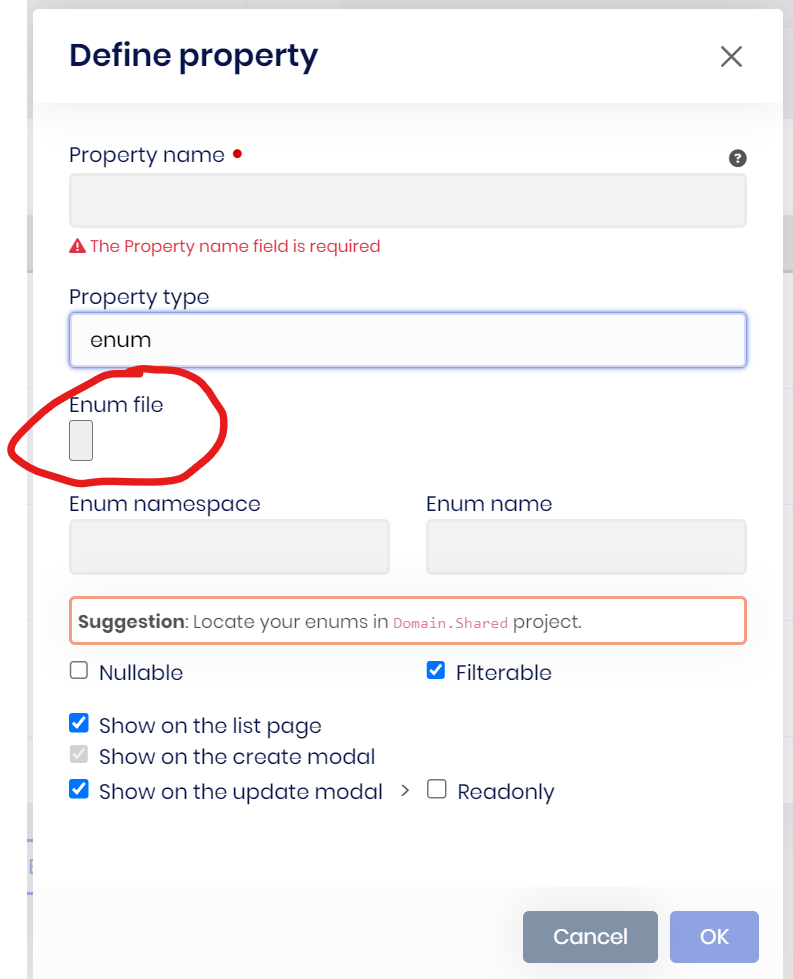
Minor stuff but adding an enum in Suite has this maleformed button
Hi, you see the file input like this only inside the ABP Studio browser, right? If you open it in your default browser, you don't see it like that, can you confirm please?
Hi, for Blazor UI code generation, ABP Suite uses the Autocomplete component for Modal and Typeahead UI pickup types.
Hi, can you please share your logs? (it's under the .abp/suite/logs/)
Regards.
dotnet tool uninstall -g Volo.Abp.Cli sucess
dotnet tool install -g Volo.Abp.Studio.Cli sucess
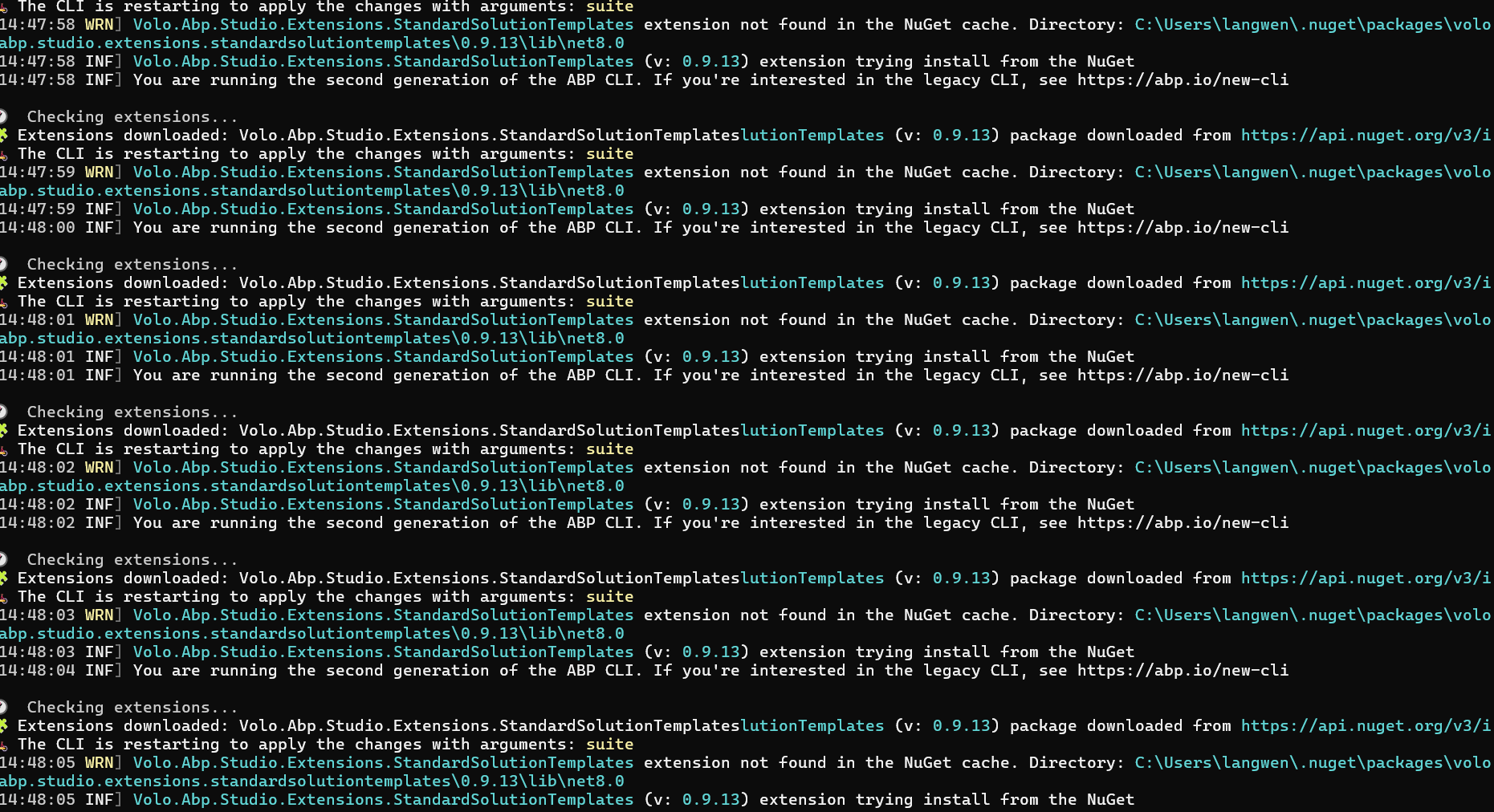
run "abp suite" display this:
Could not reproduce it:

Hi, we intentionally removed the Create new solution button and its logic from ABP Suite. ABP introduced a new templating system, which is fully compatible with the ABP Studio from v8.2+. So, it's recommended that solutions be created with either the new ABP CLI or ABP Studio. This way, you will be able to use the new templating system.
Regards.
I'm able to reproduce the problem and will create an internal issue for that. For a quick workaround, please apply the following steps:
ClientProfiles.razor file, there is a @inherits statement as below, please create a manual file as below that matches this base component class:
using Clients.Localization;
using Volo.Abp.AspNetCore.Components;

namespace Clients.Blazor;

public class ClientsComponentBase : AbpComponentBase
{
    public ClientsComponentBase()
    {
        LocalizationResource = typeof(ClientsResource);
    }
}
After this there is only one problem that should be left, and it's in your test project.
public class ProjectsTestConsts
{
    public const string CollectionDefinitionName = "Projects collection";
}
Then, you should be able to build & run the application.
These two problems will be fixed in the next release. Best regards.
Hi sorry for the late response. I'll check and write you back asap.