Unfortunately, I can't predict a time for a new release for LeptonX Theme. We will work on that and try to fix & release it asap.
Hi, thanks for the detailed explanation. I'll try to reproduce the problem and let you know.
Hi, thanks for reporting this problem. I will create an internal issue for that. BTW, I have refunded your ticket. Regards.
Hi, this is a known issue for the LeptonX Theme. We will fix this problem, thanks for reporting. Regards.
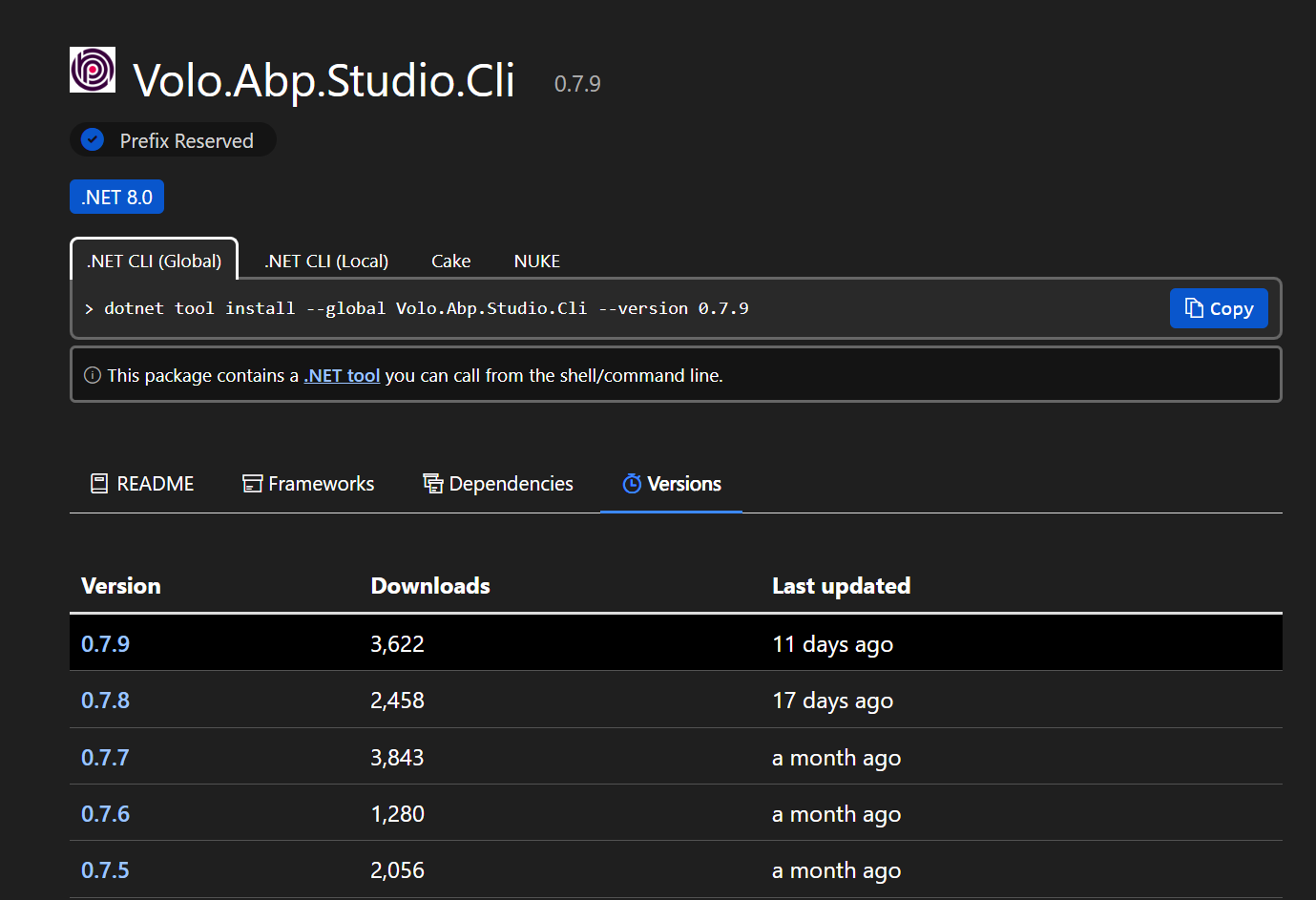
Hi! We have no 8.3.0 version for Volo.Abp.Studio.Cli. You can view version compatibility from this document: https://abp.io/docs/latest/studio/version-compatibility
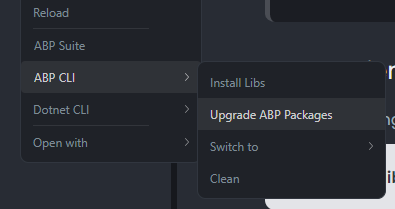
We haven't released a version for 8.3.0 packages yet. We will after we finish our controls. For now, if you want to use 8.3.0 version packages for your Studio templates, you can easily upgrade your packages from here:
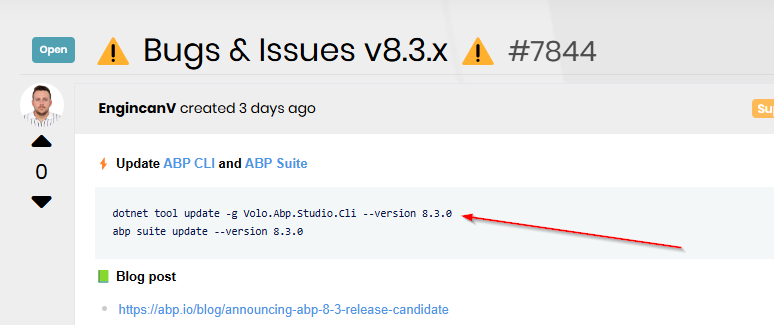
I'm just following instructions at the head of this post:
Updated, thanks for the correction. Regards.
Hi, after you created a microservice solution and a service project for yourself. Then you can open it on ABP Suite UI (either in the ABP Studio application or open the ABP Suite UI in a different browser window), and generate CRUD pages as you would do for a monolith application.
The flow can be summarized as:
Regards.
Hi, the Guid type is not supported for binding in Blazorise components. So, it's not supported right now.
Regards.
Hi, we removed project creation from ABP Suite UI. It's recommended to create your projects from ABP Studio and generate code pages with ABP Suite, which is already integrated into the ABP Studio application. Therefore, this gives you the ability to do everything from a single application.
Update: If you don't want to manually change this line, you can also update your ABP Studio version to 0.7.8+ and re-generate the blazor-web app project, this problem is already fixed with 0.7.8.
Hi, I successfully reproduced the problem and will fix it with the next release. Also, I refunded your ticket.
For a quick workaround, you can open the appsettings.json file under the .abp/suite folder in your user-profile directory, and find the related module in the json file, and do the following change:
- "ProjectTemplateType": 2,
+ "ProjectTemplateType": 1
Then, you should be able to generate CRUD pages for the module.