We need the swagger files in there as we are overriding the default ABP behaviour for authentication. Thanks for sharing how to disable it.
My app is very basic. As you can tell, I use Swashbuckle, which is provided by ABP. As you can from my other posts, I'm not starting on ABP now. I'm migrating from v8 to v9.
If you are able to open one of your v8 API projects (i.e. no UI) where you don't have a package.json and if you upgrade that to v9, you will be able to reproduce that.
Please note that I had to manually copy the libs folder indicated below as I don't have package.json as part of my project.
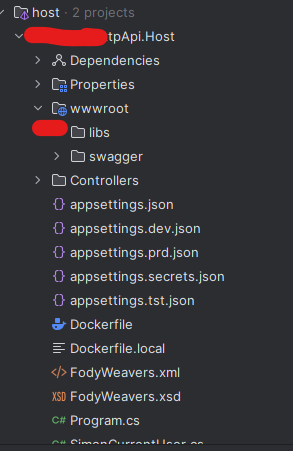
I'm not sure if you followed what I said. Did you run an API project with Swagger? You have to keep serving the /swagger/index.html which goes under wwwroot.
If you did follow what I said, could you please show me how I run Swagger without wwwroot?
Given this is not a part of the migration guide present here: https://abp.io/docs/9.0/release-info/migration-guides/abp-9-0 could you please update the info so other people don't get lost with the same issue?
Also, I don't know how the ticket system works, but for things like this and the other ticket I opened, I think the most reasonable way forward would be to not reduce the number of tickets we have as part of our agreement with Volosoft
I'm migrating from 8.0.2 to 9.0.2 and bumped into an issue with the AuthServer, which runs separately. I'm using a login that exists and I'm able to log in using v8.0.2. However, in ABP 9.0.2, this is what I get:
Screen:
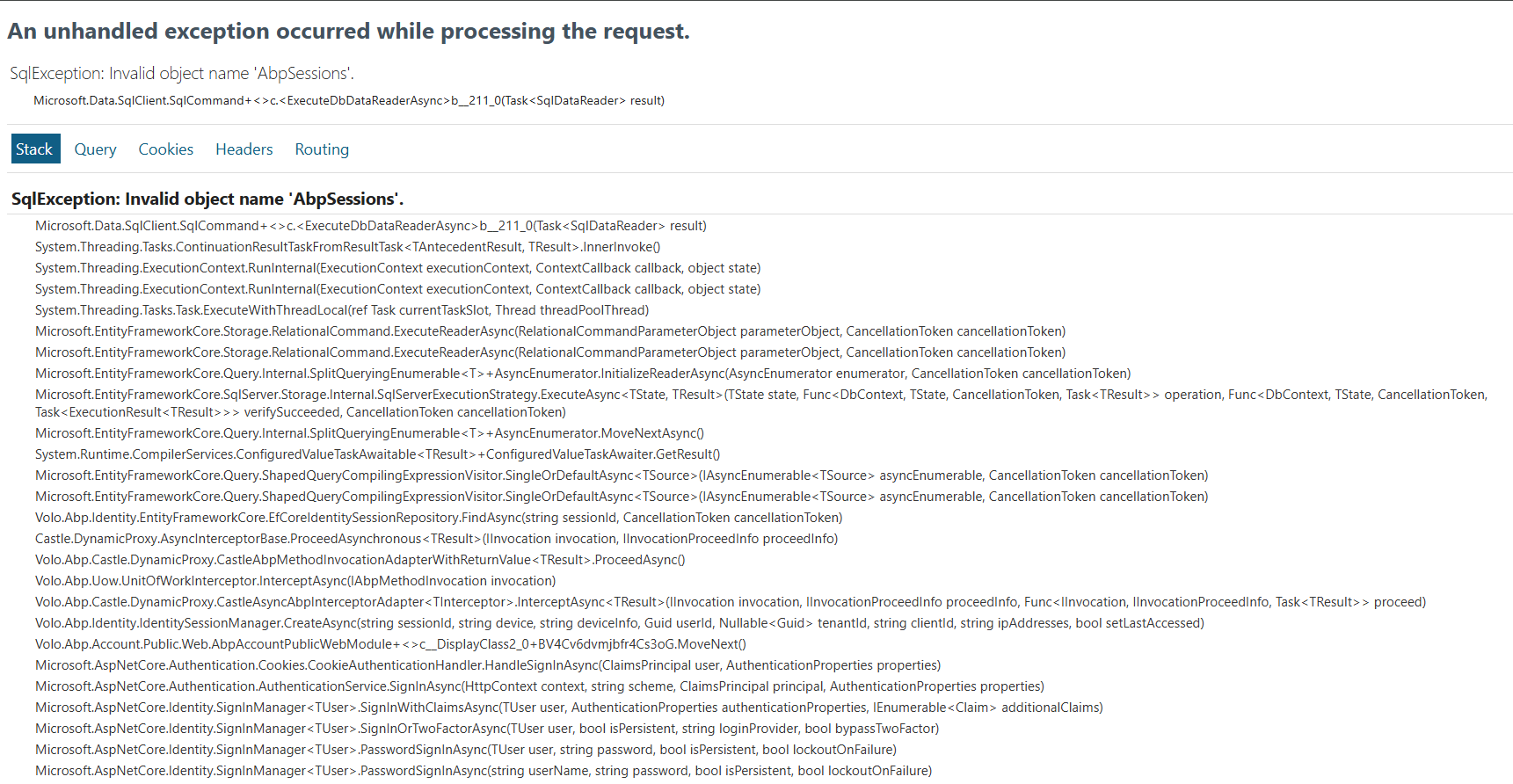
Logs attached.
Screen:
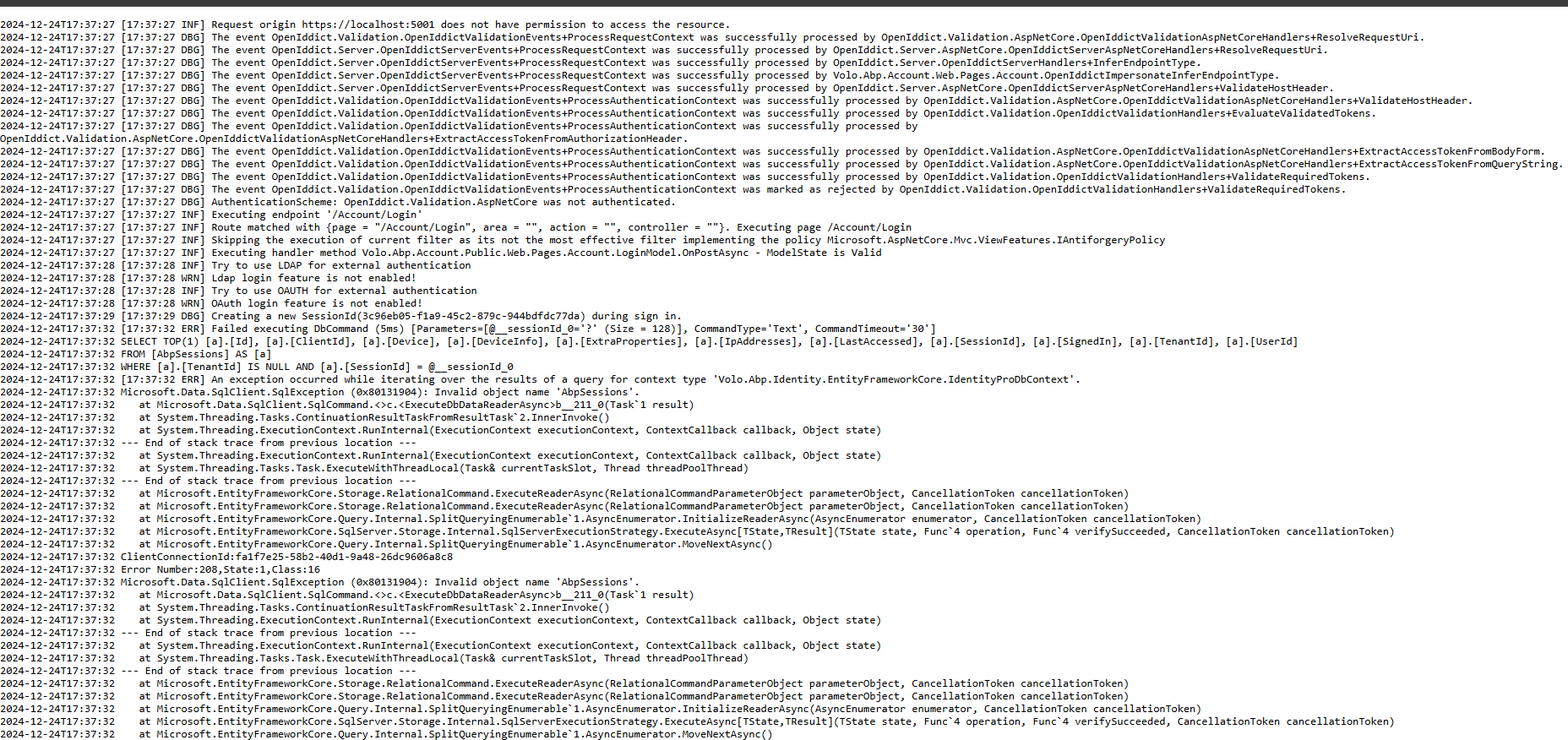
Debug Logs:

Please note the ERR log above. Nothing else. To make it work, I'm adding manually the /libs folder from AuthServer into my API project but this is not optimal as ABP should take care of that when I run abp install-libs which doesn't happen in this project as I don't have a package.json and don't want to have, if I'm honest.
Please let me know what next.
Hi,
Could you please share the full logs? thanks.
Any of your projects with a simple API with Swagger would result in the same issue. Have you tried it? Have you reviewed the GitHub page I shared as part of my ticket?
I can provide logs but there's not a lot to be seen other than the message I shared on my ticket.
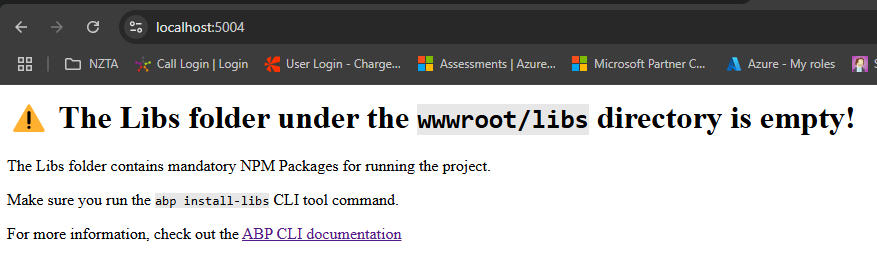
After I upgraded my ABP 8.0.2 to 9.0.2, when I run the .Host project it shows the message:
"The Libs folder under the wwwroot/libs directory is empty! The Libs folder contains mandatory NPM Packages for running the project.
Make sure you run the abp install-libs CLI tool command.
For more information, check out the ABP CLI documentation"
My host project is an API and I don't have a package.json file. I read on GitHub https://github.com/abpframework/abp/issues/21692 that a workaround would be to copy the 'libs' folder from AuthServer but I don't think this is acceptable as they will not be maintained over time.
Please let me know how to fix it for API projects.
It's very frustrating. For me here in New Zealand it's a whole day of work gone that we can't take back.