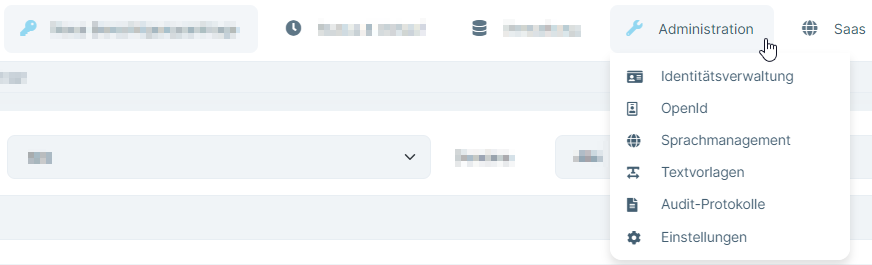
Hello,
Thanks for the feedback, we had some workarounds, they're probably not necessary anymore, I'll take a look and inform you
Sorry, I reproduced it when created a new project and logging in, I'll find the problem
The problem still exists in ABP 7.4.2 and LeptonX 2.4.3
In my case and I think I also speak for @DEKUKDEV it is like this:
- Login in BlazorApp with TopMenu layout (app was restarted)
- Move the mouse over a menu with submenu, normally the menu should open without clicking, but this does not happen.
- Now I click on "Administration" and then the menu opens, but only one item is visible in it.
- If I do not click on a submenu and leave the menu button, the "Administration" button retains the appearance of an active button. And now the automatic opening of the submenu when hovering over it also works. However, only the first item is still visible in the submenu.
- If I now reload the page (F5), then everything works as desired. Open when hovering over it and the complete submenu is displayed.
Please let us know if you were at least able to reproduce the problem. At least 6 people are waiting for a solution, the problem was reported 2 months ago and it doesn't seem like you are doing anything about it (and otherwise you could at least keep us up to date and communicate a bit more about it).
I couldn't reproduce the same problem in the latest version of LeptonX for v2.4
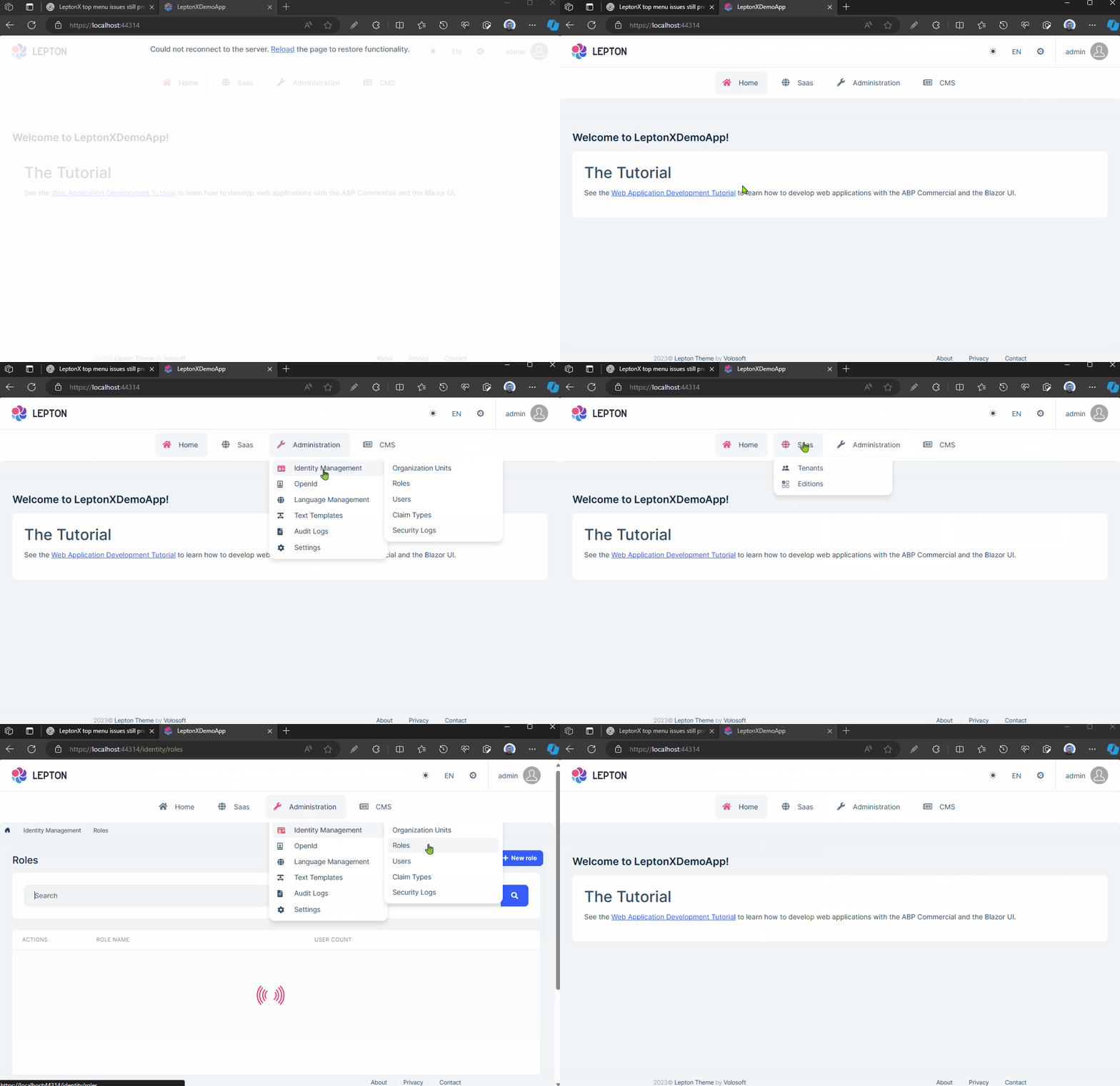
Do you have a specific scenario to reproduce it? Or please share reproduction steps from the beginning of the project creation?
Some of them are already released with LeptonX 2.4.2 and we'll release new patch versions for LeptonX for 2.4
I assume points 1 and 2 are also done? In which update will this be included?
We have bulk fixes on the lepton them, they 're fixed too probably, but they aren't tested yet. I assume they're fixed too.
Will the question be refunded?
Since it's a bug your question is already refunded. You probably received an email about it. It's in the refunded state from the first reply.
It's probably related to your data. Can you share the inserted data from database?
Also we need the logs to determine the exact error
Here is the updates
rendering twoLetterIsoLanguage has been solved
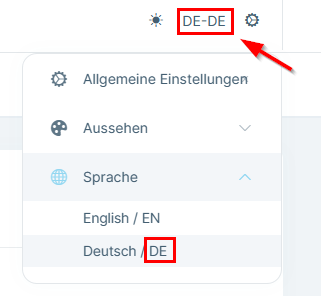
de-DE rendering instead DE has been solved too
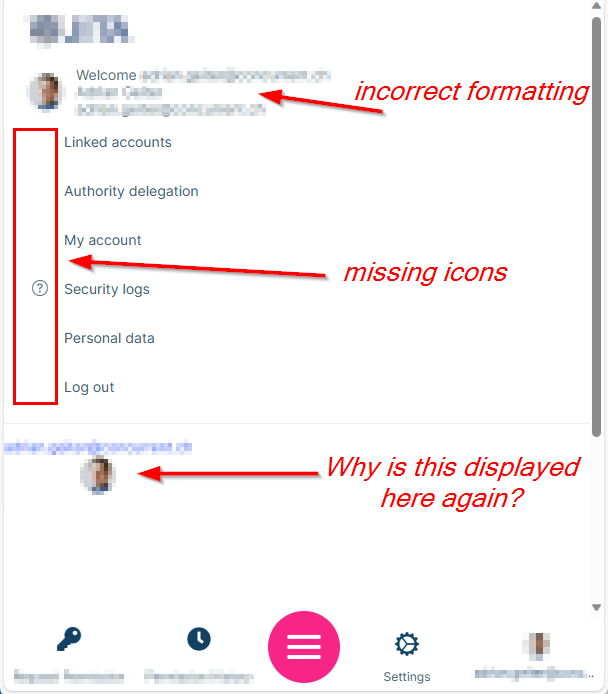
Hello DEKUKDEV
I'm checking the problems in the v2.4
Ok, I'll take a look of the source of the problem
Ok, I couldn't reproduce but found the source of the problem, we'll fix it and release a patch version of LeptonX for these.