Hi,
You can check this: https://docs.abp.io/en/abp/latest/UI/AspNetCore/Tag-Helpers/Dynamic-Forms#indicating-text-box-radio-group-and-combobox
Hi,
Dynamic form does not support tab form, you need to write the code manually
Hi,
Try
[BindProperty(SupportsGet = true)]
public string Type {get; set;}
Hi,
Of course, you can.
You can custom RegisterModel to redirect to login page.
[Dependency(ReplaceServices = true)]
[ExposeServices(typeof(RegisterModel))]
public class MyRegisterModel : RegisterModel
{
    public override Task<IActionResult> OnGetAsync()
    {
        return Task.FromResult((IActionResult)Redirect("/account/login?Type=register"));
    }
}
On the login page, show register section if action parameter value is register,
.....
publc class MyLoginPage : ..
{
    [BindProperty]
    public string Type{get;set;}
}
@if (Model.Type == "register")
{
      <div>....</div>
}else{
      <div>....</div>
}
Hi,
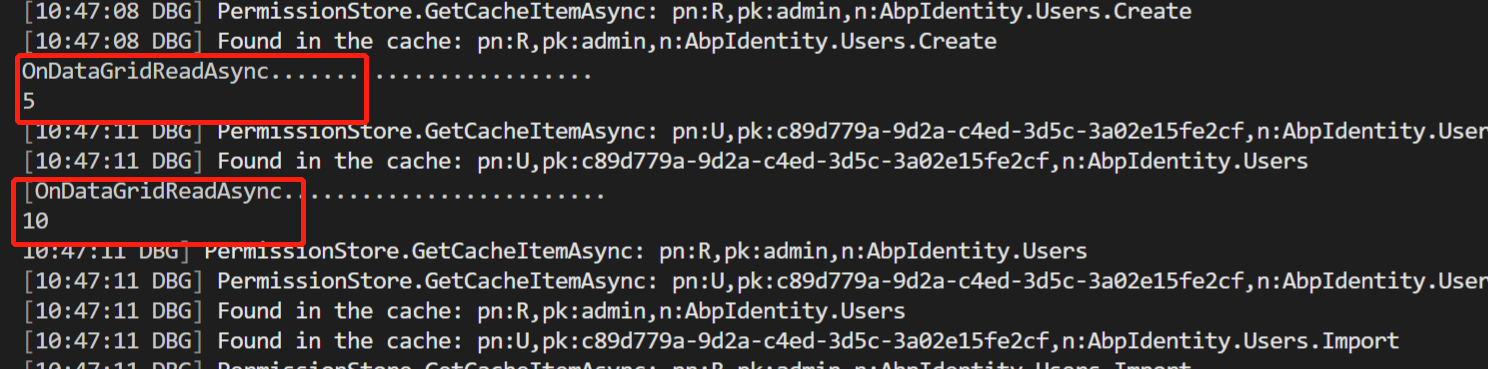
This is a problem with Blazorize: https://github.com/Megabit/Blazorise/issues/3610
When changing the page size, it will trigger ReadData event twice
Hi,
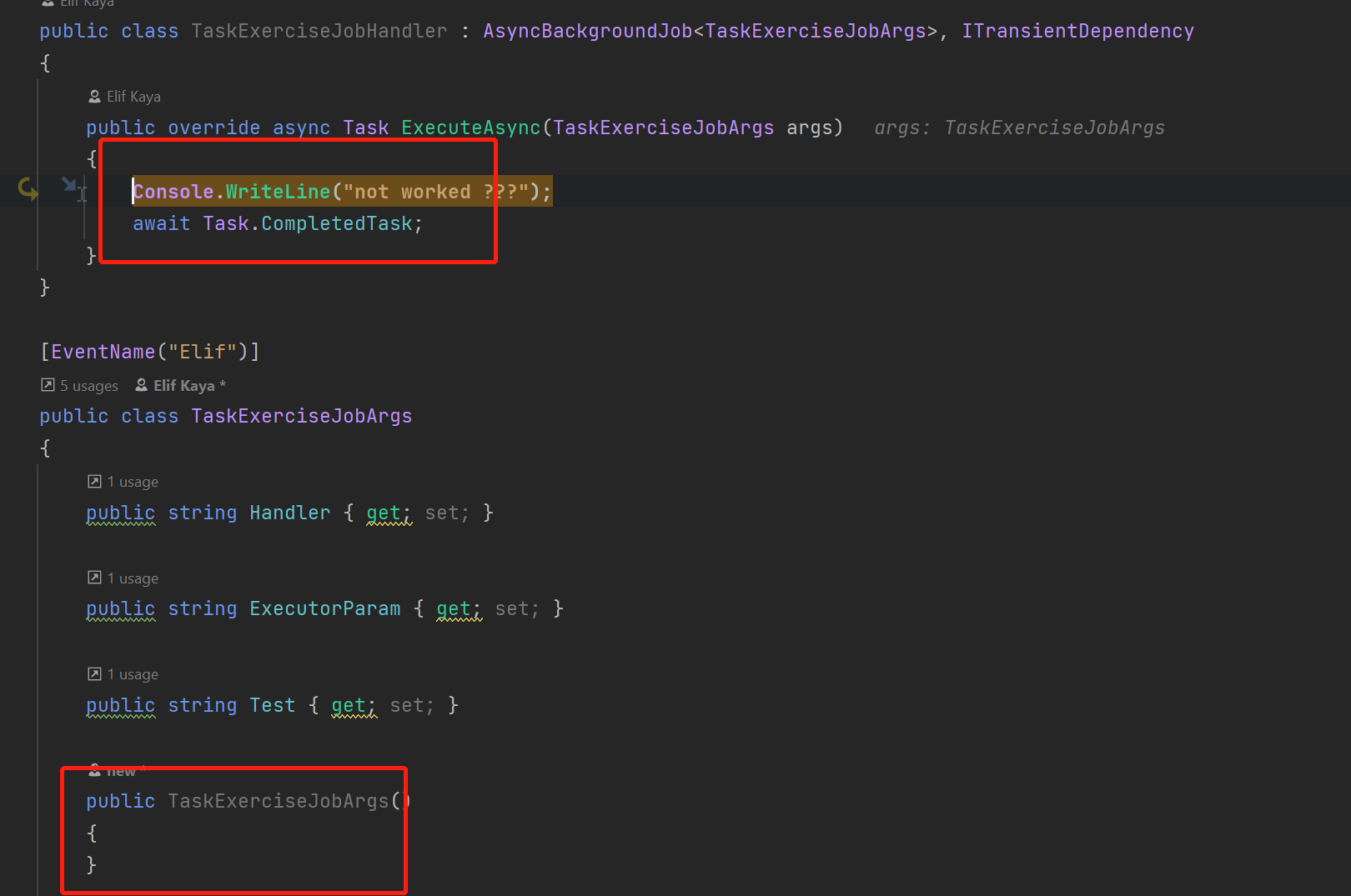
You should have a no-argument constructor.
Hi,
Ok, can you provide steps to reproduce the problem?
Hi,
It looks like NPM has some problems.
Please make sure yarn library is installed, you can run yarn in the terminal to check it. if not, try npm install -g yarn.
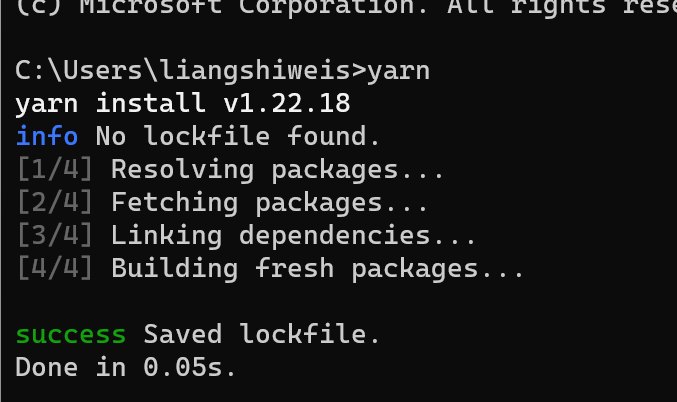
Then run abp install-libs again
HI,
Can you share a simple project with me, shiwei.liang@volosoft.com
Hi,
Note: When dealing with a TValue of an enum type, you should be mindfull of your javascript serializer settings. As that will affect the correct handling of this type by the Select as it will need to javascript interop the enum value as a string. Applying the attribute [JsonConverter(typeof(System.Text.Json.Serialization.JsonStringEnumConverter))] to your enum should allow it to be properly bound.
And You should use two-way binding
<Select @bind-SelectedValue="@Filter.ActiveFilter">
    <SelectItem Value="0">@L["ActiveOnly"]</SelectItem>
    <SelectItem Value="1">@L["InactiveOnly"]</SelectItem>
    <SelectItem Value="2">@L["All"]</SelectItem>
</Select>









