Hi,
Sorry I don't know what is available example mean, we have done it in the Blogging module and you can check the source code.
Hi,
Make sure your MongoDB supports transcation.
Or disable transactions:
Configure<AbpUnitOfWorkDefaultOptions>(options =>
{
    options.TransactionBehavior = UnitOfWorkTransactionBehavior.Disabled;
});
Hi,
You can configure foreign keys manually: https://docs.microsoft.com/en-us/ef/core/modeling/relationships?tabs=fluent-api,fluent-api-simple-key,simple-key#foreign-key
Hi,
Can you check the article? https://tsafadi.medium.com/download-a-file-with-asp-net-core-e23e8b198f74
Hi,
You want to store the files in a separate database right?
You can do it, we have an exmaple: https://github.com/abpframework/abp-samples/tree/master/EfCoreMigrationDemo
I need to fully config it before I use?
You don't need to config it,
See : https://docs.abp.io/en/abp/latest/Blob-Storing-Database#additional-information
The file content is stored in table DatabaseBlob
Or you can check the source code: https://github.com/abpframework/abp/tree/dev/modules/blob-storing-database
Hi,
Can you explan it in detail?
Please include followings:
Hi,
Can you try add using namespace? using Volo.Abp.BlobStoring.Database. PS: please do it in the DomainModule class
Hi,
Sorry for the confusion.
You want to download the Auth server and referenced modules source code right?
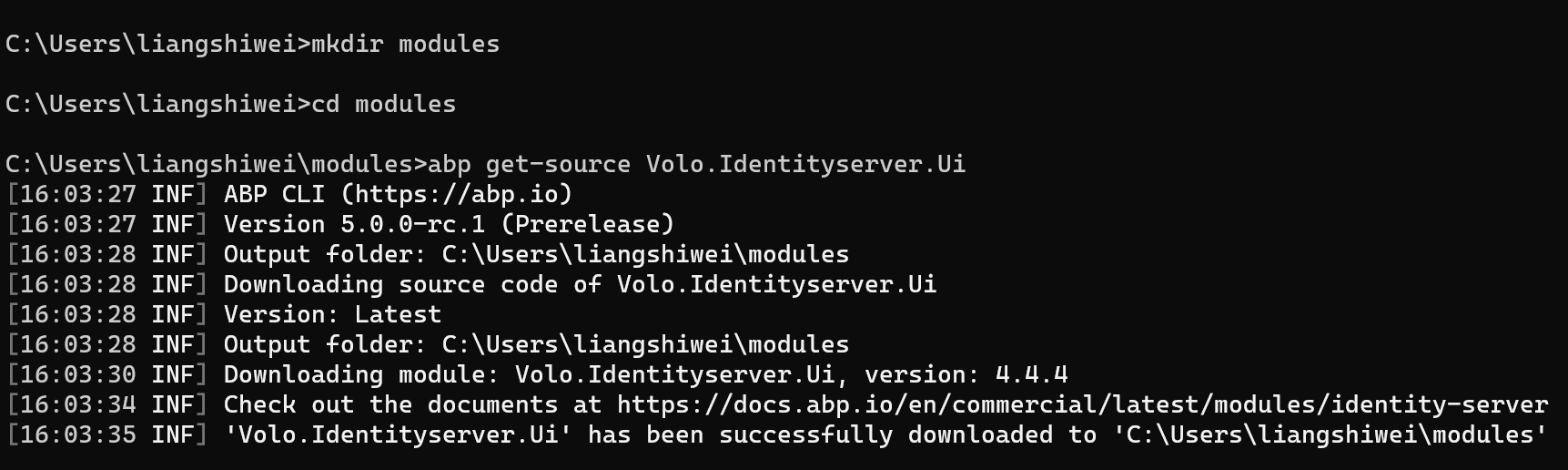
You just need to use ABP Suite to download the Microservice template. and use the abp get-source to download the modules source code, then you can replace the Nuget package reference to the local reference.
You can use the abp list-modules --include-pro-modules command to get module list.
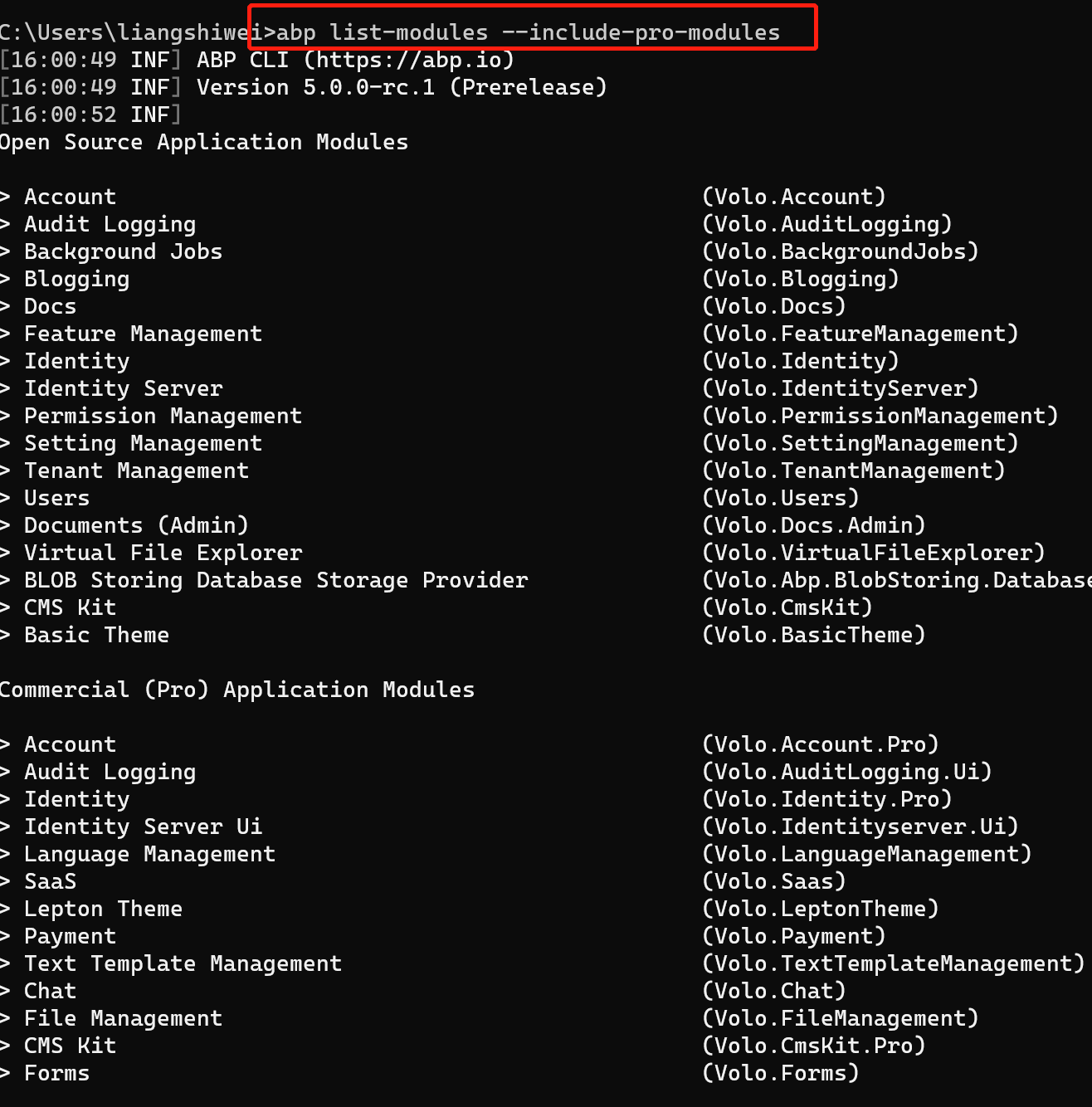
Use abp get-source to download:
Hi, The message just a warn, there is no problem.









