Hi,
Sorry reply late, seems Location is not an entity, right? if so, suite can not add object type,
Maybe the user don't have permissons.
Permission can also be added by group so you should check for groups that the user belongs to as well.
Hi,
Maybe this video will help you: https://community.abp.io/articles/replacing-identityserver4-with-identity-in-abp-arh0jxe1
Hi,
You need remove All IdentityServer package and related code.
Hi,
It says ,login failed for user xxxxxxx error, I think the problem is clear, you should double check.
And I check check it remotely shiwei.liang@volosoft.com
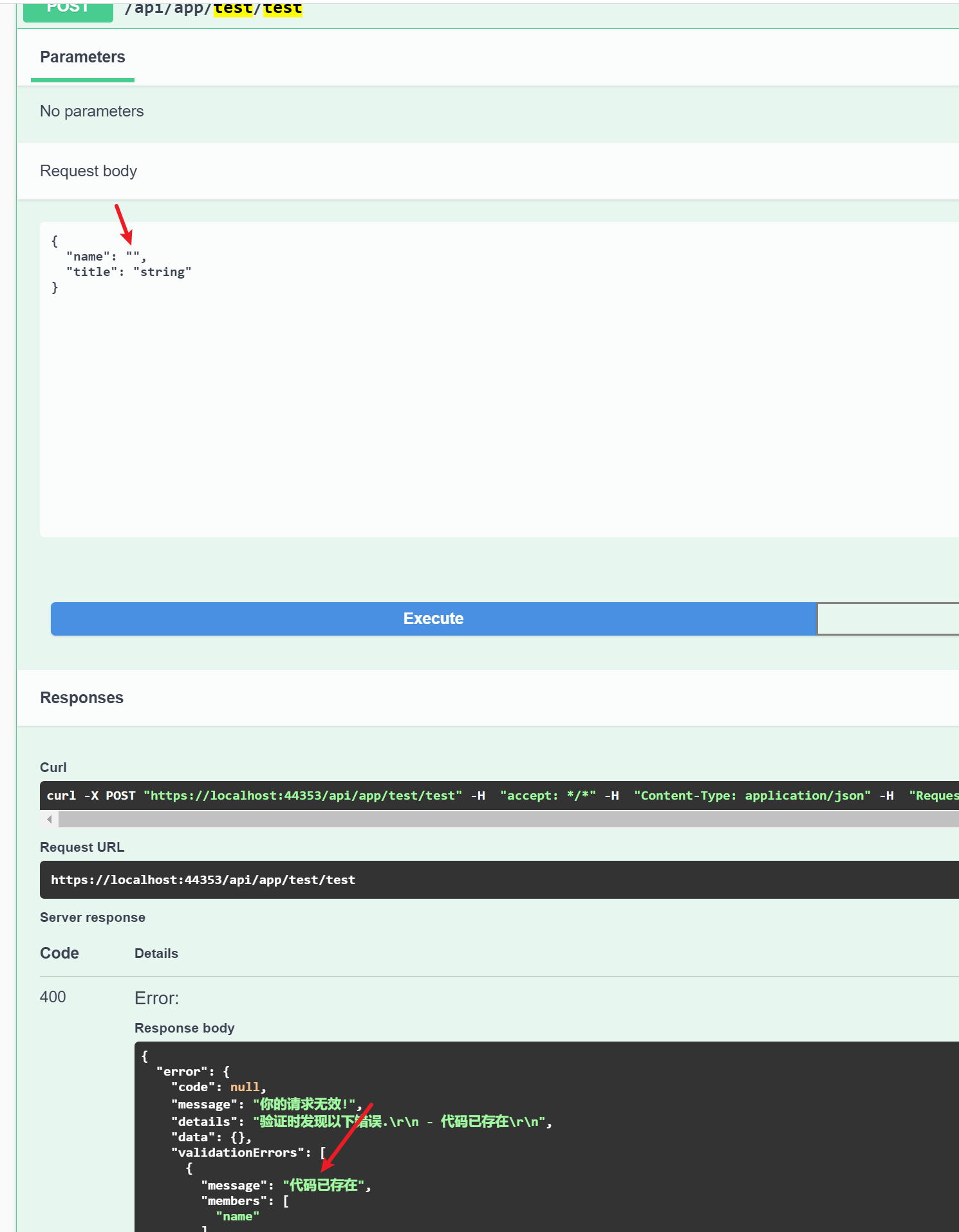
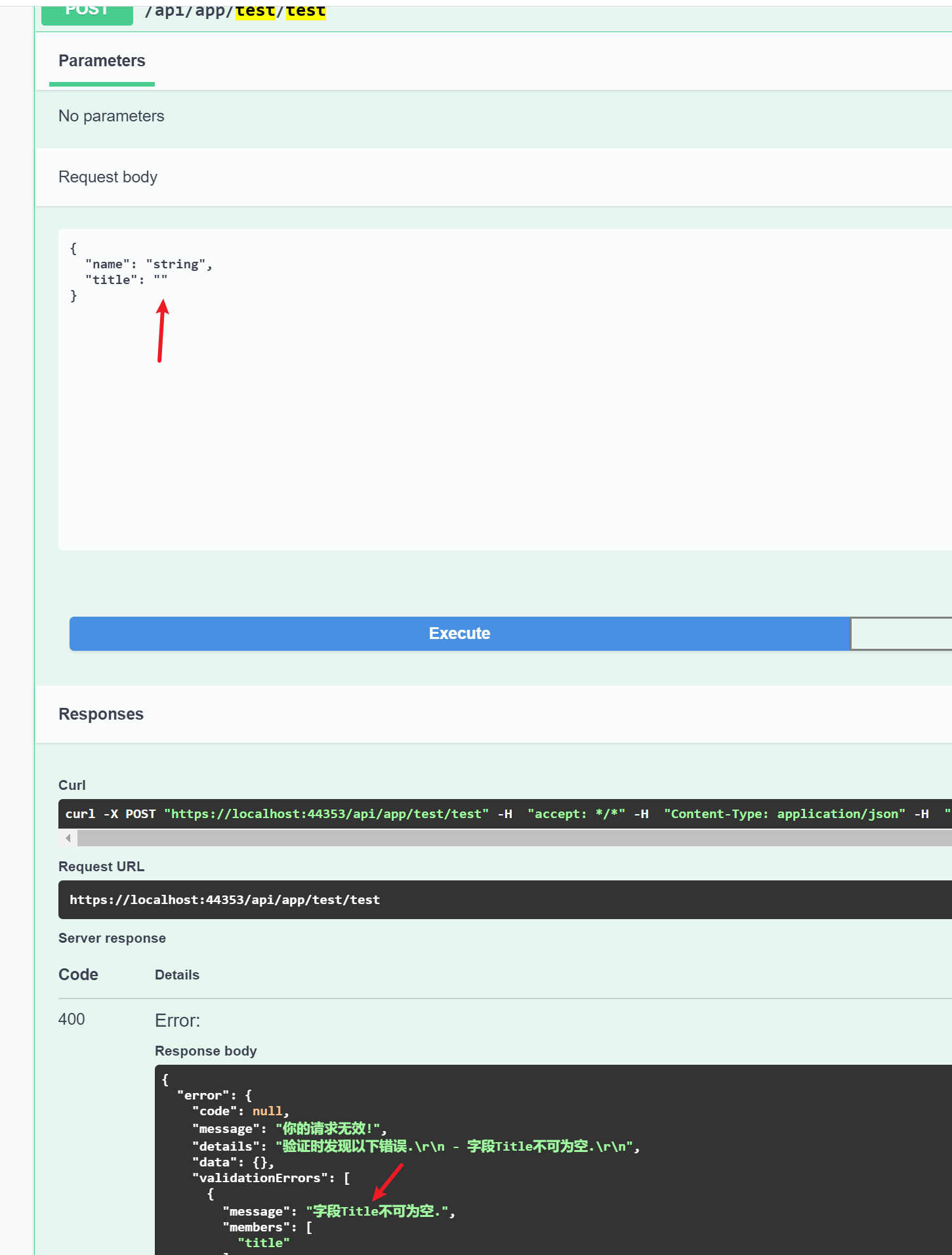
Hi, you just need add localize text to the localized resource file.
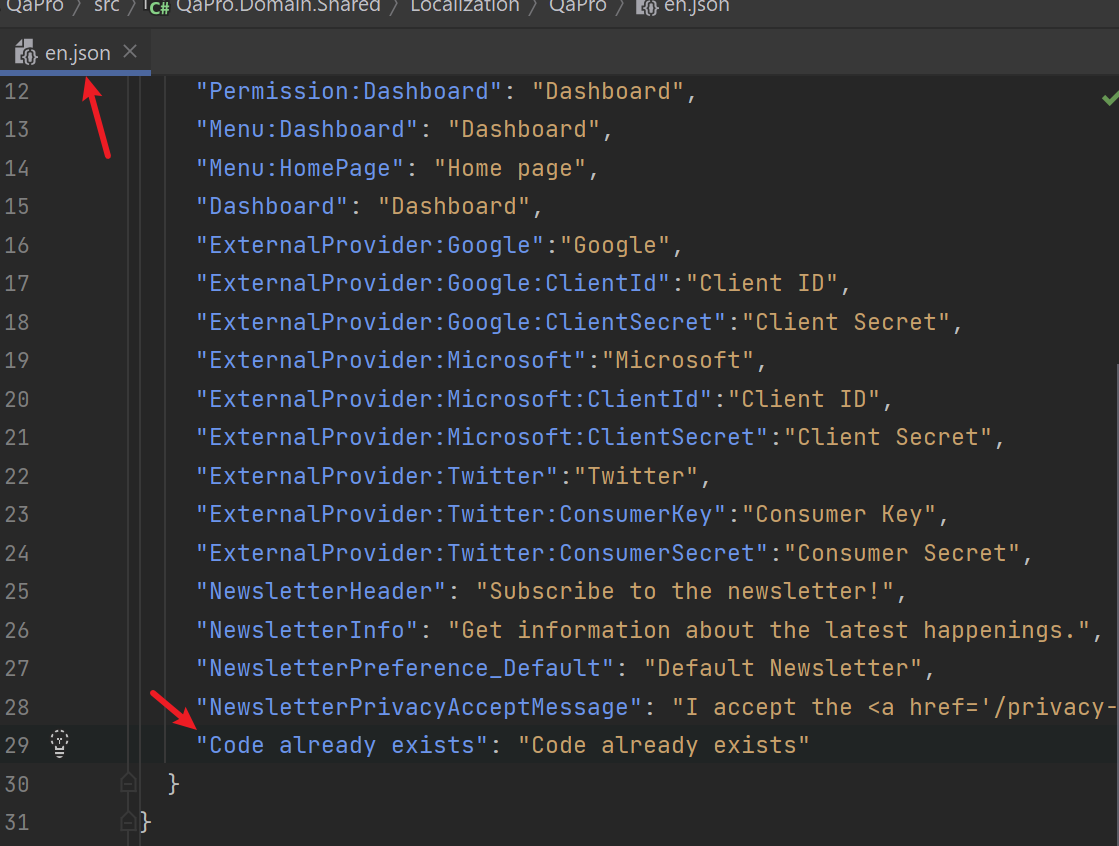
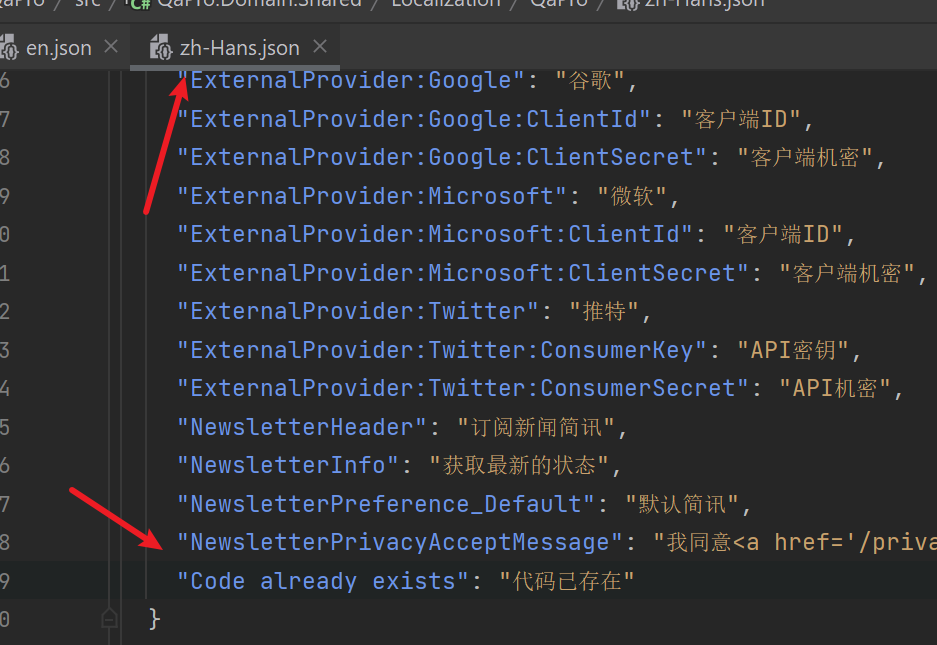
public class TestDto
{
    [Required(ErrorMessage = "Code already exists")]
    public string Name { get; set; }

    [Required]
    public string Title { get; set; }
}
Hi,
No, actually email setting UI just for Host side.
Hi,
Can I check it remotely? shiwei.liang@volosoft.com
Hi,
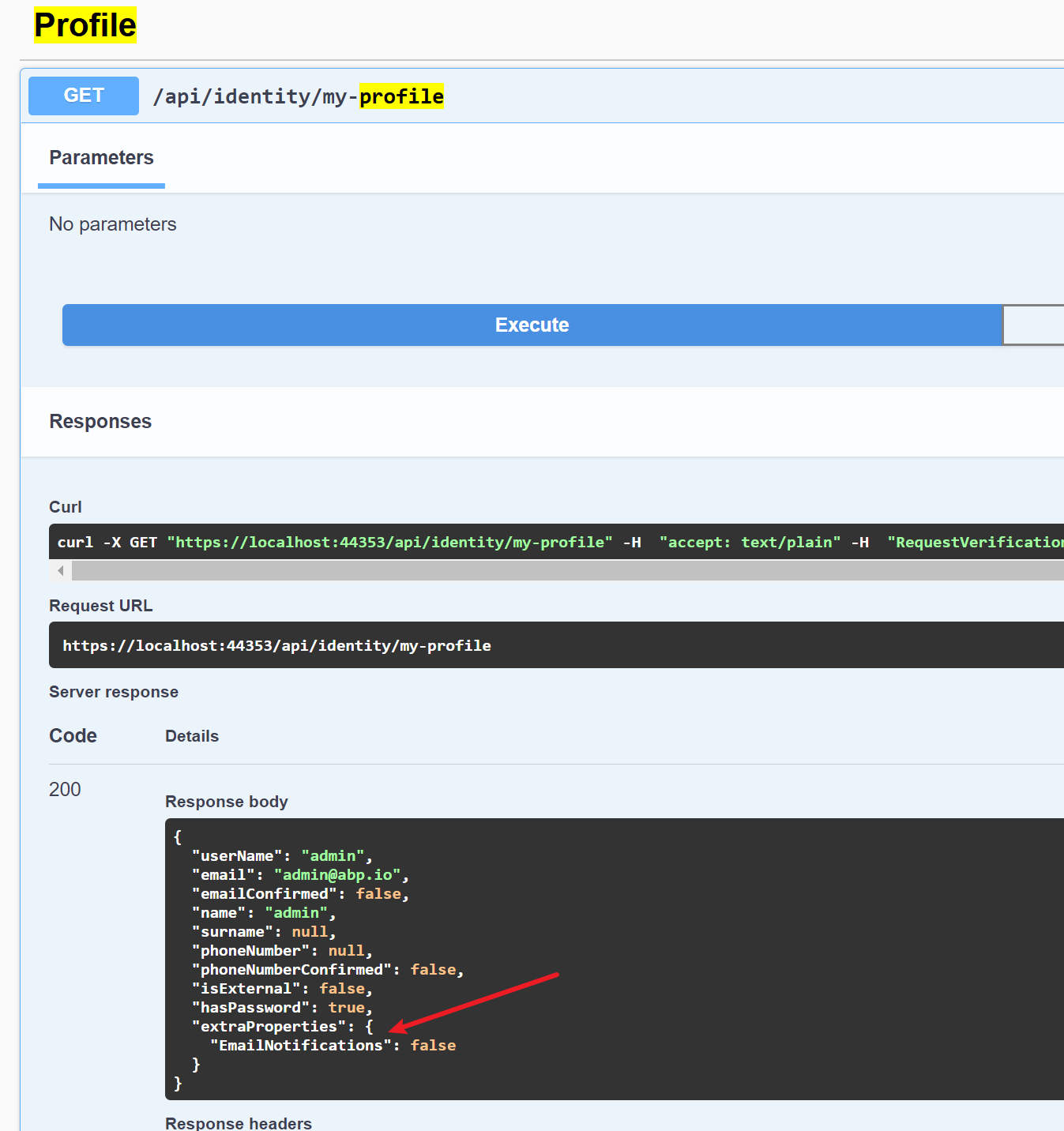
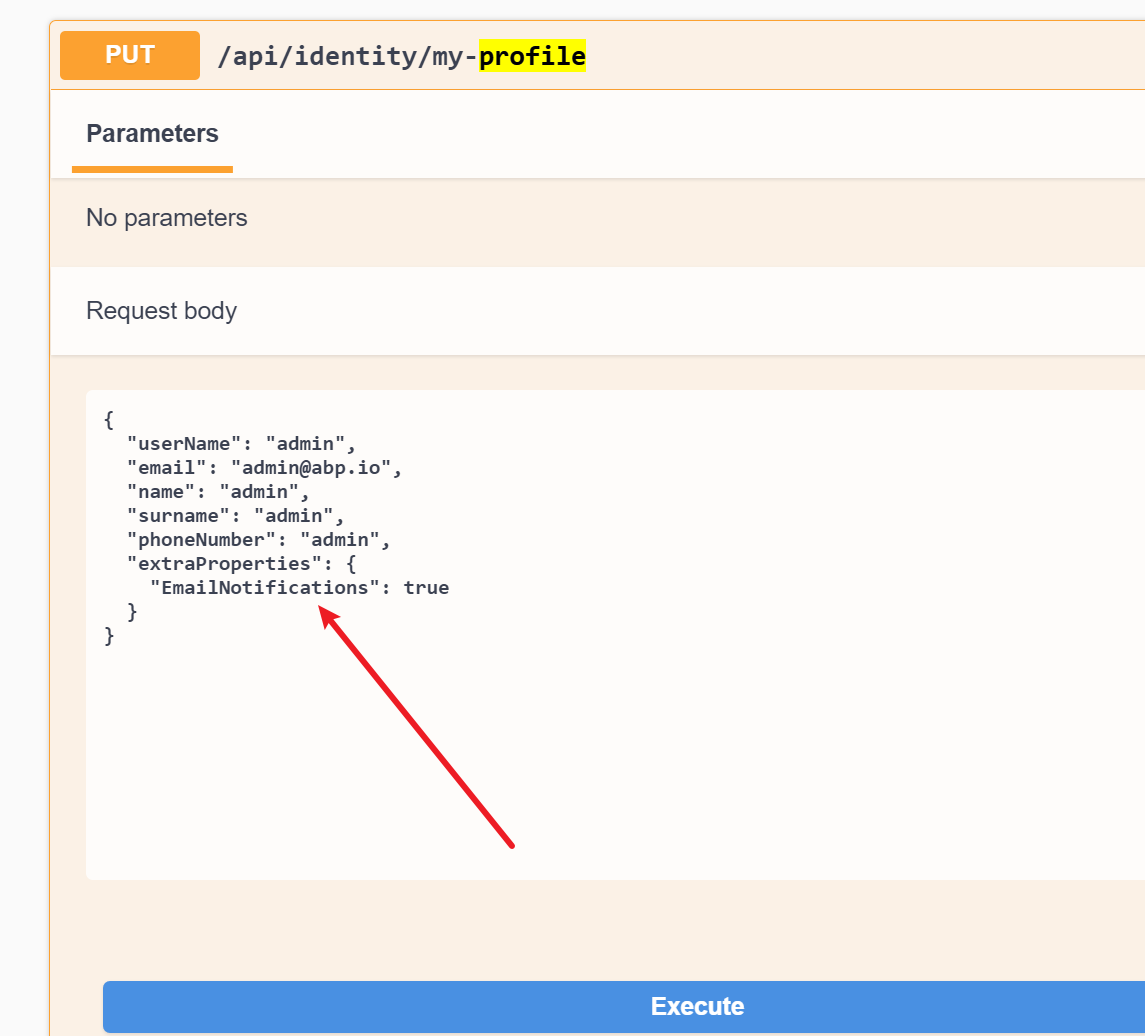
I think there is no problem, you can get value via API. and update profile.
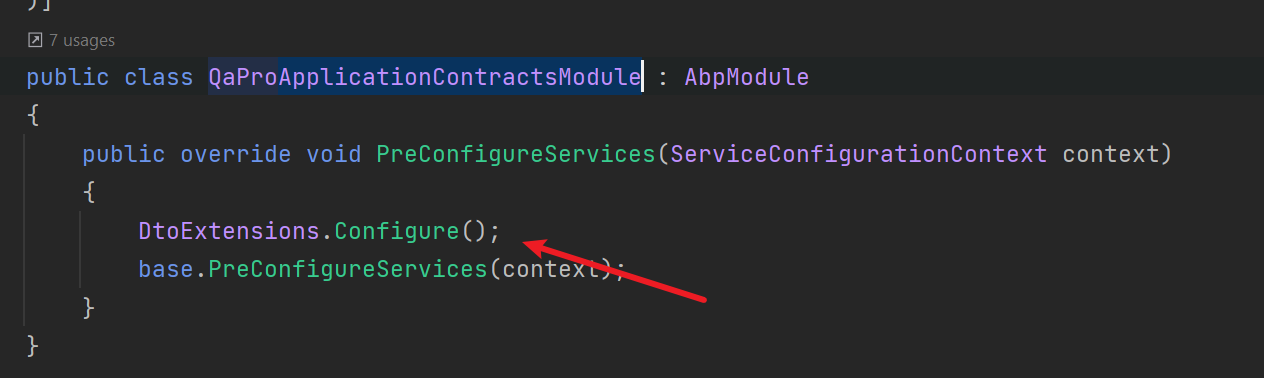
Don't forget call SKAPDtoExtensions.Configure() method in the ApplicationContractsModule
See https://docs.abp.io/en/abp/latest/UI/Angular/Environment









