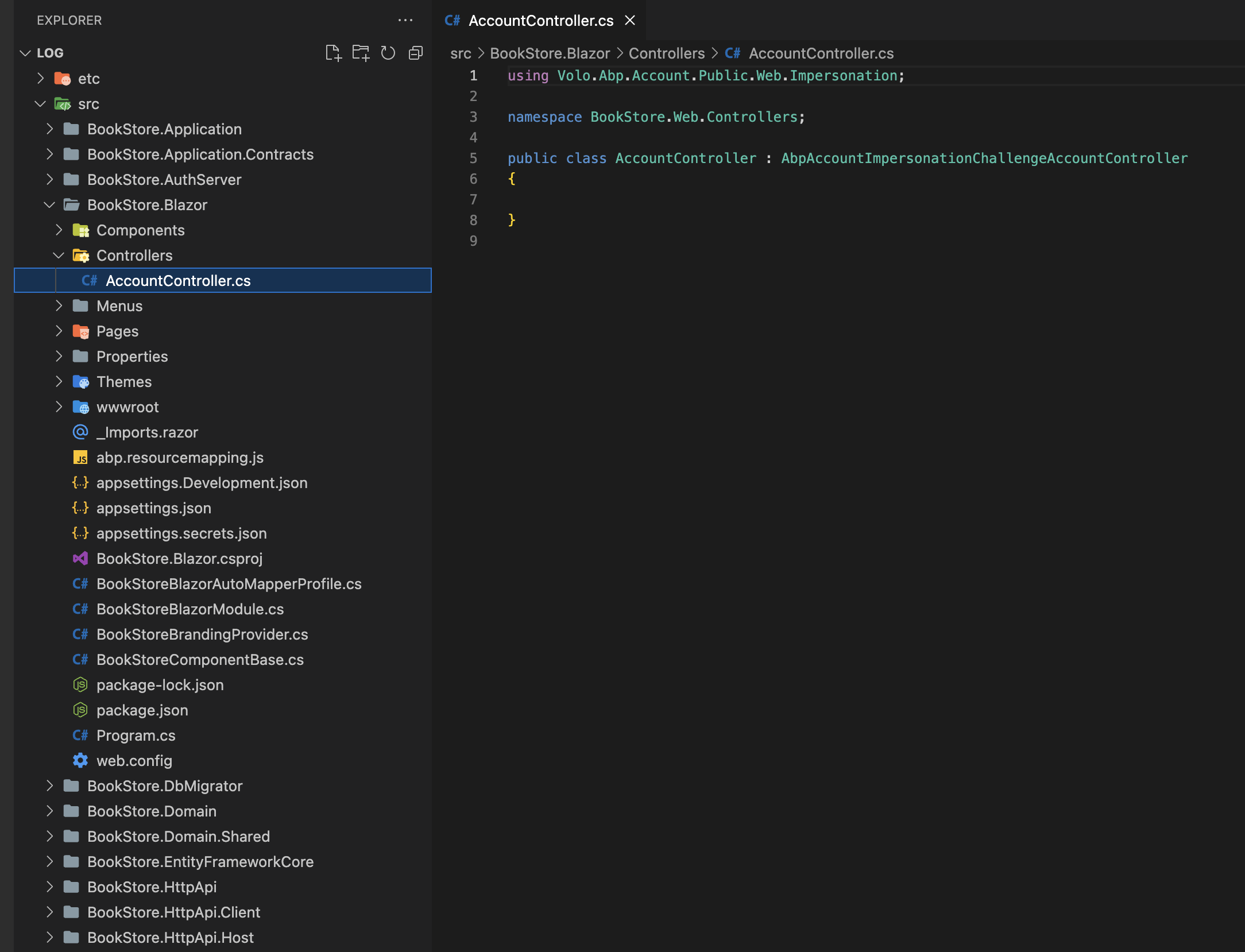
hi
This is possible. You can remove all Volo.Abp.Caching.StackExchangeRedis packages and AbpCachingStackExchangeRedisModule from Microservices project.
Remove:
using Volo.Abp.Caching.StackExchangeRedis;
        context.Services.AddSingleton<IDistributedLockProvider>(_ =>
            new RedisDistributedSynchronizationProvider(redis.GetDatabase()));
hi
Please send it to email. liming.ma@volosoft.com
hi
You can try IntrospectAccessToken in your web project.
please share the logs of AuthServer ApiHost and Web again if still not working.
<PackageReference Include="IdentityModel" Version="6.0.0" />
context.Services.AddAuthentication(options =>
    {
        options.DefaultScheme = "Cookies";
        options.DefaultChallengeScheme = "oidc";
    })
    .AddCookie("Cookies", options =>
    {
        options.ExpireTimeSpan = TimeSpan.FromDays(365);
        options.IntrospectAccessToken();
    })
using System;
using IdentityModel.Client;
using Microsoft.AspNetCore.Authentication;
using Microsoft.AspNetCore.Authentication.Cookies;
using Microsoft.AspNetCore.Authentication.OpenIdConnect;
using Microsoft.Extensions.DependencyInjection;
using Microsoft.Extensions.Options;

namespace MyCompanyName.MyProjectName.Web;

public static class CookieAuthenticationOptionsExtensions
{
    /// <summary>
    /// Introspect access token on validating the principal.
    /// </summary>
    /// <param name="options"></param>
    /// <param name="oidcAuthenticationScheme"></param>
    /// <returns></returns>
    public static CookieAuthenticationOptions IntrospectAccessToken(this CookieAuthenticationOptions options, string oidcAuthenticationScheme = "oidc")
    {
        var originalHandler = options.Events.OnValidatePrincipal;
        options.Events.OnValidatePrincipal = async principalContext =>
        {
            originalHandler?.Invoke(principalContext);

            if (principalContext.Principal != null && principalContext.Principal.Identity != null && principalContext.Principal.Identity.IsAuthenticated)
            {
                var accessToken = principalContext.Properties.GetTokenValue("access_token");
                if (!accessToken.IsNullOrWhiteSpace())
                {
                    var openIdConnectOptions = principalContext.HttpContext.RequestServices.GetRequiredService<IOptionsMonitor<OpenIdConnectOptions>>().Get(oidcAuthenticationScheme);
                    if (openIdConnectOptions.Configuration == null && openIdConnectOptions.ConfigurationManager != null)
                    {
                        openIdConnectOptions.Configuration = await openIdConnectOptions.ConfigurationManager.GetConfigurationAsync(principalContext.HttpContext.RequestAborted);
                    }

                    var response = await openIdConnectOptions.Backchannel.IntrospectTokenAsync(new TokenIntrospectionRequest
                    {
                        Address = openIdConnectOptions.Configuration?.IntrospectionEndpoint ?? openIdConnectOptions.Authority.EnsureEndsWith('/') + "connect/introspect",
                        ClientId = openIdConnectOptions.ClientId,
                        ClientSecret = openIdConnectOptions.ClientSecret,
                        Token = accessToken
                    });

                    if (response.IsActive)
                    {
                        return;
                    }
                }

                principalContext.RejectPrincipal();
                await principalContext.HttpContext.SignOutAsync(principalContext.Scheme.Name);
            }
        };

        return options;
    }
}
This is not the correct way to use modules.
See https://docs.abp.io/en/abp/latest/Modules/Docs
hi
https://support.abp.io/QA/Questions/1389/How-to-customize-register-page-MVC https://docs.abp.io/en/abp/latest/UI/AspNetCore/Customization-User-Interface
hi
This is a class. You can put it in any folder.
Yes, in the AuthServer project.
account/src/Volo.Abp.Account.Pro.Public.Web.OpenIddict/Pages/Account/OpenIddictSupportedLoginModel.cs
There is no docs module in your project.
hi
This is Blazor Server Tiered project. An empty class is fine.
abp new BookStore -t app-pro -u blazor-server --tiered