WindSurf现在让我这样干,我还是等你吃完饭回复我一下啊。因为你说ABP是采用web.js。 但是我现在发布到https://erp2.loda.net 确实是纯粹的Blazor Server。
我现在去学习什么是BlazorWebApp。
已做两处关键修改:
PlatformBlazorModule.cs 第 131 行:IsBlazorWebApp = false(改回纯 Blazor Server) App.razor 第 50 行:引用改回 blazor.server.js 这样 Docker 构建时会按标准 Blazor Server 模式生成 framework 目录。
那你给我解释一下,为什么我这个Blazor Server的项目(发布),ABP框架用的文件貌似是Blazor WebAssembly的呢?
发布没有_framework文件夹的事我自己去搞定。
cd "e:\gitlab\platform\deploy\blazor-server\src\Loda.Platform.Blazor"

dotnet clean
dotnet publish -c Release -o .\publish-test
这个文件缺失,是我的发布行为的问题。我本地这么干干净净发布,是会有这个文件夹的。
我是Blazor Server的项目呢?我目前还没有开始使用Blazor WebAssembly。
根本没有_framework这个文件夹呢
我截取一部分:
# ls -R

./_content/Volo.Saas.Host.Blazor/libs:
chart

./_content/Volo.Saas.Host.Blazor/libs/chart:
chart.min.js  chart.min.js.br  chart.min.js.gz

./images:
getting-started  logo

./images/getting-started:
bg-01.png    discord.svg.br  img-community.png  instagram.svg.br    stack-overflow.svg.br  x-white.svg.br  youtube.svg.br
book.png     discord.svg.gz  img-support.png    instagram.svg.gz    stack-overflow.svg.gz  x-white.svg.gz  youtube.svg.gz
discord.svg  img-blog.png    instagram.svg      stack-overflow.svg  x-white.svg            youtube.svg

./images/logo:
leptonx

./images/logo/leptonx:
icon.svg  icon.svg.br  icon.svg.gz  logo-dark.svg  logo-dark.svg.br  logo-dark.svg.gz  logo-light.svg  logo-light.svg.br  logo-light.svg.gz

./libs:```
# cd wwwroot
# ls
 _content              'favicon copy.ico.gz'   favicon.ico.gz         global-scripts.js.gz   global-styles.css.gz   Loda.Platform.Blazor.styles.css
'favicon copy.ico'      favicon.ico            global-scripts.js      global-styles.css      images                 Loda.Platform.Blazor.styles.css.br
'favicon copy.ico.br'   favicon.ico.br         global-scripts.js.br   global-styles.css.br   libs                   Loda.Platform.Blazor.styles.css.gz
#
QQ邮箱的Web界面太落伍了,还没有引入AI。你几年前就是我的通讯录联系人了。重新发送了。
我的Dockerfile是WindSurf生成的,不是我以前那样用VIsual Studio 2026来生成; .csproj也被WindSurf改了两个包,因为你默认的包里有WebAssembly字样的包,被移除了。

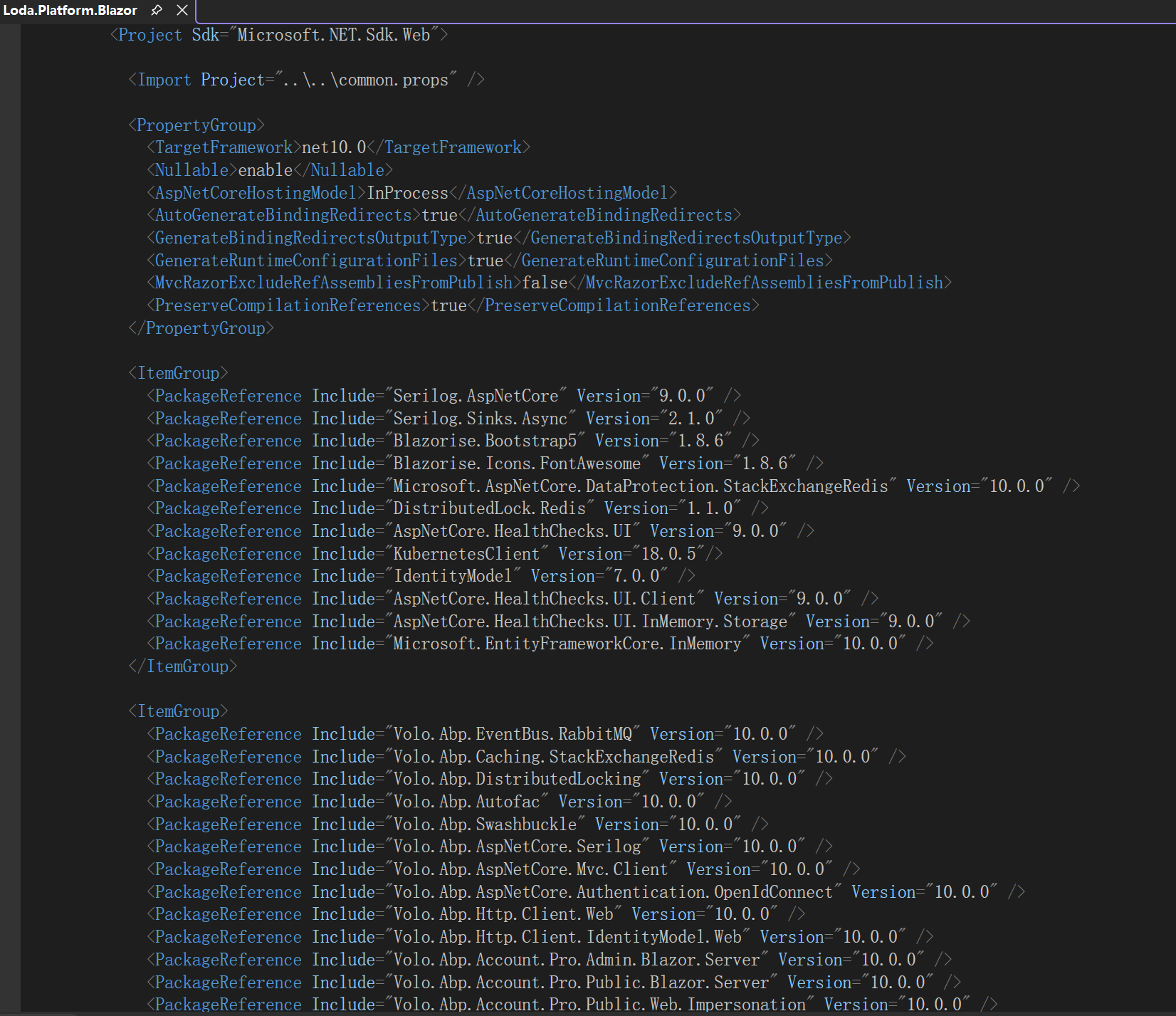

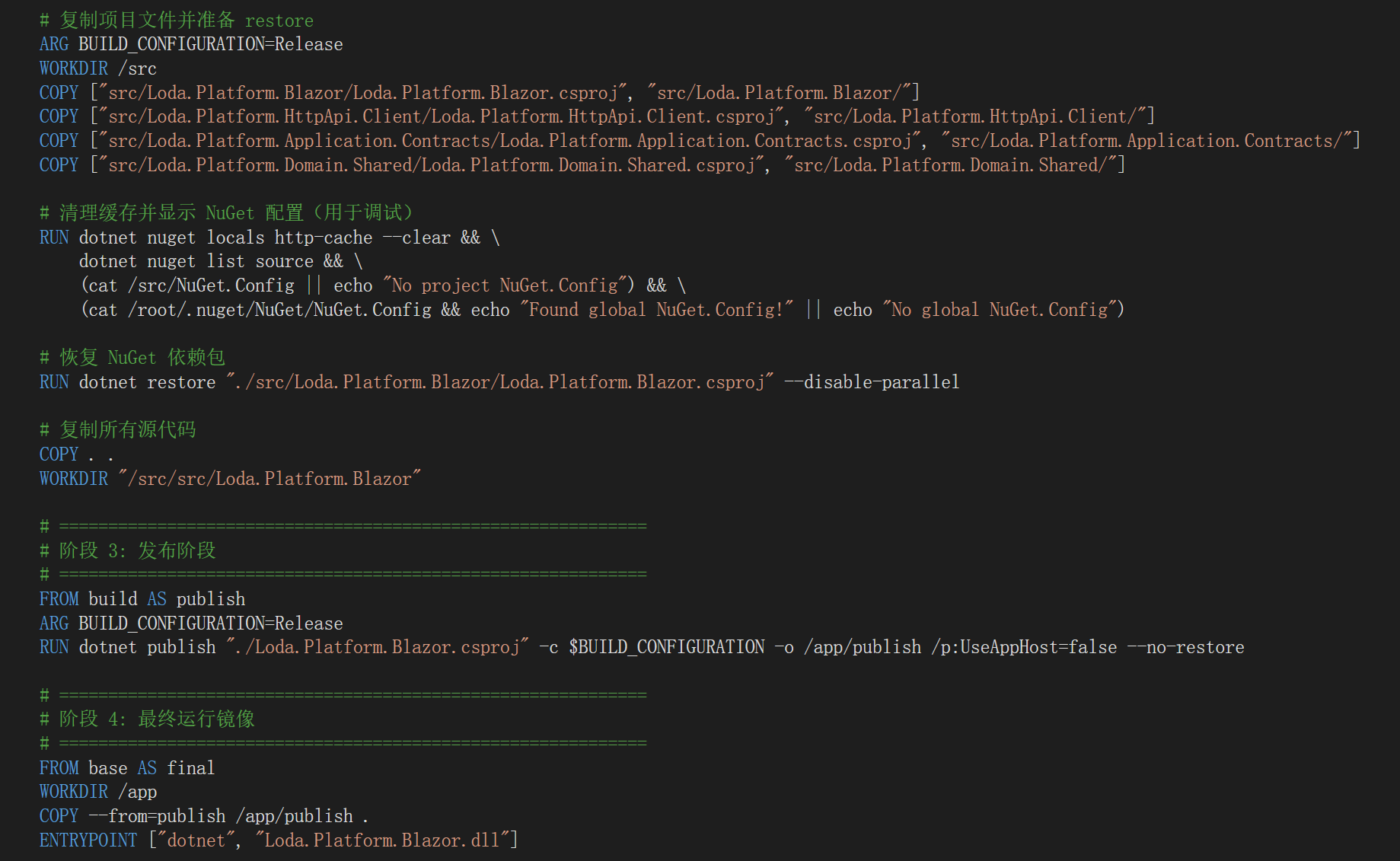
你们得多提交点东西给AI训练。我最近高度依赖WindSurf,没想到它能给我改这么多错误,连dotnet publish都搞出问题来。
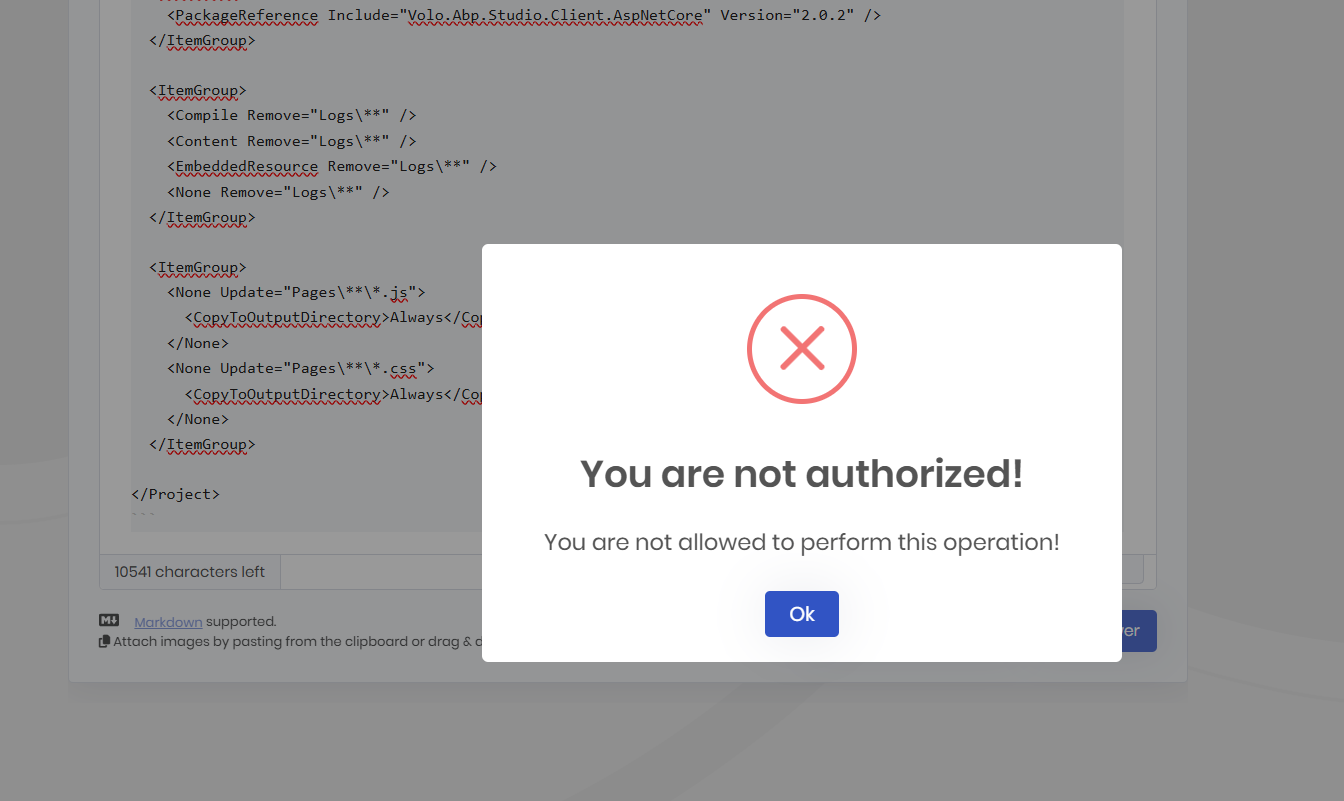
先前我也是用mardown的语法三个波浪加三个波浪,竟然触发了cloudfare的拦截,说我被blocked了。。。
现在是ABP的警告框。
但是我刚刚给你发的邮件,被退回来啦
我要在markdown编辑器里发3个代码块,被阻止了。所以我给maliming@abp.io发了个邮件。