






- ABP Framework version: v4.2.2
- UI type: Angular
- DB provider: EF Core Mysql~~~~
- Tiered (MVC) or Identity Server Separated (Angular): yes
- Exception message and stack trace:
- Steps to reproduce the issue:
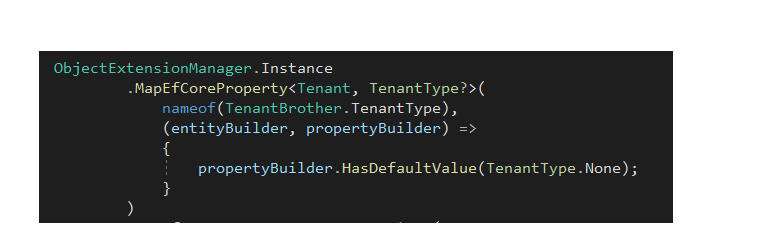
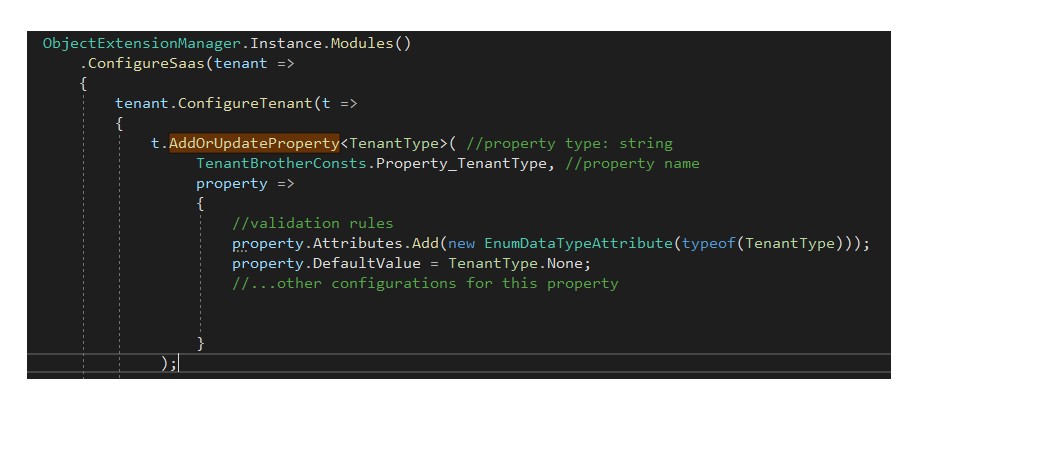
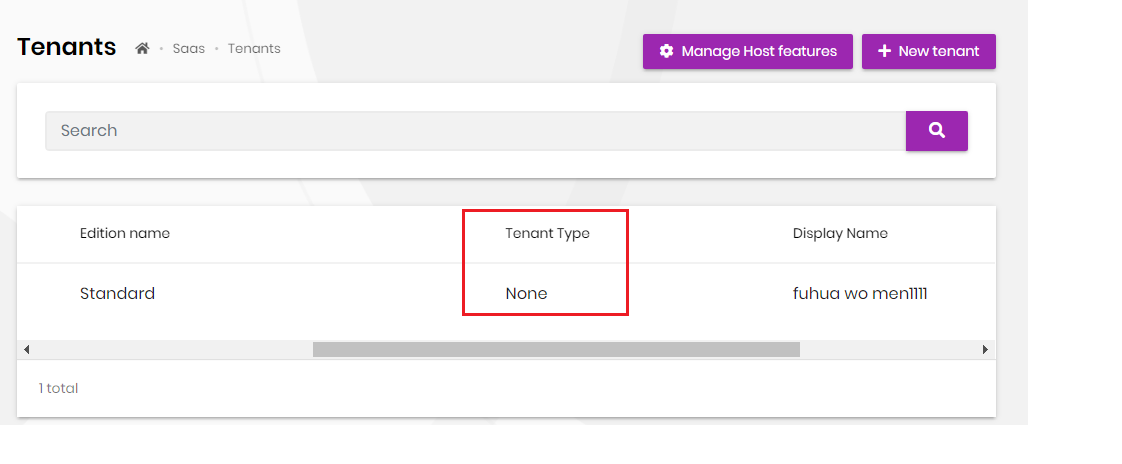
When Create new tenant: String extend property works. but enum does not work. UI datatable list works: getlist from db also works and show in the UI. Check image below.
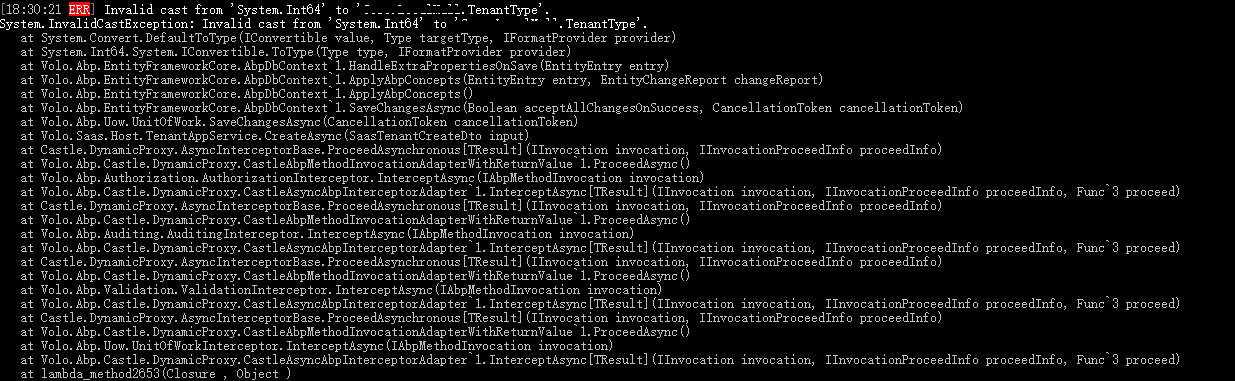
error: Invalid cast from 'System.Int64' to 'xxx.TenantType'. System.InvalidCastException: Invalid cast from 'System.Int64' to 'xxx.TenantType'.
8 Answer(s)
-
0
It looks like there is a bug. I will investigate further and get back to you. Thanks for reaching out.
Markdown supported.Copy, paste, or drag & drop images and files (max 100 MB per file, 100 MB total per post) -
0
We've fixed the issue. It will be available with the next RC or final version.
Markdown supported.Copy, paste, or drag & drop images and files (max 100 MB per file, 100 MB total per post) -
0
Thanks,
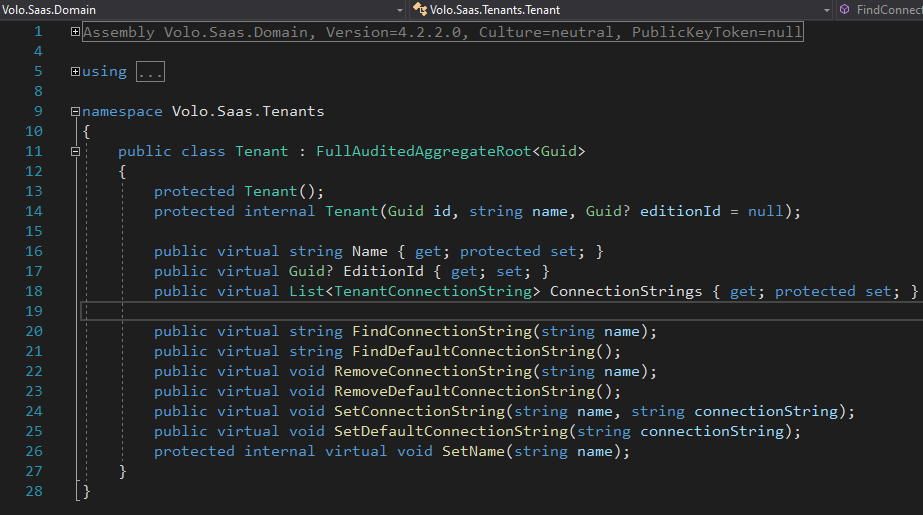
Another question. The class tenant does not have Navigation property: public virtual Edition Edition { get; set; } So this is the limitation for the different commercial level? Thanks
 Markdown supported.Copy, paste, or drag & drop images and files (max 100 MB per file, 100 MB total per post)
 -
0
Thanks,
Another question. The class tenant does not have Navigation property: public virtual Edition Edition { get; set; } So this is the limitation for the different commercial level? Thanks
I couldn't understand what do you mean by limitation for the different commercial level. It is simply because aggragates should not reference each other with navigation properties. See DDD guide for more
Markdown supported.Copy, paste, or drag & drop images and files (max 100 MB per file, 100 MB total per post) -
0
Thanks your reply.
Duplicate.
I create another item. and maliming has reply to me. https://support.abp.io/QA/Questions/1194/different-Commercial-level-has-diff-Tenant-class-And-Phone-registration
Markdown supported.Copy, paste, or drag & drop images and files (max 100 MB per file, 100 MB total per post) -
0
Seems??? : Another bug for the suite. Both module and application has the same issue.
Database: MySql
The angular ui seems check bool as integer. (New Buttton only) (Edit works) I created root entity with the bool property. But the UI "new button" will check bool validation(int).
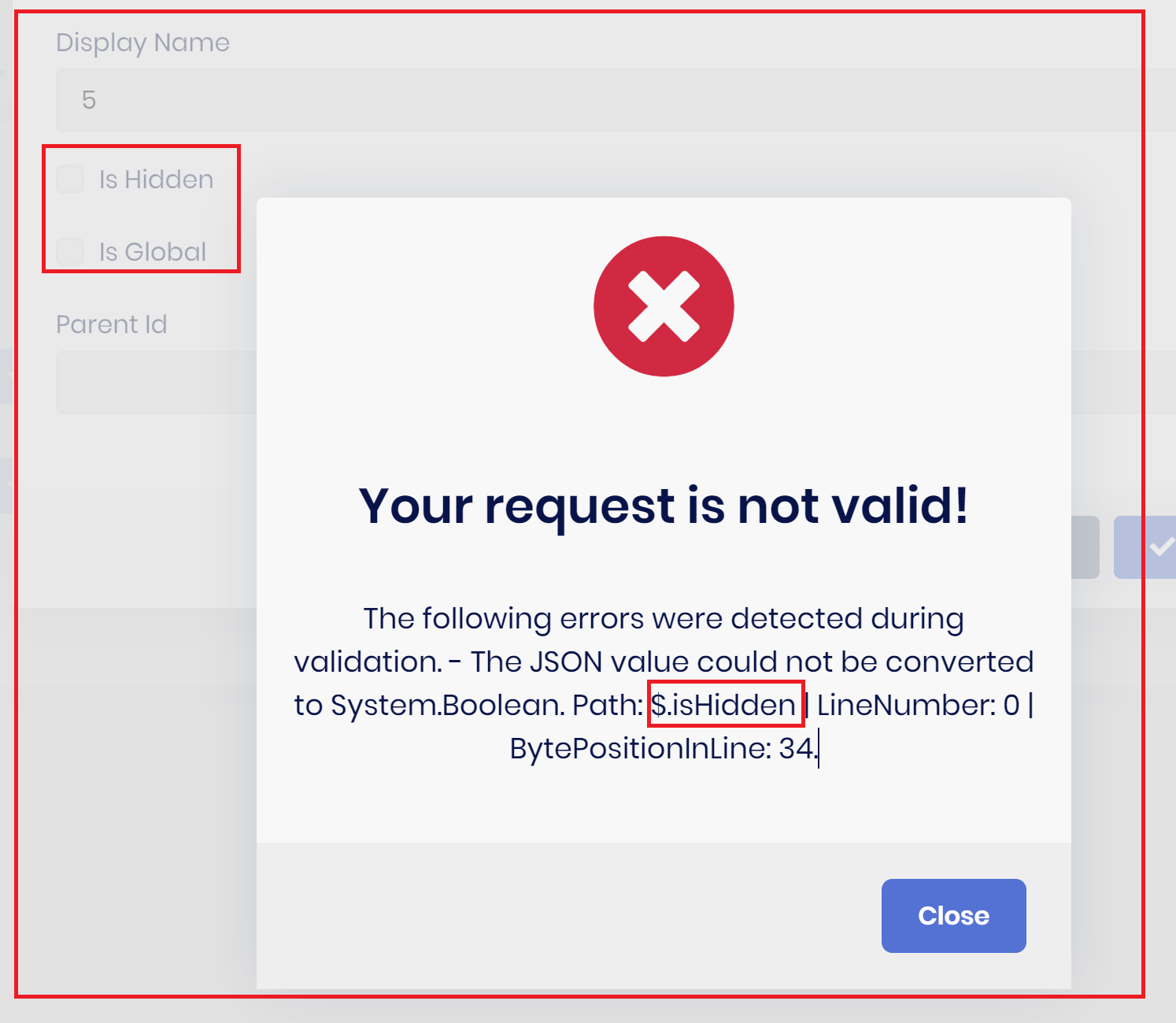
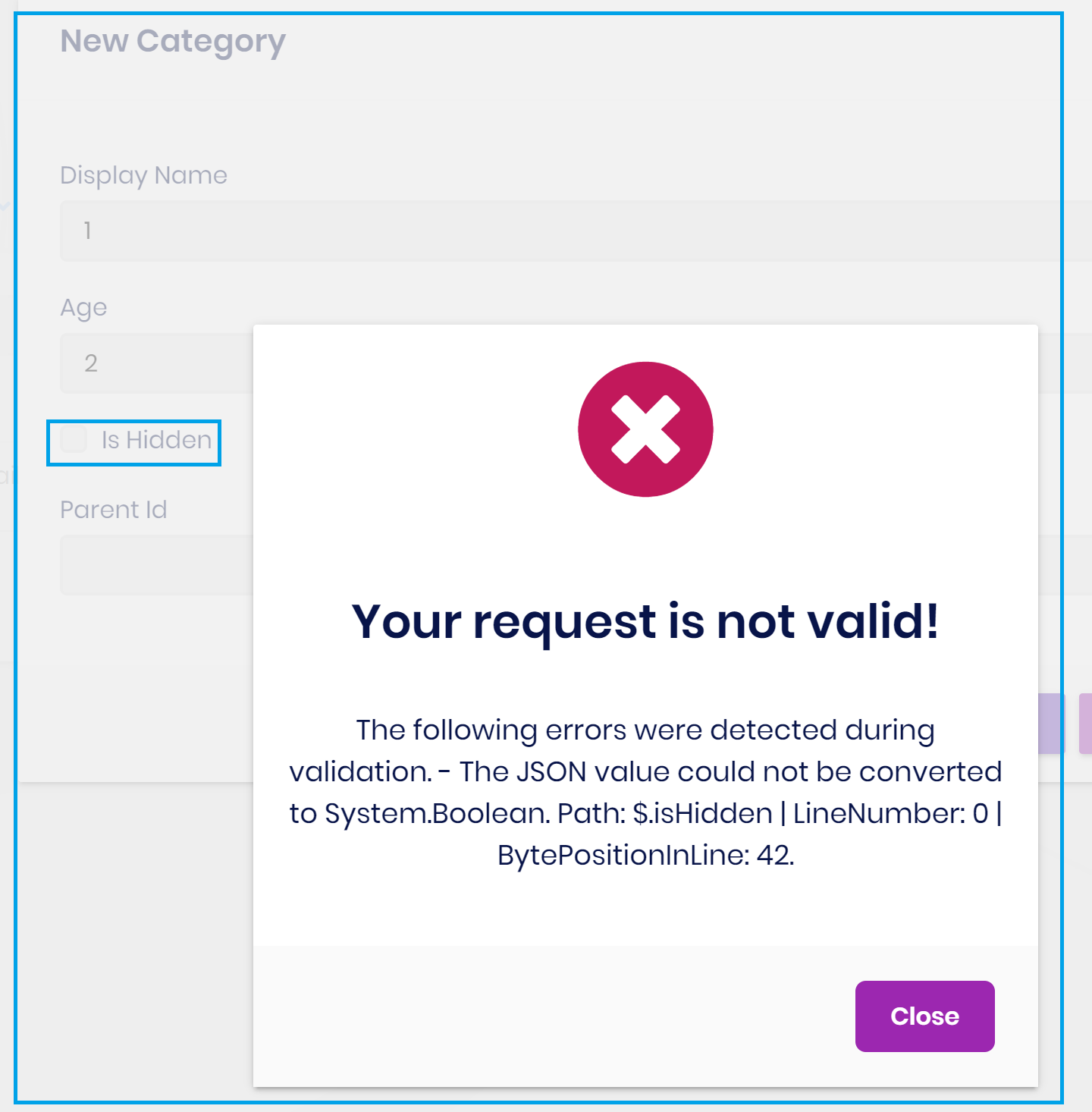
================================ ABP Framework version: v4.3.2 UI type: Angular DB provider: EF Core Tiered (MVC) or Identity Server Separated (Angular): yes Exception message and stack trace: Steps to reproduce the issue:
Markdown supported.Copy, paste, or drag & drop images and files (max 100 MB per file, 100 MB total per post)



