Hi
I need to hide one menu for admin only so I have added a permission check after login that menu is coming but when we reload or refresh page that time it's hiding that menu. Could you please provide me solution for this.
I tried below code but no luck.
 ICurrentUser currentUser = context.ServiceProvider.GetRequiredService<ICurrentUser>();

            bool IsAdmin = currentUser.IsInRole("admin");
 if (!IsAdmin)
                     {
          //menu code

            }
- ABP Framework version: v4.4.3
- UI type: Blazor
- DB provider: EF Core
- Tiered (MVC) or Identity Server Separated (Angular): no
- Exception message and stack trace:
- Steps to reproduce the issue:"
47 Answer(s)
-
0
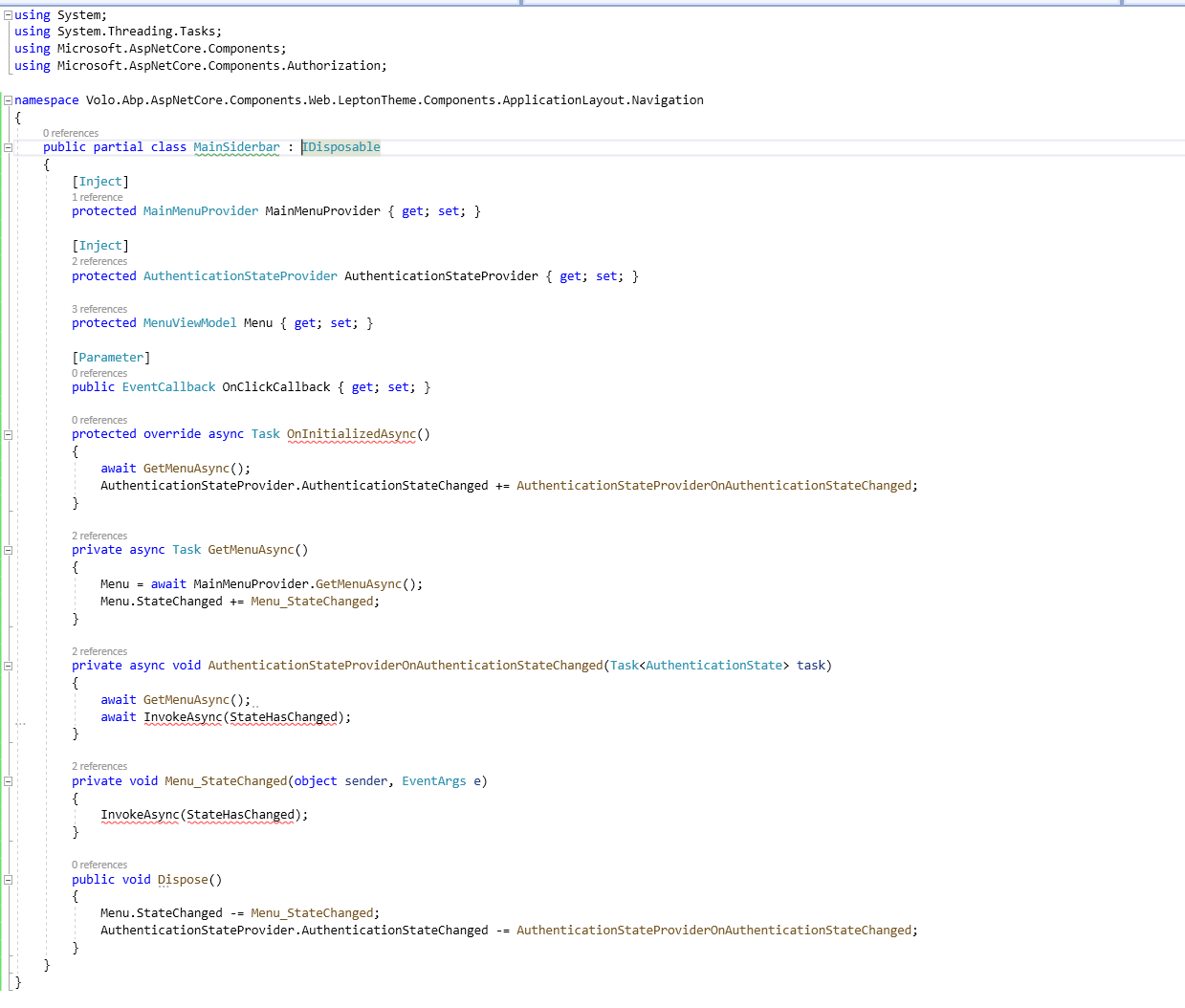
Mainsidebar.razor

.cs code
MainHeadertoolbarUserMenu.razor

.cs code
namespace Volo.Abp.AspNetCore.Components.WebAssembly.LeptonTheme.Components.ApplicationLayout.MainHeader { public partial class RKIMainHeaderToolbarUserMenu : IDisposable { [Inject] protected IMenuManager MenuManager { get; set; }
    [Inject]
    protected ICurrentUser CurrentUser { get; set; }

    [Inject]
    protected ICurrentTenant CurrentTenant { get; set; }

    [Inject]
    protected SignOutSessionStateManager SignOutManager { get; set; }

    [Inject]
    protected NavigationManager Navigation { get; set; }

    [Inject]
    protected AuthenticationStateProvider AuthenticationStateProvider { get; set; }

    [Inject]
    protected IStringLocalizer<AbpUiResource> UiLocalizer { get; set; }

    [Inject]
    protected IOptions<AbpRemoteServiceOptions> RemoteServiceOptions { get; set; }

    [Inject]
    protected IJSRuntime JsRuntime { get; set; }

    protected ApplicationMenu UserMenu { get; set; }

    protected Guid? UserId { get; set; }

    protected string UserName { get; set; }

    protected string TenantName { get; set; }

    protected string ProfileImageUrl { get; set; }

    protected string UserFullName { get; set; }

    protected override async Task OnInitializedAsync()
    {
        await SetUserMenuAndProfileAsync();

        Navigation.LocationChanged += OnLocationChanged;
        AuthenticationStateProvider.AuthenticationStateChanged += AuthenticationStateProviderOnAuthenticationStateChanged;
    }

    private async Task SetUserMenuAndProfileAsync()
    {
        UserMenu = await MenuManager.GetAsync(StandardMenus.User);

        UserId = CurrentUser.Id;
        UserName = CurrentUser.UserName;
        UserFullName = CalculateUserFullName();
        TenantName = CurrentTenant.Name;

        if (UserId != null)
        {
            ProfileImageUrl = RemoteServiceOptions.Value.RemoteServices.GetConfigurationOrDefaultOrNull("AbpAccountPublic")?.BaseUrl.TrimEnd('/') +
                              $"/api/account/profile-picture-file/{UserId}";
        }
    }

    protected virtual void OnLocationChanged(object sender, LocationChangedEventArgs e)
    {
        InvokeAsync(StateHasChanged);
    }

    private async void AuthenticationStateProviderOnAuthenticationStateChanged(Task<AuthenticationState> task)
    {
        await SetUserMenuAndProfileAsync();
        await InvokeAsync(StateHasChanged);
    }

    protected virtual async Task BeginSignOut()
    {
        await SignOutManager.SetSignOutState();
        await NavigateToAsync("authentication/logout");
    }

    protected virtual async Task NavigateToAsync(string uri, string target = null)
    {
        if (target == "_blank")
        {
            await JsRuntime.InvokeVoidAsync("open", uri, target);
        }
        else
        {
            Navigation.NavigateTo(uri);
        }

    }

    protected virtual string CalculateUserFullName()
    {
        //TODO: Should we move this logic to some extension method for the ICurrentUser?

        var fullName = new StringBuilder();

        if (!CurrentUser.Name.IsNullOrEmpty())
        {
            fullName.Append(CurrentUser.Name);
        }

        if (!CurrentUser.SurName.IsNullOrEmpty())
        {
            if (fullName.Length > 0)
            {
                fullName.Append(" ");
            }

            fullName.Append(CurrentUser.SurName);
        }

        if (fullName.Length == 0)
        {
            fullName.Append(CurrentUser.UserName);
        }

        return fullName.ToString();
    }

    public void Dispose()
    {
        Navigation.LocationChanged -= OnLocationChanged;
        AuthenticationStateProvider.AuthenticationStateChanged -= AuthenticationStateProviderOnAuthenticationStateChanged;
    }
}
}
Markdown supported.Copy, paste, or drag & drop images and files (max 100 MB per file, 100 MB total per post) -
0
You need to create a subclass of these two classes, change some code and replace the built-in services in the dependency injection container.
[ExposeServices(typeof(MainSiderbar))]
[Dependency(ReplaceServices = true)]
MyMainSiderbar : MainSiderbar
Markdown supported.Copy, paste, or drag & drop images and files (max 100 MB per file, 100 MB total per post) -
0
You need to create a subclass of these two classes, change some code and replace the built-in services in the dependency injection container.
[ExposeServices(typeof(MainSiderbar))]
[Dependency(ReplaceServices = true)]
MyMainSiderbar : MainSiderbar
are u there?
Markdown supported.Copy, paste, or drag & drop images and files (max 100 MB per file, 100 MB total per post) -
0
There seems to be no problem, can you test it in the project?
no, it's not working. I am requesting can we connect on zoom because it's taking too much time to check and post and ask for solutions here again and again. Today is my deadline for this project that's why I am bothering you, again and again, hope you can understand this.
Thanks,
Markdown supported.Copy, paste, or drag & drop images and files (max 100 MB per file, 100 MB total per post) -
0
@safi we can't solve your problem by iterating every step. send us your project to support@abp.io
Hi Albert
I can't share project due to security that's why I am asking to connect on zoom and check this.
Markdown supported.Copy, paste, or drag & drop images and files (max 100 MB per file, 100 MB total per post) -
0
-
0
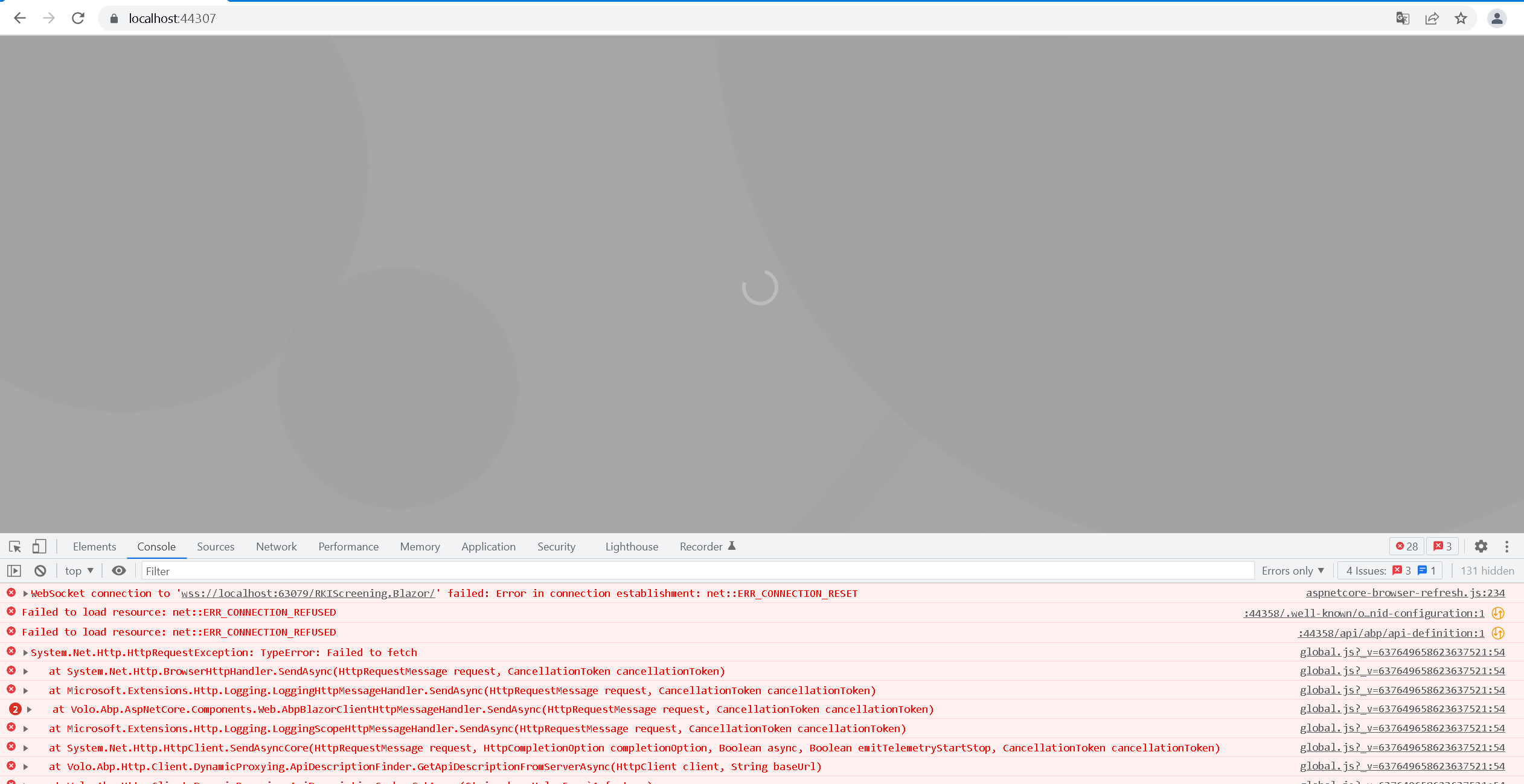
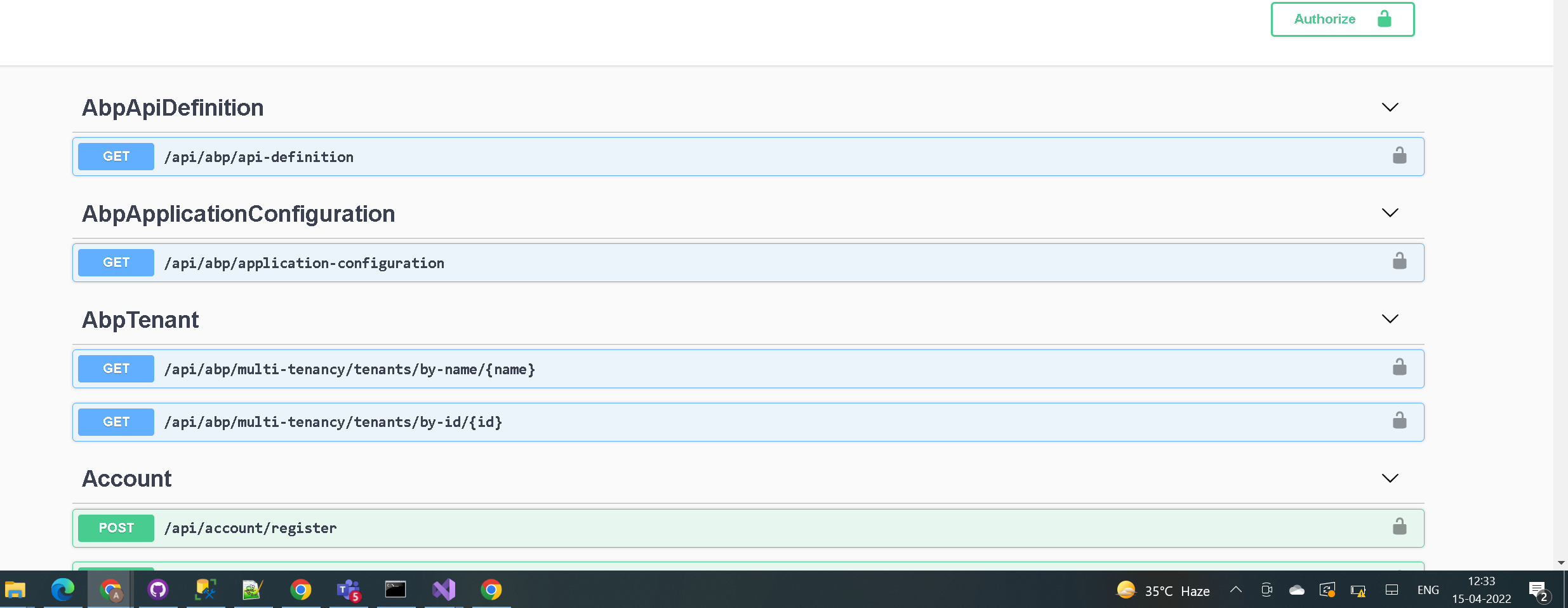
Does your .HttpApi.Host and .IdentityServer projects are running? It seems it couldn't get a response from localhost:44358 and localhost:63079
can u share mail id or can we connect on zoom?
Markdown supported.Copy, paste, or drag & drop images and files (max 100 MB per file, 100 MB total per post) -
0
Sure, you can send your project to engin.veske@volosoft.com.
are u checking?
I've checked and write you an email back, can you check and apply it?
Markdown supported.Copy, paste, or drag & drop images and files (max 100 MB per file, 100 MB total per post) -
0
Sure, you can send your project to engin.veske@volosoft.com.
are u checking?
I've checked and write you an email back, can you check and apply it?
yes it's working now thanks much :)
Markdown supported.Copy, paste, or drag & drop images and files (max 100 MB per file, 100 MB total per post)