






ABP Framework version: v5.2.1
UI type: Angular
DB provider: EF Core
Tiered (MVC) or Identity Server Separated (Angular): yes
Exception message and stack trace:
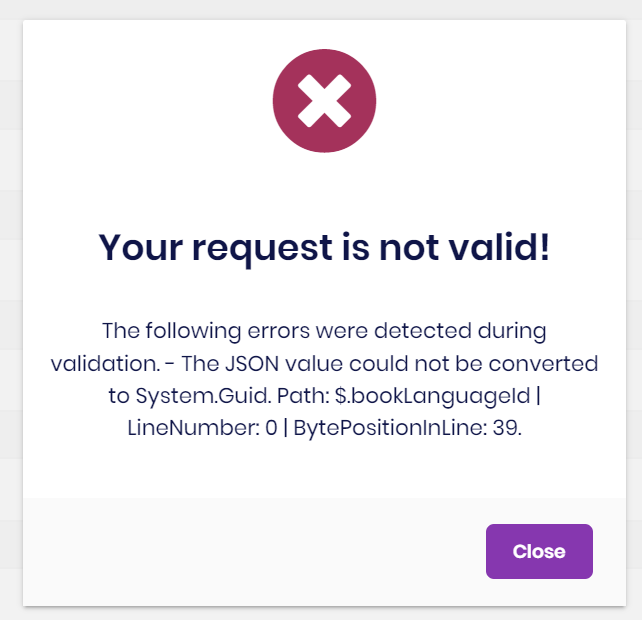
Steps to reproduce the issue:" How to change the default error validation message coming in angular UI during form submission? or How can I stop this validation, I used [DisableValidation] but still it is validating.
public Guid BookLanguageId { get; set; }
3 Answer(s)
-
0
Hi @shijo
The picture that you've posted, shows a json parsing error, it's not a validation error. That error occurs before the validation operation and that means, there is something wrong in bookLanguageId and it can't be parsed as Guid. **What do you send in that field? **
Make sure that can be parsed as Guid, or if it is nullable, make sure your property is nullable too.
Markdown supported.Copy, paste, or drag & drop images and files (max 100 MB per file, 100 MB total per post) -
0
This property is not nullable and I marked Required with an error message.
[Required(ErrorMessage ="Select a Book Language")] public Guid BookLanguageId { get; set; }I think I have to place angular form validators also.
bookLanguage: [null, Validators.required],Markdown supported.Copy, paste, or drag & drop images and files (max 100 MB per file, 100 MB total per post)


