






• ABP Framework version: v6.0.0.rc.2 Commercial • UI type: Angular • DB provider: EF Core
We activate Ldap from the interface of Abp io and fill in the information, but the error we get is that the information is incorrect. We also use ldap information at zero and we can connect run properly in other projects. We could not debug because we could not access the source code of the identity server module in abp suite.
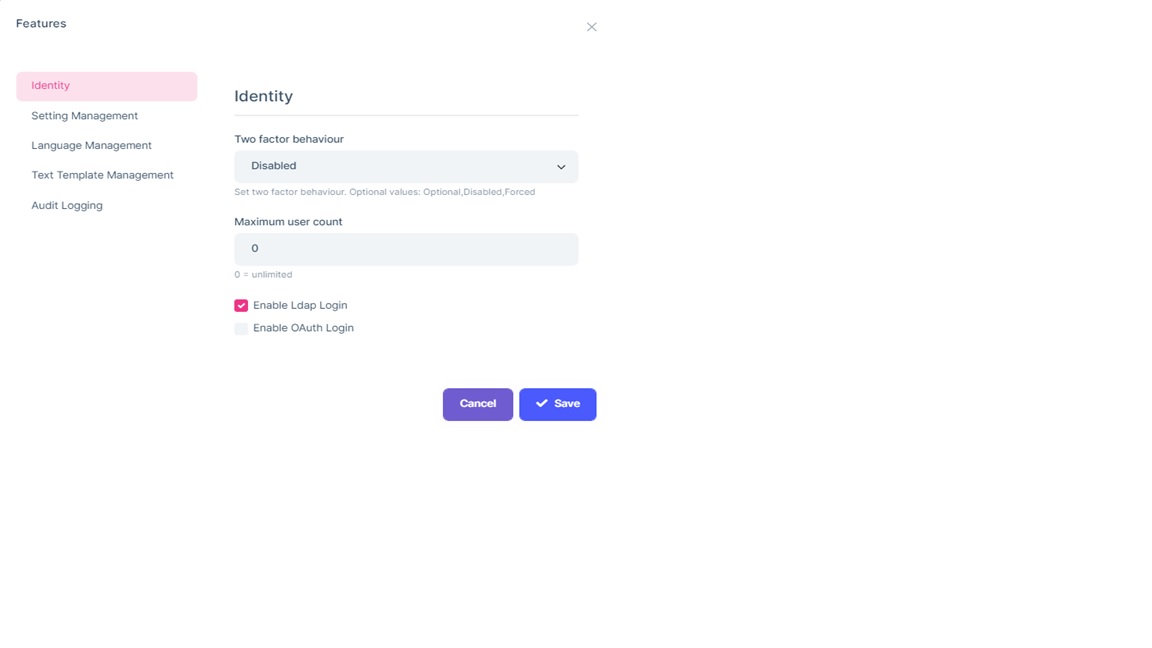
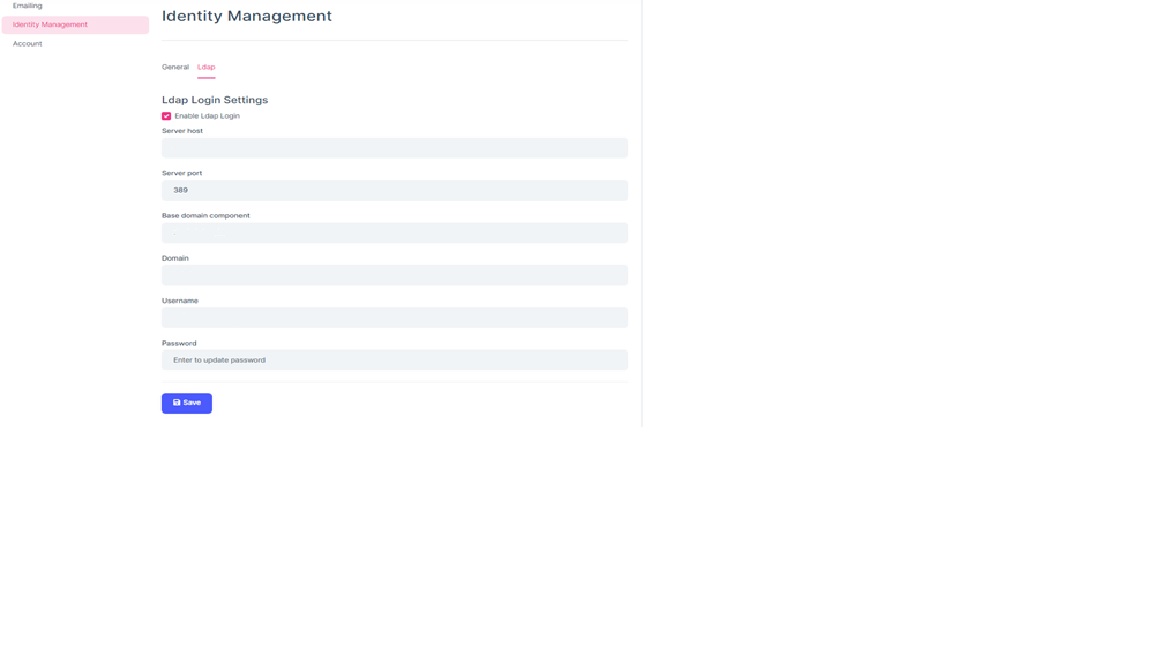
[ERR] Invalid Credentials. Invalid Credentials. Result: 49. Method: ldap_parse_result. Details: errorMessage: 80090308: LdapErr: DSID-0C09044E, comment: AcceptSecurityContext error, data 52e, v2580 matchedMessage: LdapForNet.LdapInvalidCredentialsException: Invalid Credentials. Invalid Credentials. Result: 49. Method: ldap_parse_result. Details: errorMessage: 80090308: LdapErr: DSID-0C09044E, comment: AcceptSecurityContext error, data 52e, v2580 matchedMessage: at LdapForNet.Native.LdapNative.ThrowIfError(SafeHandle ld, Int32 res, String method, IDictionary`2 details) at LdapForNet.LdapConnection.ThrowIfParseResultError(IntPtr msg) at LdapForNet.LdapConnection.BindAsync(LdapAuthType authType, LdapCredential ldapCredential) at Volo.Abp.Ldap.LdapManager.AuthenticateLdapConnectionAsync(ILdapConnection connection, String username, String password) at Volo.Abp.Ldap.LdapManager.AuthenticateAsync(String username, String password)
5 Answer(s)
-
0
hi
Please test your LDAP configuration via
AbpLdapSamplehttps://github.com/abpframework/abp-samples/blob/master/AbpLdapSample/AbpLdapSample/Program.cs
Markdown supported.Copy, paste, or drag & drop images and files (max 100 MB per file, 100 MB total per post) -
0
Hi We tried it on the console app, when the port was 3268, the application a success response, but when we changed it from the abp io interface, it still returned invalid credential
Markdown supported.Copy, paste, or drag & drop images and files (max 100 MB per file, 100 MB total per post) -
0
The port has changed. We added ou info to baseDc. Added sAMAccountName={testUserName} to SearchResults.
Markdown supported.Copy, paste, or drag & drop images and files (max 100 MB per file, 100 MB total per post)


