






- ABP Framework version: v5.3.3
- UI type: Blazor
- DB provider: EF Core
- Tiered (MVC) or Identity Server Separated (Angular): yes
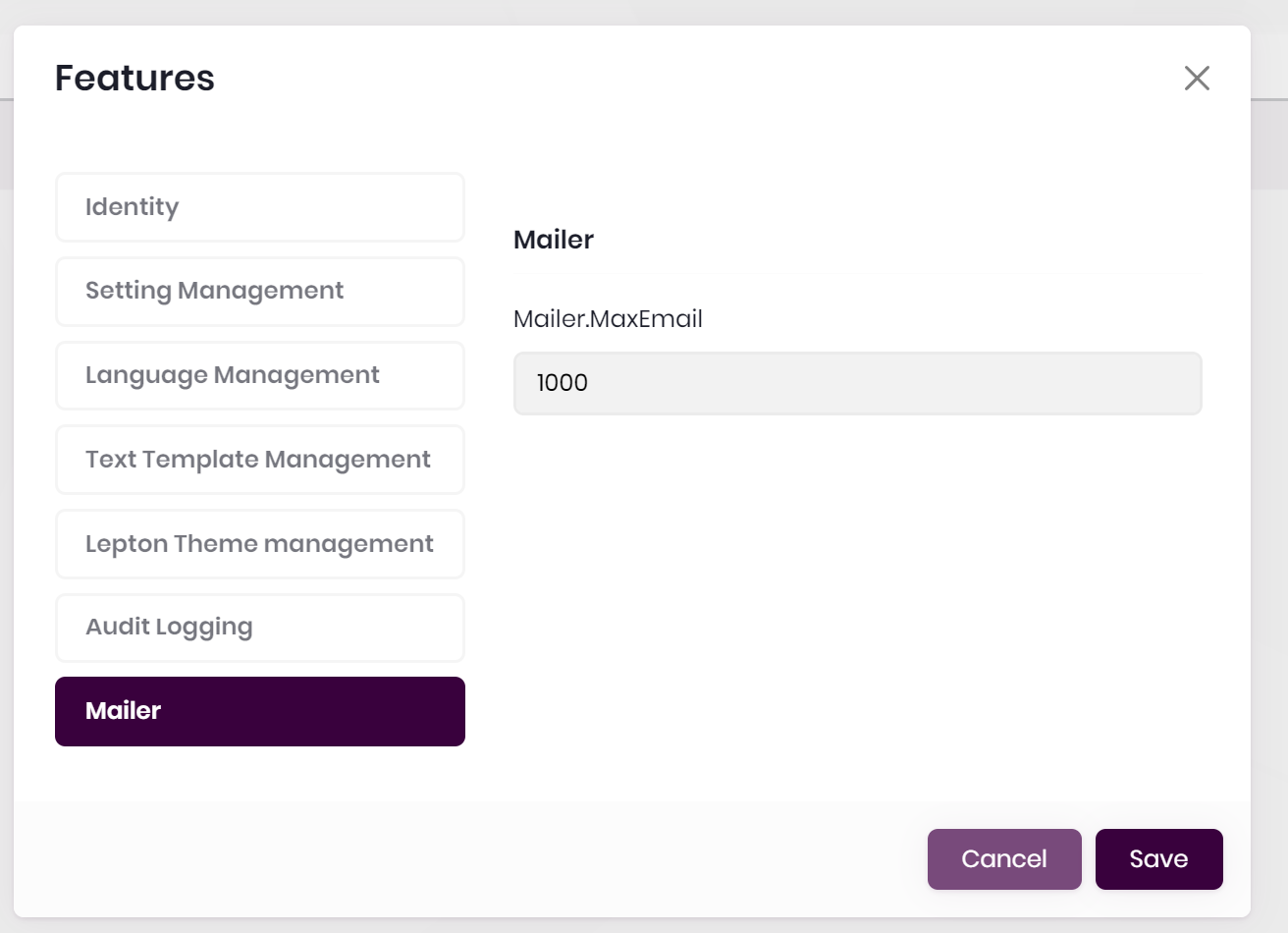
I've created some custom features, it seems that I can edit them at the 'edition' level in the blazor interface, but not at the tenant level. The textbox is disabled.
    public class MailerFeatures : FeatureDefinitionProvider
    {
    public static string GroupName = "Mailer";
    public static string MaxEmail => FeatureName("MaxEmail");

        public override void Define(IFeatureDefinitionContext context)
        {
            var group = context.AddGroup(GroupName);

            var maxUsers = group.AddFeature(
                MaxEmail,
                defaultValue: "1",
                valueType: new FreeTextStringValueType(
                    new NumericValueValidator(0, 1000000)), isVisibleToClients: true);

            // Here I tried settings the providers, made no difference.
            //maxUsers.WithProviders(new string[] { TenantFeatureValueProvider.ProviderName, EditionFeatureValueProvider.ProviderName });

        }

        private static string FeatureName(string name)
        {
            return $"{GroupName}.{name}";
        }
    }
This is the disabled textarea:
11 Answer(s)
-
0
Hi,
Sorry for my late reply to your question. I've tried to reproduce the same issue but couldn't do it. It's working correctly on Blazor and MVC UIs.
I'd like to warn you about the
Editionsmenu. It may affect your configuration and may not let you change this field.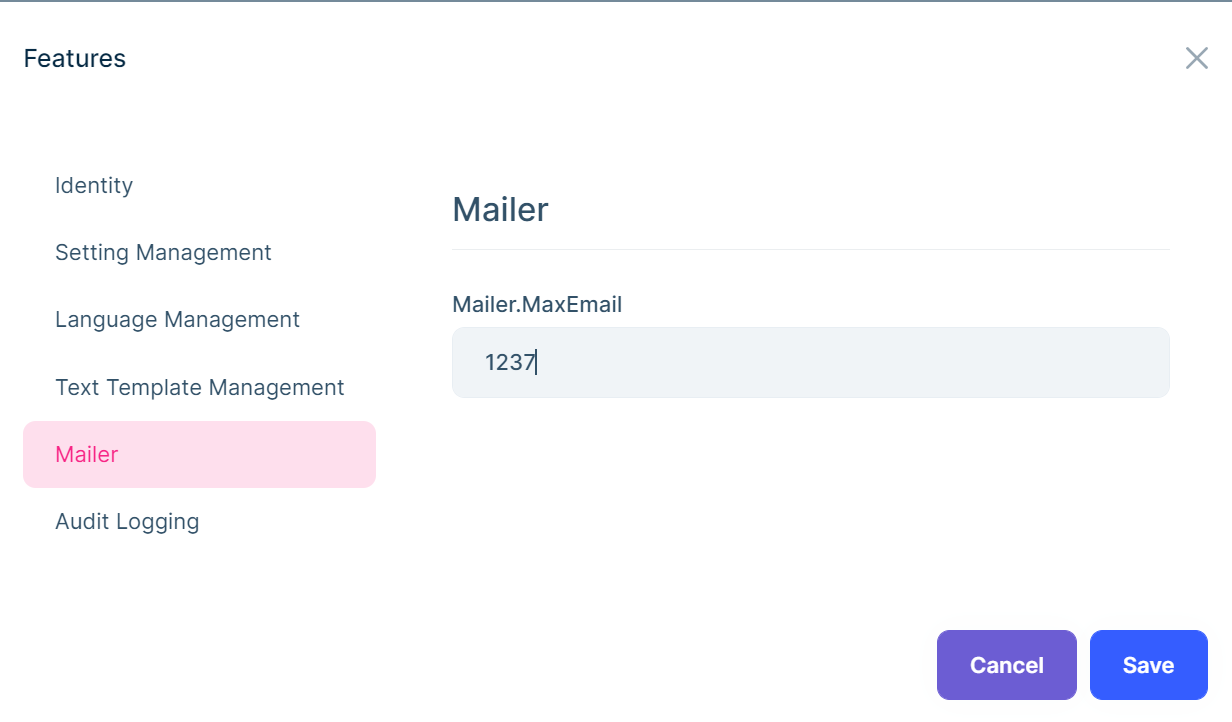
Regards
Markdown supported.Copy, paste, or drag & drop images and files (max 100 MB per file, 100 MB total per post) -
0
I'd like to warn you about the Editions menu. It may affect your configuration and may not let you change this field.
Thanks for the response!
I'm not sure what you mean by this, how does the editions menu affect the configuration?
Markdown supported.Copy, paste, or drag & drop images and files (max 100 MB per file, 100 MB total per post) -
0
-
0
If I'm understanding correctly, the providers are run in: Tenant, Edition, Default; order. Each overriding the previous.
Since Tenant cannot override Edition, the UI disables setting it at Tenant Level?
Markdown supported.Copy, paste, or drag & drop images and files (max 100 MB per file, 100 MB total per post) -
0
Yes, that's correct.
Markdown supported.Copy, paste, or drag & drop images and files (max 100 MB per file, 100 MB total per post) -
0
The point is that this is the wrong way around, and I'm guessing by mistake, not by design.
Specific items would always override group permissions. To use a file system as an example, a file permission would override the inherited folder permission. With ABP you have it the other way around which has no use case that I can see.
It should be:
Tenant default permissions are inherited from Edition, but permissions set on the tenant are not overwritten by Edition.
Example. If a feature is causing an issue for a specific customer, we would disable it on their tenant, not the entire edition.
Markdown supported.Copy, paste, or drag & drop images and files (max 100 MB per file, 100 MB total per post) -
0
With regard to the message from @dmeagor, it does seem that it is not the correct functionality. Why did you close the ticket?
Is there any way that it can be made to function in a desirable way?
Markdown supported.Copy, paste, or drag & drop images and files (max 100 MB per file, 100 MB total per post) -
0
With regard to the message from @dmeagor, it does seem that it is not the correct functionality. Why did you close the ticket?
Is there any way that it can be made to function in a desirable way?
Hi Luke,
Sorry to close the issue. I thought your issue was solved hence ignored @dmeagor. I think you're in the same team. I've raised your issue with the team and asap will return to you asap.
Regards.
Markdown supported.Copy, paste, or drag & drop images and files (max 100 MB per file, 100 MB total per post) -
0
Hi Luke,
Sorry for the late answer. The team reproduced the issue and created an internal ticket for it.
The business of logic should be
Tenant->Edition->DefaultFYI / Regards.
Markdown supported.Copy, paste, or drag & drop images and files (max 100 MB per file, 100 MB total per post) -
0
Once you set any feature for tenant, that is accepted and Edition features doesn't affect anymore.
So we decided to make a development for that experience.
https://github.com/abpframework/abp/issues/14470
Markdown supported.Copy, paste, or drag & drop images and files (max 100 MB per file, 100 MB total per post)



