






0
catalin.cernat@relevance.ro created
- ABP Framework version: v6.0.1
- UI type: Blazor WASM
- DB provider: EF Core
- Tiered (MVC) or Identity Server Separated (Angular): no
- Exception message and stack trace:
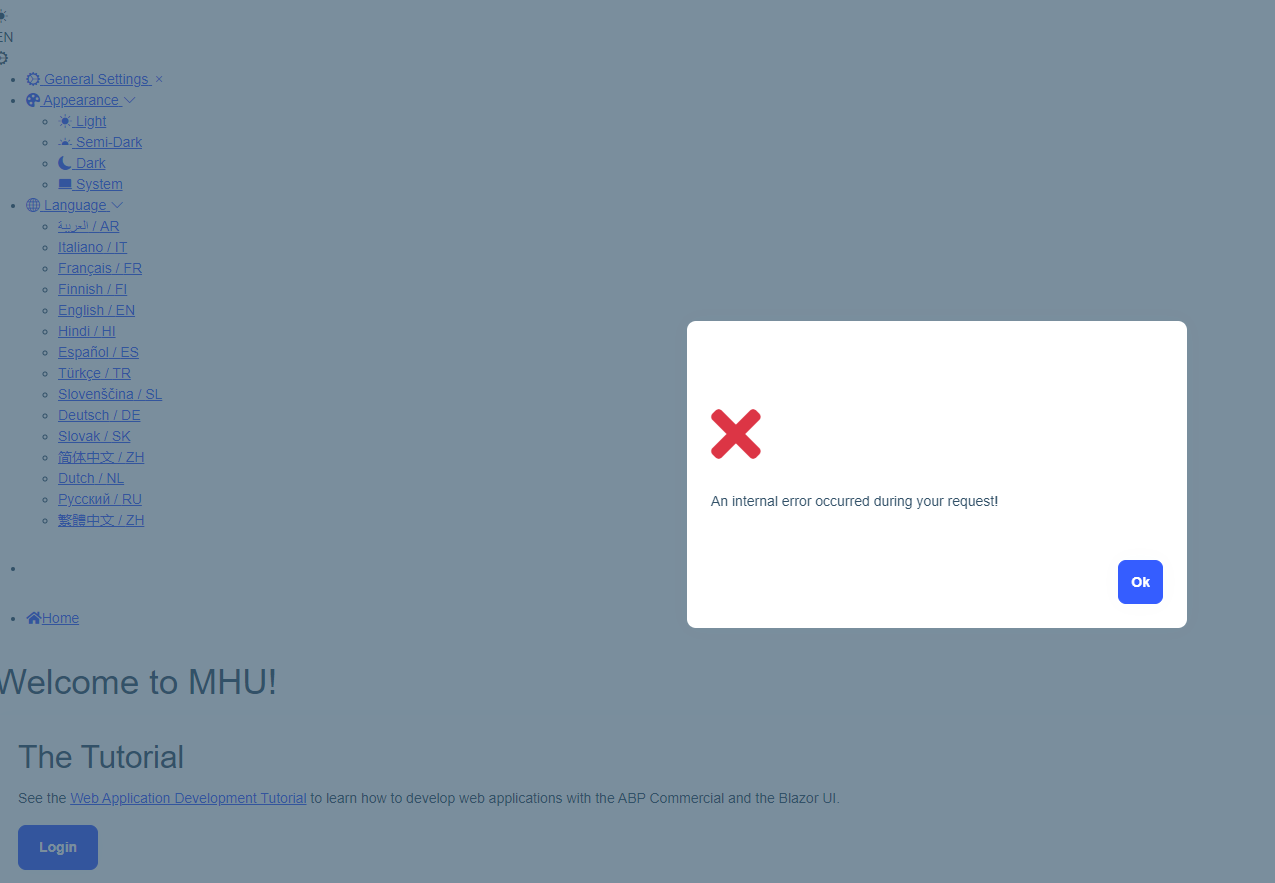
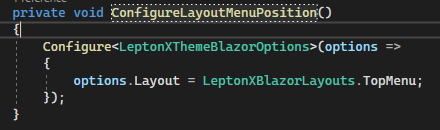
- Steps to reproduce the issue:" New solution from ABP suite, try change the main menu layout to top menu.
Markdown supported.
Copy, paste, or drag & drop images and files (max 100 MB per file, 100 MB total per post)
6 Answer(s)
-
0
I am sorry, is this a joke? Why you treat your commercial customers like that?
3 days and no reply?
Still can't render a TopMenu layout for Blazor WASM app.
Am I doing something wrong? Did you manage to reproduce the error?
Markdown supported.Copy, paste, or drag & drop images and files (max 100 MB per file, 100 MB total per post) -
0
Hi ccernat,
In the Blazor WASM, you should complete following steps after layout changing:
- Configure in Module class (You already did this)
Configure<LeptonXThemeBlazorOptions>(options => { options.Layout = LeptonXBlazorLayouts.TopMenu; });- Update the following section in appsettings.json
"AbpCli": { "Bundle": { "Mode": "BundleAndMinify", /* Options: None, Bundle, BundleAndMinify */ "Name": "global", "Parameters": { "LeptonXTheme.Layout": "top-menu" } } }- Run
abp bundlecommand
Markdown supported.Copy, paste, or drag & drop images and files (max 100 MB per file, 100 MB total per post) -
0
Hi, @enisn!
I confirm that now the menu is properly rendered.
Please do not count this towards my allotted number of yearly support questions, as the solution was generated with an appsettings.json for the Blazor UI with a bad configuration.
There was no mention of this in the documentation, at least I couldn't find it.
Thank you very much for your assistance!
Issue can be closed.
Markdown supported.Copy, paste, or drag & drop images and files (max 100 MB per file, 100 MB total per post)



