






- ABP Framework version: v7.2.1
- UI type: Angular
- DB provider: EF Core / MSSQL
- Tiered (MVC) or Auth Server Separated (Angular): MVC
- Exception message and stack trace:
- Steps to reproduce the issue:"
Hi Team,
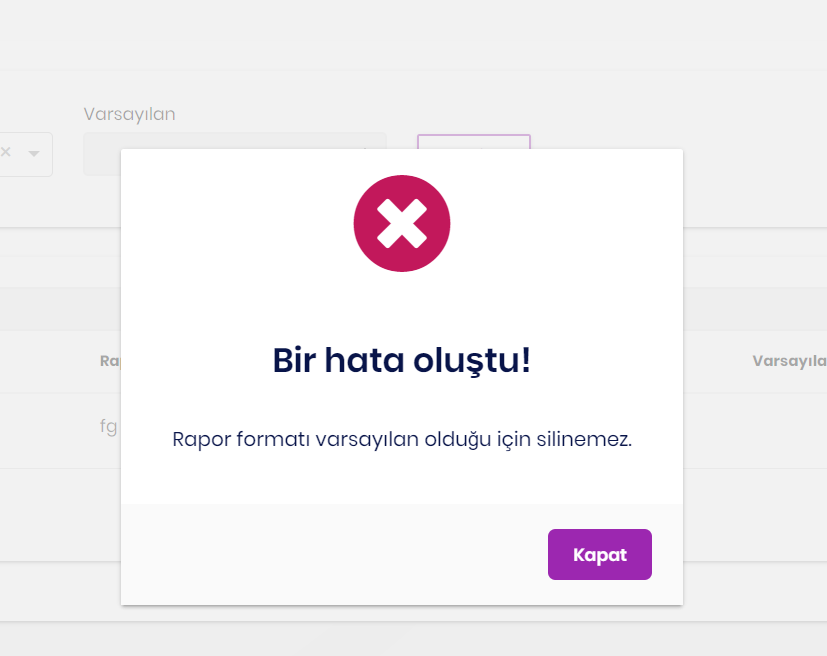
We upgraded to 7.2.1 while using abp framework 4.3.3. When we launched an error in the 4.3.3 version, the UserFriendlyException was displayed directly on the screen, but after the version upgrade, the following screen started to appear.
throw userfriendlyexception for 4.3.3
throw userfriendlyexception for 7.2.1
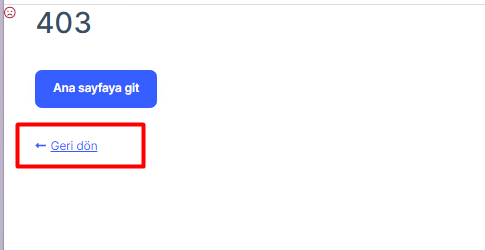 click to button
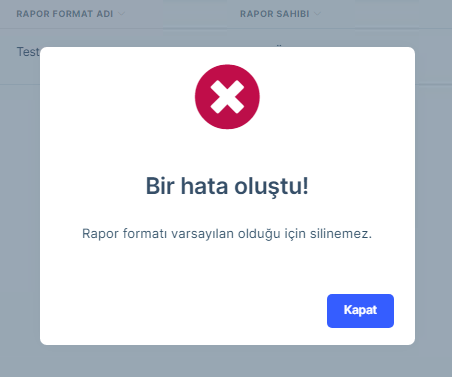
I see the error message when going to the page when I click the return button. It can provide a solution for this.
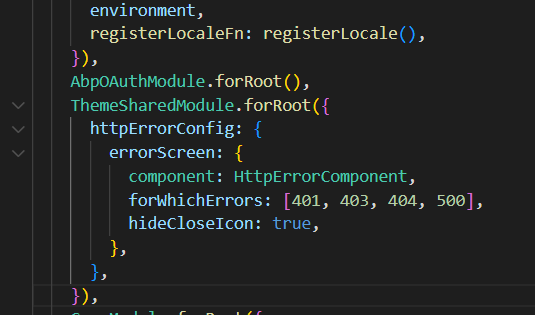
I'm waiting for your help thanks
9 Answer(s)
-
0
Hi, could you please check this -> https://docs.abp.io/en/abp/latest/UI/Angular/HTTP-Requests?&_ga=2.220204440.1400792527.1689928654-2052240292.1653998950#http-error-handling
regards,
Markdown supported.Copy, paste, or drag & drop images and files (max 100 MB per file, 100 MB total per post) -
0
http-error-handler.ts not found. my version 7.2.1
Markdown supported.Copy, paste, or drag & drop images and files (max 100 MB per file, 100 MB total per post) -
0
You can create and configure "http-error-handler.ts" file.
Markdown supported.Copy, paste, or drag & drop images and files (max 100 MB per file, 100 MB total per post) -
0
thanks worked
Markdown supported.Copy, paste, or drag & drop images and files (max 100 MB per file, 100 MB total per post) -
0
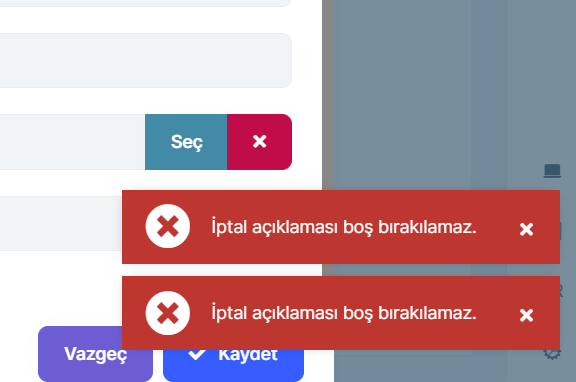
thanks worked but sometimes twice throw error message
 Markdown supported.Copy, paste, or drag & drop images and files (max 100 MB per file, 100 MB total per post)
 -
0
Could you please share that error message in English?
Markdown supported.Copy, paste, or drag & drop images and files (max 100 MB per file, 100 MB total per post) -
0
I can , but this custom message comes from tr.json file so it doesn't matter, My problem twice toaster message
Markdown supported.Copy, paste, or drag & drop images and files (max 100 MB per file, 100 MB total per post) -
0
Ok let me check and revert you soon.
Markdown supported.Copy, paste, or drag & drop images and files (max 100 MB per file, 100 MB total per post) -
0
May I know ,when you receive that error messages? after hitting the save button or whether it is generated automatically.
Markdown supported.Copy, paste, or drag & drop images and files (max 100 MB per file, 100 MB total per post)


