0
enes.koroglu created
- ABP Framework version: v5.2.1
- UI type: Angular
- DB provider: EF Core
- Tiered (MVC) or Identity Server Separated (Angular): no
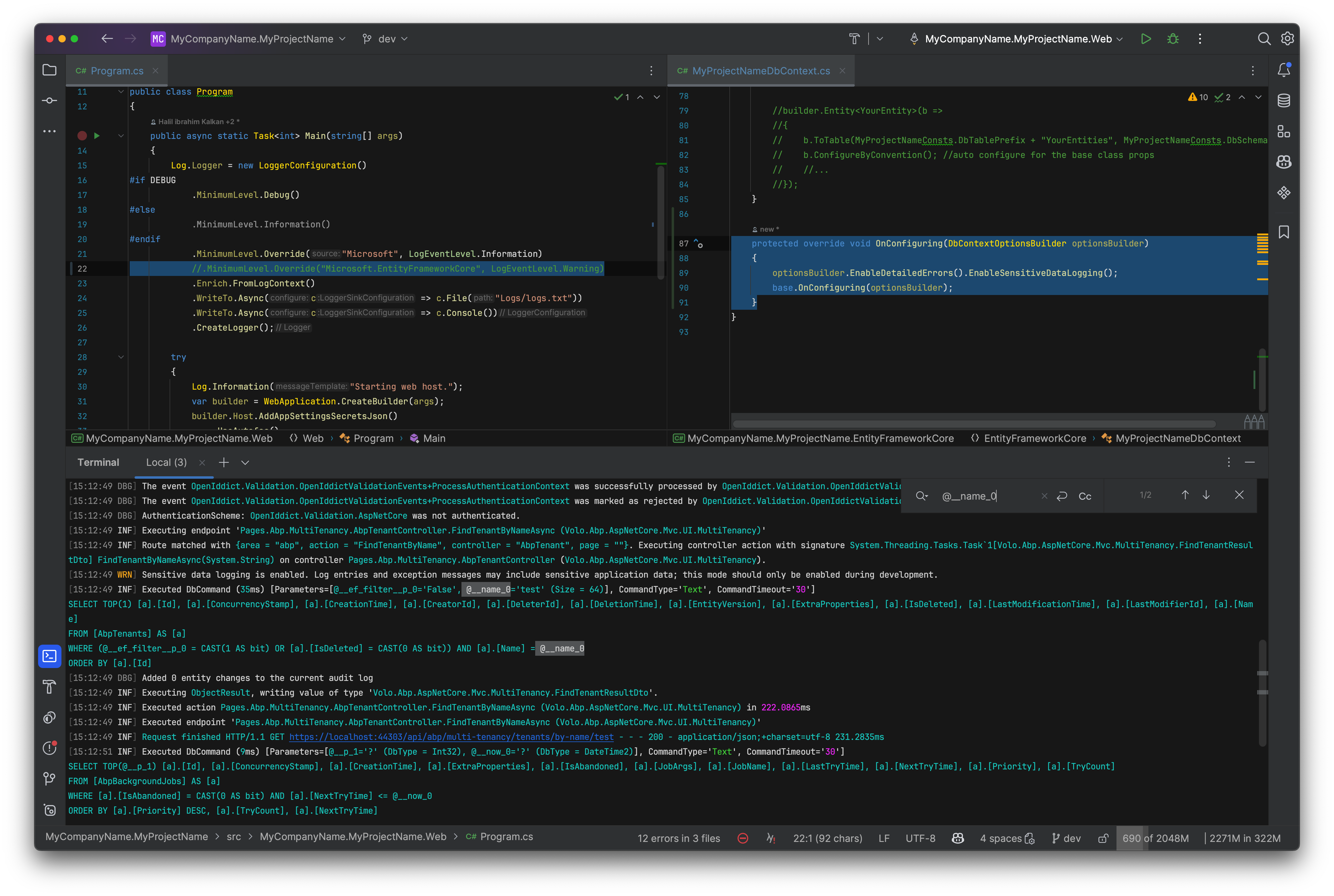
We have below query in logfile but i want to see parameters' details. I tried adding .EnableSensitiveDataLogging(); at then end of var builder = new DbContextOptionsBuilder<FFEDbContext>().UseNpgsql(configuration.GetConnectionString("Default")).EnableSensitiveDataLogging(); command in ContextFactory class' CreateDbContext method.
Also tried maliming's suggestion on github like below in FFEEntityFrameworkCoreModule class' ConfigureServices method, sequentially commented 2 lines and the line which is commented out as 3rd option. But nothing changed in logs. How can i see parameter values in logs?
        Configure<AbpDbContextOptions>(options =>
        {
            options.Configure(context =>
            {
                //context.DbContextOptions.UseLoggerFactory(new LoggerFactory(new[] { new ConsoleLoggerProvider((_, __) => true, true) }));
                //context.DbContextOptions.UseLoggerFactory(context.ServiceProvider.GetService<ILoggerFactory>());
                context.DbContextOptions.UseLoggerFactory(LoggerFactory.Create(builder => { builder.AddConsole(); }));
		context.DbContextOptions.EnableDetailedErrors();
                context.DbContextOptions.EnableSensitiveDataLogging();
            });
            options.UseNpgsql();
        });
Log content:
Executed DbCommand (7,080ms) [Parameters=[@__ef_filter__p_5='?' (DbType = Boolean), @__ef_filter__p_6='?' (DbType = Boolean), @__ef_filter__CurrentTenantId_7='?' (DbType = Guid), @__ef_filter__p_8='?' (DbType = Boolean), @__ef_filter__CurrentProjectId_9='?' (DbType = Int32), @__ef_filter__p_0='?' (DbType = Boolean), @__ef_filter__p_1='?' (DbType = Boolean), @__ef_filter__CurrentTenantId_2='?' (DbType = Guid), @__ef_filter__p_3='?' (DbType = Boolean), @__ef_filter__CurrentProjectId_4='?' (DbType = Int32), @__ToLower_0='?', @__filterText_1='?', @__NormalizeFFE_2='?', @__p_4='?' (DbType = Int32), @__p_3='?' (DbType = Int32)], CommandType='"Text"', CommandTimeout='30']
SELECT a."Id", a0."Id" AS "Id0", t."Id" AS "Id1", t0."Id" AS "Id2", a."CreationTime"
FROM public."AppGowihs" AS a
LEFT JOIN public."AppMarketPlaces" AS a0 ON a."MarketPlaceId" = a0."Id"
LEFT JOIN (
	SELECT a1."Id", a1."Name"
	FROM "AppCompanies" AS a1
	WHERE (a1."Type" = 6) AND (((@__ef_filter__p_5 OR NOT (a1."IsDeleted")) AND (@__ef_filter__p_6 OR (a1."TenantId" = @__ef_filter__CurrentTenantId_7))) AND (@__ef_filter__p_8 OR (a1."ProjectId" = @__ef_filter__CurrentProjectId_9)))
) AS t ON a."InvoceToId" = t."Id"
INNER JOIN (
	SELECT a2."Id", a2."NameNormalized"
	FROM "AppCompanies" AS a2
	WHERE (a2."Type" = 4) AND (((@__ef_filter__p_5 OR NOT (a2."IsDeleted")) AND (@__ef_filter__p_6 OR (a2."TenantId" = @__ef_filter__CurrentTenantId_7))) AND (@__ef_filter__p_8 OR (a2."ProjectId" = @__ef_filter__CurrentProjectId_9)))
) AS t0 ON a."ShipToId" = t0."Id"
WHERE (((@__ef_filter__p_0 OR NOT (a."IsDeleted")) AND (@__ef_filter__p_1 OR (a."TenantId" = @__ef_filter__CurrentTenantId_2))) AND (@__ef_filter__p_3 OR (a."ProjectId" = @__ef_filter__CurrentProjectId_4))) AND (((((((@__ToLower_0 = '') OR (strpos(lower(a."Id"), @__ToLower_0) > 0)) OR ((@__filterText_1 = '') OR (strpos(a."OrderNo", @__filterText_1) > 0))) OR ((@__ToLower_0 = '') OR (strpos(lower(a."MarketPlaceOrderNo"), @__ToLower_0) > 0))) OR ((@__ToLower_0 = '') OR (strpos(lower(a0."Name"), @__ToLower_0) > 0))) OR ((@__NormalizeFFE_2 = '') OR (strpos(t0."NameNormalized", @__NormalizeFFE_2) > 0))) OR ((@__ToLower_0 = '') OR (strpos(lower(t."Name"), @__ToLower_0) > 0)))
ORDER BY a."CreationTime" DESC
LIMIT @__p_4 OFFSET @__p_3
Markdown supported.
Copy, paste, or drag & drop images and files (max 100 MB per file, 100 MB total per post)
2 Answer(s)
-
0
Thanks, it worked
Markdown supported.Copy, paste, or drag & drop images and files (max 100 MB per file, 100 MB total per post)