






MVC v3.3.2
I added a new entity with a one-to-many relationship. Even with no data, when I try to load the UI grid, I get this:
Your request is not valid! The following errors were detected during validation.
- The value '—' is not valid for XXXXXId.
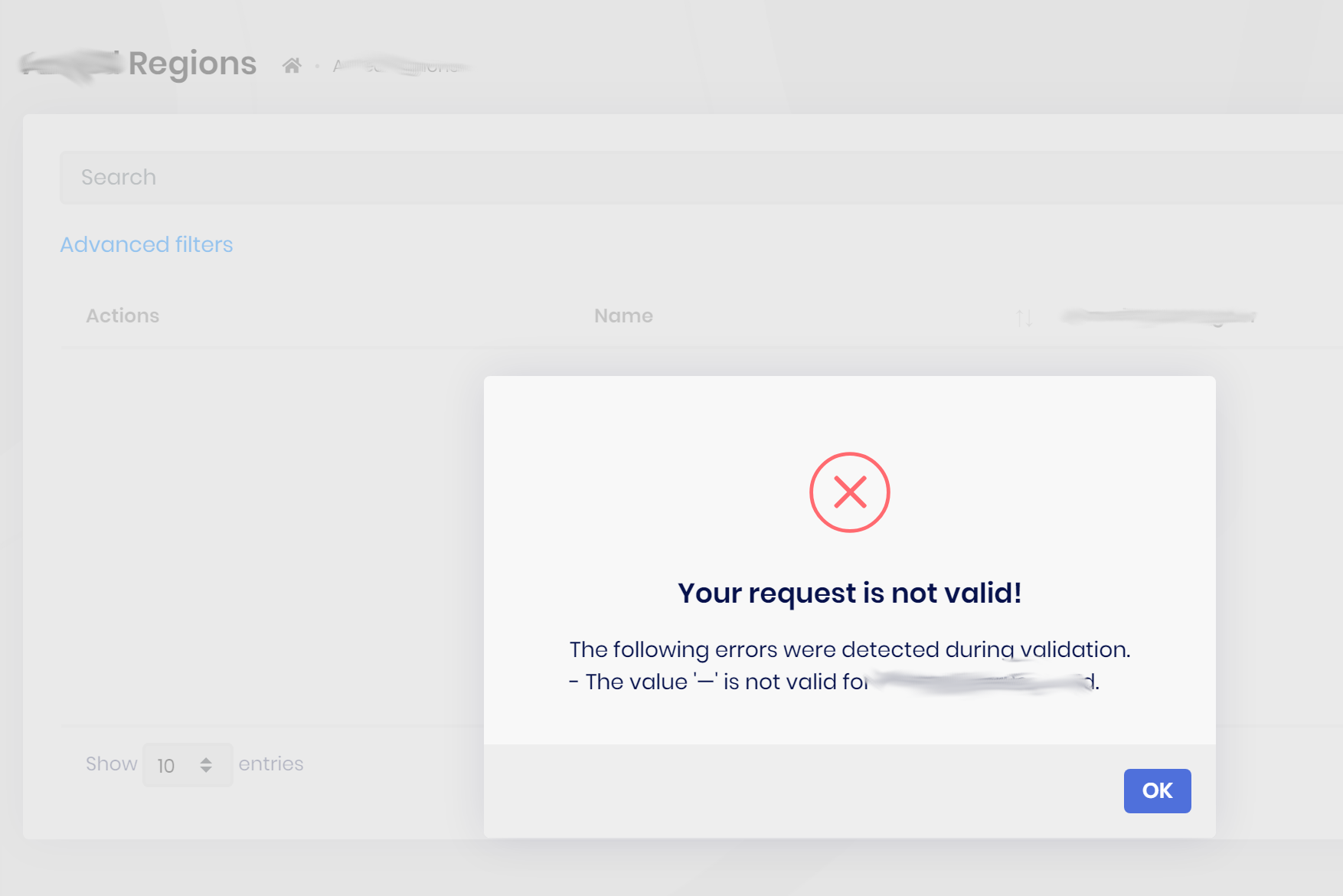
Even with good data (i.e. none of the rows have a null XXXXXId, I get the same error.
7 Answer(s)
-
0
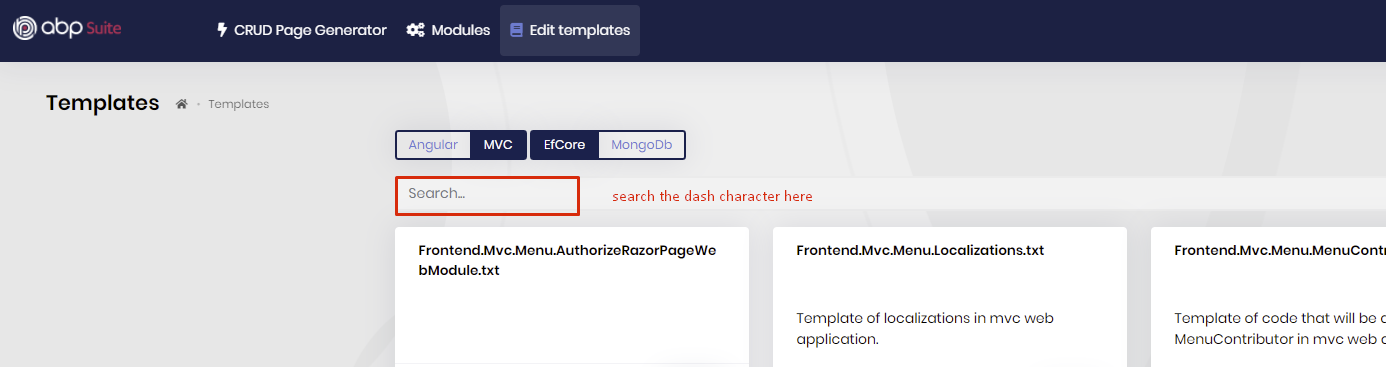
this character is in these templates:
createjs_DropdownFunctions.txt,editjs_DropdownFunctions.txtandIndexjs_NavigationPropertyDropdownOpenEditModalArgs.txt.When I check it in v3.3.2 (Suite) I don't see the dash char.
Markdown supported.Copy, paste, or drag & drop images and files (max 100 MB per file, 100 MB total per post) -
0
I suggest you to delete all bin & obj folders (close visual studio before) because sometimes 3.3.0 files remain in the bin folders
what I say, you can search the texts in the Suite templates, see
 Markdown supported.Copy, paste, or drag & drop images and files (max 100 MB per file, 100 MB total per post)
 -
0
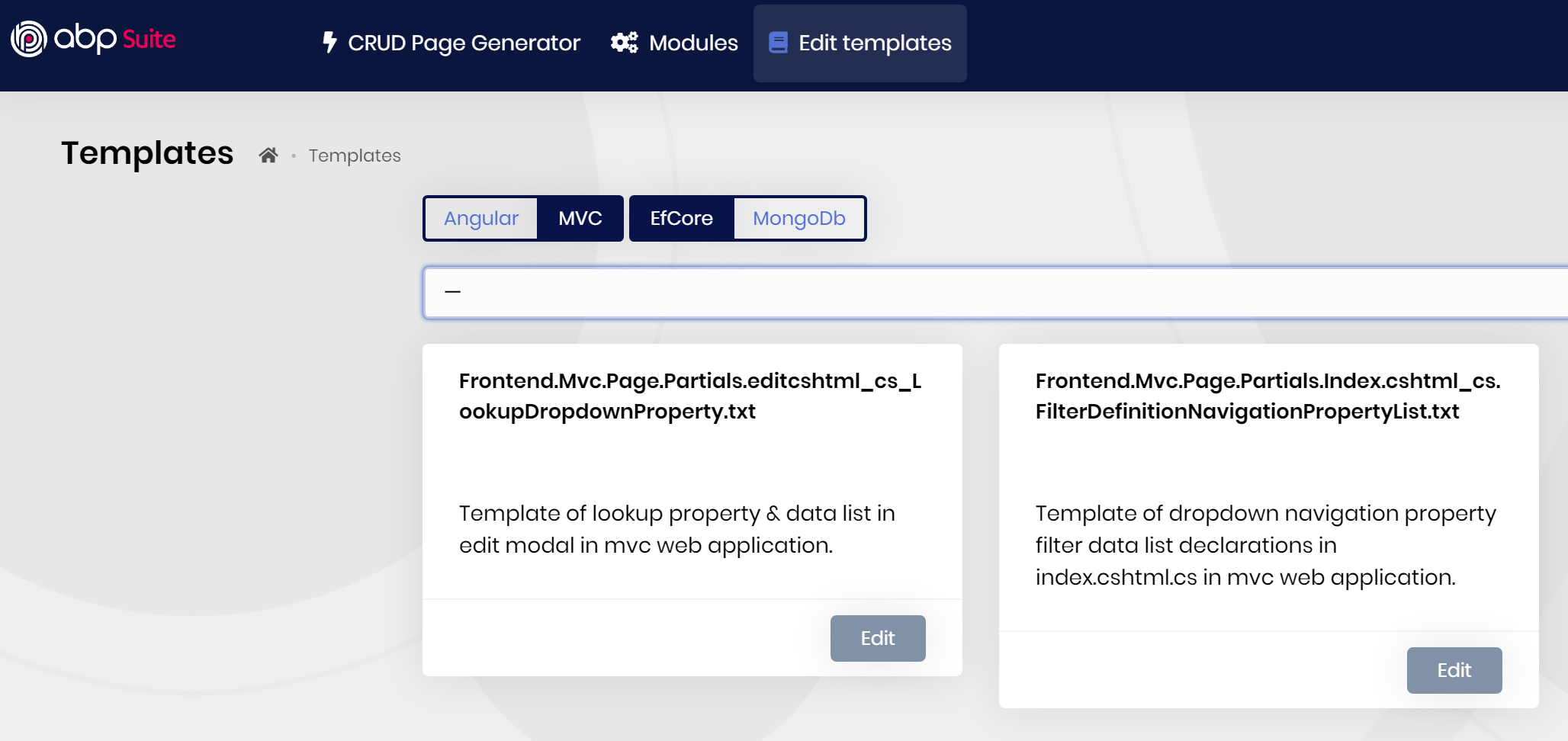
OK yes, we are on 3.3.2 (CLI, Suite, and Solution), and yes the bin and obj have been cleared, and yes the character does appear in 2 templates, and yes the problem is still occurring.
 Markdown supported.Copy, paste, or drag & drop images and files (max 100 MB per file, 100 MB total per post)
 -
0
to fix this, you can update the following templates:
editcshtml_cs_LookupDropdownProperty.txt
        public List<SelectListItem> %%np-entity-name%%LookupList { get; set; } = new List<SelectListItem>
        {
            new SelectListItem(string.Empty, %%np-entity-type-as-empty%%)
        };
Index.cshtml_cs.FilterDefinitionNavigationPropertyList.txt
        public List<SelectListItem> %%np-entity-name%%LookupList { get; set; } = new List<SelectListItem>
        {
            new SelectListItem(string.Empty, %%np-entity-type-as-empty%%)
        };
PS: this will be fixed in the next version.
Markdown supported.Copy, paste, or drag & drop images and files (max 100 MB per file, 100 MB total per post)



