- ABP Framework version: v8.0.1
- UI Type: MVC
- Database System: EF Core & MongoDB
- Tiered (for MVC) or Auth Server Separated (for Angular): yes
- Exception message and full stack trace:
- Steps to reproduce the issue:
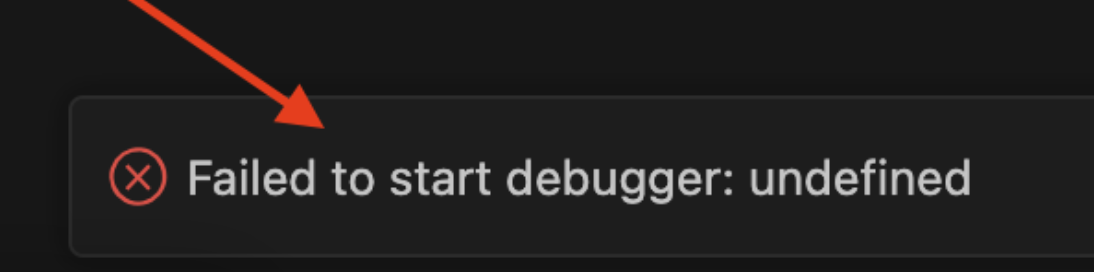
Hi there, i want to ask about the Application Test here, when i used version 7.0, it can use the Debug Test well. But after up to version 8.0, it become unable to debug my test.
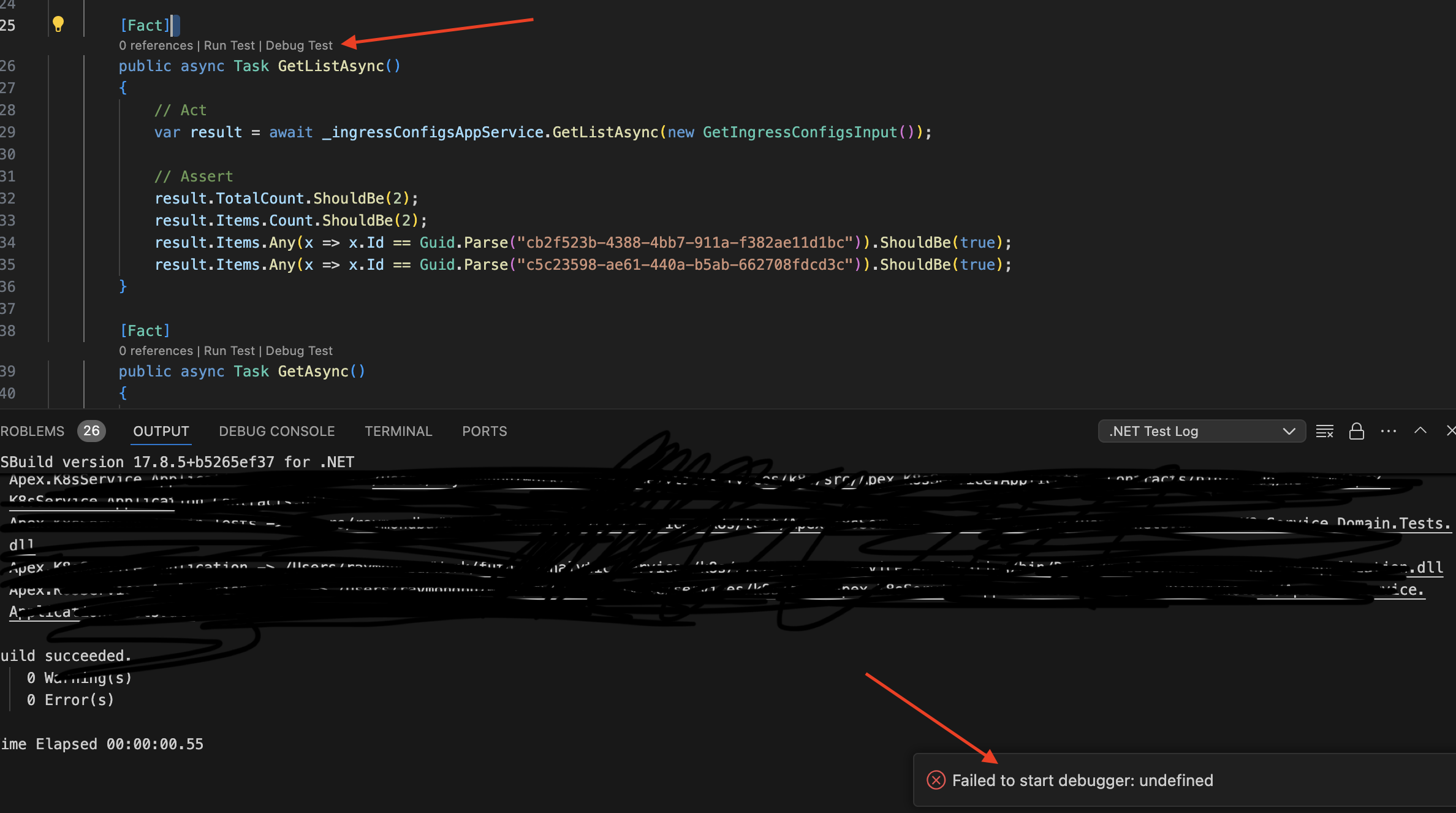
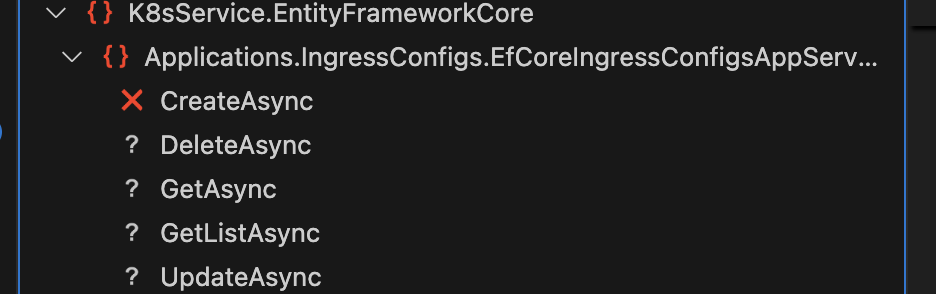
these are the default abp suite generated test, but it keep failed, thats why i want to go into debug mode but failed too, however i managed to run the debug test for the repository test, but anyway it failed because of the data was not seeded, is there any amendment i can try to resolve this situation?
13 Answer(s)
-
0
i got these when run dotnet run in Application.Test
 Markdown supported.Copy, paste, or drag & drop images and files (max 100 MB per file, 100 MB total per post)
 -
0
Hi there, please check accordingly
Markdown supported.Copy, paste, or drag & drop images and files (max 100 MB per file, 100 MB total per post) -
0
i unable to send through the whole project, its too huge.
Markdown supported.Copy, paste, or drag & drop images and files (max 100 MB per file, 100 MB total per post) -
0
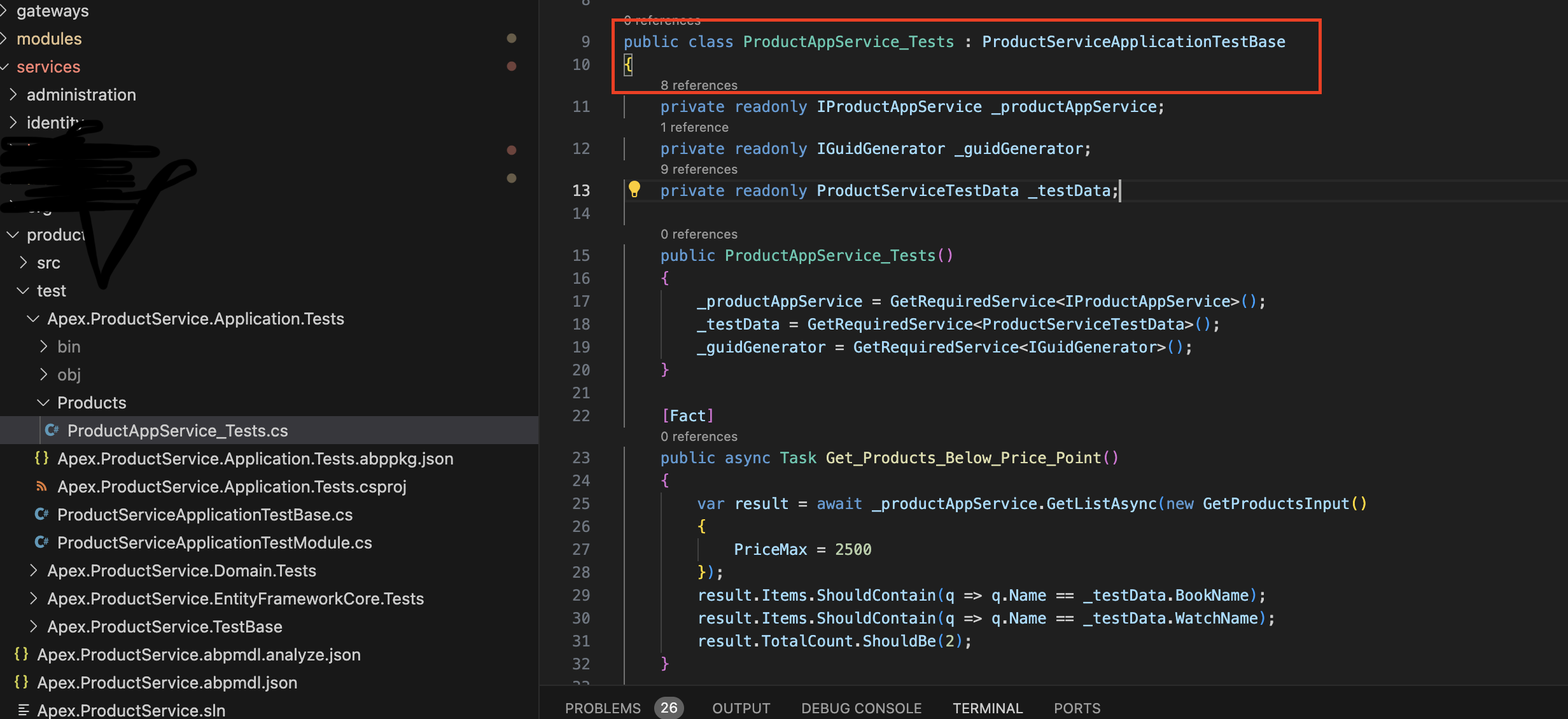
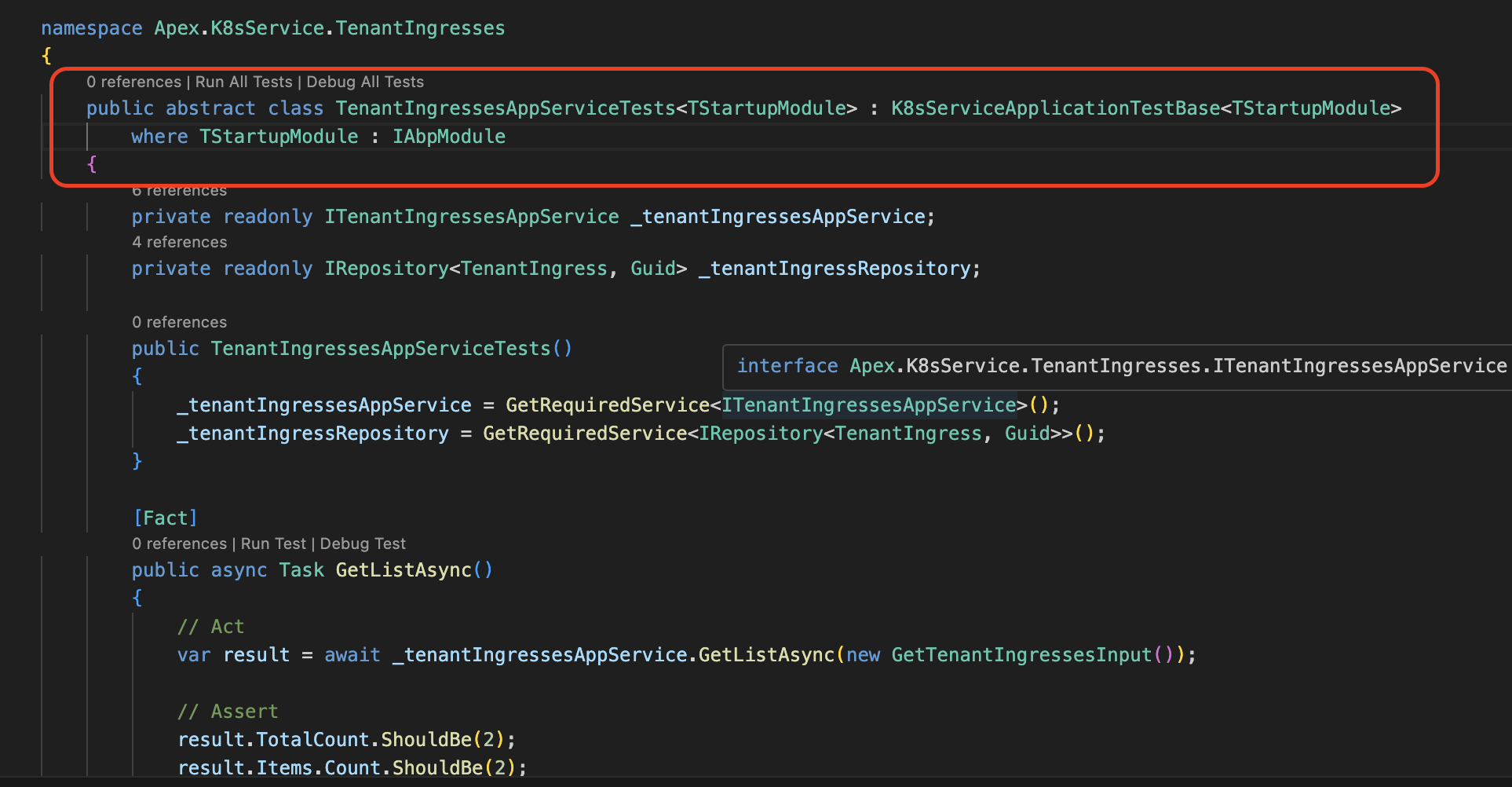
i have checked, the product test project that auto created when create new solution from microservice template using abp suite, code wise is different from the new microservice that we create using the abp command to add microservice-pro and use abp suite to create new entity
Product Application Test
Custom Microservice Application Test
 Markdown supported.Copy, paste, or drag & drop images and files (max 100 MB per file, 100 MB total per post)
 -
0
im using this command, and my cli remains 8.0.1.
abp new OrderService -t microservice-service-pro
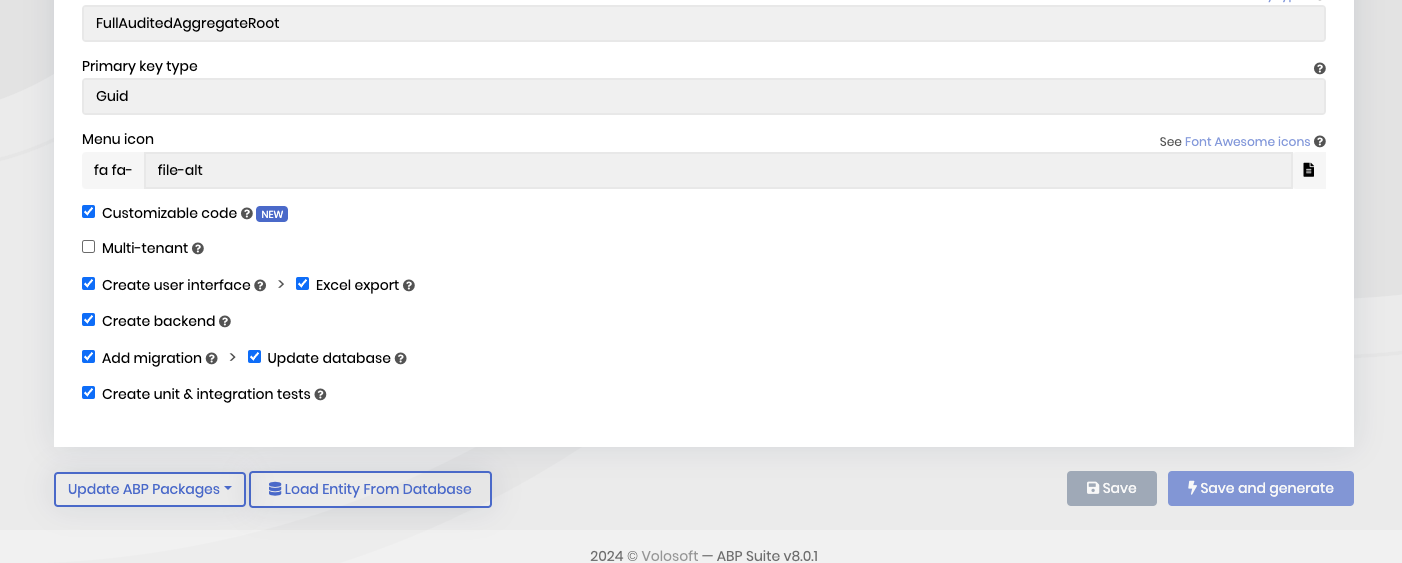
but anyway is not this command affect, because the sample test is correct, just that the one create from abp suite CRUD generator, ticked the
Create unit & integration testsMarkdown supported.Copy, paste, or drag & drop images and files (max 100 MB per file, 100 MB total per post) -
0
Im using Microservice template.
Markdown supported.Copy, paste, or drag & drop images and files (max 100 MB per file, 100 MB total per post)