






ABP Commercial 7.4.2 / Blazor Server / EF / Non tiered / Separate Host and Tenant DBs / Lepton Theme
Hi We have a javascript implementation that will auto logout a user after a certain period of inactivity in the browser which works great.
We'd like to enhance security by providing a server level timeout. Currently if a logged in user closes the browser tab. The user is perpetually still logged in when navigating back to the app.
Is there a way to configure an ABP Blazor Server solution to auto logout/expire a session after a certain period of inactivity at the server level?
Thanks in advance.
5 Answer(s)
-
0
Hi,
you can try
services.ConfigureApplicationCookie(options =>
{
    options.ExpireTimeSpan = TimeSpan.FromMinutes(10);
    options.SlidingExpiration = true;
});
Markdown supported.Copy, paste, or drag & drop images and files (max 100 MB per file, 100 MB total per post) -
0
When we manually delete cookies for this question;
- After deleting a cookie in a monolithic application and refreshing the page with F5, it goes directly to the Login page.
- However, in an N-Tiered (Auth-BlazorServer-ApiHost) application, after deleting a cookie from the browser and refreshing the page with F5, it goes to the Auth application and returns with a redirect, continuing as logged in.
What can be done about this?
Markdown supported.Copy, paste, or drag & drop images and files (max 100 MB per file, 100 MB total per post) -
0
Hi,
you can try
services.ConfigureApplicationCookie(options =>
{
    options.ExpireTimeSpan = TimeSpan.FromMinutes(10);
    options.SlidingExpiration = true;
});
We added this and it had no affect. The user continues to stay logged in after the specified ExpireTimeSpan. During that timespan, no requests were sent to the server.
Markdown supported.Copy, paste, or drag & drop images and files (max 100 MB per file, 100 MB total per post) -
0
Hi,
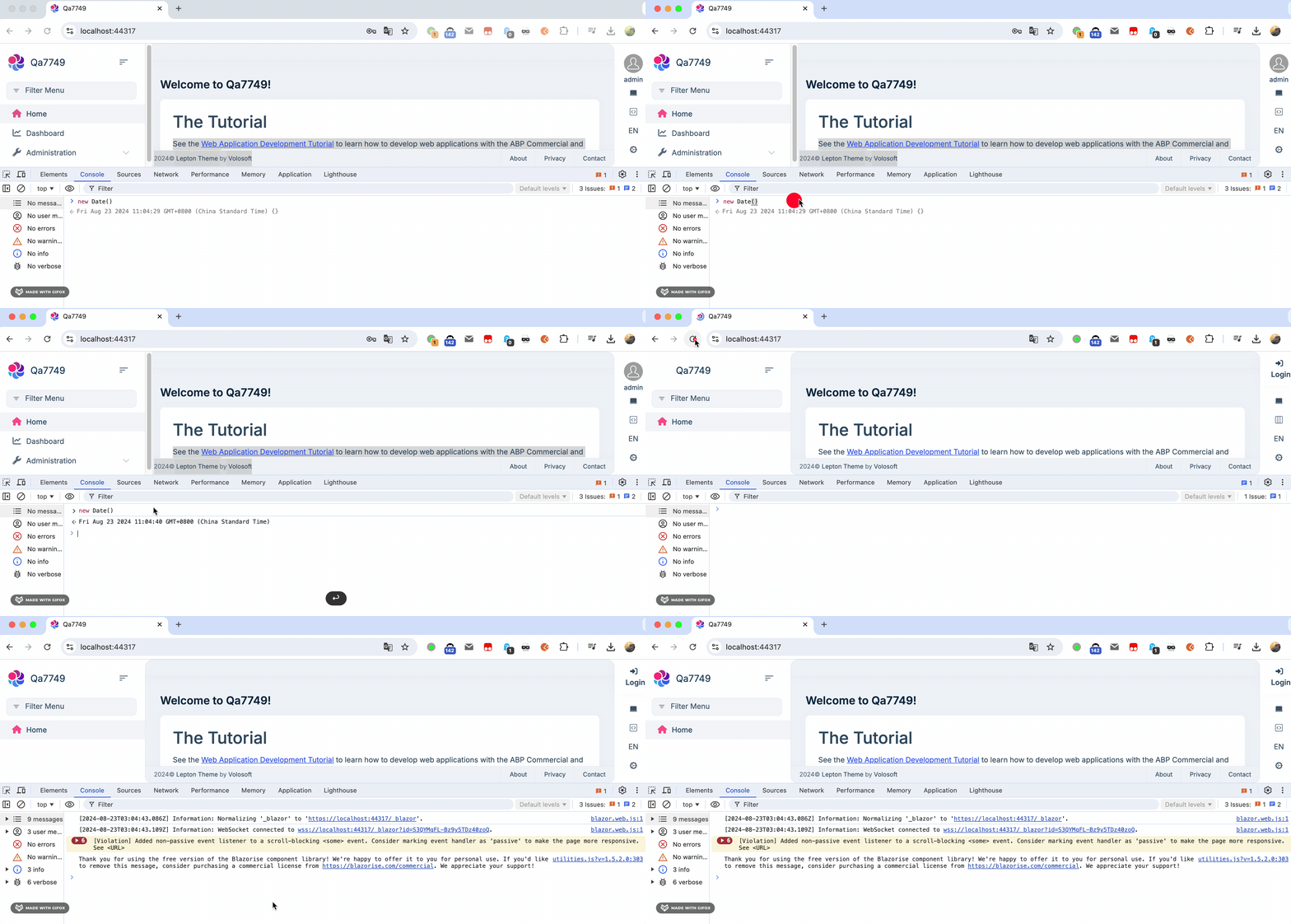
It works for me.
you need to set the
Remember meto true; otherwise, the cookie age is session. you can override the login page to setRemember meto true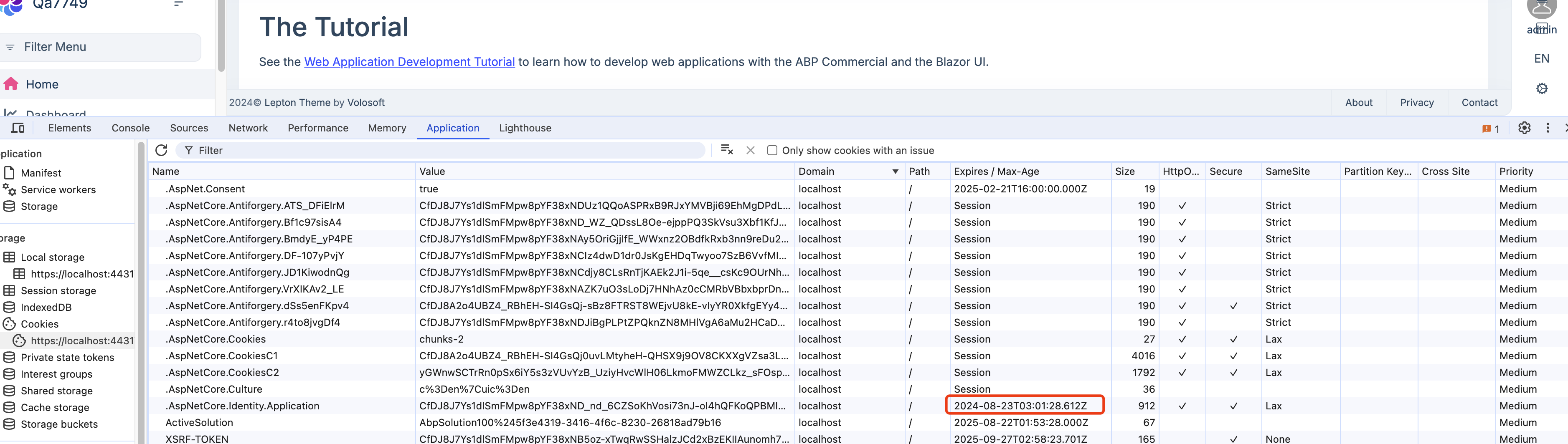
 Markdown supported.Copy, paste, or drag & drop images and files (max 100 MB per file, 100 MB total per post)



