






Hi We use Angular pages with ABP Framework Layered Architecture. We moved the user login process to the Angular project. When we click on the I forgot my password link, a password reset link is sent as an e-mail. When we click on this link, the password change page does not open. As a result of our tests, we found that it does not open because the user is not logged in. When the user clicks on this link after logging in to the system, the password change page opens. This page is a page that should open when the user is not logged in.
Apart from this, is there a period of time that the password change link is valid? We want this link to be valid for 15 minutes.
We would like your support on these two issues.
Thanks for your support.
- ABP Framework version: v8.3.1
- UI Type: Angular
- Database System: EF Core (PostgreSQL)
- Tiered (for MVC) or Auth Server Separated (for Angular): yes(Auth Server Separated for Angular)
- Exception message and full stack trace:
- Steps to reproduce the issue:
11 Answer(s)
-
0
hi
We moved the user login process to the Angular project.
Do you mean you use the
passwordgrant type?https://abp.io/docs/latest/framework/ui/angular/authorization#resource-owner-password-flow
is there a period of time that the password change link is valid? We want this link to be valid for 15 minutes.
Change the
TokenLifespan(1 day default)ofDataProtectionTokenProviderOptions.https://learn.microsoft.com/en-us/dotnet/api/microsoft.aspnetcore.identity.dataprotectiontokenprovideroptions.tokenlifespan?view=aspnetcore-8.0#microsoft-aspnetcore-identity-dataprotectiontokenprovideroptions-tokenlifespan
Markdown supported.Copy, paste, or drag & drop images and files (max 100 MB per file, 100 MB total per post) -
0
hi
We moved the user login process to the Angular project.
Do you mean you use the
passwordgrant type?https://abp.io/docs/latest/framework/ui/angular/authorization#resource-owner-password-flow
Hello,
Yes, the grant type 'password' we use.
Markdown supported.Copy, paste, or drag & drop images and files (max 100 MB per file, 100 MB total per post) -
0
hi
Please share the full email content.
Thanks
Hi,
I share the content of the e-mail.
Thanks,
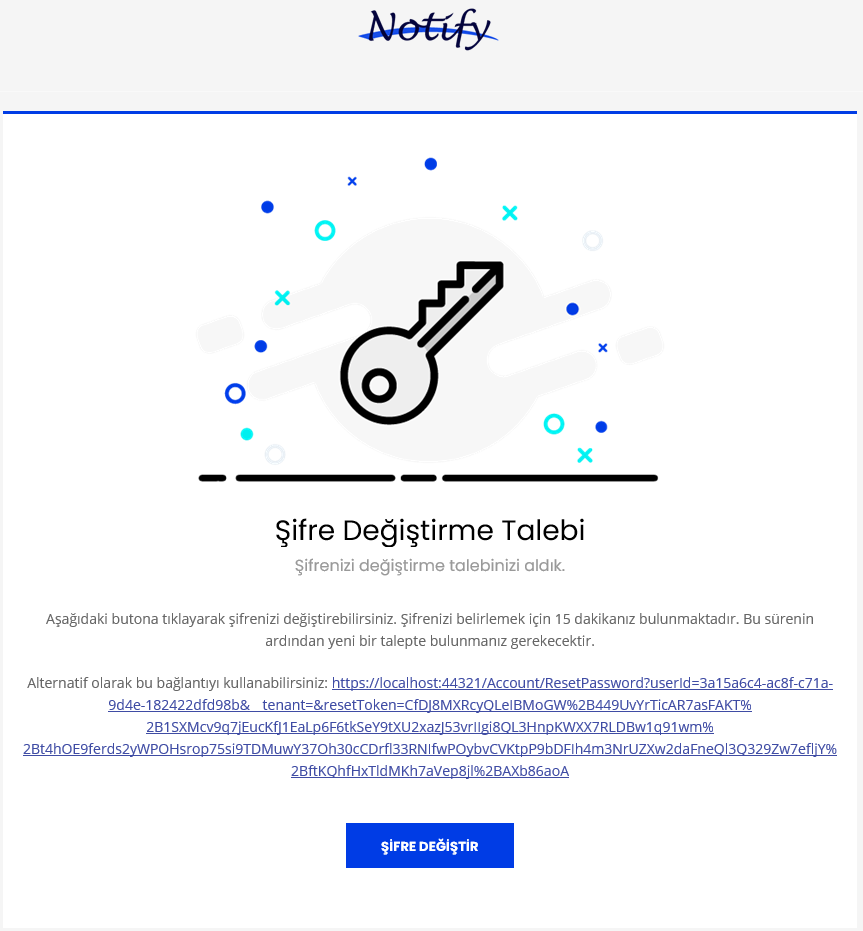 Markdown supported.Copy, paste, or drag & drop images and files (max 100 MB per file, 100 MB total per post)
 -
0
hi
When we click on the I forgot my password link, a password reset link is sent as an e-mail.
What is the forgot password page? angular or mvc?
Can you share the code of
Configure<AppUrlOptions>in your project?You should set the
PasswordResettoaccount/reset-passwordConfigure<AppUrlOptions>(options => { options.Applications["MVC"].RootUrl = configuration["App:SelfUrl"]; options.RedirectAllowedUrls.AddRange(configuration["App:RedirectAllowedUrls"]?.Split(',') ?? Array.Empty<string>()); options.Applications["Angular"].RootUrl = configuration["App:AngularUrl"]; options.Applications["Angular"].Urls[AccountUrlNames.PasswordReset] = "account/reset-password"; options.Applications["Angular"].Urls[AccountUrlNames.EmailConfirmation] = "account/email-confirmation"; });Markdown supported.Copy, paste, or drag & drop images and files (max 100 MB per file, 100 MB total per post) -
0
Hi,
In our Angular project, we have implemented a "Forgot My Password" page and included all necessary modules. However, when users click on the verification link, the Angular email verification page does not open as expected because the user is not authenticated. If the user is already logged in, they can access the page via the provided URL. However, this page should be accessible without requiring login, as it is intended for users who have forgotten their password and need to reset it via the link.
Thanks,
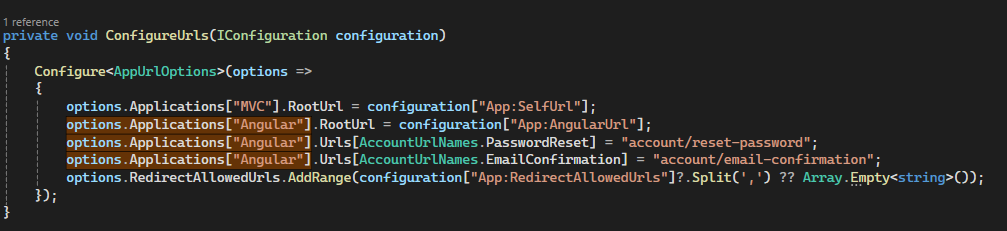 Markdown supported.Copy, paste, or drag & drop images and files (max 100 MB per file, 100 MB total per post)
 -
0
hi
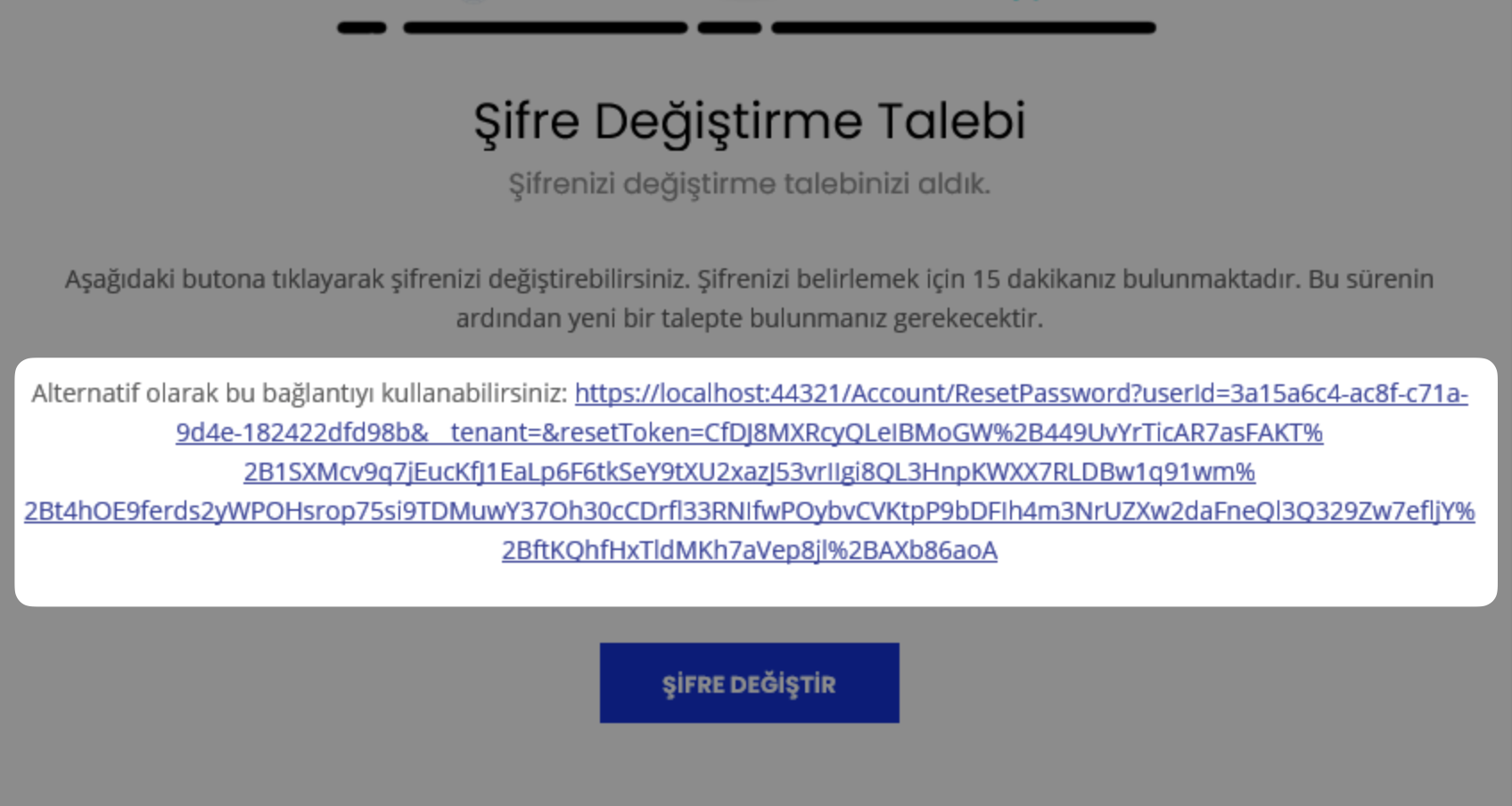
I have checked.
The
account/src/Volo.Abp.Account.Pro.Public.Web/Pages/Account/ResetPassword.cshtmlpage can be accessed by an anonymous user.Markdown supported.Copy, paste, or drag & drop images and files (max 100 MB per file, 100 MB total per post) -
0
Hi,
Yes, we can access this page from the Blazor application, but we moved these parts to the Angular project and we cannot access this page from Angular.
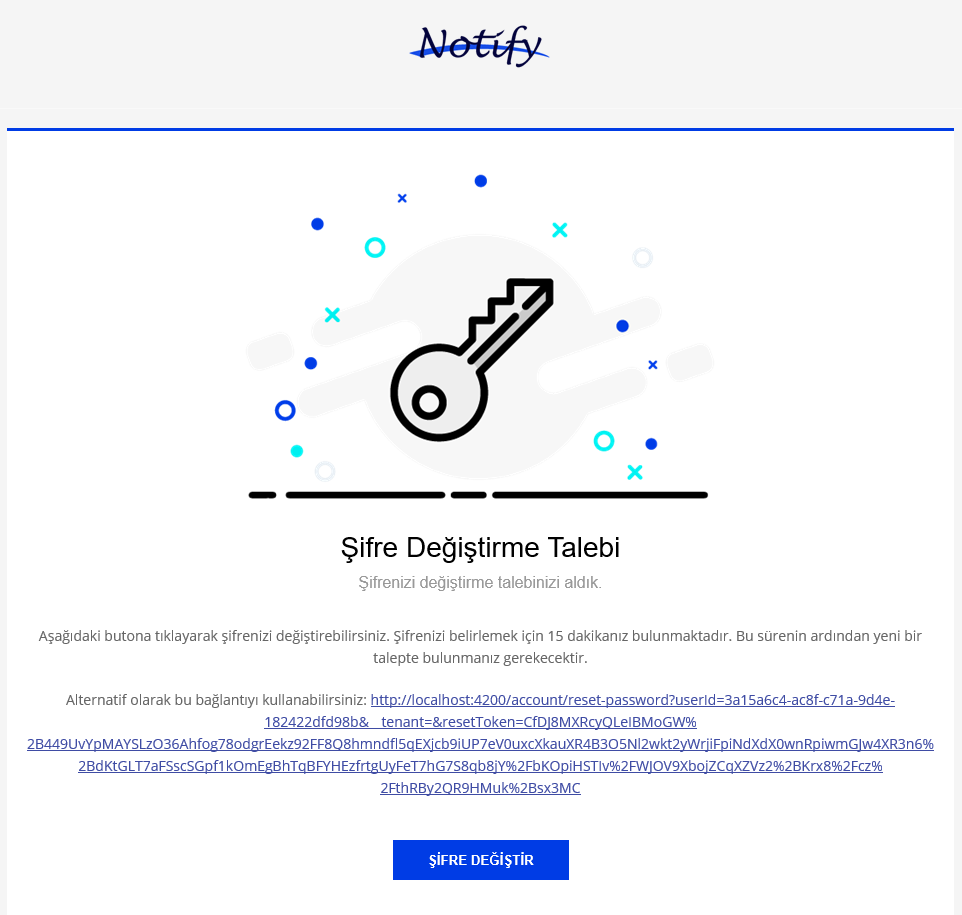 Markdown supported.Copy, paste, or drag & drop images and files (max 100 MB per file, 100 MB total per post)
 -
0
hi
What will happen if you access
http://localhost:4200/account/reset-password?xxxpage?Can you check the browser console and network panel?
What are logs of backend app during access?
 Markdown supported.Copy, paste, or drag & drop images and files (max 100 MB per file, 100 MB total per post)
 -
0
Hi,
In our Angular project, we have implemented a "Forgot My Password" page and included all necessary modules. However, when users click on the verification link, the Angular email verification page does not open as expected because the user is not authenticated. If the user is already logged in, they can access the page via the provided URL. However, this page should be accessible without requiring login, as it is intended for users who have forgotten their password and need to reset it via the link.
Thanks,
It appears that the page cannot be accessed without logging in. Could you please ensure that the login requirements are met, or provide further instructions on how to access the content.
Markdown supported.Copy, paste, or drag & drop images and files (max 100 MB per file, 100 MB total per post)


