






0
1977485679@qq.com created
- ABP Framework version: 8.3.3
- UI Type: Angular
- Database System: EF Core (SQL Server)
- Tiered (for MVC) or Auth Server Separated (for Angular): yes
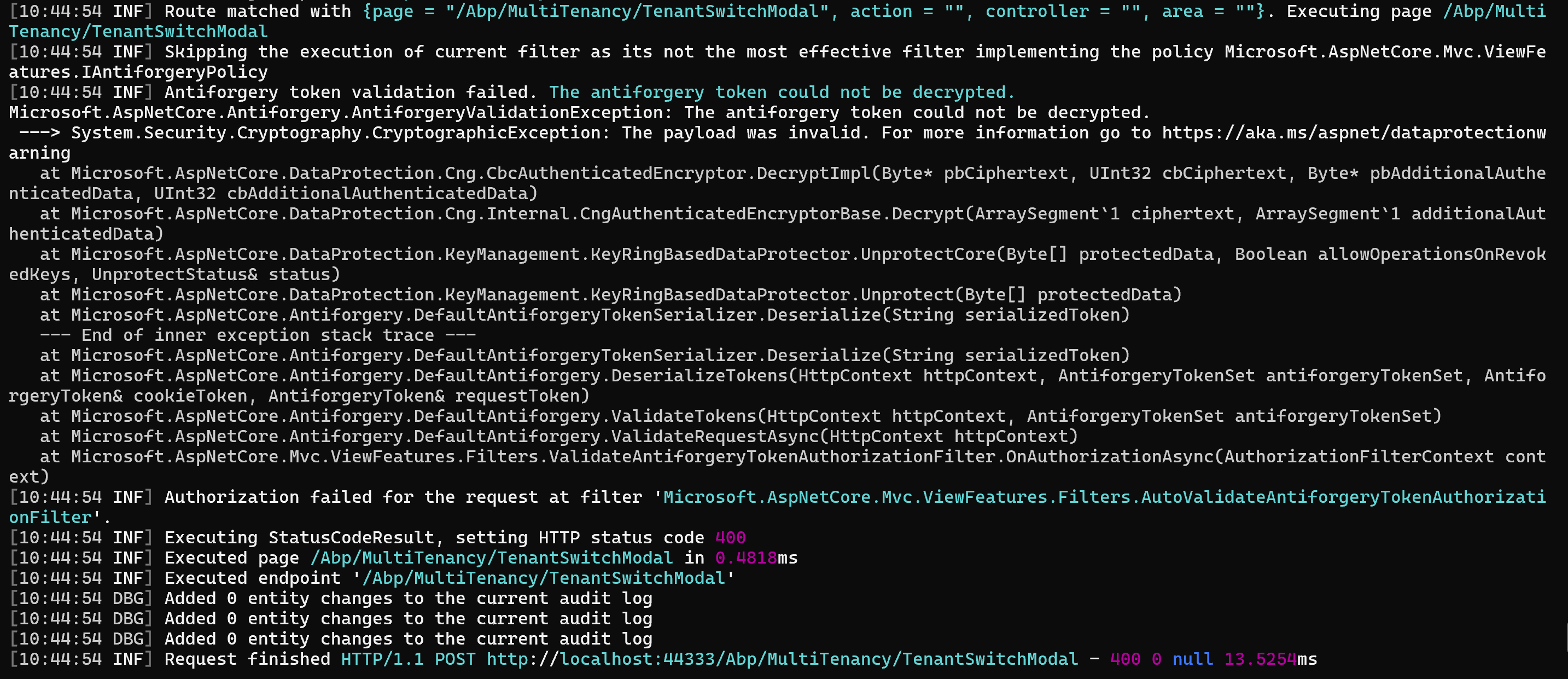
- Exception message and full stack trace:
- Steps to reproduce the issue:
Markdown supported.
Copy, paste, or drag & drop images and files (max 100 MB per file, 100 MB total per post)
8 Answer(s)
-
0
See https://abp.io/support/questions/4603/AntiforgeryValidationException-while-trying-to-enter-SettingManagement#answer-3a09a7dc-d4bf-0b46-862a-cb116f0bf123
Markdown supported.Copy, paste, or drag & drop images and files (max 100 MB per file, 100 MB total per post) -
0

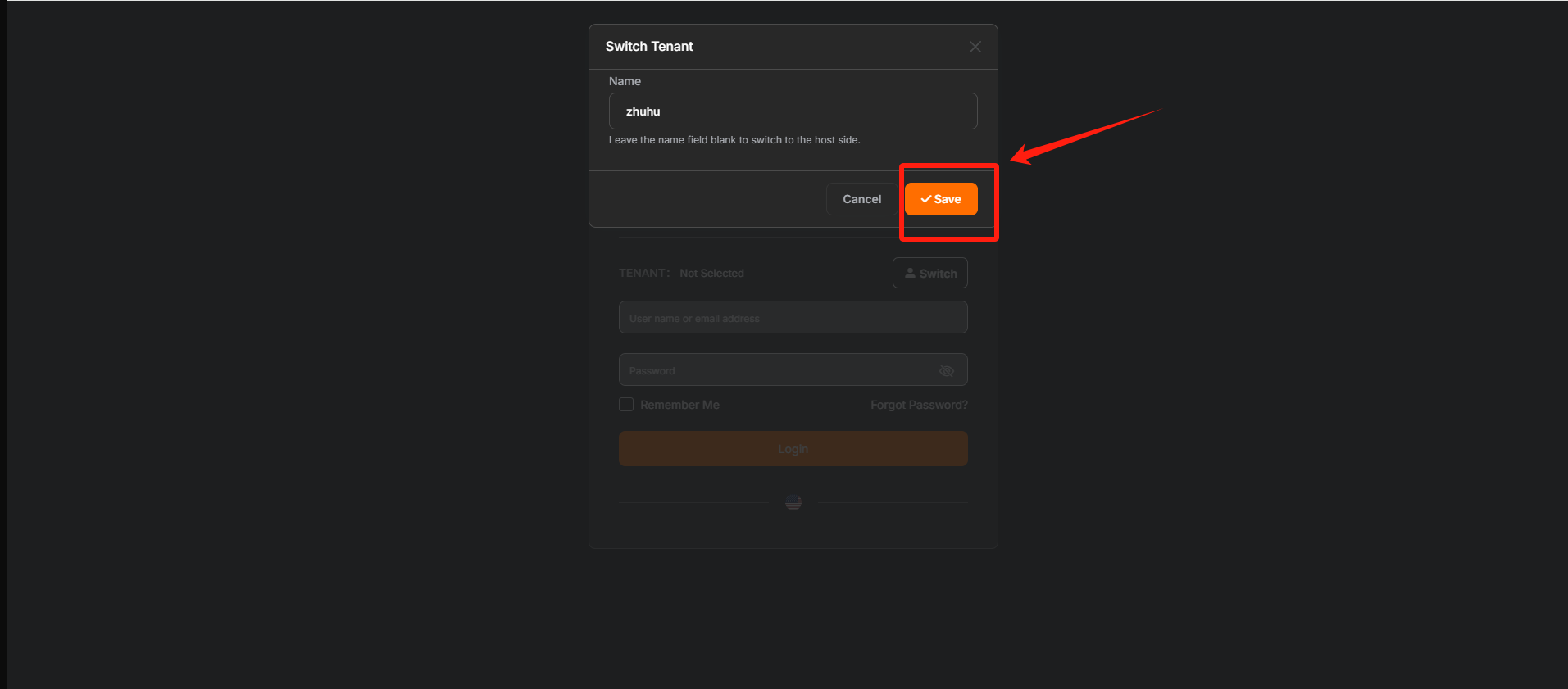 I tried adding this configuration, but it still doesn't workMarkdown supported.Copy, paste, or drag & drop images and files (max 100 MB per file, 100 MB total per post)
 -
0
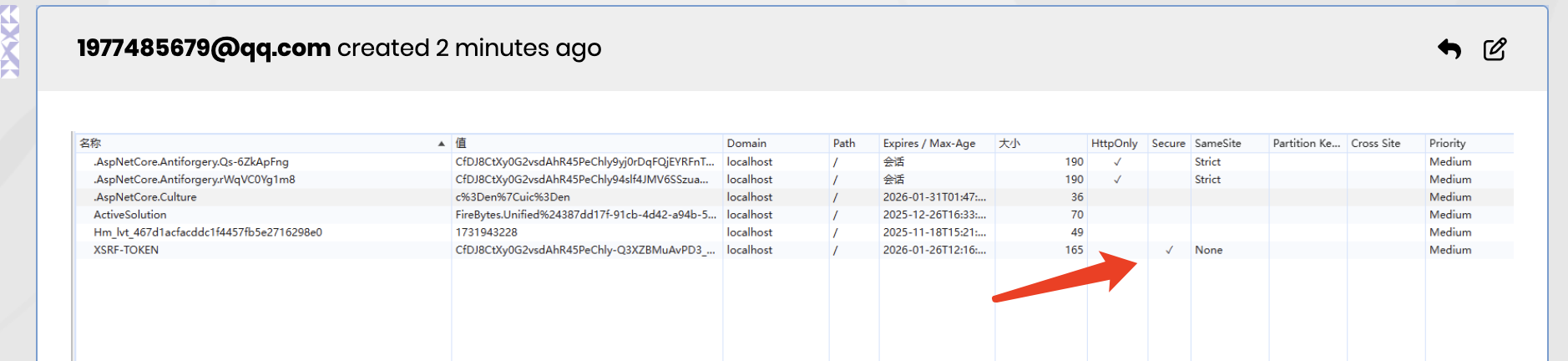
The cookie is still under secure.
 Markdown supported.Copy, paste, or drag & drop images and files (max 100 MB per file, 100 MB total per post)
 -
0
    context.Services.AddAntiforgery(options =>
    {
        options.Cookie.SecurePolicy = CookieSecurePolicy.None;
        options.Cookie.Name = "XSRF-TOKEN";
    });
Can I use this configuration?
Markdown supported.Copy, paste, or drag & drop images and files (max 100 MB per file, 100 MB total per post) -
0
No, please configure the
AbpAntiForgeryOptionsMarkdown supported.Copy, paste, or drag & drop images and files (max 100 MB per file, 100 MB total per post) -
0
I cleaned up the solution and successfully generated a new one. The AbpAntiForgeryOptions configuration will take effect. Is there any mechanism for this?
Markdown supported.Copy, paste, or drag & drop images and files (max 100 MB per file, 100 MB total per post) -
0
Hi,
Does the
AbpAntiForgeryOptionswork in a new project but not yours?Could you share a test project with me, I will check it. shiwei.liang@volosoft.com
Markdown supported.Copy, paste, or drag & drop images and files (max 100 MB per file, 100 MB total per post) -
0
Perhaps my language expression is incorrect, but this configuration is now in effect
thank you
Markdown supported.Copy, paste, or drag & drop images and files (max 100 MB per file, 100 MB total per post)


