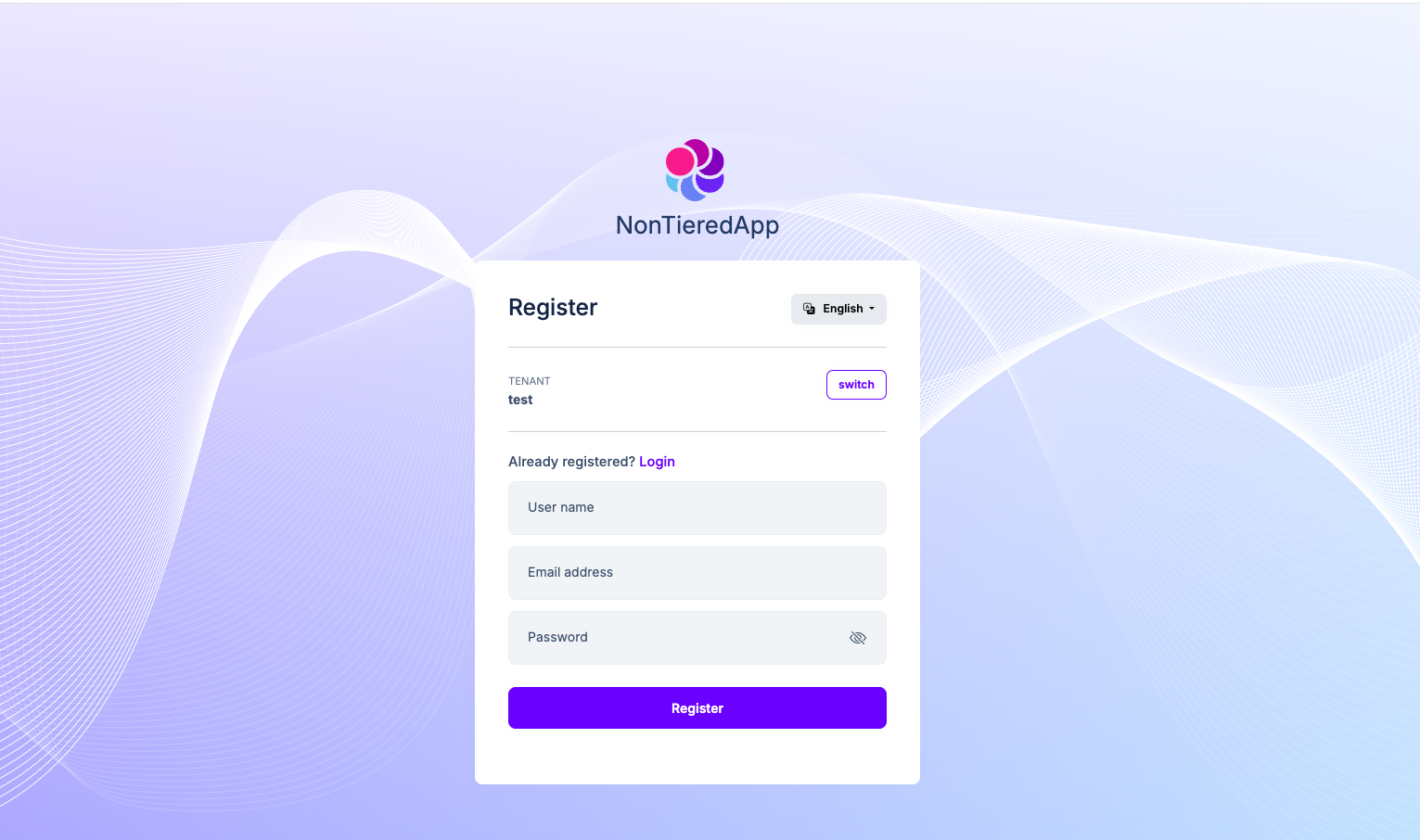
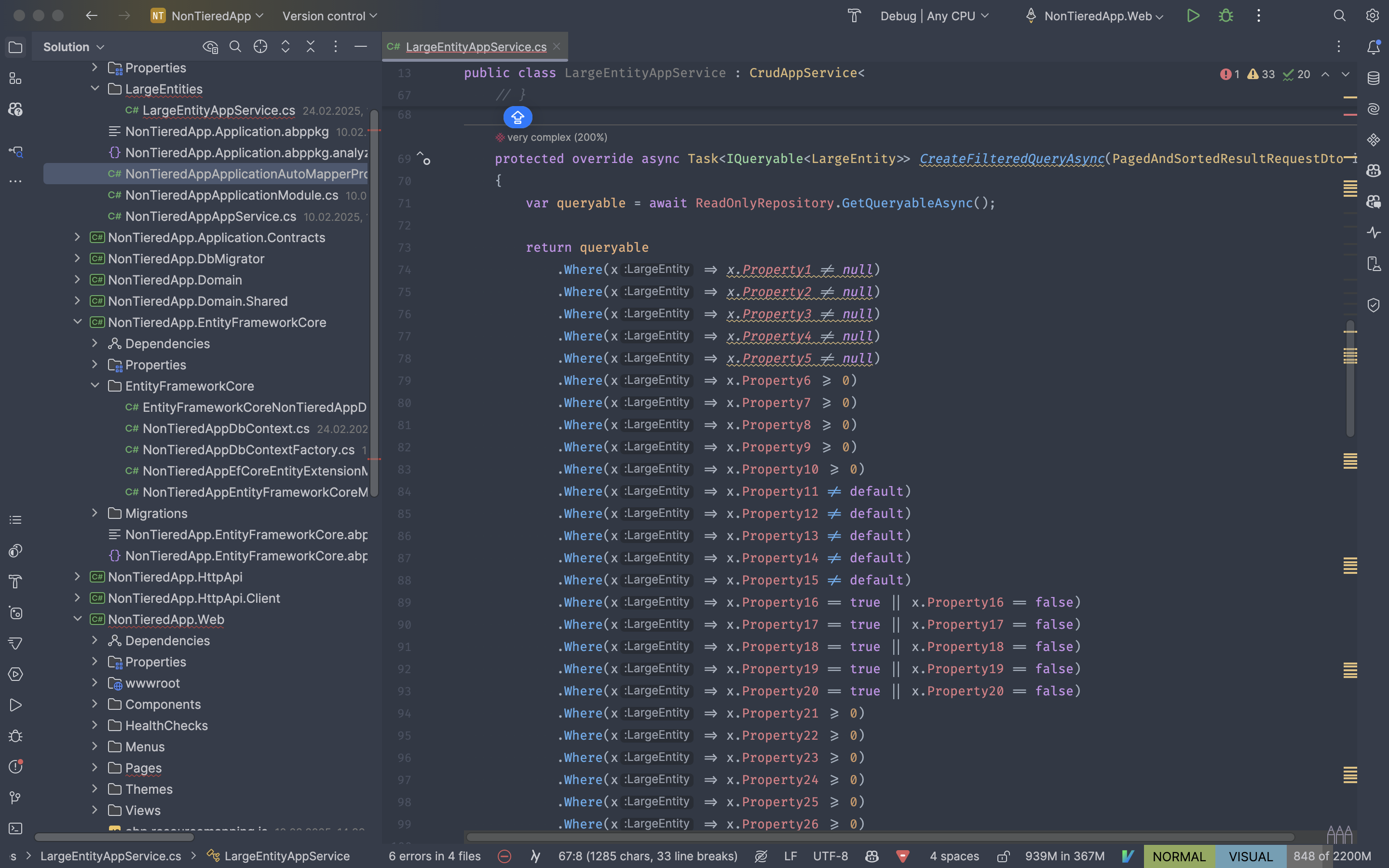
Yes, I think you can. Can you check the article here?
By the way, Blazor Web Assembly already has a loading screen. However, since Blazor Web App works server side at first, we did not add it to it because of its nature, there is no need anyway. However, if you want to add it, you can also create a Blazor Wasm project and look there.
See more: https://abp.io/pro-releases/pr/14983
Hello,
I created a project from scratch in the configurations you specified in order to repeat the problem, but I could not repeat it, you can see the GIF below. If you want, you can create a project from scratch and try to reproduce the problem.
You can reproduce the problem both locally and in production environment on your existing solution, right?
Hi,
You can customize the Login page for this. I am leaving some sample code below just to give you an idea:
[Dependency(ReplaceServices = true)]
[ExposeServices(typeof(LoginModel))]
[DisableAuditing]
public class MyLoginModel : LoginModel
{
public TappLoginModel(
IAuthenticationSchemeProvider schemeProvider,
IOptions<AbpAccountOptions> accountOptions,
IAbpRecaptchaValidatorFactory recaptchaValidatorFactory,
IAccountExternalProviderAppService accountExternalProviderAppService,
ICurrentPrincipalAccessor currentPrincipalAccessor,
IOptions<IdentityOptions> identityOptions,
IOptionsSnapshot<reCAPTCHAOptions> reCaptchaOptions) : base(
schemeProvider,
accountOptions,
recaptchaValidatorFactory,
accountExternalProviderAppService,
currentPrincipalAccessor,
identityOptions,
reCaptchaOptions)
{
}
public override Task<IActionResult> OnGetAsync()
{
var tenantName = _currentTenant.Name; // Get the current tenant
var allowedProvider = _configuration["ExternalAuthProviders:" + tenantName];
if (string.IsNullOrEmpty(allowedProvider))
{
// Fallback or error handling for tenants without specific providers
return await base.OnGetAsync();
}
// Redirect to the specific provider's login
var redirectUrl = Url.Page("./Login", "ExternalLoginCallback", new { ReturnUrl, ReturnUrlHash });
var properties = SignInManager.ConfigureExternalAuthenticationProperties(allowedProvider, redirectUrl);
properties.Items["scheme"] = allowedProvider;
return Challenge(properties, allowedProvider);
}
}
You can think of the above code as psuedo code. We replaced the Login model and override OnGet and redirected it to the provider we want according to the tenant information. However, this code does not remove the relevant providers from the UI, for this you need to override Login.cshtml. How to do it is explained in the document here.
Since this is a code that is completely related to your business, we cannot write all the code, but I tried to explain how you can do it as much as I can to give you an idea. If you have a specific question while implementing, do not hesitate to ask.
After clicking the 'forgot my password' link, I followed the link sent to my email, but I still can't access the app. Is the information in the link correct? Additionally, I am using the application without a tenant in this scenario.
https://auth.testdomain:44342/Account/ResetPassword?userId=b37dfea8-0fe8-d474-5438-3a16e0eaf901&__tenant=&resetToken=CfDJ8KEnJQ%2B39CJPkEDBMKjXRrMB5zqmWi6%2Fy9Fgh%2FZAKzi2LM0nkqoa%2Fq7%2BDEtyzyJtayTrXzvI%2B5v8QnVwJtcrtLlx%2B378HpUf4xCLQ%2BE9uzWcd0DhbguaXkgNwEDZiJ6k6XToZucMGRE7%2BsHCvQIyJDIAJoH5Lqc0GbZkyoNB8MkVjhA0WCNUnqGm%2BtAPhvIZLAqRhcmO1ShlSR9BS0yErV3sYEjR7KBK0tGObQ4je9fC&returnUrl=%2fconnect%2fauthorize%3fresponse_type%3dcode%26client_id%3dPSSX_App_NMM_QA%26state%3dNHdBWHNtSUJRUUNhQ0FCTGtaSnR0eGJhZmxQSERwLnpTRnFqbEU0SS5iR3Rf%3b%25252Flogin%26redirect_uri%3dhttps%253A%252F%252Fsimpl.nmm-qa.testdomain%26scope%3dopenid%2520profile%2520roles%2520email%2520phone%2520PSSX%26code_challenge%3ddep8FZ1sqYWGaAq2QsdjMDbbEoEwdFfmt1q8Yh4uFv8%26code_challenge_method%3dS256%26nonce%3dNHdBWHNtSUJRUUNhQ0FCTGtaSnR0eGJhZmxQSERwLnpTRnFqbEU0SS5iR3Rf
Yes, the URL seems to be correct. Exactly what kind of problem are you having?
Thanks, we will review the relevant document and update it if we need to update it. I created an internal issue for this.
I'm closing this issue for now. If you have a different question, feel free to create a new question.
Hello,
ABP allows you to extend permissions. You can add custom properties like below:
var bookPermission = myGroup.AddPermission(AbpSolution2Permissions.Books.Default, L("Permission:Books"));
bookPermission.WithProperty("moduleId", "CmsKit");
bookPermission.AddChild(AbpSolution2Permissions.Books.Create, L("Permission:Create")).WithProperty("moduleId", "CmsKit");
Then you can add your own PermissionValueProvider as a contributor as follows:
ublic class ModulePermissionValueProvider : PermissionValueProvider
{
public override string Name => "ModuleUser";
public ModulePermissionValueProvider(IPermissionStore permissionStore)
: base(permissionStore)
{
}
public override Task<MultiplePermissionGrantResult> CheckAsync(PermissionValuesCheckContext context)
{
var permissionNames = context.Permissions.Select(x => x.Name).ToArray();
foreach (var permission in context.Permissions)
{
if (!CheckAsync(context.Principal, permission.Properties["module_id"]?.ToString()))
{
return Task.FromResult(new MultiplePermissionGrantResult(permissionNames, PermissionGrantResult.Prohibited));
}
}
return Task.FromResult(new MultiplePermissionGrantResult(permissionNames, PermissionGrantResult.Granted));
}
public override Task<PermissionGrantResult> CheckAsync(PermissionValueCheckContext context)
{
var moduleId = context.Permission.Properties["module_id"]?.ToString();
if (moduleId.IsNullOrEmpty())
{
return Task.FromResult(PermissionGrantResult.Undefined);
}
if (!CheckAsync(context.Principal, context.Permission.Properties["module_id"]!.ToString()))
{
return Task.FromResult(PermissionGrantResult.Prohibited);
}
return Task.FromResult(PermissionGrantResult.Granted);
}
private bool CheckAsync(ClaimsPrincipal? principal, string? moduleId)
{
if (moduleId.IsNullOrEmpty() || principal == null)
{
return false;
}
return principal!.HasClaim(x => x.Type == moduleId);
}
}
Once a provider is defined, it should be added to the AbpPermissionOptions as shown below:
Configure<AbpPermissionOptions>(options =>
{
options.ValueProviders.Add<ModulePermissionValueProvider>();
});
See more: https://abp.io/docs/latest/framework/fundamentals/authorization#permission-value-providers
**Disclaimler: ** This code is not recommended for direct use in a production environment. It was created just to give an idea, you can customize it according to your own needs.
Hi,
As far as I know, a new key is not created. So when your license expires, you can continue to develop in the current version. You can even update your application to the new patch versions that will be released. You can find more information here.
Hi,
I had difficulty understanding your question, but if I understand correctly, we can try the following methods:
Move the responsibility of calling initLeptonX and afterLeptonXInitialization to DynamicLayoutPicker, triggering it only when the layout changes like below:
namespace CFDataSystems.StructureCloud.Blazor.Themes.LeptonX.Layouts;
public partial class DynamicLayoutPicker : LayoutComponentBase, IDisposable
{
[Inject] private NavigationManager _navManager { get; set; }
[Inject] private IJSRuntime JSRuntime { get; set; }
public Type CurrentLayout { get; set; } = typeof(SideMenuLayout);
private Type _previousLayout = null;
protected override Task OnInitializedAsync()
{
_navManager.LocationChanged += OnLocationChanged;
SetLayout(_navManager.Uri);
return base.OnInitializedAsync();
}
protected override async Task OnAfterRenderAsync(bool firstRender)
{
if (firstRender || _previousLayout != CurrentLayout)
{
// Reinitialize LeptonX only when layout changes
await JSRuntime.InvokeVoidAsync("initLeptonX", new[] { "side-menu", "structurecloud" });
await JSRuntime.InvokeVoidAsync("afterLeptonXInitialization", new[] { "side-menu", "structurecloud" });
_previousLayout = CurrentLayout;
}
}
public void Dispose()
{
_navManager.LocationChanged -= OnLocationChanged;
}
private void OnLocationChanged(object sender, LocationChangedEventArgs e)
{
SetLayout(e.Location);
}
private void SetLayout(string location)
{
if (location.Contains("tenant-procedure-list"))
{
CurrentLayout = typeof(ProceduresPageLayout);
}
else if (location.Contains("SampleTenantDefault"))
{
CurrentLayout = typeof(TenantDefaultLayout);
}
else
{
CurrentLayout = typeof(SideMenuLayout);
}
StateHasChanged();
}
}
If this does not solve your problem, I can help better if you can provide a minimal reproducible example where I can replicate the problem.
Hello,
Can you try the following code?
public sealed class MyPrepareIdentityTokenPrincipal : IOpenIddictServerHandler<OpenIddictServerEvents.ProcessSignInContext>
{
public static OpenIddictServerHandlerDescriptor Descriptor { get; }
= OpenIddictServerHandlerDescriptor.CreateBuilder<OpenIddictServerEvents.ProcessSignInContext>()
.AddFilter<OpenIddictServerHandlerFilters.RequireIdentityTokenGenerated>()
.UseSingletonHandler<MyPrepareIdentityTokenPrincipal>()
.SetOrder(OpenIddictServerHandlers.PrepareIdentityTokenPrincipal.Descriptor.Order + 1)
.SetType(OpenIddictServerHandlerType.Custom)
.Build();
public ValueTask HandleAsync(OpenIddictServerEvents.ProcessSignInContext context)
{
if (context is null)
{
throw new ArgumentNullException(nameof(context));
}
// ....
return default;
}
}
Then add it to the PreConfigureServices method of the module class as follows:
public override void PreConfigureServices(ServiceConfigurationContext context)
{
// ....
PreConfigure<OpenIddictServerBuilder>(builder =>
{
builder.AddEventHandler(MyPrepareIdentityTokenPrincipal.Descriptor);
});
}