Sorry but I cannot tell a exact date for this feature. I think you can handle this easy task. Also ABP cannot solve all the software problems, and it's written in the docs that it's not supported for now. So thanks for your understanding.
@dmeagor , I'll check it.
@Ryan.sposato@ethany.com
Angular login page has been removed in v3.1
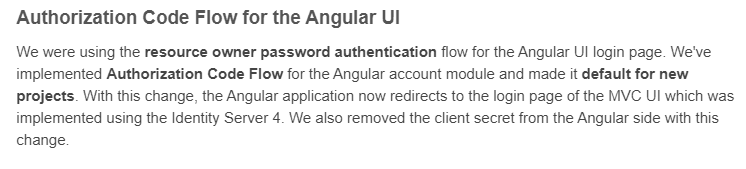 See https://blog.abp.io/abp/ABP-Framework-v3.1-RC-Has-Been-Released
There's no v3.2.0 packag for Serilog.Extensions.Hosting. Please double check.
You might be confusing it with Serilog.AspNetCore?
<PackageReference Include="Serilog.AspNetCore" Version="3.2.0" />
HttpApi.Host packages:
  <ItemGroup>
    <PackageReference Include="Serilog.AspNetCore" Version="3.2.0" />
    <PackageReference Include="Serilog.Sinks.Async" Version="1.4.0" />
    <PackageReference Include="Microsoft.AspNetCore.Authentication.JwtBearer" Version="5.0.0" />
    <PackageReference Include="Microsoft.AspNetCore.DataProtection.StackExchangeRedis" Version="5.0.0" />
    <PackageReference Include="Microsoft.AspNetCore.Authentication.Google" Version="5.0.0" />
    <PackageReference Include="Microsoft.AspNetCore.Authentication.MicrosoftAccount" Version="5.0.0" />
    <PackageReference Include="Microsoft.AspNetCore.Authentication.Twitter" Version="5.0.0" />
  </ItemGroup>
I suggest you to delete all bin & obj folders (close visual studio before) because sometimes 3.3.0 files remain in the bin folders
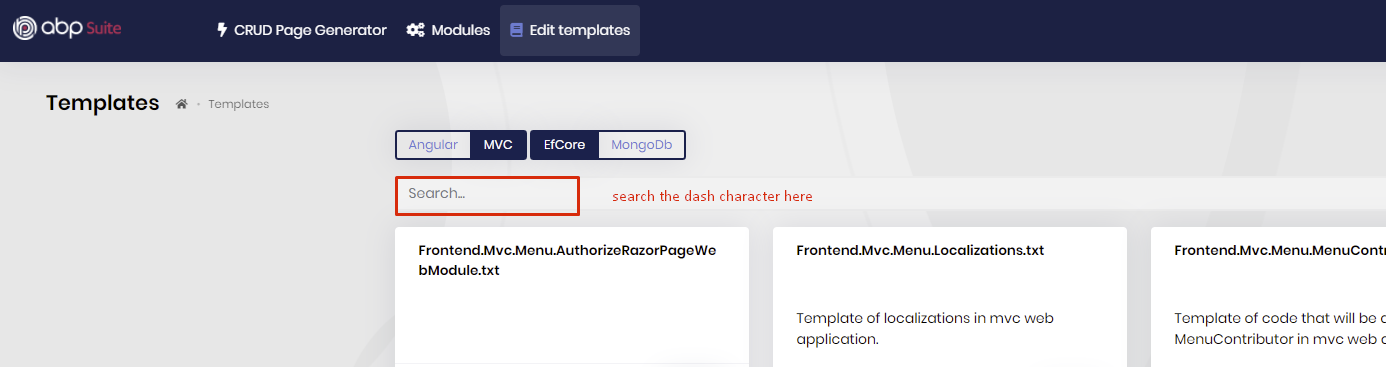
what I say, you can search the texts in the Suite templates, see
some antivirus programs seems DbMigrator as a potential virus file. it's a false alarm. you can add it to the trusted list.
if you want to delete an entity from your solution, Suite doesn't delete them. it only removes them from Suite. You need to delete those entities from your code.
@LeonTee
first of all you cannot use abp suite update command to downgrade to a specific Suite version. It only works at upgrade as I see you have installed the v3.3.2 sucessfully. but there's still ABP 4.0 packages in your bin & obj folder. close your Visual Studio and delete all bin & obj folders and make sure you have 3.3.2 in your *.csproj files.
try adding pooling parameter to the connection string.
https://docs.abp.io/en/abp/latest/Entity-Framework-Core-PostgreSQL#usenpgsql
also you can use DbContextOptionsBuilder for adding AddDbContextPool after DbContextOptionsBuilder
@murat.yuceer I created an internal issue (#4232) to reproduce and fix this.
EF Core (SQL Server)









