We announced our new module 🔊 LOW-CODE. This module adds a low-code app development designer to your ABP project. And without writing a single line of code, you can create apps. No need to compile or deploy.
🌎 Low-code home page abp.io/low-code 📑 Technical documentation abp.io/docs/latest/low-code 📢 Announcement blog post: abp.io/community/announcements/introducing-abp-lowcode-build-real-abp-apps-in-minutes-647ymozi ▶ Step-by-step building an example app abp.io/community/articles/building-a-vendor-onboarding-workflow-with-abp-lowcode-1wx0ckzc 🎥 Community talk: youtube.com/watch?v=3SZd8Bxskf4
Please share any issues you find with this project. We'll fix the bugs as we detect them.
If you have any problem with ABP Studio related to your license or any other thing read my answer to clean install it.
🤖 ABP Studio AI Agent is an AI-powered coding agent built directly into ABP Studio that understands ABP Framework conventions, solution structure, modules, entities, services, permissions, localization, and application architecture. It can plan features, generate and modify code, run builds, create EF Core migrations, generate proxies, diagnose runtime issues, inspect logs, and safely manage changes using Git snapshots
❤️ We're looking for feedback from you. Whether you've found bugs, missing capabilities, usability issues or have ideas for improvements, we'd love to hear from you.
🔊 Your feedback will directly influence our roadmap and help us make the AI Agent more useful for the ABP community.
There are many use-cases for AI at ABP. So, what are your expectations regarding AI from ABP? Fill out the form below ⤵ https://forms.gle/A8nFenCLgJUQujMUA
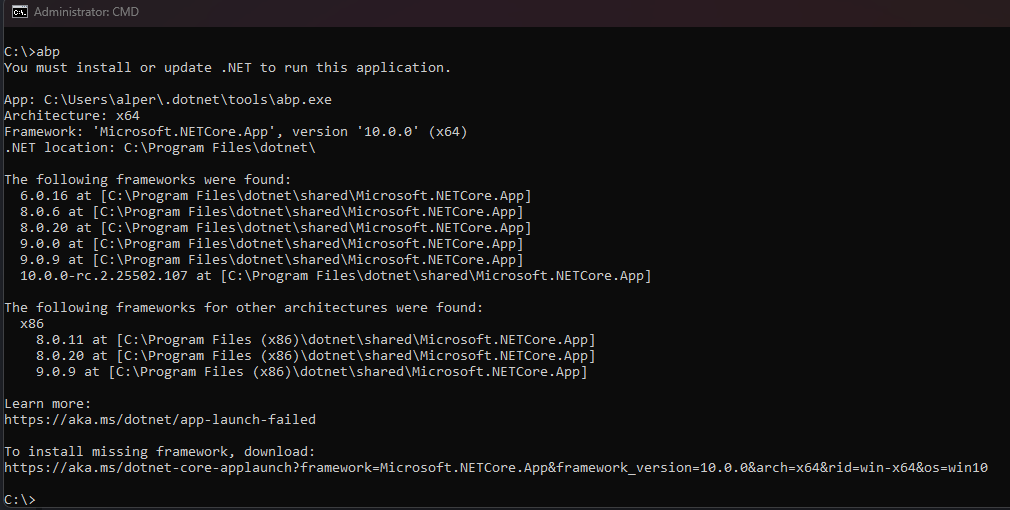
When I run the following command ABP CLI is not being installed:
Command which I run:
dotnet tool update -g Volo.Abp.Studio.Cli
Console output:
Tool 'volo.abp.studio.cli' failed to update due to the following:
Failed to create shell shim for tool 'volo.abp.studio.cli': Command 'abp' conflicts with an existing command from another tool.
Tool 'volo.abp.studio.cli' failed to install.

even after updating ABP Studio I'm now getting the following error:
Douglas W. has an issue about licensing. His license already expired.
fail: Volo.Abp.Account.Pro.Public.Web.Shared.AbpAccountPublicWebSharedModule[0]
      ABP-LIC-0020 - License code not found! Ensure that your appsettings.json or appsettings.secrets.json has "AbpLicenseCode" key with your license code.
fail: Volo.Abp.AspNetCore.Mvc.UI.Theme.Commercial.AbpAspNetCoreMvcUiThemeCommercialModule[0]
      ABP-LIC-ERROR - License check failed for 'Volo.Abp.AspNetCore.Mvc.UI.Theme.Commercial-v8.0.1.0'.

      For more information, contact to license@abp.io.)
I want to customize my ABP project. How to override the default (master) page layout?
My application runs on IIS. How to enable file logging on IIS?
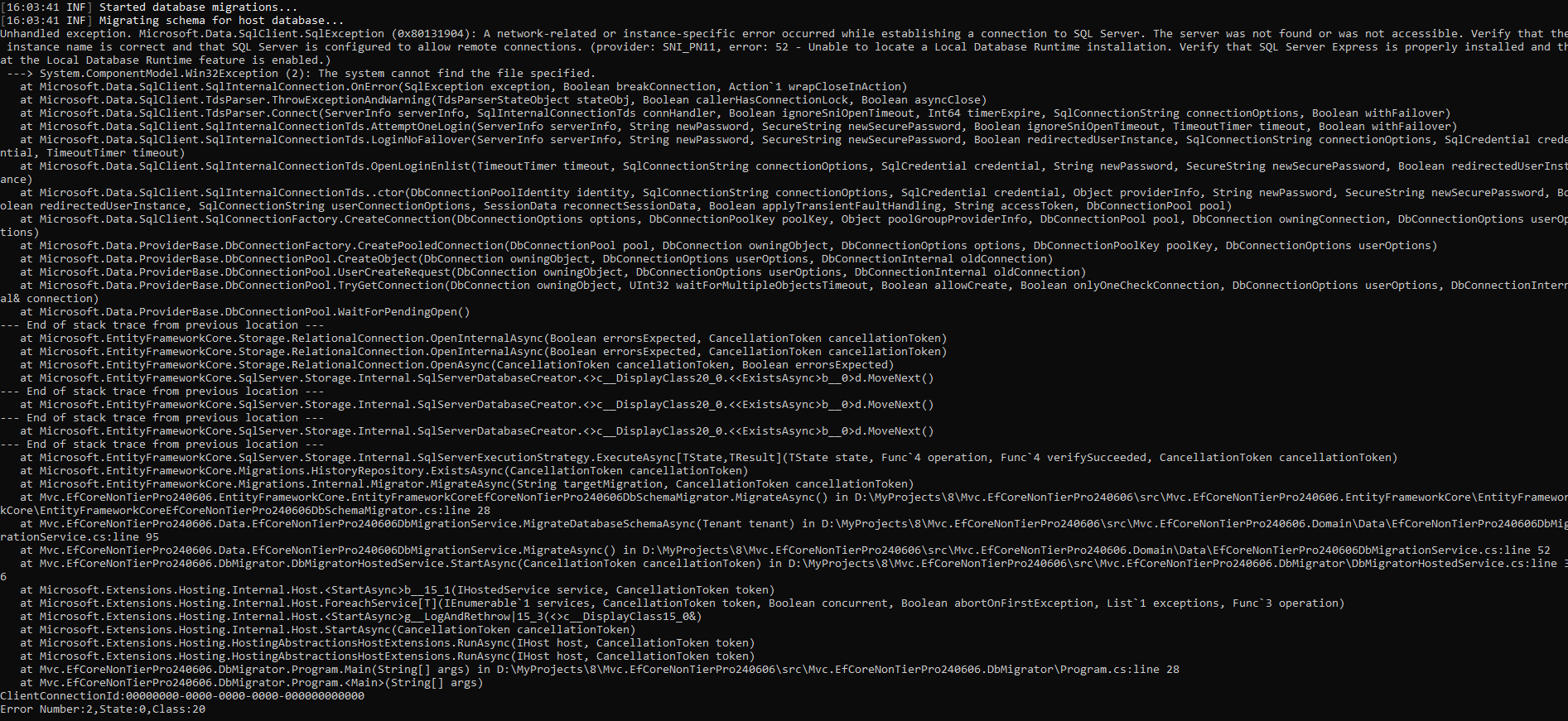
When I try to run DbMigrator, it doesn't create the localdb. I get the below exception:
Unhandled exception. Microsoft.Data.SqlClient.SqlException (0x80131904): A network-related or instance-specific error occurred while establishing a connection to SQL Server. The server was not found or was not accessible. Verify that the instance name is correct and that SQL Server is configured to allow remote connections. (provider: SNI_PN11, error: 52 - Unable to locate a Local Database Runtime installation. Verify that SQL Server Express is properly installed and that the Local Database Runtime feature is enabled.) ---> System.ComponentModel.Win32Exception (2): The system cannot find the file specified.
What feature would you like to see in ABP Suite in the new version?
For 2025 feature requests, please check this thread -> https://abp.io/support/questions/8803/ABP-Suite-feature-request--2025









