this may help you https://docs.abp.io/en/abp/latest/Customizing-Application-Modules-Extending-Entities
can you try to remove single quotes for module parameter like abp generate-proxy -m danh-muc
@trendline, this package comes with 3.2.X-RC version. It seems like you are using MVC version. Did you run yarn and gulp?
thank you. we have created an internal ticket (3456)
yes you can publish the application to any number of servers. license check is done only in development mode.
@Daniel, I created a new topic for this, can you write your finding under this topic, https://support.abp.io/QA/Questions/434/UserId-and-Username-is-null-in-Logout-action
hi DanielAndreasen,
I see that Logout action called when there's no logged in user. this will happen in 2 ways,
thank you for reporting. I've created an internal issue for that.
I checked your account. You are member to 2 organizations Waiin and Cloudeon. Cloudeon has a Team License and doesn't have source-code download option. If your project is created over Cloudeon organization, then you cannot add as project, and CLI will throw 403-Unauthorized.
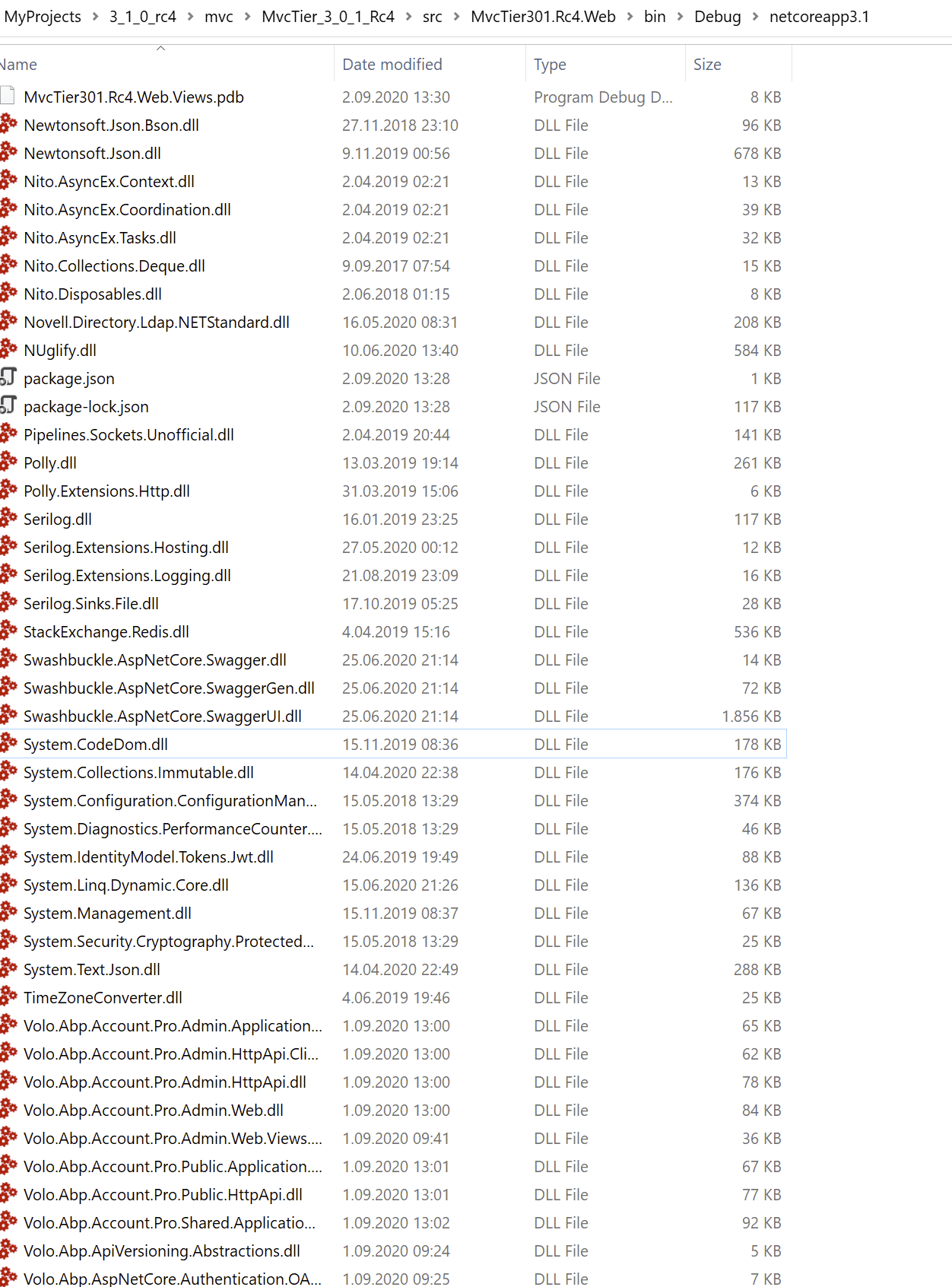
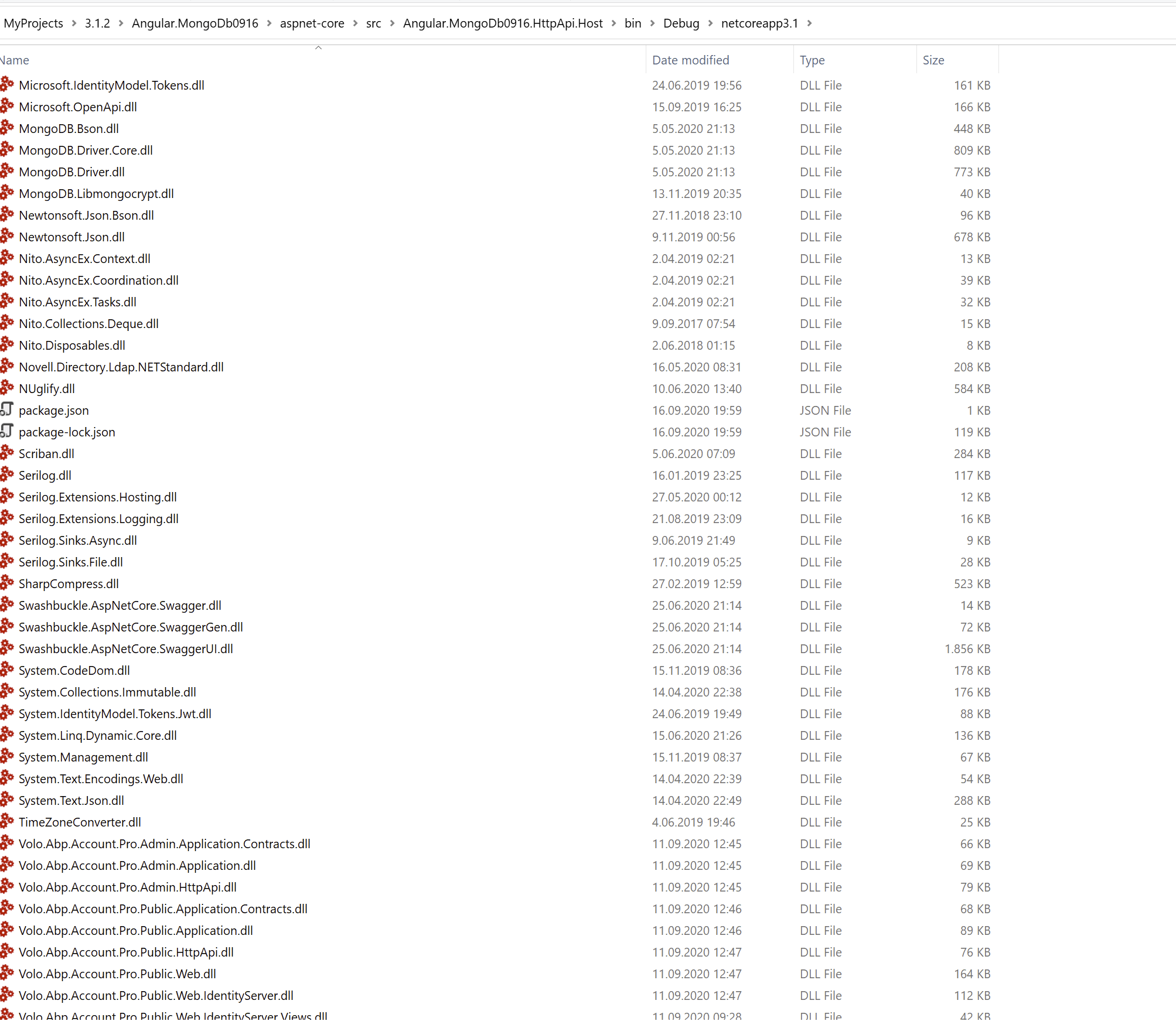
I couldn't find System.Net.Http or System.Text.RegularExpressions in ABP new projects.
Maybe one of your libraries added these DLLs.,
Angular:
MVC: