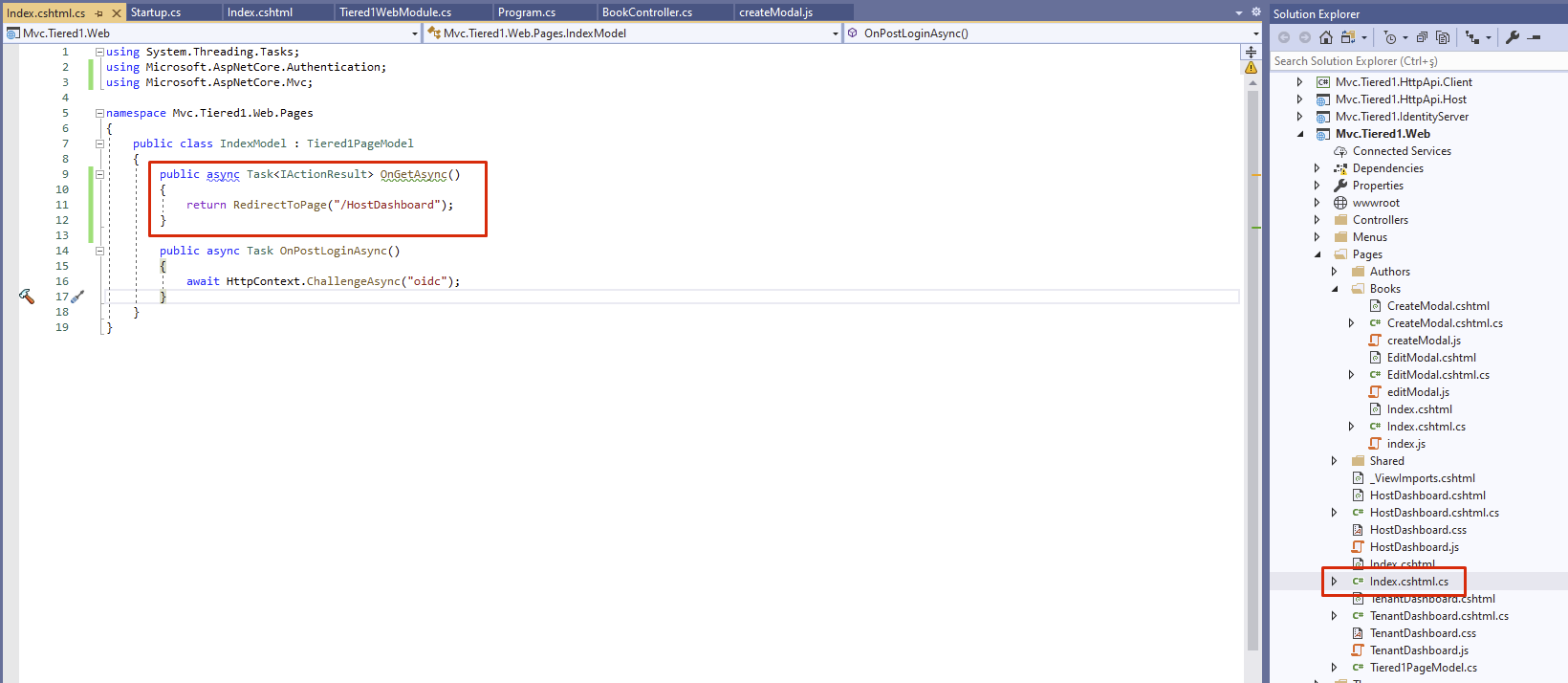
Change your Index.cshtml.cs to
using System.Threading.Tasks;
using Microsoft.AspNetCore.Authentication;
using Microsoft.AspNetCore.Mvc;

namespace Mvc.Tiered1.Web.Pages
{
    public class IndexModel : Tiered1PageModel
    {
        public async Task<IActionResult> OnGetAsync()
        {
            return RedirectToPage(CurrentUser.TenantId.HasValue ? "/TenantDashboard" : "/HostDashboard");
        }

        public async Task OnPostLoginAsync()
        {
            await HttpContext.ChallengeAsync("oidc");
        }
    }
}
After updating the app; you can either use FrontChannel Logout (simply; Single Sign Out from all of your apps connected to IdentityServer).
If you don't want to use this feature, change the FrontChannelLogoutSessionRequired field of IdentityServerClients table to value 0 of the application.
If you want Single Sign Out, you need to add new data to get redirected after “You have been logged out and will be redirected” message; change the FrontChannelLogoutUri field of your IdentityServerClients table to value https://yourAppDomain/Account/FrontChannelLogout of your application.
Inject IEmailSender interface to your class and call the SendAsync method.
Also see How-to-configure-email-settings
You can write the email settings to the AbpSettings table.
| Name | Value | Provider Name | |----------------------------------------|---------------------------|----------------| | Abp.Mailing.Smtp.EnableSsl | true | G | | Abp.Mailing.Smtp.Password | {encrypted password} | G | | Abp.Mailing.Smtp.Domain | | G | | Abp.Mailing.DefaultFromDisplayName | My Company | G | | Abp.Mailing.Smtp.UseDefaultCredentials | false | G | | Abp.Mailing.Smtp.Host | smtp-relay.sendinblue.com | G | | Abp.Mailing.Smtp.Port | 587 | G | | Abp.Mailing.Smtp.UserName | account@mymail.com | G |
The password field is encrypted, therefore you need to write the password as encrypted.
How to encrypt my email password? You can encrypt your email password with IStringEncryptionService
Also see How-to-configure-email-settings
@talhazengin, couldn't find package "xxx" on the npm registry.
I think this is related to your network.
See that the package exists https://www.npmjs.com/package/@volo/saas
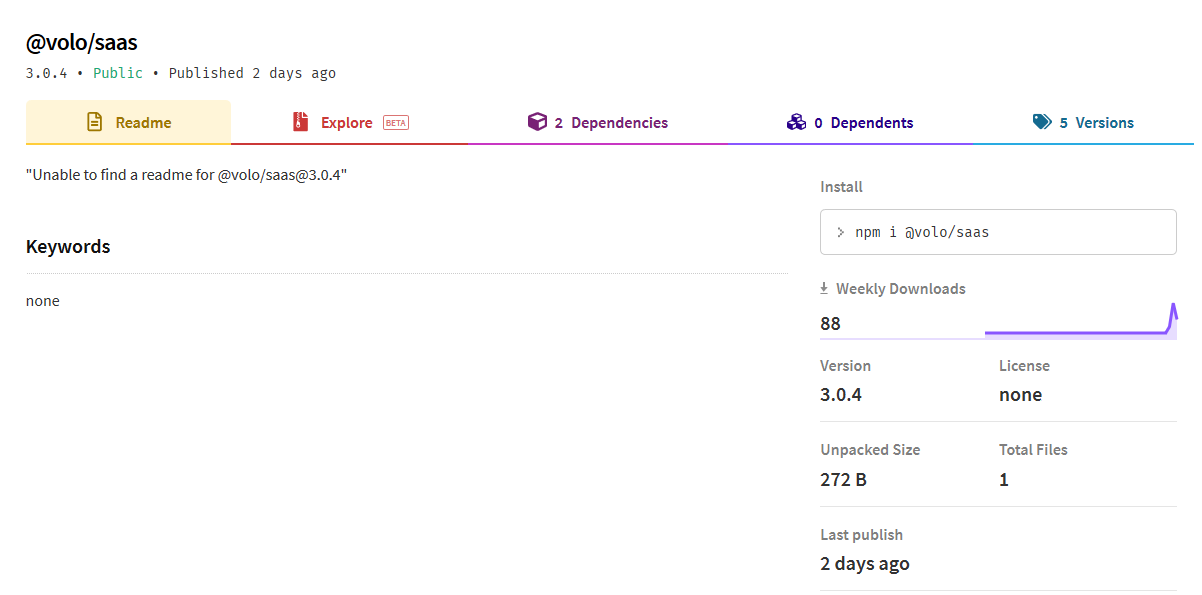
by the way, new minor version has been released. you can upgrade to v3.0.4
hi @wai, as I understand from your question you don't know basics of the application. you can create an application service and call the domain services in this new service. all application services are being exposed as WebAPIs by default. you can check Swagger to see how it can be called via JavaScript. also see https://docs.abp.io/en/abp/latest/Application-Services
@talhazengin, Check the package.json... it must be as the following
{
  "version": "1.0.0",
  "name": "my-app",
  "private": true,
  "dependencies": {
    "@volo/abp.aspnetcore.mvc.ui.theme.lepton": "^3.0.3",
    "@volo/saas": "^3.0.3",
    "@volo/audit-logging": "^3.0.3",
    "@volo/identity": "^3.0.3"
  }
}
you can also download a specific commercial package with the following URL:
Eg: Volo.Abp.Commercial.SuiteTemplates , version 3.0.3
https://nuget.abp.io/<YOUR_API_KEY>/v3/package/Volo.Abp.Commercial.SuiteTemplates/3.0.3/Volo.Abp.Commercial.SuiteTemplates.3.0.3.nupkg
@sean the problem is;
these templates are in a different package Volo.Abp.Commercial.SuiteTemplates.dll and Volo.Abp.Commercial.SuiteTemplates.dll is also updated. What you need to do is; clear your NuGet cache and restore NuGet packages. This will restore to updated Volo.Abp.Commercial.SuiteTemplates.dll
hi guys,
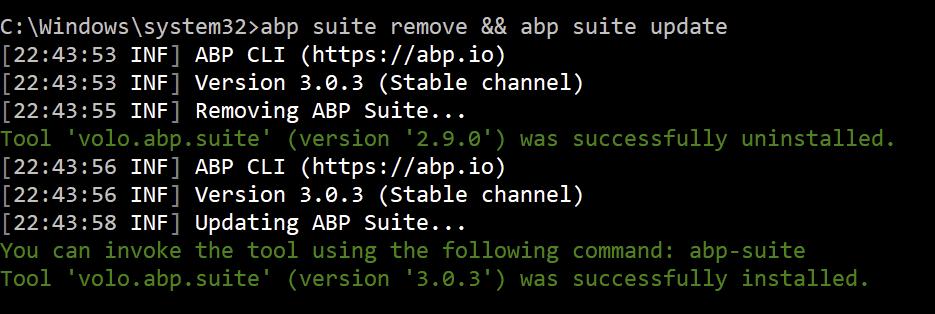
reported Suite bugs are fixed. remove your existing Suite, then install again. don't update because the version didn't change. same version with bug fixes (because only Suite package is updated)
abp suite remove && abp suite update
then clear your NuGet cache and restore the NuGet packages.