@sean the problem is;
these templates are in a different package Volo.Abp.Commercial.SuiteTemplates.dll and Volo.Abp.Commercial.SuiteTemplates.dll is also updated. What you need to do is; clear your NuGet cache and restore NuGet packages. This will restore to updated Volo.Abp.Commercial.SuiteTemplates.dll
hi guys,
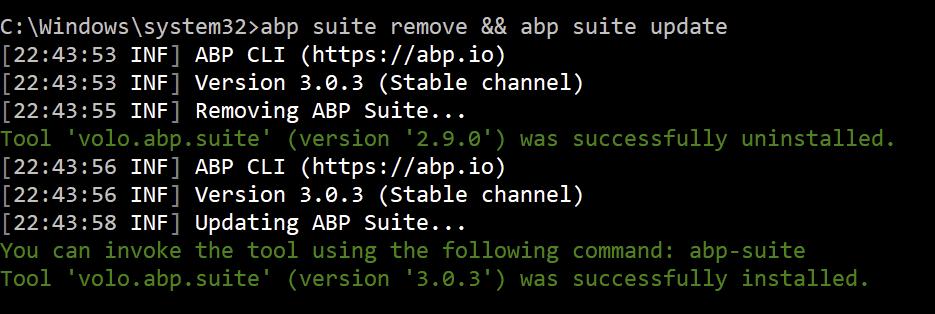
reported Suite bugs are fixed. remove your existing Suite, then install again. don't update because the version didn't change. same version with bug fixes (because only Suite package is updated)
abp suite remove && abp suite update
then clear your NuGet cache and restore the NuGet packages.
@thanhvl1, I couldn't reproduce your problem. Did you update your project to the latest ABP packages?
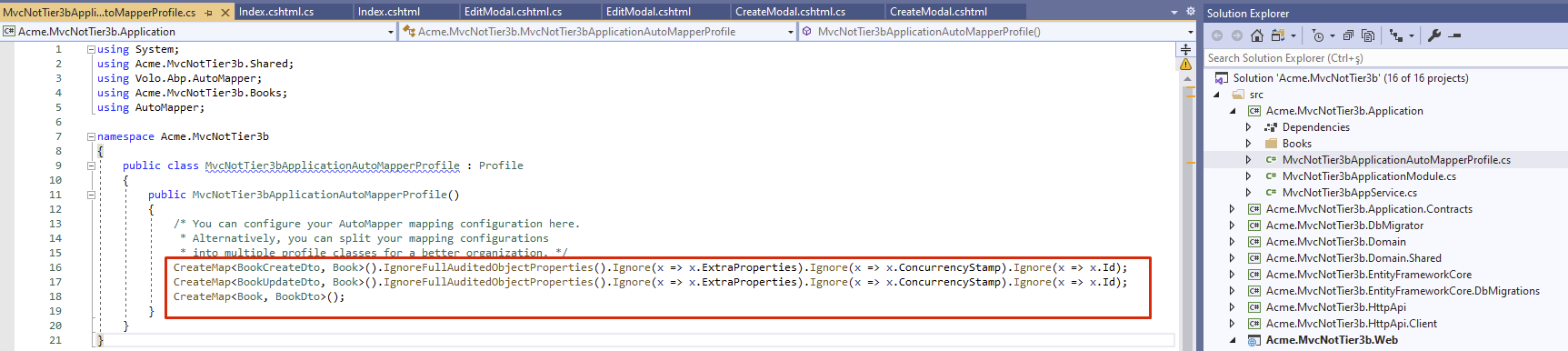
update your NPM packages to the latest.
run yarn then gulp
@mattjoslin, you didn't mention about your problem. pls detail your issue (your version, angular or mvc, logs etc...)
@ninomartini , to install the ABP Suite specific version, check out this https://support.abp.io/QA/Questions/287/How-can-I-install-a-specific-version-of-ABP-Suite#answer-93327068-d3d8-35df-7ec0-39f63c7b1e64
ABP Suite is served from the private NuGet webservice at https://nuget.abp.io
So you need to add the parameter add-source to your command.
dotnet tool install -g volo.abp.suite --version 2.9 --add-source https://nuget.abp.io/xxxxxxxxxxxxxx/v3/index.json
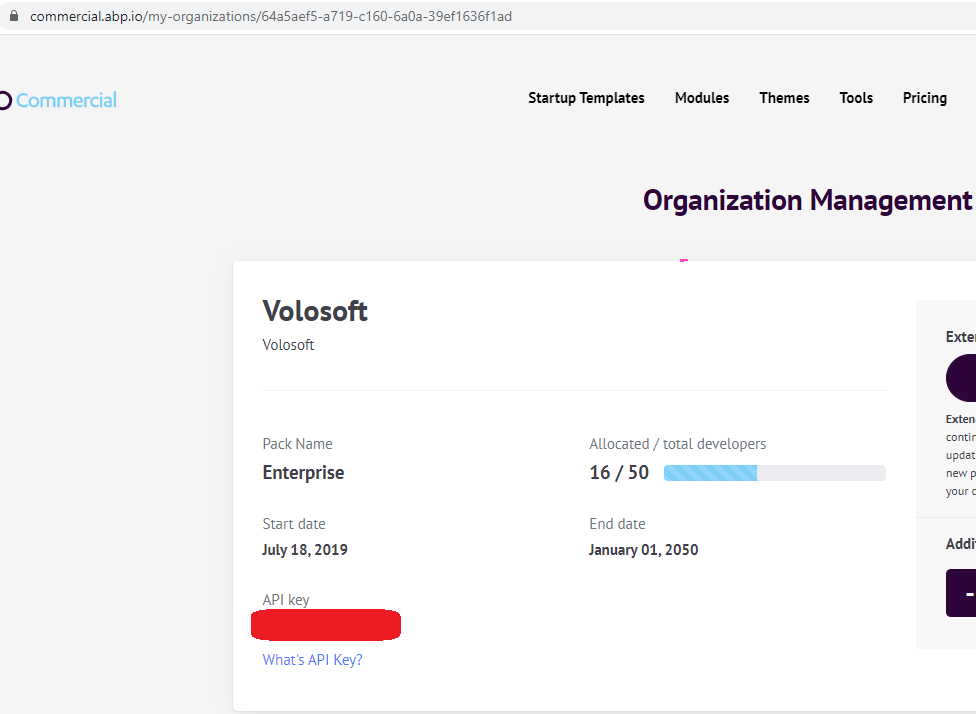
You need to add your private NuGet API key. You can find it from https://commercial.abp.io/my-organizations
I want to install a specific version of ABP Suite.
@pkouame, your 3 bug reports have been refunded as credits (you have 18/20 while it was 15/20).
for this issue, this has been fixed in the latest version (v3.X). I suggest you to update your project and Suite as well. by the way, v3.0.3 is releasing tomorrow (2020-07-08), you can wait for that version.
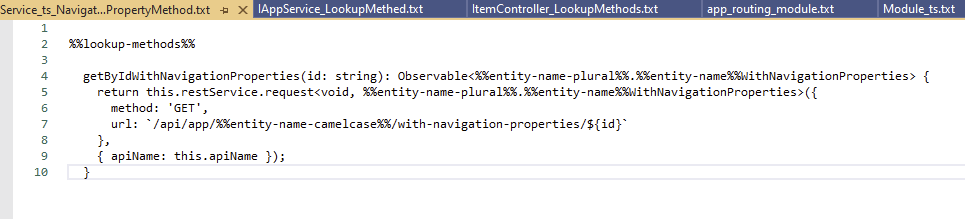
See the latest template...
this is expected behaviour. the phone field is not marked as required but you set min max length. so user can leave this field empty, but if any value is entered, it must be with min 1, max 50 characters.









