Suite: Add ability to manually specify a project's ABP Version
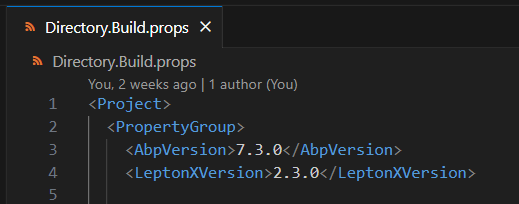
Problem: When using Directory.Build.Props like this
to unify the abp version inside the whole project
ABP suite is not able to detect on which version my app is running on.
Suggested solution Ability to manually specify the version somewhere.
@jfistelmann you can set the version info manually. There are also other options that you can manually edit. Just open the following file:
Windows:
%UserProfile%\.abp\suite\appsettings.json
MAC:
~/.abp/suite/appsettings.json
The issue is fixed with the upcoming version. PR: 14841
Yes, ABP supports two-factor authentication. Here are the related links:
Yes, ABP Commercial supports both Active Directory and Azure Active Directory. For more information, you can check out the following links:
LDAP Test Application The following simple Dotnet Console App is for testing your LDAP configuration. Before configuring your LDAP settings, you can test the information via this app to see if it works. ABP LDAP Test Application
I reopened the question. @zhaof you can write the recent status.
It looks like a specific issue for your computer:
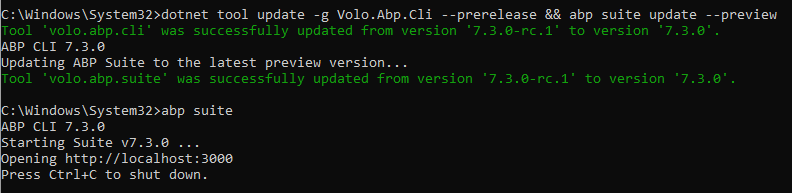
try making a clean install: https://docs.abp.io/en/commercial/latest/abp-suite/how-to-uninstall#how-to-do-a-clean-uninstallation-of-abp-suite
closing the question
closing the issue...
closing the issue... you can reopen.
can we close this ?