Microservices demo has moved to eShop
yes
we created eShopOnContainers to demonstrate how to deploy your services to cloud. as deployment process is custom to every customer, it's hard to cover all the could platforms with different deployment configurations. because each time we check, we see that the issues are more related to the 3rd party environments rather than the framework code itself. consultancy will work for you because they'll understand your requirements in deep.
ok I'll retest it after publishing
You cannot generate code on Volo.Identity.Pro project because that's not based on ABP's new module template. Those modules are custom modules. So you better make hands-on code on the Identity module.
@thedatacrew what's the recent situation in your issue?
closing the issue... you can reopen it anytime
@Sturla but yours is different
BSR.Beinni.IdentityServer terminated unexpectedly!
In the IdentityServer project, there's no CmsKit reference.
I run a vanilla 5.3.2 on my local and Identity Server project is running.
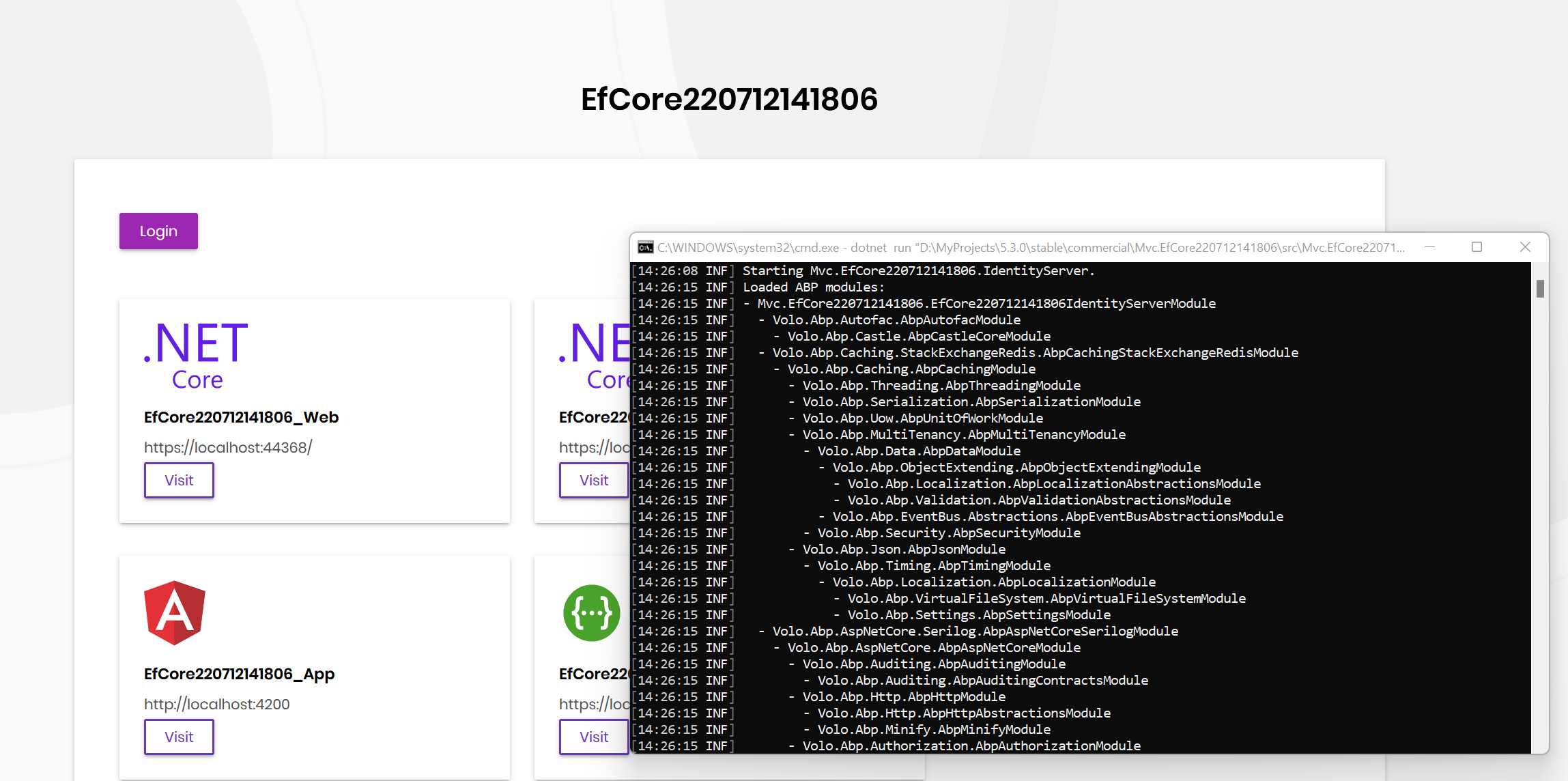
Can you try to reproduce it on a brand new 5.3.2?
We are stuck because of this one here https://support.abp.io/QA/Questions/3301/qgApoZ2OmDdJqiAoXp5L4ObZ82mStp54vqoB0A-is-not-a-valid-page-error . We got contractors to work with us for one week so there are like 3 man-weeks worth of changes that we can’t ship so super important to get this fixed (almost 1.5 weeks since discovered!!)
ABP v5.3.2 has just been released and this issue has been fixed.
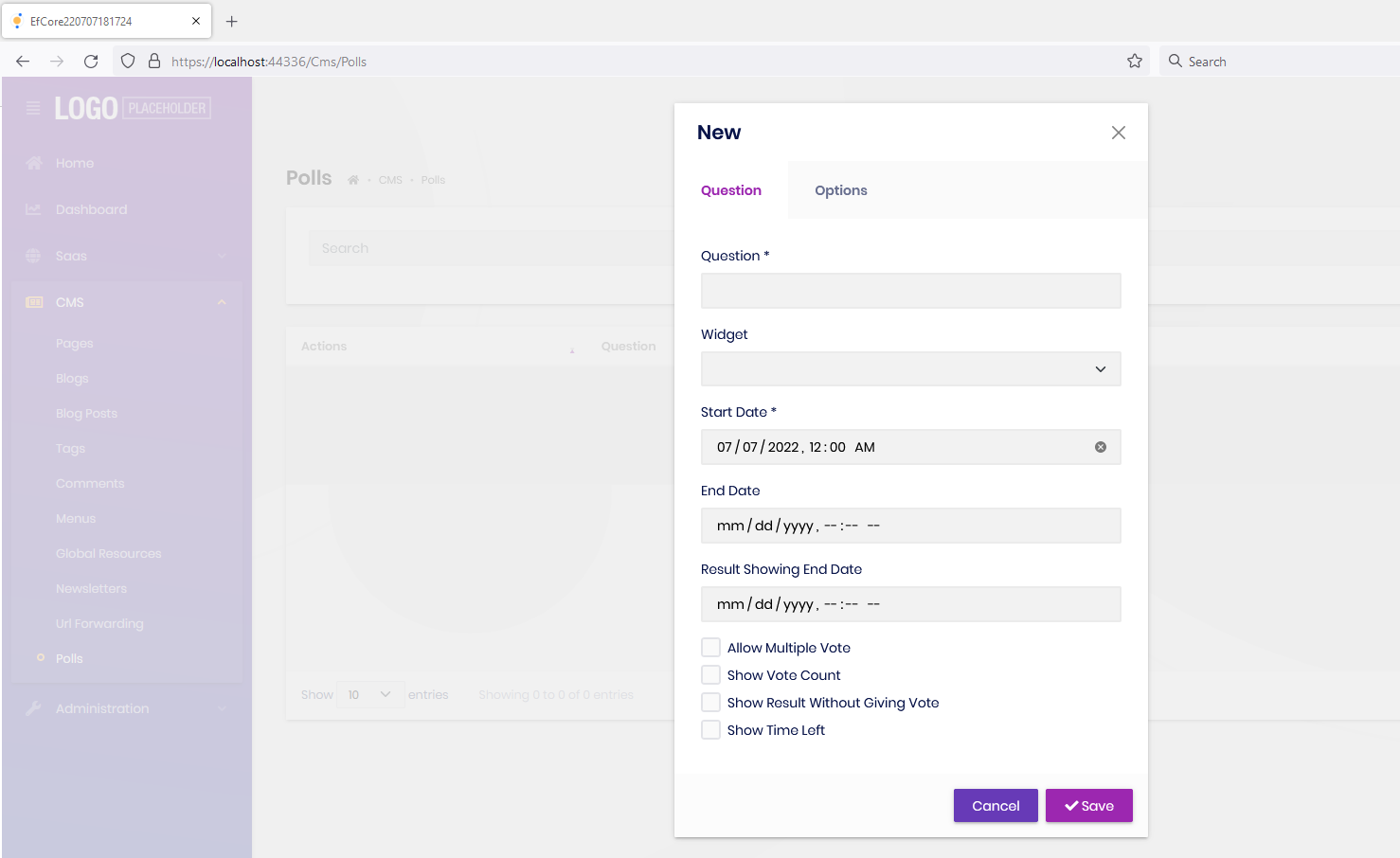
ABP v5.3.2 has just been released. This issue has been fixed
hi,
ABP Suite is not flexy on the directory and paths. It has its own folder structure and generates the files to those folders. Currently, you cannot do that but I created your request as a backlog item (10993) Thanks for your suggestions
write your ABP version? your UI Framework?









