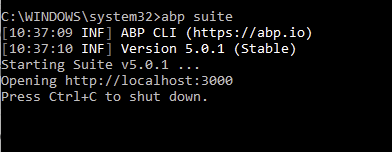
maybe your Suite didn't update well.
I checked and it's 5.0.1 at the startup log
I would go further and do it with services and controllers also!
I´m always adding something custom and its a pain to update.
Nb. I´m not still gone live so I can iterate fast but would love to do it even faster!
can you give details and concrete examples about your solution
creating a "generated.cs" file is a partial solution of not overwriting your custom code, what about injecting code in existing classes (DbContext, Permissions, MenuProviders etc..) ?
hi,
to fix this issue, you need to clear your local ABP cache
delete all files under this folder
%UserProfile%\.abp\templates
then try to add the File Management module again.
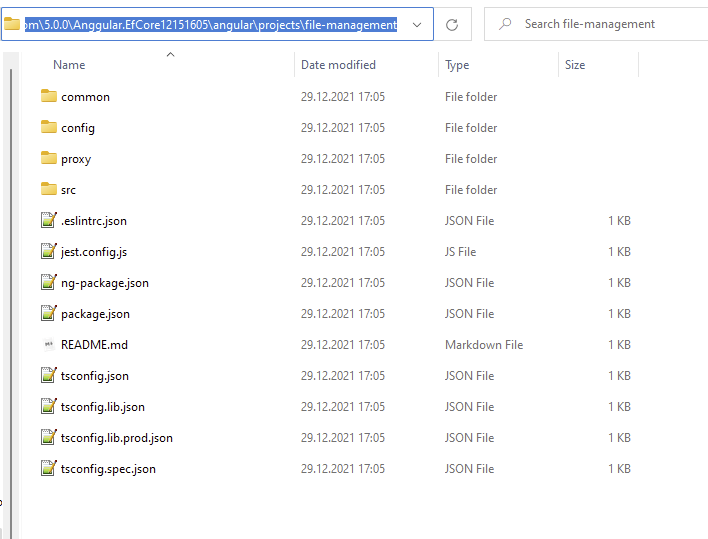
I tried with the 5.0.0 version and it works
thanks, we will take care of it. internal issue #8758
You can download the source code of @volo/abp.commercial.ng.ui with the following command
abp add-package @volo/abp.commercial.ng.ui --with-source-code
for the StaticWebAssets not found problem, I can say, Microsoft has changed the behavior of packing libraries, pls check these links
@albert
You misread my comment completely. I am showing you the before and after from using RC and then Stable. It changes the make-up of the csproj files by adding modules directly as NuGet packages instead of project references.
ok we'll check it again
@zhongfang after .NET 6, Microsoft changed the dotnet pack command behaviour, you need to check this https://stackoverflow.com/questions/69500315/wwwroot-directory-is-not-copied-to-the-tools-net6-0-any-directory-in-a-nuget-pac
@jkrause if you are trying use ABP v5.0 stable on a ABP v5.0 (RC) version it'll not work as expected. Suite and your ABP version must be the same.









