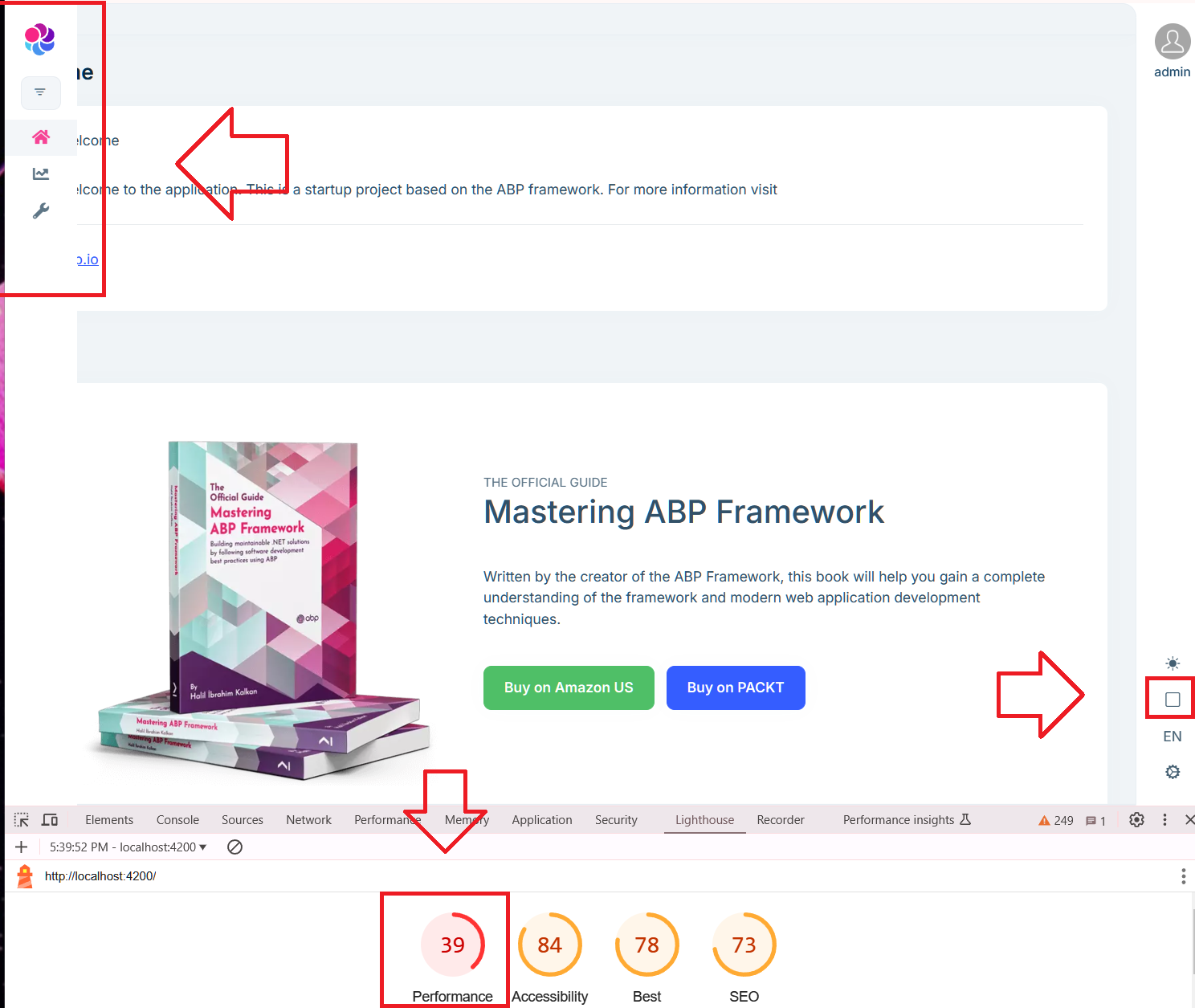
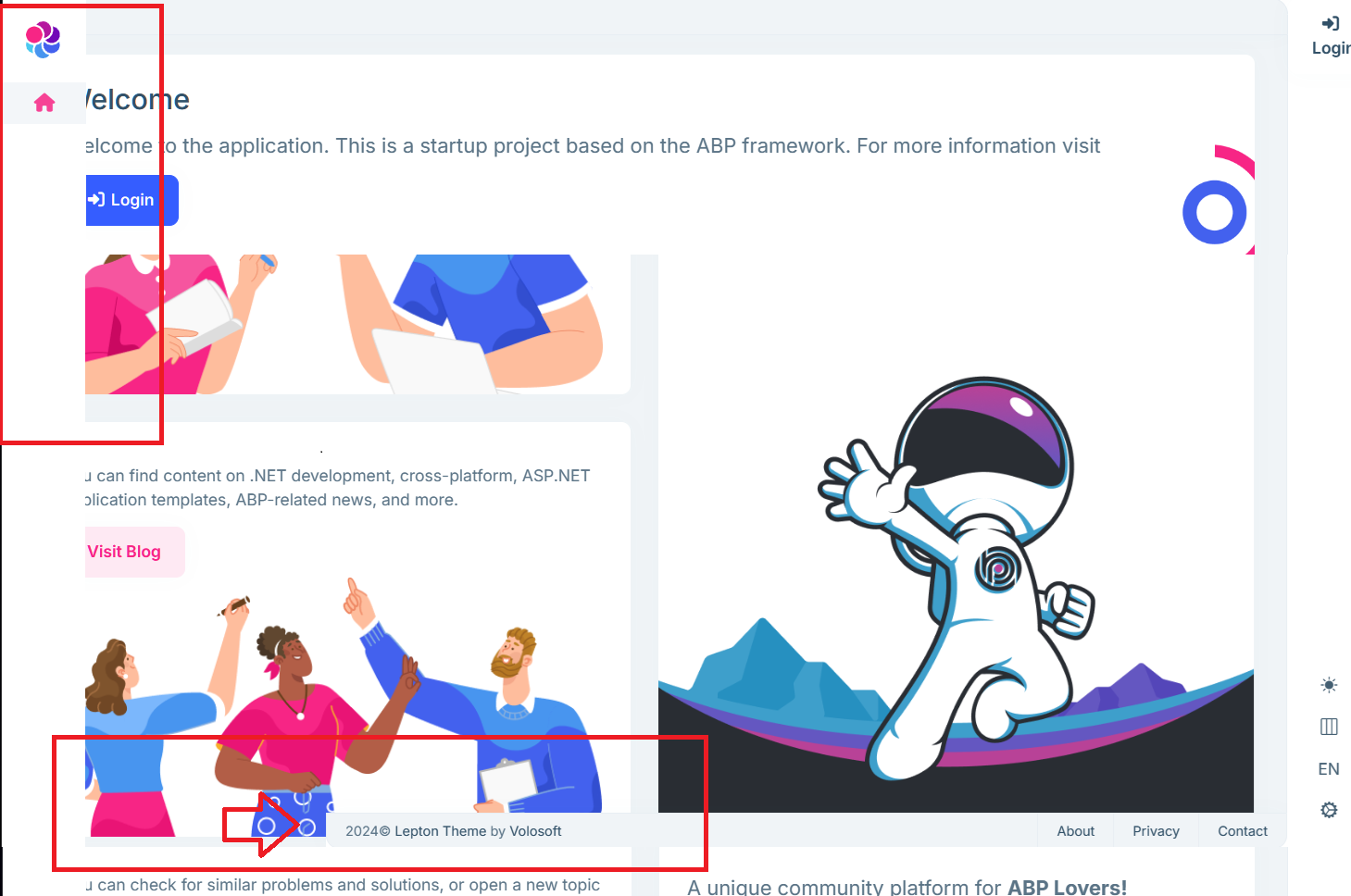
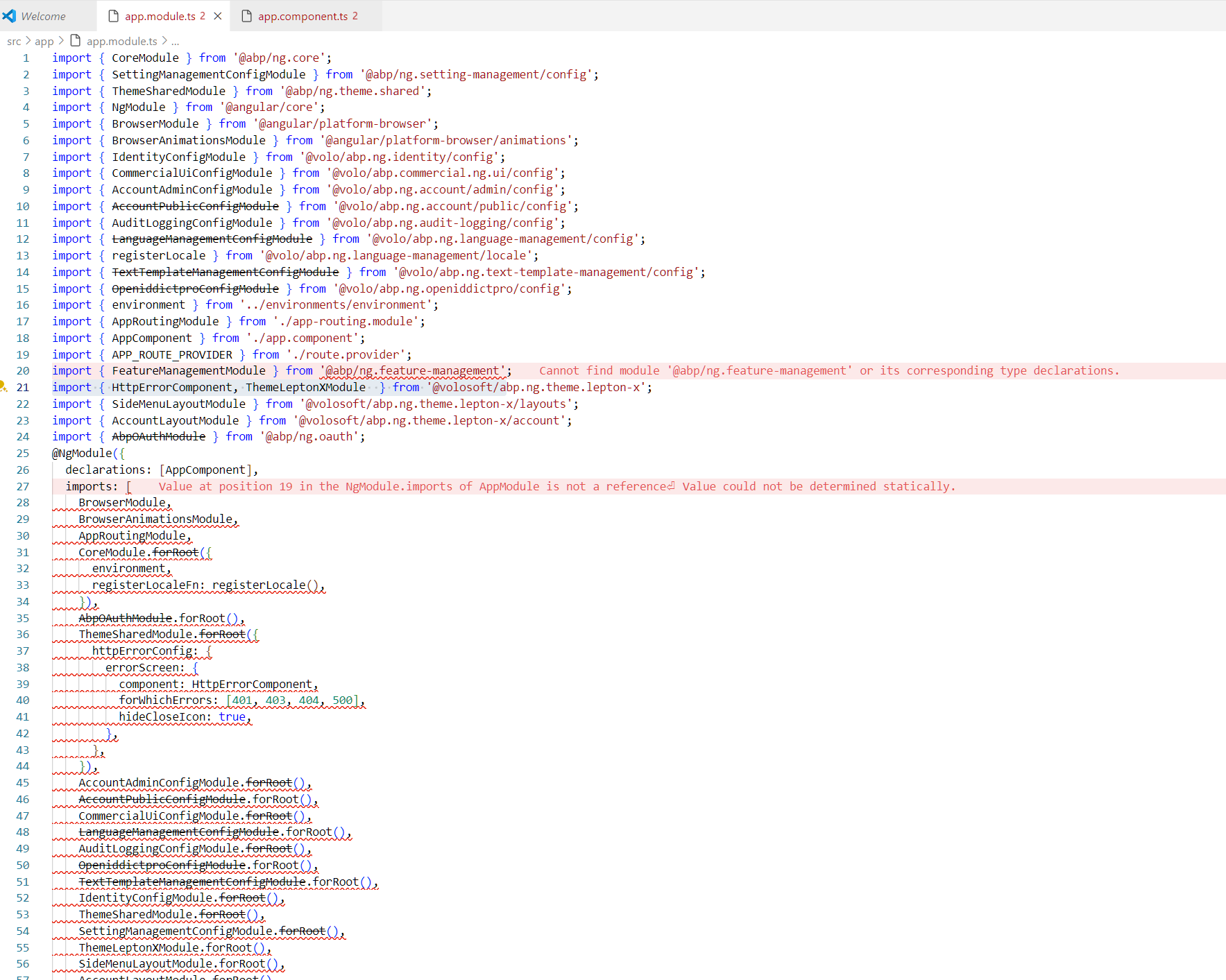
I have created a new Blazor Web App project in ABP Suite using 8.2.0-rc.3. I periodically get this message when starting the project. Refreshing the page fixes the problem and I can carry on.
Microsoft.AspNetCore.Http.DefaultHttpContext.get_User() Volo.Abp.AspNetCore.Security.Claims.HttpContextCurrentPrincipalAccessor.GetClaimsPrincipal() Volo.Abp.Security.Claims.CurrentPrincipalAccessorBase.get_Principal() Volo.Abp.Authorization.Permissions.PermissionChecker.IsGrantedAsync(string[] names) Volo.Abp.Authorization.Permissions.RequirePermissionsSimpleBatchStateChecker.IsEnabledAsync(SimpleBatchStateCheckerContext context) Volo.Abp.SimpleStateChecking.SimpleStateCheckerManager.IsEnabledAsync(TState[] states) Volo.Abp.UI.Navigation.MenuManager.CheckPermissionsAsync(IServiceProvider serviceProvider, IHasMenuItems menuWithItems) Volo.Abp.UI.Navigation.MenuManager.GetInternalAsync(string name) Volo.Abp.UI.Navigation.MenuManager.GetAsync(string[] menuNames) Volo.Abp.AspNetCore.Components.Web.LeptonXTheme.Navigation.MainMenuProvider.GetMenuAsync() Volo.Abp.AspNetCore.Components.Web.LeptonXTheme.Components.ApplicationLayout.SideMenu.MainHeader.MainHeader.OnInitializedAsync() Microsoft.AspNetCore.Components.ComponentBase.RunInitAndSetParametersAsync() Microsoft.AspNetCore.Components.RenderTree.Renderer.GetErrorHandledTask(Task taskToHandle, ComponentState owningComponentState) Microsoft.AspNetCore.Components.RenderTree.Renderer.GetErrorHandledTask(Task taskToHandle, ComponentState owningComponentState) Microsoft.AspNetCore.Components.Endpoints.EndpointHtmlRenderer.g__Execute|38_0() Microsoft.AspNetCore.Components.Endpoints.EndpointHtmlRenderer.WaitForResultReady(bool waitForQuiescence, PrerenderedComponentHtmlContent result) Microsoft.AspNetCore.Components.Endpoints.EndpointHtmlRenderer.RenderEndpointComponent(HttpContext httpContext, Type rootComponentType, ParameterView parameters, bool waitForQuiescence) System.Threading.Tasks.ValueTask.get_Result() Microsoft.AspNetCore.Components.Endpoints.RazorComponentEndpointInvoker.RenderComponentCore(HttpContext context) Microsoft.AspNetCore.Components.Endpoints.RazorComponentEndpointInvoker.RenderComponentCore(HttpContext context) Microsoft.AspNetCore.Components.Rendering.RendererSynchronizationContext+<>c+<b__10_0>d.MoveNext() Microsoft.AspNetCore.Routing.EndpointMiddleware.g__AwaitRequestTask|7_0(Endpoint endpoint, Task requestTask, ILogger logger) Volo.Abp.AspNetCore.Serilog.AbpSerilogMiddleware.InvokeAsync(HttpContext context, RequestDelegate next) Microsoft.AspNetCore.Builder.UseMiddlewareExtensions+InterfaceMiddlewareBinder+<>c__DisplayClass2_0+<b__0>d.MoveNext() Volo.Abp.AspNetCore.Auditing.AbpAuditingMiddleware.InvokeAsync(HttpContext context, RequestDelegate next) Volo.Abp.AspNetCore.Auditing.AbpAuditingMiddleware.InvokeAsync(HttpContext context, RequestDelegate next) Microsoft.AspNetCore.Builder.UseMiddlewareExtensions+InterfaceMiddlewareBinder+<>c__DisplayClass2_0+<b__0>d.MoveNext() Swashbuckle.AspNetCore.SwaggerUI.SwaggerUIMiddleware.Invoke(HttpContext httpContext) Swashbuckle.AspNetCore.Swagger.SwaggerMiddleware.Invoke(HttpContext httpContext, ISwaggerProvider swaggerProvider) Microsoft.AspNetCore.Authorization.AuthorizationMiddleware.Invoke(HttpContext context) Volo.Abp.AspNetCore.Security.Claims.AbpDynamicClaimsMiddleware.InvokeAsync(HttpContext context, RequestDelegate next) Microsoft.AspNetCore.Builder.UseMiddlewareExtensions+InterfaceMiddlewareBinder+<>c__DisplayClass2_0+<b__0>d.MoveNext() Volo.Abp.AspNetCore.Uow.AbpUnitOfWorkMiddleware.InvokeAsync(HttpContext context, RequestDelegate next) Microsoft.AspNetCore.Builder.UseMiddlewareExtensions+InterfaceMiddlewareBinder+<>c__DisplayClass2_0+<b__0>d.MoveNext() Volo.Abp.AspNetCore.ExceptionHandling.AbpExceptionHandlingMiddleware.InvokeAsync(HttpContext context, RequestDelegate next) Volo.Abp.AspNetCore.ExceptionHandling.AbpExceptionHandlingMiddleware.InvokeAsync(HttpContext context, RequestDelegate next) Microsoft.AspNetCore.Builder.UseMiddlewareExtensions+InterfaceMiddlewareBinder+<>c__DisplayClass2_0+<b__0>d.MoveNext() Volo.Abp.AspNetCore.MultiTenancy.MultiTenancyMiddleware.InvokeAsync(HttpContext context, RequestDelegate next) Microsoft.AspNetCore.Builder.UseMiddlewareExtensions+InterfaceMiddlewareBinder+<>c__DisplayClass2_0+<b__0>d.MoveNext() Microsoft.AspNetCore.Builder.ApplicationBuilderAbpOpenIddictMiddlewareExtension+<>c__DisplayClass0_0+<b__0>d.MoveNext() Microsoft.AspNetCore.Authentication.AuthenticationMiddleware.Invoke(HttpContext context) Volo.Abp.AspNetCore.Security.AbpSecurityHeadersMiddleware.InvokeAsync(HttpContext context, RequestDelegate next) Microsoft.AspNetCore.Builder.UseMiddlewareExtensions+InterfaceMiddlewareBinder+<>c__DisplayClass2_0+<b__0>d.MoveNext() Volo.Abp.AspNetCore.Tracing.AbpCorrelationIdMiddleware.InvokeAsync(HttpContext context, RequestDelegate next) Microsoft.AspNetCore.Builder.UseMiddlewareExtensions+InterfaceMiddlewareBinder+<>c__DisplayClass2_0+<b__0>d.MoveNext() Microsoft.AspNetCore.Localization.RequestLocalizationMiddleware.Invoke(HttpContext context) Microsoft.AspNetCore.RequestLocalization.AbpRequestLocalizationMiddleware.InvokeAsync(HttpContext context, RequestDelegate next) Microsoft.AspNetCore.Builder.UseMiddlewareExtensions+InterfaceMiddlewareBinder+<>c__DisplayClass2_0+<b__0>d.MoveNext() Microsoft.AspNetCore.Diagnostics.DeveloperExceptionPageMiddlewareImpl.Invoke(HttpContext context)
Can confirm that I have the same problem and same solution. Not sure if it is .NET or ABP releated though, this new Blazor WebApp seems a bit shaky overall.
It seems like the new "Blazor Web App" alternative no longer has an option for PWA like the Blazor WASM and Blazor Server alternatives?
I would like to have property types for at least images and HTML. Or maybe some kind of Rich Text Editor, that would be even better but I imagine that might also be a lot more work.
With that missing, we tend to end up with the conclusion that we should use components from DevExpress etc at which point much of the idea with ABP Suite goes away, at least the UI part.
Not sure if this is a bug or something but I can't for the life of me find where I can change the text ("ProjectName") here. Logo I know how to change.
It does not appear to use AppName or anything else I've found in the code? public class TodoManagerBrandingProvider : DefaultBrandingProvider { public override string AppName => "My new name here"; }Anyone still alive in here?
hi, this is not a bug! To get help on this customization question, you can create a new ticket.
this topic is only for bugsIf this is declared as not a bug, but trying the obvious doesn't' work, then it's a bug. Provide the work-around or fix the problem, please. Thanks ABP team. I know you are better than this smug reply to a real problem. Creating a ticket only to get a refund for not fixing what should work by design? Even the base class defaultbrandingprovider has these properties to override. Additionally, overriding in global css shouldn't have to be the solution when the defaultbrandingprovider exposes light logo dark logo and AppName
Agreed. The provided answer so far seems more like "we don't know why it isn't working but we have bigger problems to focus on right now". This remains an unresolved bug until a solution is provided or instructions on how to do it. Thanks.
Apparently, that name is now hardcoded into the image which is also why changes to the AppName don't have any effect (as it used to have from what I can remember).
https://github.com/abpframework/abp/issues/17601
Not sure if this is a bug or something but I can't for the life of me find where I can change the text ("ProjectName") here. Logo I know how to change.
It does not appear to use AppName or anything else I've found in the code? public class TodoManagerBrandingProvider : DefaultBrandingProvider { public override string AppName => "My new name here"; }Anyone still alive in here?
hi, this is not a bug! To get help on this customization question, you can create a new ticket.
this topic is only for bugsIf this is declared as not a bug, but trying the obvious doesn't' work, then it's a bug. Provide the work-around or fix the problem, please. Thanks ABP team. I know you are better than this smug reply to a real problem. Creating a ticket only to get a refund for not fixing what should work by design? Even the base class defaultbrandingprovider has these properties to override. Additionally, overriding in global css shouldn't have to be the solution when the defaultbrandingprovider exposes light logo dark logo and AppName
Agreed. The provided answer so far seems more like "we don't know why it isn't working but we have bigger problems to focus on right now". This remains an unresolved bug until a solution is provided or instructions on how to do it. Thanks.
Not sure if this is a bug or something but I can't for the life of me find where I can change the text ("ProjectName") here. Logo I know how to change.
It does not appear to use AppName or anything else I've found in the code? public class TodoManagerBrandingProvider : DefaultBrandingProvider { public override string AppName => "My new name here"; }Anyone still alive in here?
hi, this is not a bug! To get help on this customization question, you can create a new ticket. this topic is only for bugs
Thanks. Please point us towards where in the documentation we can find this and there should be no need for a new ticket. We tried to find it but couldn't.
Not sure if this is a bug or something but I can't for the life of me find where I can change the text ("ProjectName") here. Logo I know how to change.
It does not appear to use AppName or anything else I've found in the code? public class TodoManagerBrandingProvider : DefaultBrandingProvider { public override string AppName => "My new name here"; }
Anyone still alive in here?
Not sure if this is a bug or something but I can't for the life of me find where I can change the text ("ProjectName") here. Logo I know how to change.
It does not appear to use AppName or anything else I've found in the code?
public class TodoManagerBrandingProvider : DefaultBrandingProvider
{
public override string AppName => "My new name here";
}
Is the Microservice Template actually intended to be used and working or is it some kind of preview? When trying to create a simple project using ABP Suite, there are numerous build errors the first time you try to build it. Doing a "dotnet restore" in the solution directory will remove some of it, but instead produce new ones. The entire process seems kind of shaky...
Edit:
At first when trying to build in VS you get 40 of these
Severity Code Description Project File Line Suppression State Error NU1105 Unable to find project information for 'M:\Projects\ASP.NET\ABP\src\MicroserviceTest3\services\product\src\MicroserviceTest3.ProductService.EntityFrameworkCore\MicroserviceTest3.ProductService.EntityFrameworkCore.csproj'. If you are using Visual Studio, this may be because the project is unloaded or not part of the current solution so run a restore from the command-line. Otherwise, the project file may be invalid or missing targets required for restore. MicroserviceTest3.ProductService.HttpApi.Host M:\Projects\ASP.NET\ABP\src\MicroserviceTest3\services\product\src\MicroserviceTest3.ProductService.HttpApi.Host\MicroserviceTest3.ProductService.HttpApi.Host.csproj 1
After having done "dotnet restore", you instead get 96 of these
Severity Code Description Project File Line Suppression State Error CS0006 Metadata file 'M:\Projects\ASP.NET\ABP\src\MicroserviceTest3\services\administration\src\MicroserviceTest3.AdministrationService.Application.Contracts\bin\Debug\netstandard2.0\MicroserviceTest3.AdministrationService.Application.Contracts.dll' could not be found MicroserviceTest3.DbMigrator M:\Projects\ASP.NET\ABP\src\MicroserviceTest3\shared\MicroserviceTest3.DbMigrator\CSC 1 Active
Edit 3:
Seems like you have to do a "dotnet build /graphBuild" in the solution directory first, it seems to sort out the problems.