Hi,
You can check the discussion here: https://github.com/Xabaril/AspNetCore.Diagnostics.HealthChecks/issues/700#issuecomment-745881226
You can try:
var healthChecksUiBuilder = services.AddHealthChecksUI(settings =>
{
    settings.AddHealthCheckEndpoint("MyProjectName Health Status", "https://yourwebsite.com/health-status");
});

services.MapHealthChecksUiEndpoints(options =>
{
    options.UIPath = "https://yourwebsite.com/health-ui";
    options.ApiPath = "https://yourwebsite.com/health-api";
});
REMEMBER ME means keeping your login status even if the browser is closed.
In normal case if we checked remember me so after logout username, remember me as come selected right...Or when we click on password field so it shows autosaved password as well.
This is the Browser's functionality, Like Edge or Chrome. they provide a save password feature.
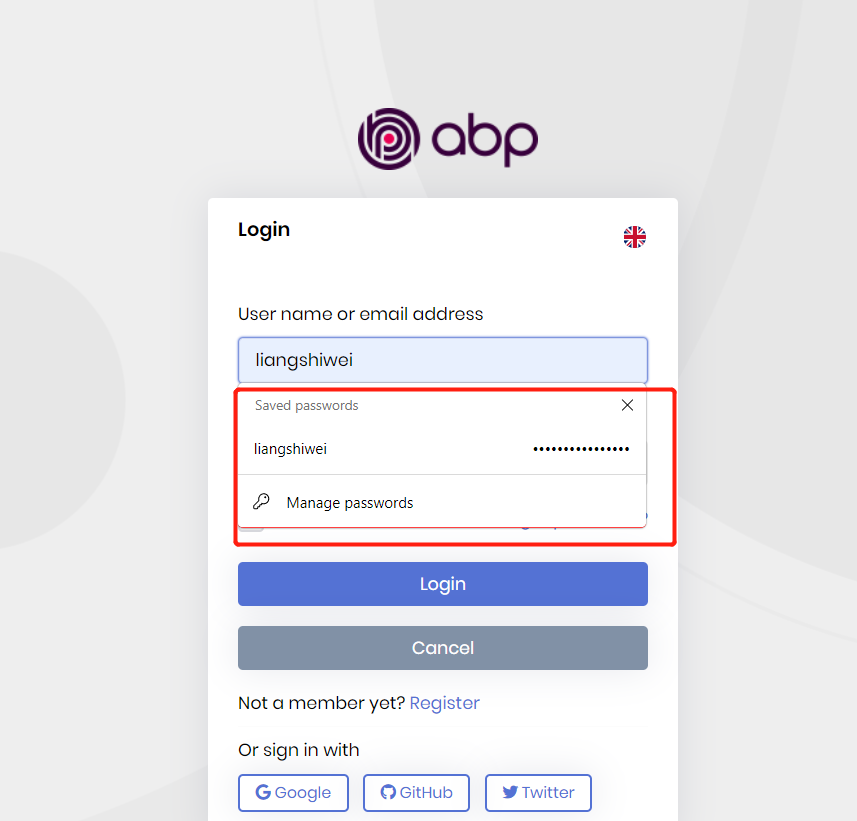
If this functionality is not added in this framework then how we can add this feature pls guide.
You misunderstood what “REMEMBER ME” word means. you need to implement it yourself.
According to the design of Identity cookie authentication, if you do not check Remember me, the cookie life is session. If the browser is closed or it thinks that the session has ended, your cookies will become invalid.
Hi,
The Remember me means keep your login status instead of your username.
Waiting for the project to reproduce.
Hi,
How is it not working? can you explain it in detail?
Hi,
We will fix the problem: https://github.com/abpframework/abp/pull/13158, your ticket has been refunded
You can try this as a temporary solution:
[Dependency(ReplaceServices = true)]
[ExposeServices(typeof(IProducerPool))]
public class MyProducerPool : ProducerPool, ISingletonDependency
{
    public MyProducerPool(IOptions<AbpKafkaOptions> options) : base(options)
    {
    }

    public override IProducer<string, byte[]> Get(string connectionName = null)
    {
        connectionName ??= KafkaConnections.DefaultConnectionName;

        return Producers.GetOrAdd(
            connectionName, connection => new Lazy<IProducer<string, byte[]>>(() =>
            {
                var producerConfig = new ProducerConfig(Options.Connections.GetOrDefault(connection));
                Options.ConfigureProducer?.Invoke(producerConfig);
                return new ProducerBuilder<string, byte[]>(producerConfig).Build();
            })).Value;
    }
}
Hi,
I'm sorry about it,
The source should be https://nuget.abp.io/<YourLicenseKey>/v3/index.json
You can use the ABP suite to create a new project, you will find the License key in the NuGet.Config file.
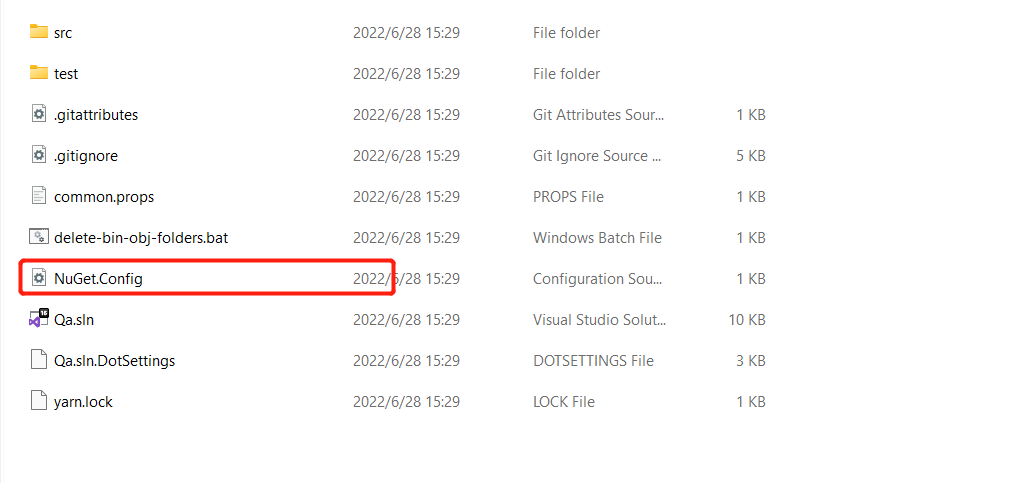
Since previous version is in nuget instead of in commercial nuget
We never publish Volo.Abp.AuditLogging.Application package to the NuGet source.
it means we need to purchase ABP commercial license to use it?
You already have an ABP commercial license, so you can install the package directly
Hi,
This is a common question, maybe there is already an answer, you can check:https://support.abp.io/QA/Questions?Sort=LastActivityDate-desc&Filter=suite+%2B+user+%2B+navigation









