hi
Can you clear your NuGet package cache and restart Studio and try again?
dotnet nuget locals all --clear
I tested the command and the angular folder exists.
abp new VentraHubStructure -t microservice --ui-framework angular --mobile react-native --database-provider ef --database-management-system sqlserver --theme leptonx --skip-migration --skip-migrator --public-website --without-cms-kit --aspire --dont-run-install-libs --dont-run-bundling -no-language-management -chat -file-management"
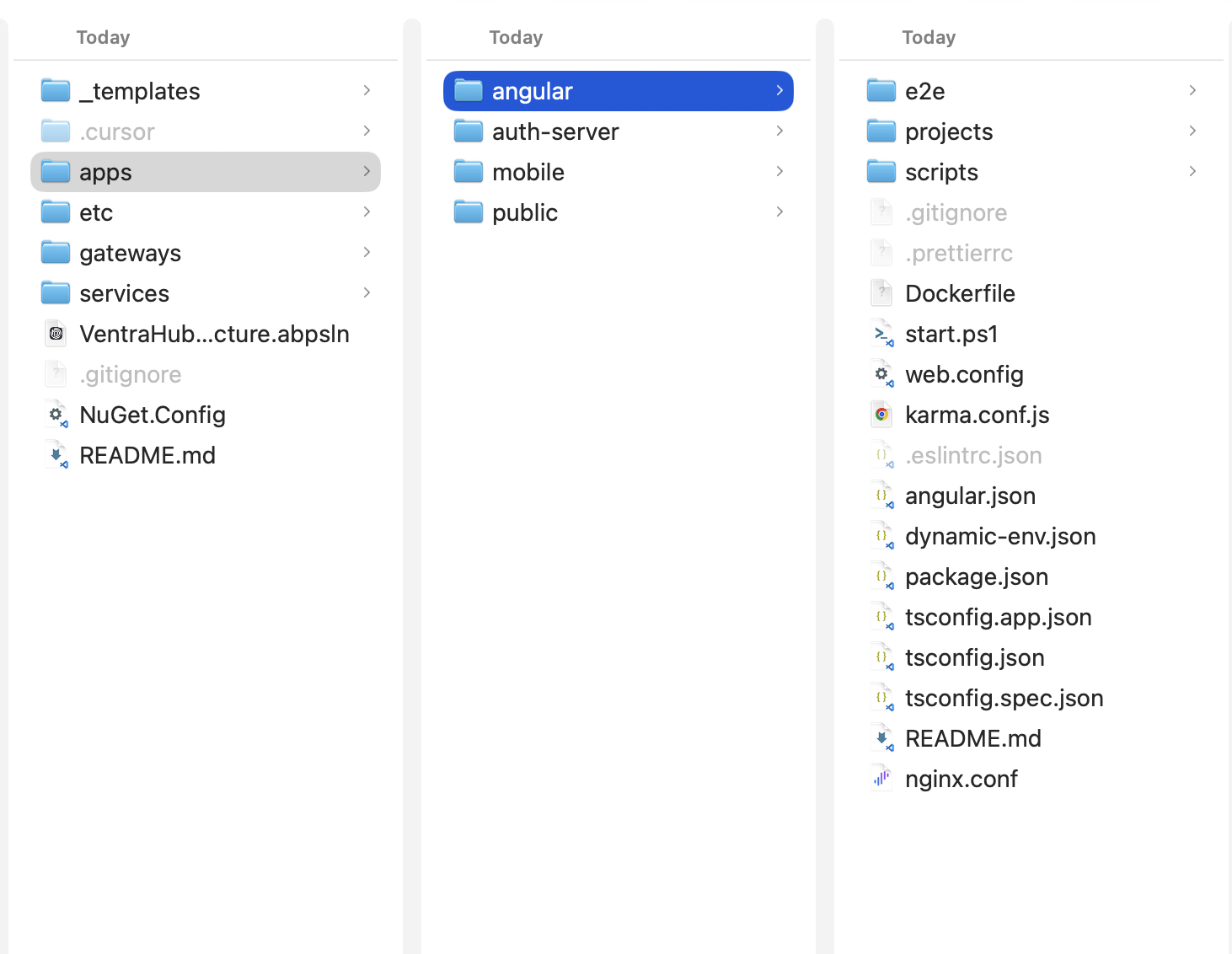
hi
Can you enable debug logs and check the logs.txt file?
https://abp.io/support/questions/8622/How-to-enable-Debug-logs-for-troubleshoot-problems
Thanks
hi
What is your Studio version?
Can you share the MyProjectName.abpsln file?
liming.ma@volosoft.com
Thanks.
hi
Register and use entity cache in Domain layer.
Thanks.
hi
You can also share full logs.txt of your authserver project to liming.ma@volosoft.com
Thanks.
hi
Can you try enabling debug logs and check again?
The event will be added to the SaaS server Outboxes and sent to the identity server Inboxes.
Can you also check the tables in the database?
https://abp.io/support/questions/8622/How-to-enable-Debug-logs-for-troubleshoot-problems
Thanks.
hi
Please try to move EventBus into Azure.
See https://abp.io/docs/latest/framework/infrastructure/event-bus/distributed/azure?_redirected=B8ABF606AA1BDF5C629883DF1061649A#appsettingsjson-file-configuration
{
  "Azure": {
    "ServiceBus": {
      "Connections": {
        "Default": {
          "ConnectionString": ""
        }
      }
    },
    "EventBus": {
      "ConnectionName": "",
      "SubscriberName": "",
      "TopicName": ""
    }
  }
}
Thanks.
hi
Please change your logs configuration to the code below and share the logs again.
var loggerConfiguration = new LoggerConfiguration()
    .MinimumLevel.Debug()
    .MinimumLevel.Override("Microsoft.EntityFrameworkCore", LogEventLevel.Warning)
    .Enrich.FromLogContext()
    .WriteTo.Async(c => c.File("Logs/logs.txt"))
Thanks.
hi
Can you enable it for a tenant?
I think this PR fixes the tenant/edition features problem
https://github.com/abpframework/abp/pull/22632
Thanks.
hi
Can you try to set the abp.appPath?
Please relace myscript with script
app.UseAbpSwaggerUI(options =>
{
    options.SwaggerEndpoint("/mytest/swagger/v1/swagger.json", "Test MyProjectName API");

    var builder = new StringBuilder(options.HeadContent);
    builder.AppendLine($"<myscript>abp.appPath = '/mytest/';</myscript>");
    options.HeadContent = builder.ToString();

});
Thanks.









