hi
Please share the html source code of your current swagger Index.html
liming.ma@volosoft.com
Thanks.
ok
You can create a new MVC template project and copy the Themes folder to your API project.
Thanks.
hi
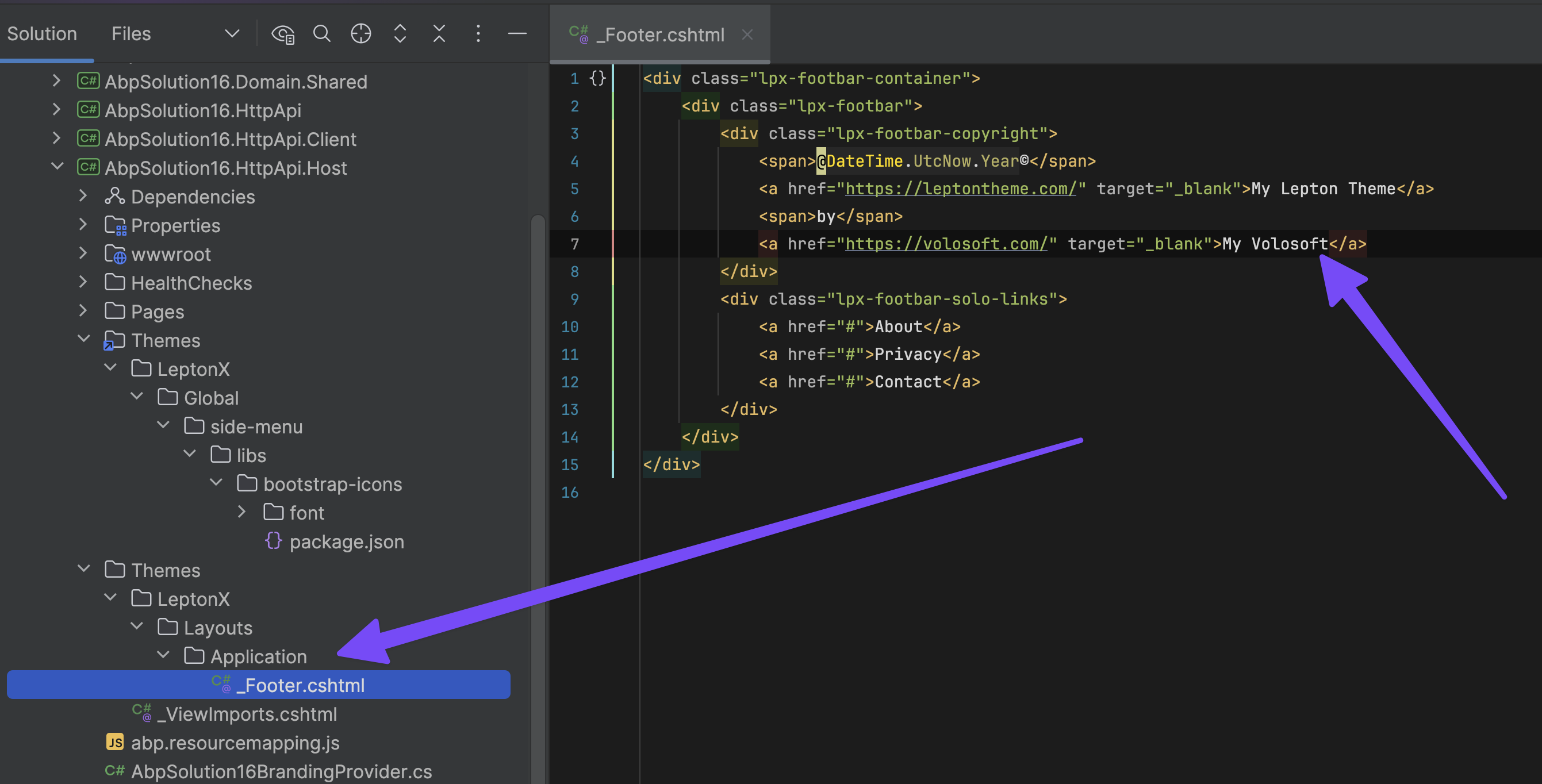
Create a new folder in your API website
hi
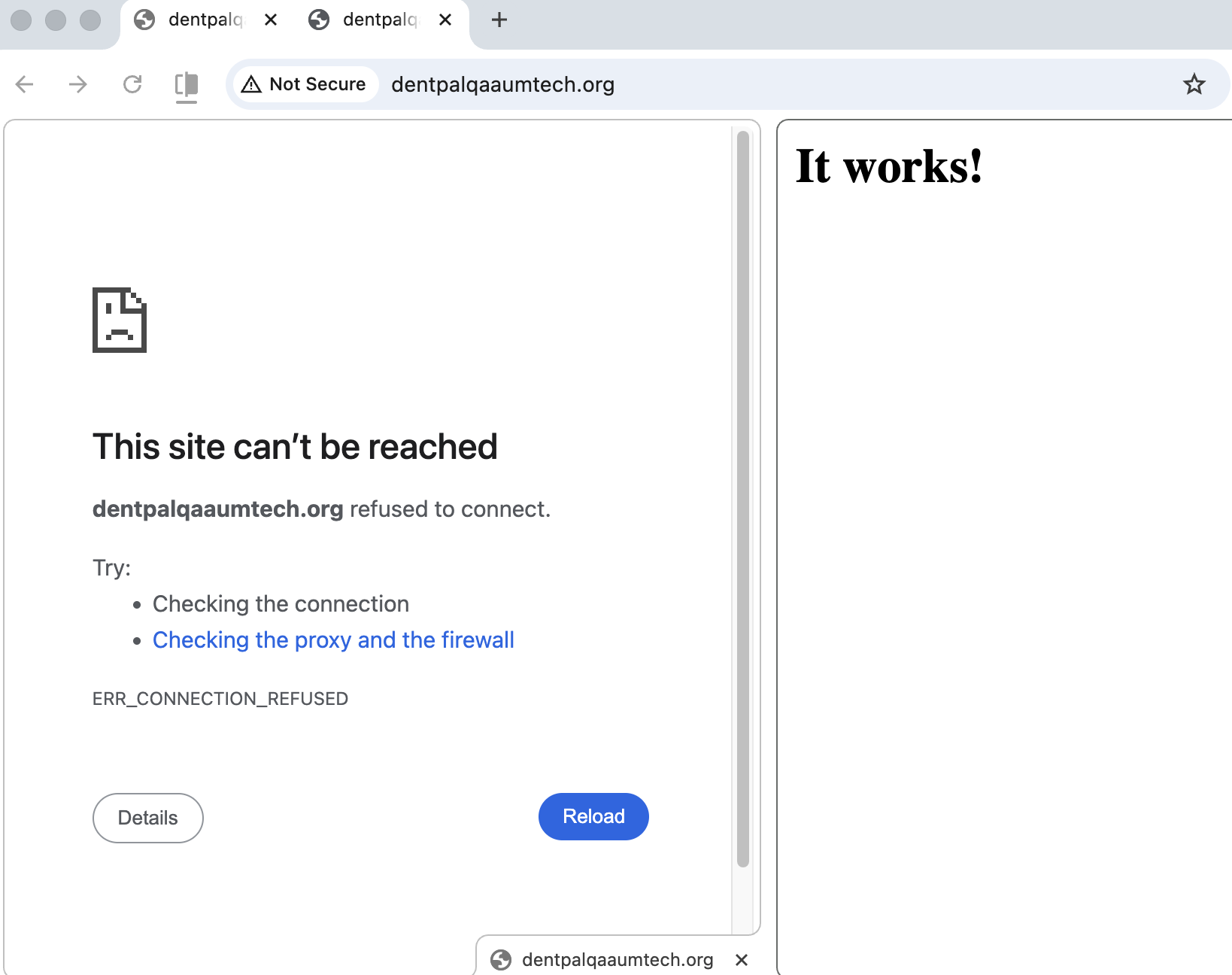
Website is not working
Left: HTTPS Right: HTTP
hi
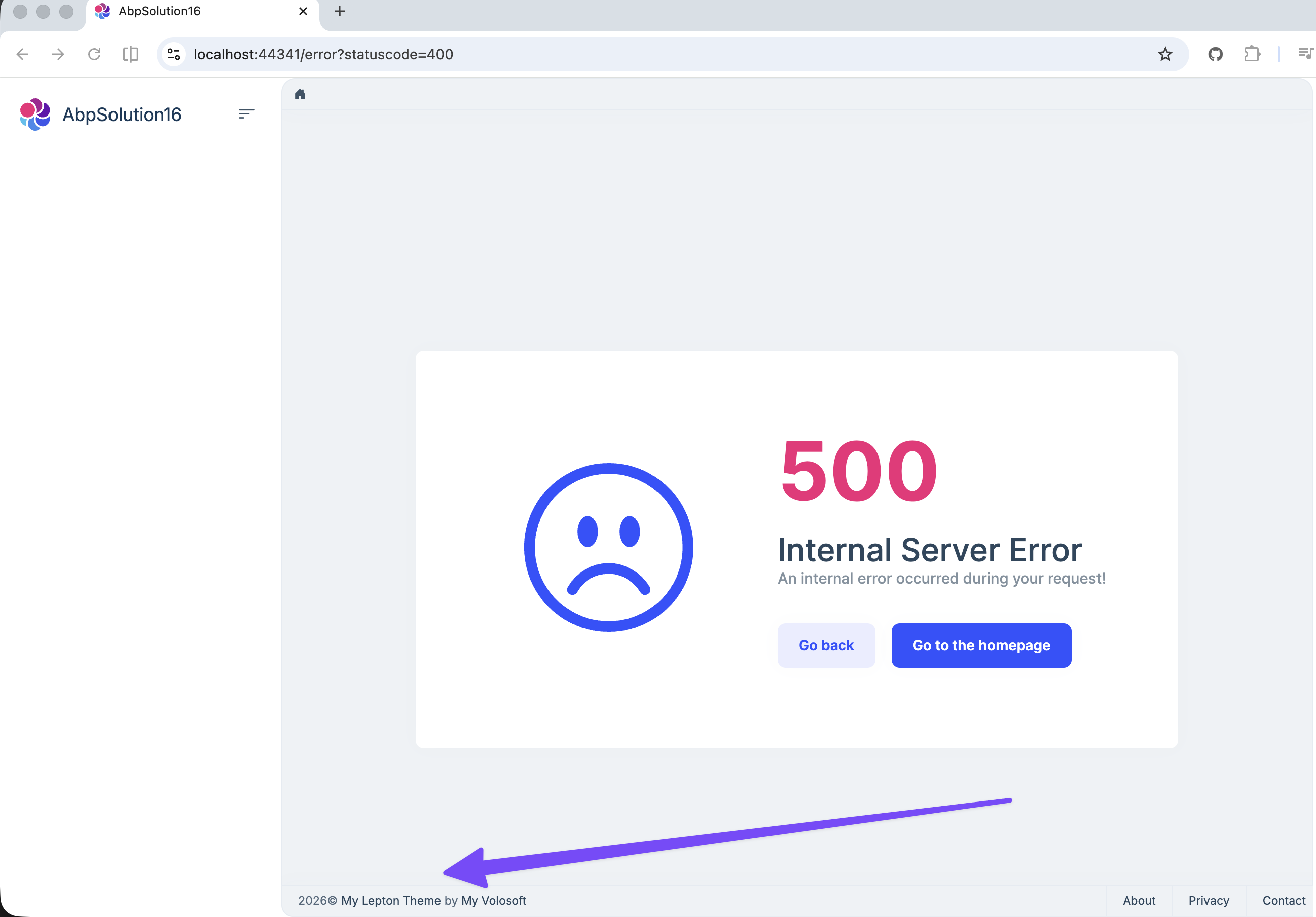
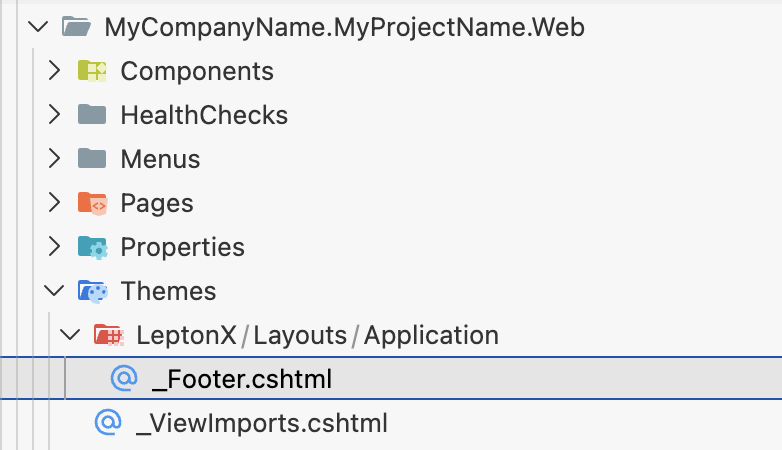
Have you tried copying the _Footer.cshtml to your api project's Themes/LeptonX/ Layouts/Application folder?
You can create a new mvc template project and copy the
_Footer.cshtmlto your project with the same folder structure and customize it.
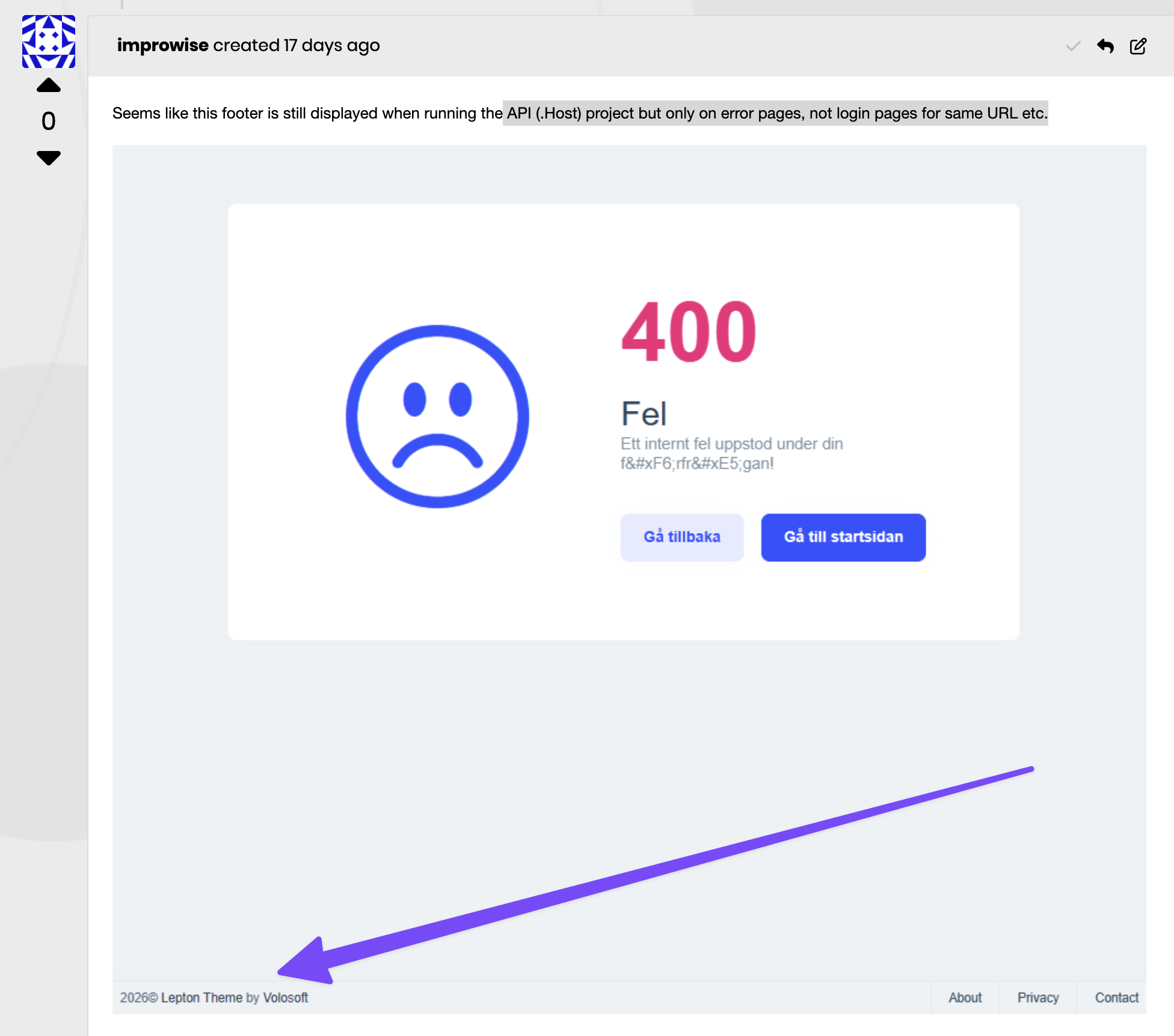
Thanks
hi
You can try the code below(replace myscript tag with script):
app.UseSwagger();
app.UseAbpSwaggerUI(options =>
{
    options.SwaggerEndpoint("/HRBack/api/swagger/v1/swagger.json", "My API");

    var builder = new StringBuilder(options.HeadContent);
    builder.AppendLine($"<myscript>abp.appPath = '/HRBack/';</myscript>");
    options.HeadContent = builder.ToString();

    var configuration = context.GetConfiguration();
    options.OAuthClientId(configuration["AuthServer:SwaggerClientId"]);
});
Thanks.
hi
our clients app display @Copyright Volosoft in parts of the backend and we don't know how to remove it?
Can you share a screenshot? What is the UI type of this copyright component?
Thanks.
hi
sure. You can share an online URL and test username and password. I will check it online. liming.ma@volosoft.com Thanks.
hi
Thanks. We will fix it in the next version.
hi
Can you check your api website?
This endpoint is 404 now.
https://eform/api/abp/application-configuration 404 (Not Found)
Thanks.









