- ABP Framework version: v4.3
- UI type: Angular
- DB provider: EF Core
- Tiered (MVC) or Identity Server Separated (Angular): Seperated
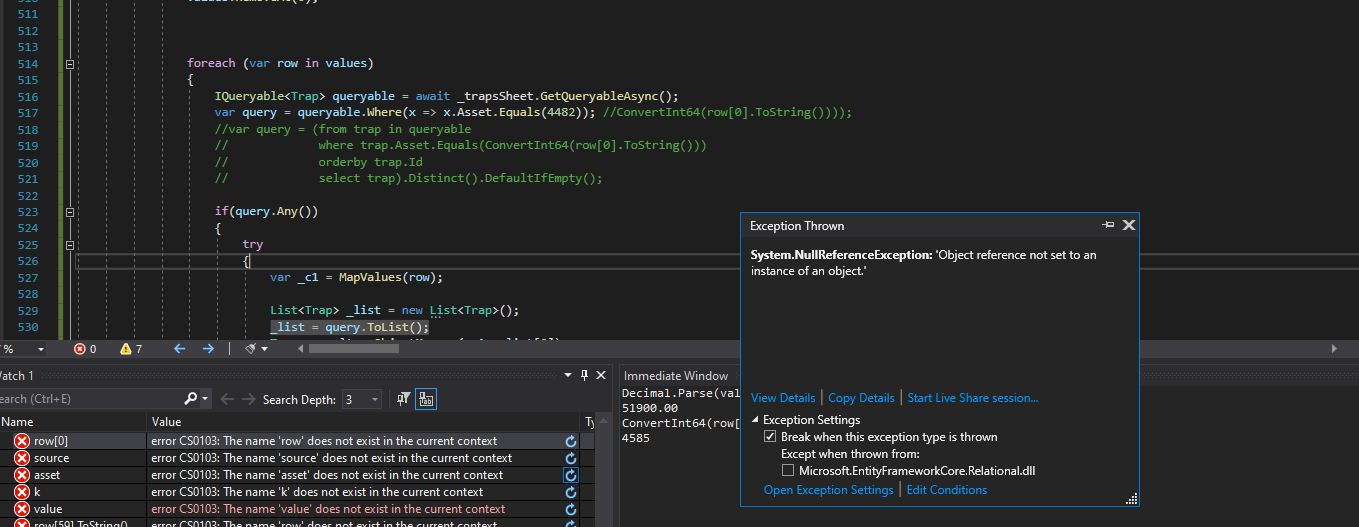
- Exception message and stack trace:
- Steps to reproduce the issue:"
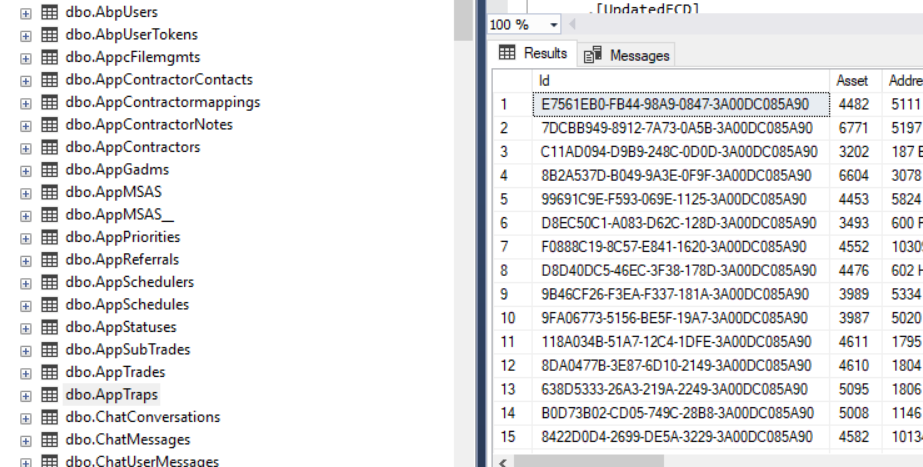
I have a background job where I am attempting to select records from a trap table. When the code gets to _list = query.ToList() I get the error System.NullReferenceException: 'Object reference not set to an instance of an object.' in List.cs. What am I doing wrong? Any ideas of why this error is occuring?
foreach (var row in values)
                {
                    IQueryable<Trap> queryable = await _trapsSheet.GetQueryableAsync();
                    var query = queryable.Where(x => x.Asset.Equals(ConvertInt64(row[0].ToString())));

                    if(query.Any())
                    {
                        try
                        {
                            var _c1 = MapValues(row);

                            List<Trap> _list = new List<Trap>();
                            _list = query.ToList();
                            Trap _result = ObjectMapper(_c1, _list[0]);
                            mTrapExist.Add(_result);
                        }catch(Exception ex)
                        {
                            System.Diagnostics.Debug.WriteLine(ex.Message);
                        }

                    }
                    else
                    {
                        try
                        {
                            Trap _result = MapValues(row);
                            System.Diagnostics.Debug.WriteLine(_result.Asset.ToString());
                            mTrap.Add(_result);

                        }catch(Exception ex)
                        {
                            System.Diagnostics.Debug.WriteLine(ex.ToString());
                        }

                    }
                }
18 Answer(s)
-
0
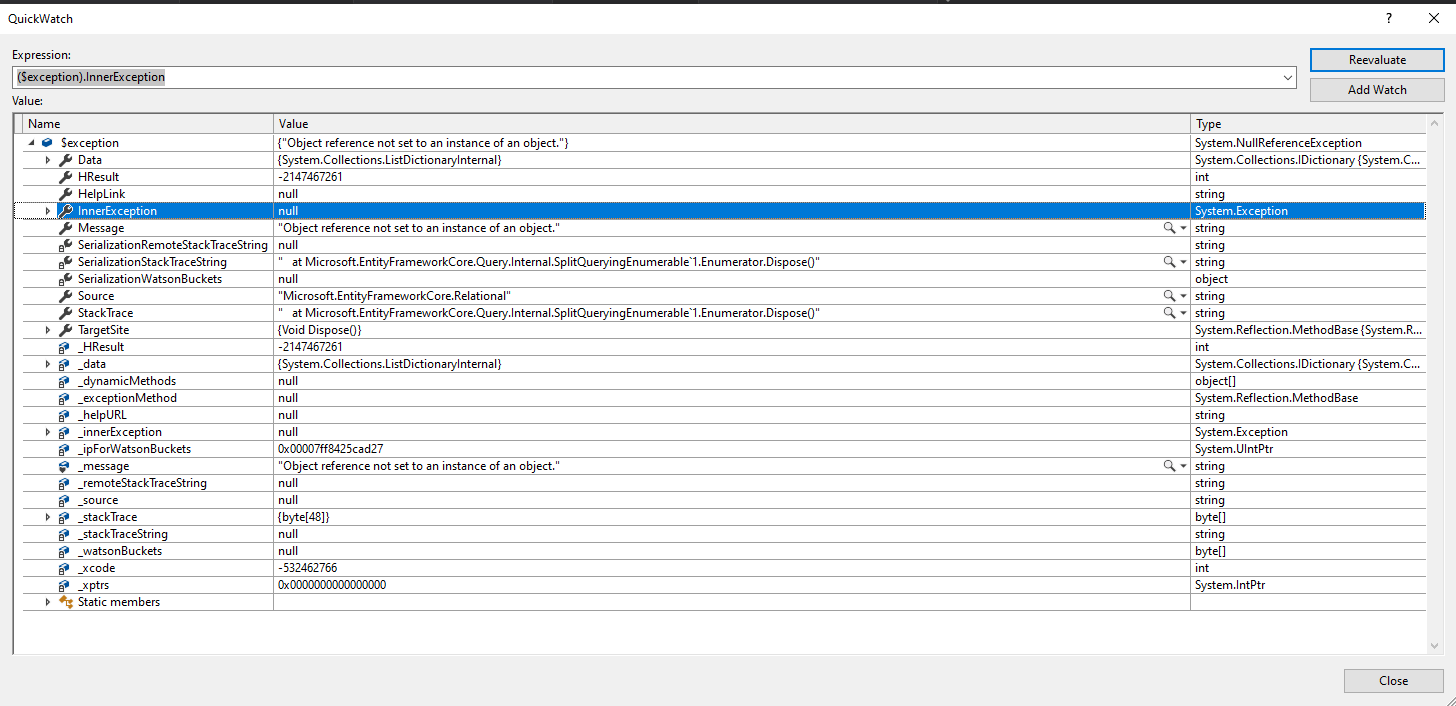
This is all I get
System.NullReferenceException HResult=0x80004003 Message=Object reference not set to an instance of an object. Source=Microsoft.EntityFrameworkCore.Relational StackTrace: at Microsoft.EntityFrameworkCore.Query.Internal.SplitQueryingEnumerable`1.Enumerator.Dispose()
 Markdown supported.Copy, paste, or drag & drop images and files (max 100 MB per file, 100 MB total per post)
 -
1
The funny part is, I can insert records just fine with this code. This is within the same class for the background job.
try { Trap _result = MapValues(row); System.Diagnostics.Debug.WriteLine(_result.Asset.ToString()); mTrap.Add(_result);
}catch(Exception ex) { System.Diagnostics.Debug.WriteLine(ex.ToString()); }
if(mTrap.Count > 0) { await _trapsSheet.InsertManyAsync(mTrap, true); await uow.SaveChangesAsync(); }
Markdown supported.Copy, paste, or drag & drop images and files (max 100 MB per file, 100 MB total per post) -
0
https://docs.abp.io/en/abp/5.0/Entity-Framework-Core#explicit-lazy-loading https://docs.microsoft.com/en-us/ef/core/querying/related-data/eager
Markdown supported.Copy, paste, or drag & drop images and files (max 100 MB per file, 100 MB total per post) -
0
Not sure I am understanding. Here is what I have
private readonly IUnitOfWorkManager _unitOfWorkManager; private readonly IRepository<Trap, Guid> _trapsSheet; private readonly IObjectMapper _objectMapper; private readonly IEmailSender _emailSender; private readonly ITemplateRenderer _templateRenderer; private static readonly string[] Scopes = { SheetsService.Scope.Spreadsheets };
public TrapLoader(IUnitOfWorkManager unitOfWorkManager, IRepository<Trap, Guid> traps, IObjectMapper objectMapper, IEmailSender emailSender, ITemplateRenderer templateRenderer) { _unitOfWorkManager = unitOfWorkManager; ** _trapsSheet = traps**; _objectMapper = objectMapper; _emailSender = emailSender; _templateRenderer = templateRenderer; }
Markdown supported.Copy, paste, or drag & drop images and files (max 100 MB per file, 100 MB total per post) -
0
I went in and attempted to use .Include, but it appears .Include is not part of the IQueryable. A little background. I am using the IQueryable because when I inject the service and attempt to use the service directly in a background job I get Access denied because the user isnt authenticated, so instead I am accessing the data using the IRepository<Trap, Guid>. I have done this in other background jobs without any issues, but this one is throwing an exception and not sure why.
Markdown supported.Copy, paste, or drag & drop images and files (max 100 MB per file, 100 MB total per post) -
0
So I regenerated the table with a different name with ABP SUITE and now things seem to be working. What I would like to understand is why did the original not work properly as it was generated with ABP Suite?
Markdown supported.Copy, paste, or drag & drop images and files (max 100 MB per file, 100 MB total per post)