






- ABP Framework version: 6.0.0 & 6.0.1
- UI type: Angular
- DB provider: EF Core / MongoDB
- Tiered (MVC) or Identity Server Separated (Angular): no
- Exception message and stack trace:
- Steps to reproduce the issue:"
Updated solution to latest 6.0.0 and now suite stop generating Angular side inside module. I even tried to create new solution but all the same.
2022-10-28 19:53:14.000 +02:00 [INF] 1/1 - AngularUiGenerateWithSchematicsCommand started...
2022-10-28 19:53:14.002 +02:00 [INF] Running the Angular Schematics command:
node run-schematics.mjs "C:/Users/Peter/source/repos/CRM/angular/projects/acm/.suite/schematics/node_modules/.bin/ng" g ".suite/schematics/collection.json:entity" module-pro Abs "C:/Users/Peter/source/repos/CRM/aspnet-core/modules/Abs/.suite/entities/Company.json" "C:/Users/Peter/source/repos/CRM/angular/projects/abs"
2022-10-28 19:53:18.099 +02:00 [INF] Angular Schematics command failed.
file:///C:/Users/Peter/source/repos/CRM/angular/projects/acm/.suite/schematics/node_modules/execa/lib/error.js:59
		error = new Error(message);
		        ^


Error: Command failed with exit code 1: .suite/schematics/node_modules/.bin/ng g .suite/schematics/collection.json:entity --template module-pro --target Abs --source C:/Users/Peter/source/repos/CRM/aspnet-core/modules/Abs/.suite/entities/Company.json
[Project Not Found] Either define a default project in your workspace or specify the project name in schematics options.
    at makeError (file:///C:/Users/Peter/source/repos/CRM/angular/projects/acm/.suite/schematics/node_modules/execa/lib/error.js:59:11)
    at handlePromise (file:///C:/Users/Peter/source/repos/CRM/angular/projects/acm/.suite/schematics/node_modules/execa/index.js:119:26)
    at processTicksAndRejections (node:internal/process/task_queues:96:5)
    at async file:///C:/Users/Peter/source/repos/CRM/angular/projects/acm/.suite/schematics/run-schematics.mjs:6:20 {
  shortMessage: 'Command failed with exit code 1: .suite/schematics/node_modules/.bin/ng g .suite/schematics/collection.json:entity --template module-pro --target Abs --source C:/Users/Peter/source/repos/CRM/aspnet-core/modules/Abs/.suite/entities/Company.json',
  command: '.suite/schematics/node_modules/.bin/ng g .suite/schematics/collection.json:entity --template module-pro --target Abs --source C:/Users/Peter/source/repos/CRM/aspnet-core/modules/Abs/.suite/entities/Company.json',
  escapedCommand: '".suite/schematics/node_modules/.bin/ng" g ".suite/schematics/collection.json:entity" --template module-pro --target Abs --source "C:/Users/Peter/source/repos/CRM/aspnet-core/modules/Abs/.suite/entities/Company.json"',
  exitCode: 1,
  signal: undefined,
  signalDescription: undefined,
  stdout: '',
  stderr: '[Project Not Found] Either define a default project in your workspace or specify the project name in schematics options.',
  failed: true,
  timedOut: false,
  isCanceled: false,
  killed: false
}
4 Answer(s)
-
0
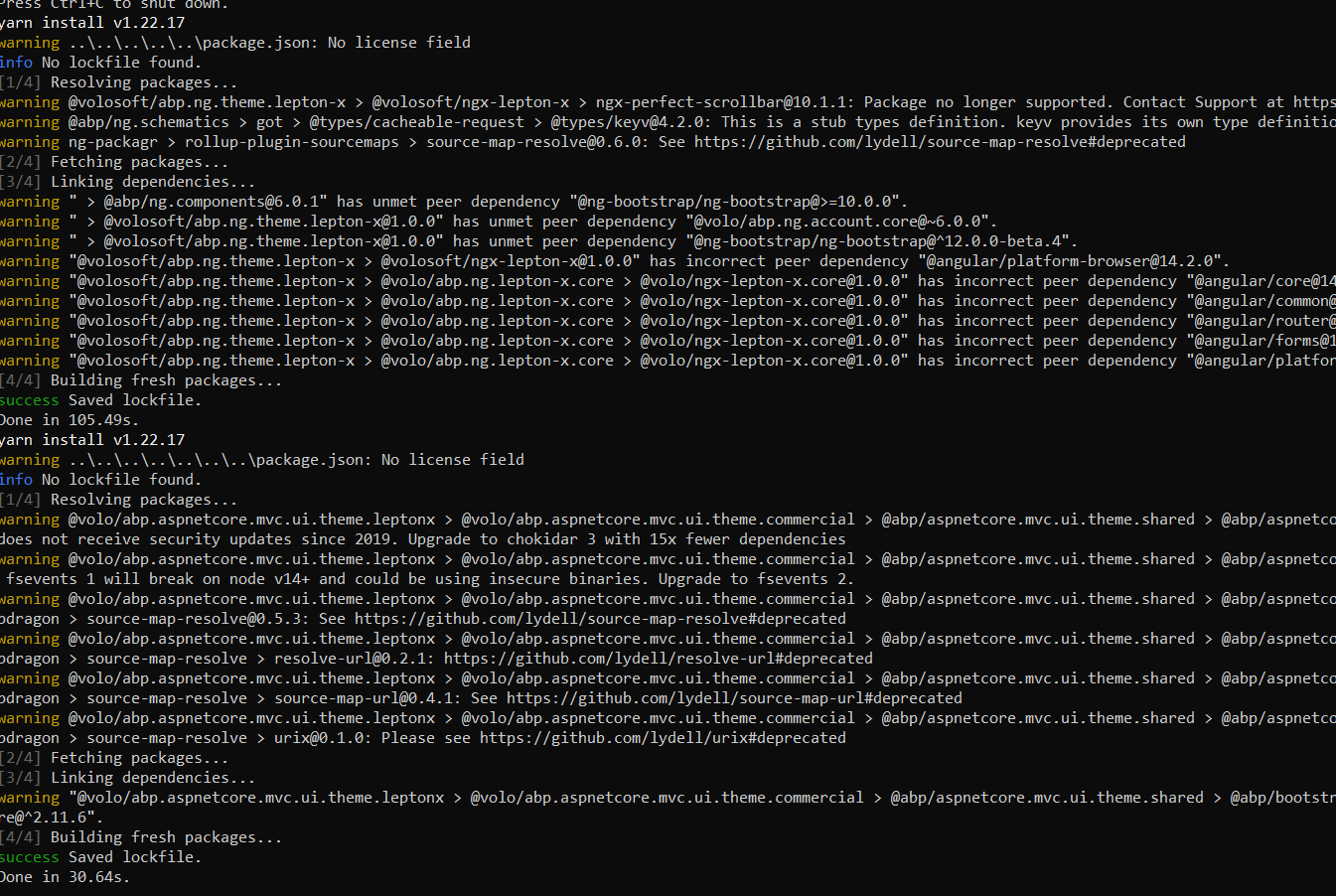
I tried creating an angular project with 6.0.1 and got no error. The project was created successfully. If you have used a different procedure, please let me know.
 Markdown supported.Copy, paste, or drag & drop images and files (max 100 MB per file, 100 MB total per post)
 -
0
1st I will mention one other bug before explaining procedure. In ABP suite or CLI if you create new project and choose Lepton theme it will be created with Leptonx theme no matter what you choose. Not a big issue but option to choose theme become pointless.
Regarding issue above there are no problem creating new solution or new module within the new solution. problem is when I try to create new entity inside module. Backend code is generated without problem but angular not. So you need to create new entity within module and you will see backend is created
The theme related bug is related to Angular 14 migration. We are working on it.
When the Entity was added, we got the error and a related issue was created.https://github.com/volosoft/volo/issues/12445
Markdown supported.Copy, paste, or drag & drop images and files (max 100 MB per file, 100 MB total per post) -
0



