






abp use ng-zorro-antd [https://ng.ant.design/docs/introduce/en] in pro account module, we use nz-tree-select [https://ng.ant.design/components/tree-select/en] but it not working because style.
how can use ng-zorro-antd in general, and how to fixed style problem.
- ABP Framework version: v5.1.3
- UI type: Angular
- DB provider: EF Core
- Tiered (MVC) or Identity Server Separated (Angular): yes
5 Answer(s)
-
0
Dears,
Kindly your support,
Markdown supported.Copy, paste, or drag & drop images and files (max 100 MB per file, 100 MB total per post) -
0
Dears,
Kindly support,
Markdown supported.Copy, paste, or drag & drop images and files (max 100 MB per file, 100 MB total per post) -
0
We do not support issues with third-party libraries. I can only help with issues related to the ABP. I've tried it in my local env. There is no problem associated with ant-design. It seems as expected
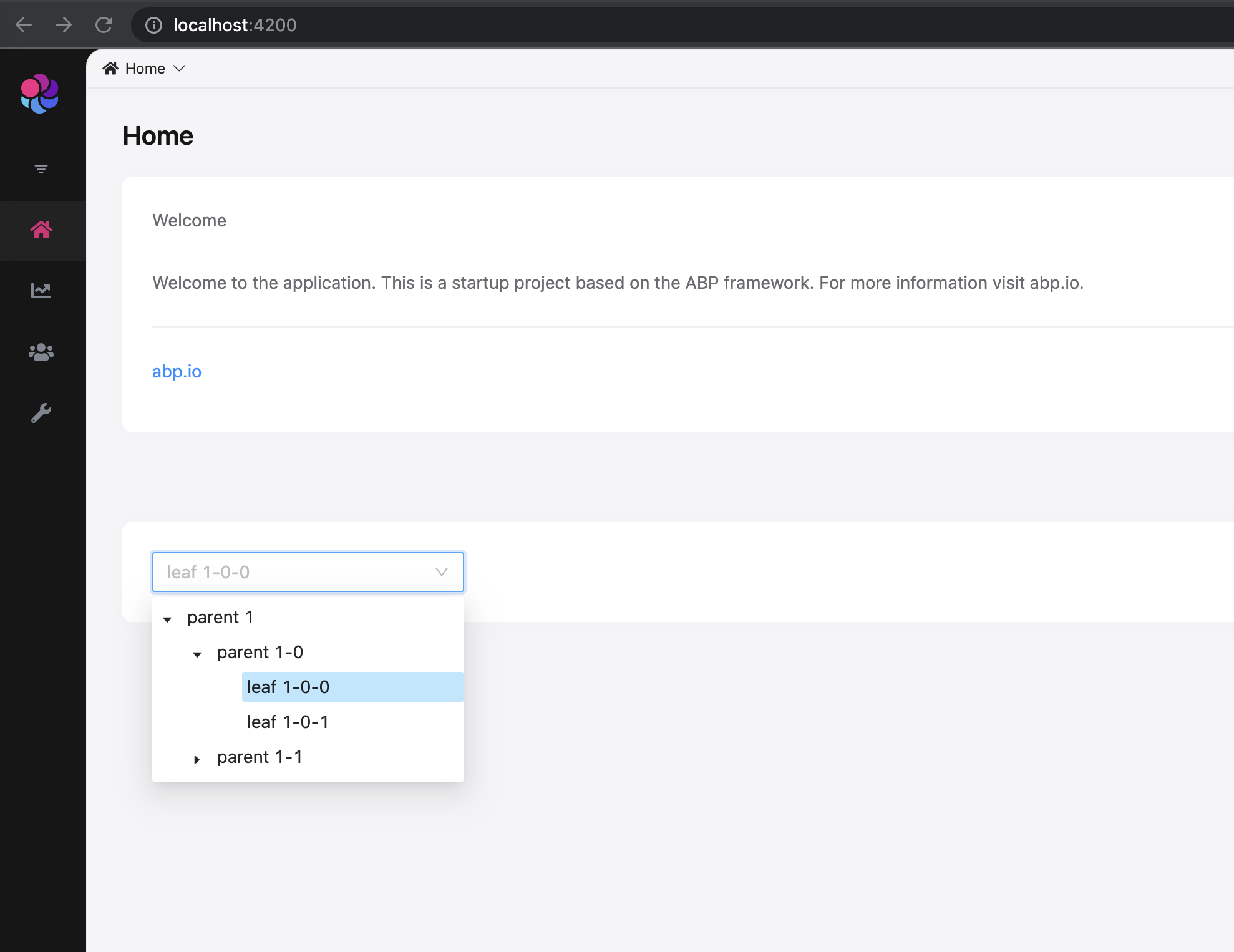
here the screenshot from website of ant-design.
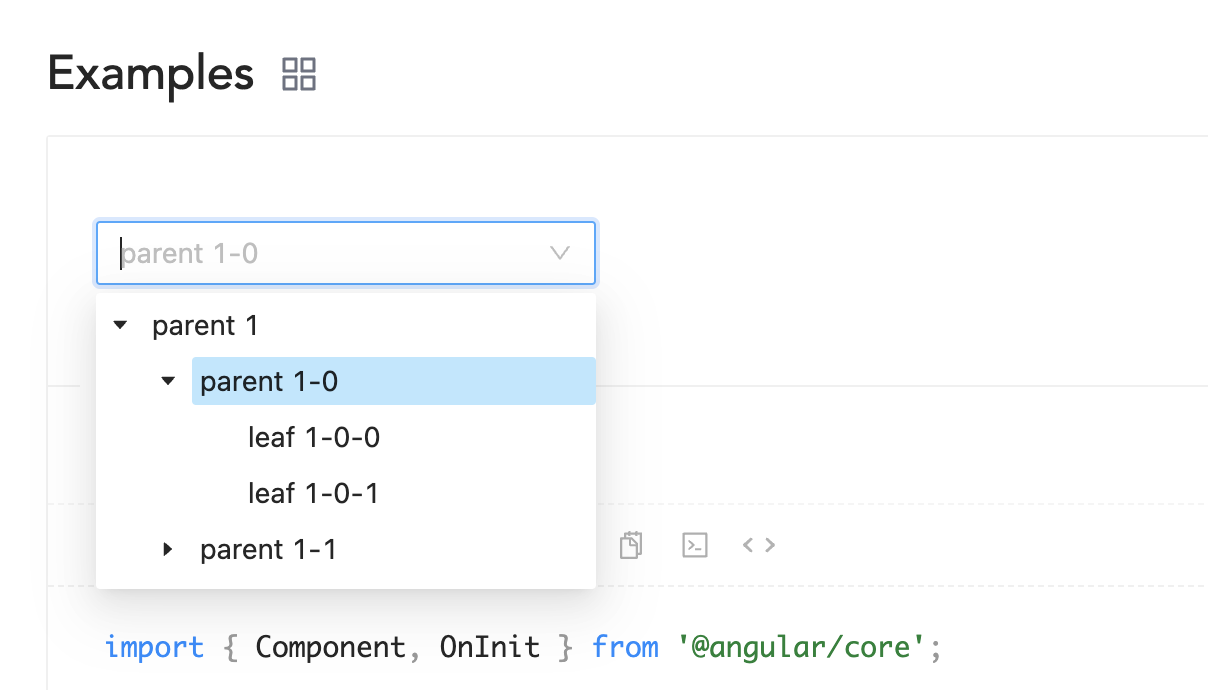
If you have a CSS issue, ensure that ant-design CSS file is installed in angular. json correctly.
Markdown supported.Copy, paste, or drag & drop images and files (max 100 MB per file, 100 MB total per post) -
0
How ABP added ant-design style in organization screen without added it in angular.json?
Markdown supported.Copy, paste, or drag & drop images and files (max 100 MB per file, 100 MB total per post) -
0
https://github.com/abpframework/abp/blob/dev/npm/ng-packs/packages/components/tree/src/lib/components/tree.component.ts
The CSS installs only when the tree component is used in the template. and the CSS is only for tree component. you can implement your issue with ABP Lazy load service https://docs.abp.io/en/abp/latest/UI/Angular/Lazy-Load-Service
Markdown supported.Copy, paste, or drag & drop images and files (max 100 MB per file, 100 MB total per post)


