






- ABP Framework version: v7.3.2
- UI Type: Angular
- Database System: EF Core (SQL Server)
- Tiered (for MVC) or Auth Server Separated (for Angular): no
How can we prevent an API/Controller/Service to not generate as service in Angular application when run abp generate-proxy -t ng ?
11 Answer(s)
-
0
Hi,
CLI will generate a proxy script with the module name
appby default.You can use different module name for your API to avoid generating proxies:
[RemoteService(Name = "myapp")]
[Area("myapp")]
[Route("api/test")]
public class TestController : AbpControllerBase, ITestAppService
{
  ....
}
Markdown supported.Copy, paste, or drag & drop images and files (max 100 MB per file, 100 MB total per post) -
0
No, I want to ignore only one particular API, like this method I want to be avoid
 Markdown supported.Copy, paste, or drag & drop images and files (max 100 MB per file, 100 MB total per post)
 -
0
Unfortunately, there is currently no way to ignore it. you may need to delete it manually
Markdown supported.Copy, paste, or drag & drop images and files (max 100 MB per file, 100 MB total per post) -
0
then we need to do that every time, right?
Markdown supported.Copy, paste, or drag & drop images and files (max 100 MB per file, 100 MB total per post) -
0
Yes, it will be a bit troublesome
I suggest you move the method to a new API controller and use different module name
Markdown supported.Copy, paste, or drag & drop images and files (max 100 MB per file, 100 MB total per post) -
0
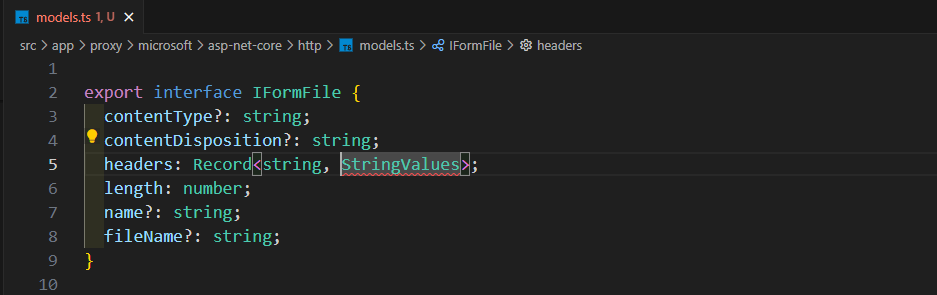
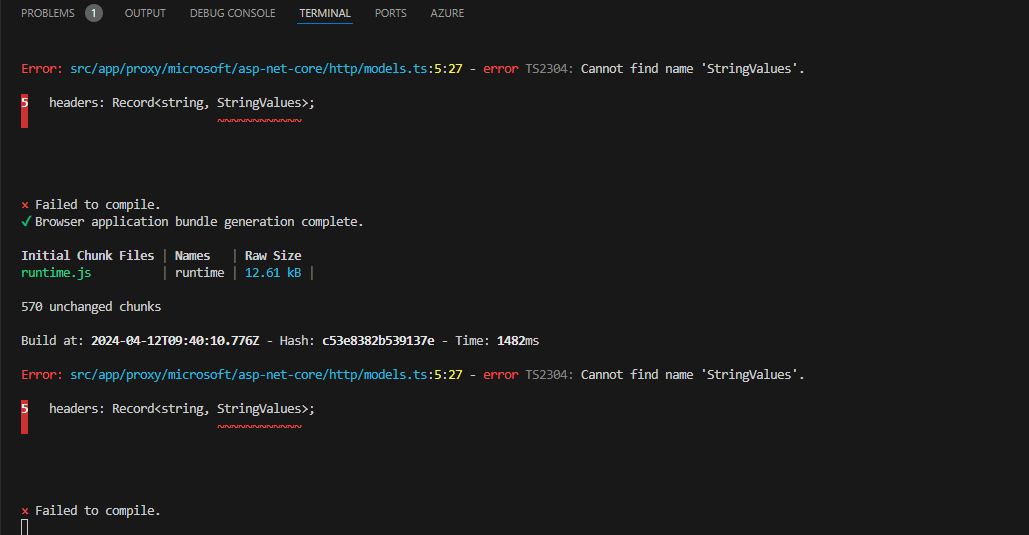
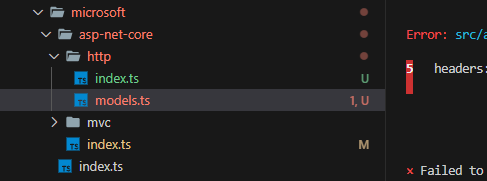
btw about the proxy now we are getting this issue, after adding IRemoteStreamContent in the Dto

 Markdown supported.Copy, paste, or drag & drop images and files (max 100 MB per file, 100 MB total per post)
 -
0
Hi,
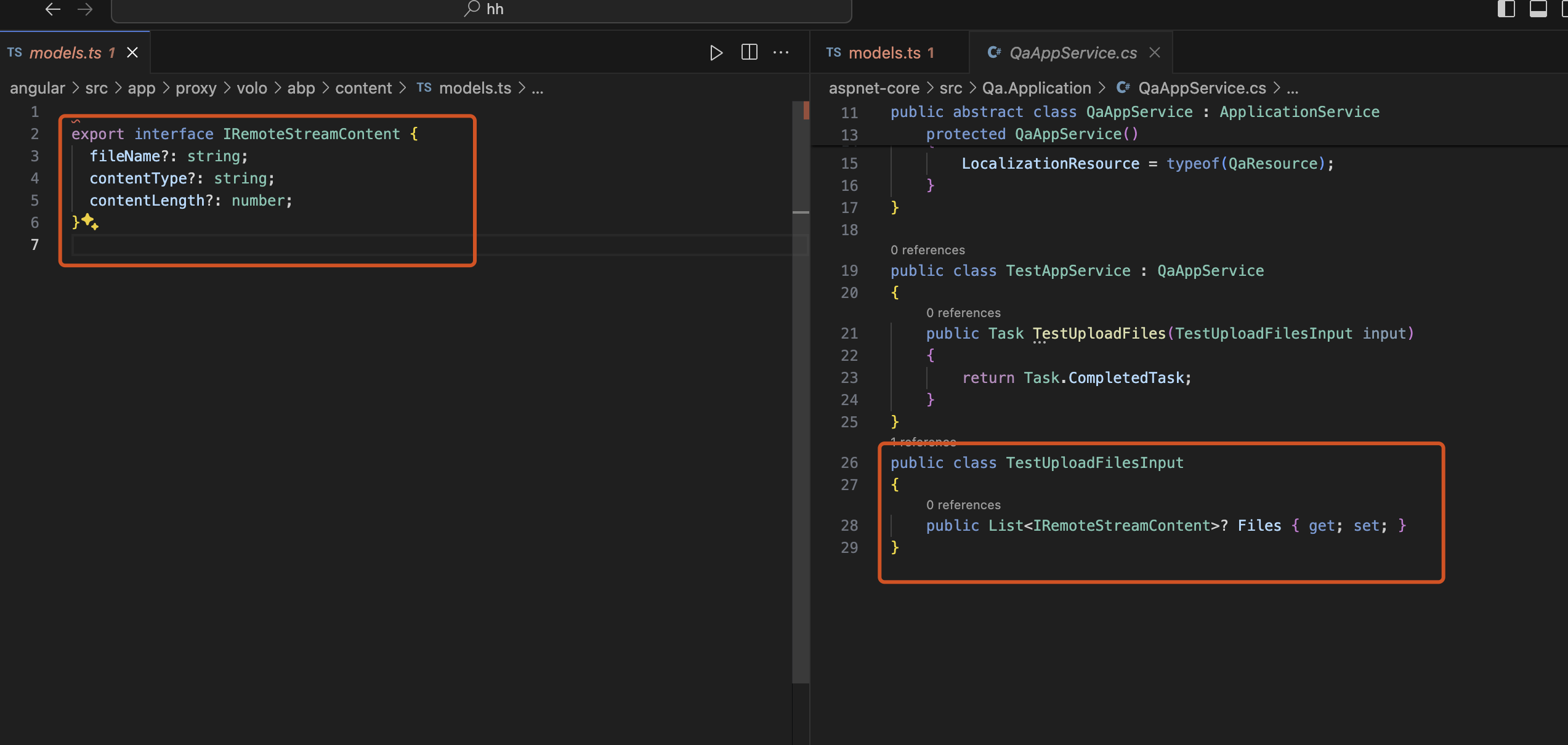
The problem should be fixed in the next CLI version.
 Markdown supported.Copy, paste, or drag & drop images and files (max 100 MB per file, 100 MB total per post)
 -
0
So also we can not use IFormFile, is that right?
Markdown supported.Copy, paste, or drag & drop images and files (max 100 MB per file, 100 MB total per post) -
0
Hi,
yes, You should use
IRemoteStreamContentMarkdown supported.Copy, paste, or drag & drop images and files (max 100 MB per file, 100 MB total per post) -
0
then How can we call this API with POSTMAN?
Markdown supported.Copy, paste, or drag & drop images and files (max 100 MB per file, 100 MB total per post) -
0
It's no different than
IFormFile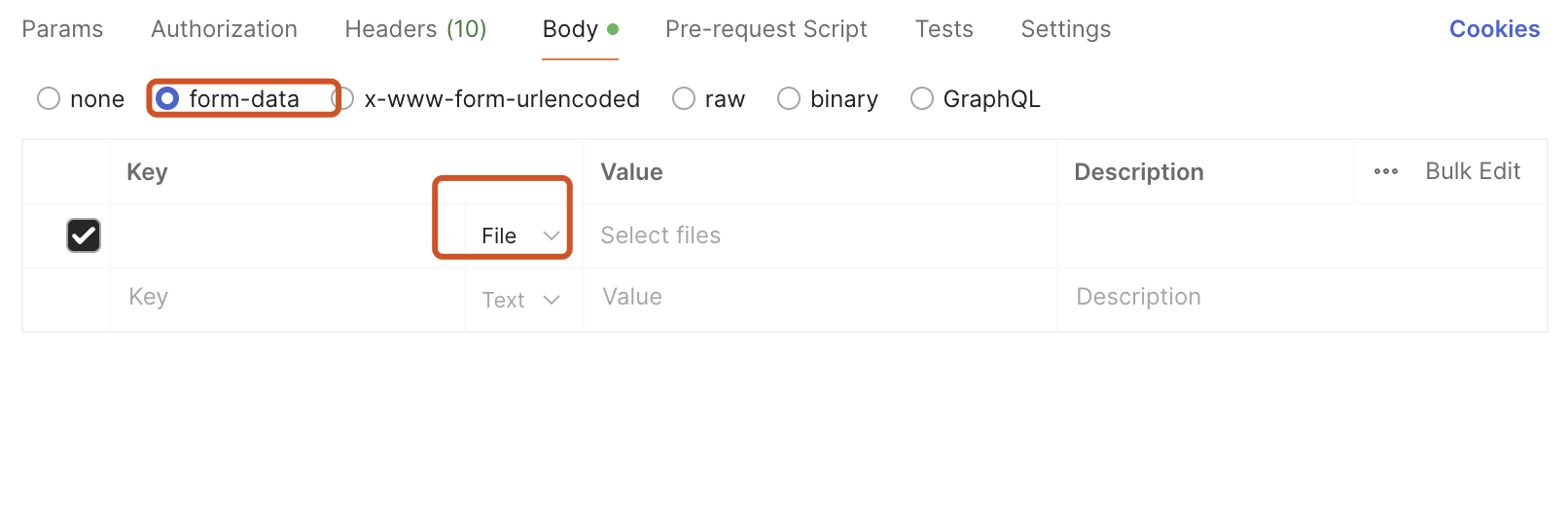 Markdown supported.Copy, paste, or drag & drop images and files (max 100 MB per file, 100 MB total per post)


