






Check the docs before asking a question: https://docs.abp.io/en/commercial/latest/ Check the samples to see the basic tasks: https://docs.abp.io/en/commercial/latest/samples/index The exact solution to your question may have been answered before, and please first use the search on the homepage. Provide us with the following info:
- ABP Framework version: v8.1.3
- UI Type: Angular
- Database System: EF Core - SQL Server
- Tiered (for MVC) or Auth Server Separated (for Angular): yes
- Exception message and full stack trace: The name 'CultureInfo' does not exist in the current context
- Steps to reproduce the issue:
- Using lepton X theme
- Clone Default.cshtml from LeptonX source code to HttpApi.Host\Themes\LeptonX\Layouts\Account folder
- The issue happens: The name 'CultureInfo' does not exist in the current context
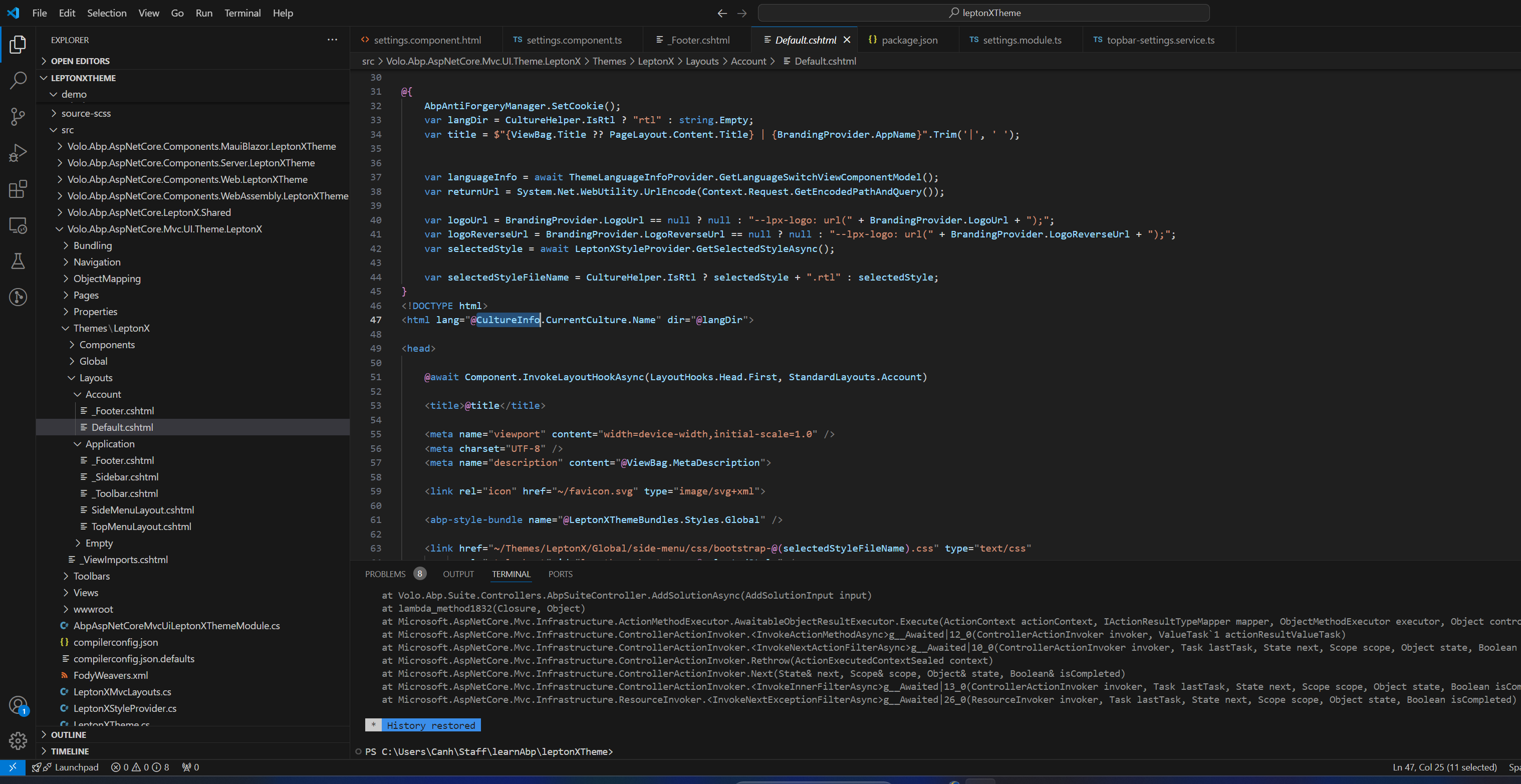
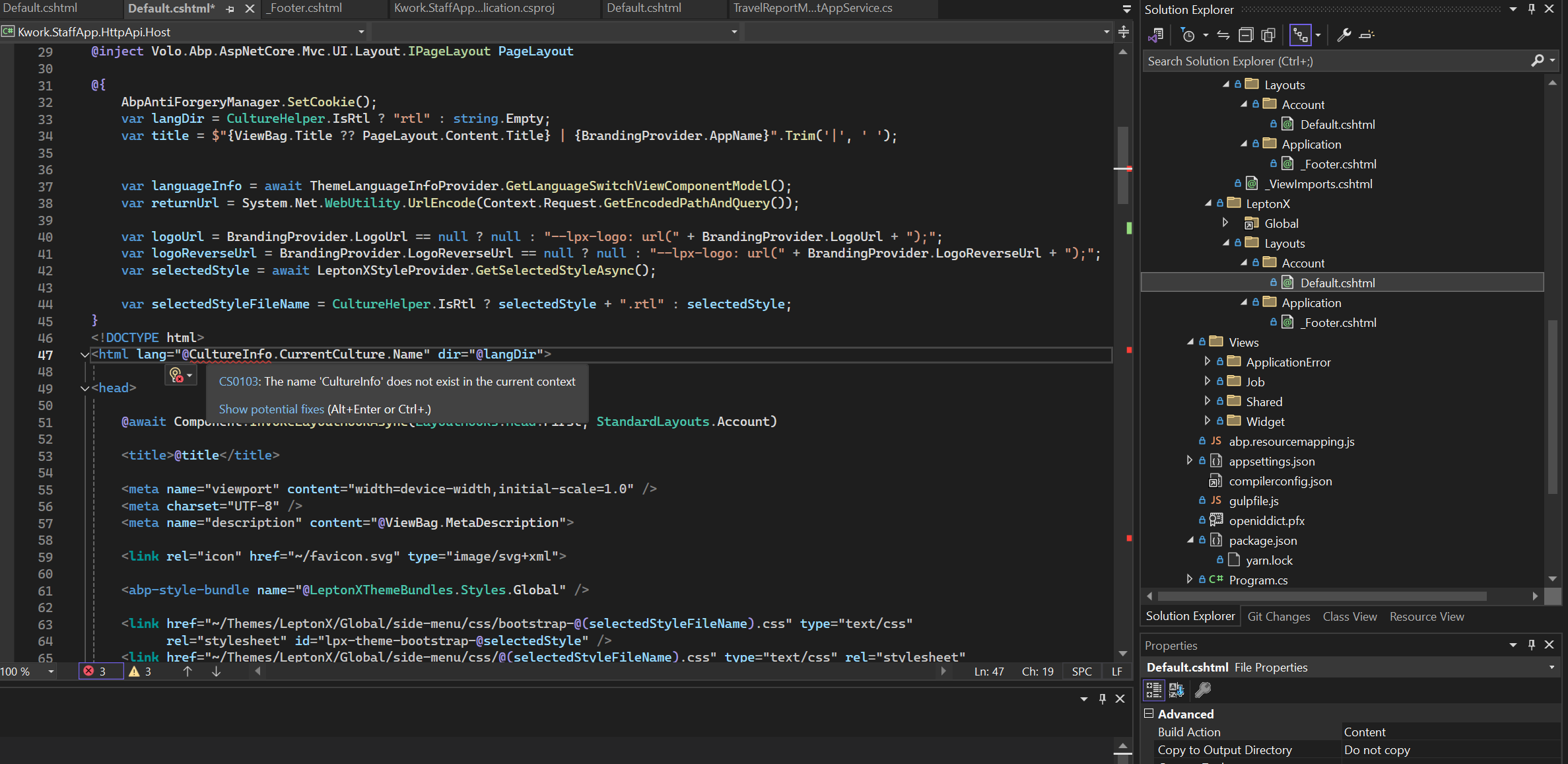
Let me know if you have any solution for this issue, Thank you and best regards,
4 Answer(s)
-
0
Hi,
You need to add the namespace using
@using System.GlobalizationMarkdown supported.Copy, paste, or drag & drop images and files (max 100 MB per file, 100 MB total per post) -
0
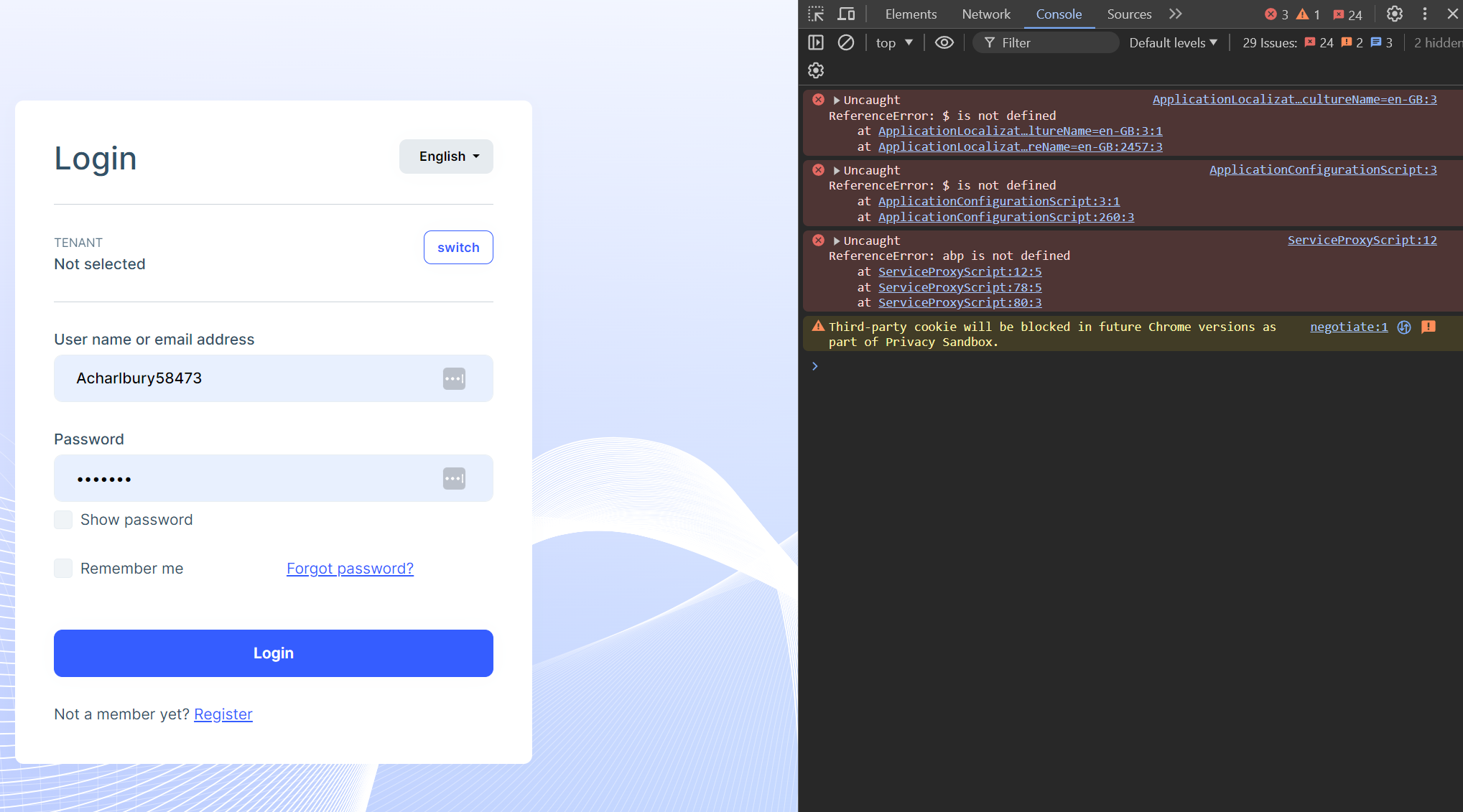
Thank you, But after using that namespace and re-running the app, I can't press the Change language button and Switch Tenant.
Do I miss when customizing the account login page?
 Markdown supported.Copy, paste, or drag & drop images and files (max 100 MB per file, 100 MB total per post)
 -
0
Hi,
You can try to add the tag helper using to the
_ViewImports.cshtml@using System.Globalization @addTagHelper *, Microsoft.AspNetCore.Mvc.TagHelpers @addTagHelper *, Volo.Abp.AspNetCore.Mvc.UI.Bootstrap @addTagHelper *, Volo.Abp.AspNetCore.Mvc.UI.BundlingMarkdown supported.Copy, paste, or drag & drop images and files (max 100 MB per file, 100 MB total per post) -
0
It's working, thank you so much!
Markdown supported.Copy, paste, or drag & drop images and files (max 100 MB per file, 100 MB total per post)


