Activities of "Tuncay.Kurt"
Hello, Did you install libs (abp install-libs) in web project and node_modules in web project? I could build the project before send. I have already created this project with abp suite. Ok, I will create new poject with abp suite and then?
Thank you
Hello, We are using Angular for UI. We sended our project with WeTransfer. Can you check your e-mail? Thank you
Hello IanW, The problem has existed since I first created the application. I can show you what I codded in the HttpApi.Host layer. If you want you can connect my computer
Hello Anjali,
I did it and still same
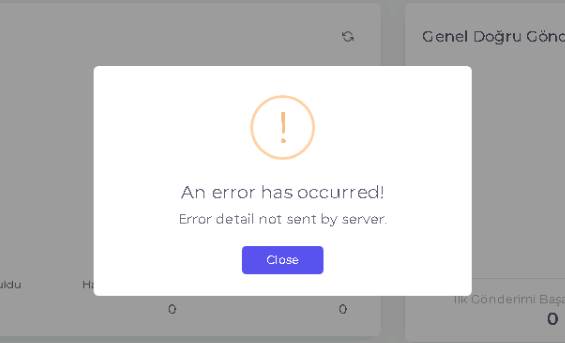
But in the log file the cookie '"xsrf-token"' has set 'samesite=none' and must also set 'secure'. does not write
My test server have not SSL but my prod server have SSL
Here is backend log exception text. 10/13/2023 15:41:51 The antiforgery system has the configuration value AntiforgeryOptions.Cookie.SecurePolicy = Always, but the current request is not an SSL request. System.InvalidOperationException: The antiforgery system has the configuration value AntiforgeryOptions.Cookie.SecurePolicy = Always, but the current request is not an SSL request. at Microsoft.AspNetCore.Antiforgery.DefaultAntiforgery.CheckSSLConfig(HttpContext context) at Microsoft.AspNetCore.Antiforgery.DefaultAntiforgery.GetAndStoreTokens(HttpContext httpContext) at Volo.Abp.AspNetCore.Mvc.AntiForgery.AspNetCoreAbpAntiForgeryManager.GenerateToken() at Volo.Abp.AspNetCore.Mvc.AntiForgery.AspNetCoreAbpAntiForgeryManager.SetCookie() at Volo.Abp.AspNetCore.Mvc.ApplicationConfigurations.AbpApplicationConfigurationController.GetAsync(ApplicationConfigurationRequestOptions options) at lambda_method3075(Closure, Object) at Microsoft.AspNetCore.Mvc.Infrastructure.ActionMethodExecutor.AwaitableObjectResultExecutor.Execute(ActionContext actionContext, IActionResultTypeMapper mapper, ObjectMethodExecutor executor, Object controller, Object[] arguments) at Microsoft.AspNetCore.Mvc.Infrastructure.ControllerActionInvoker.<InvokeActionMethodAsync>g__Awaited|12_0(ControllerActionInvoker invoker, ValueTask`1 actionResultValueTask) at Microsoft.AspNetCore.Mvc.Infrastructure.ControllerActionInvoker.
Hello Anjali,
I added codes that you give me.
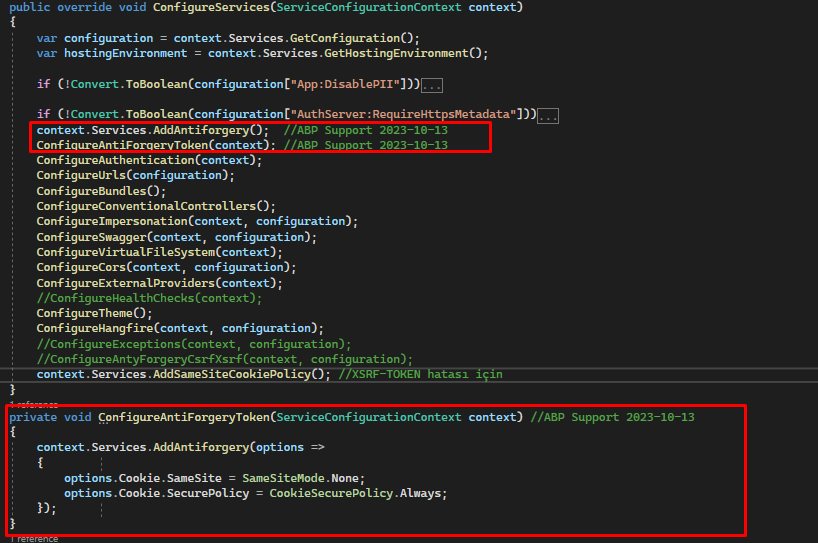 Then I deployed the project.
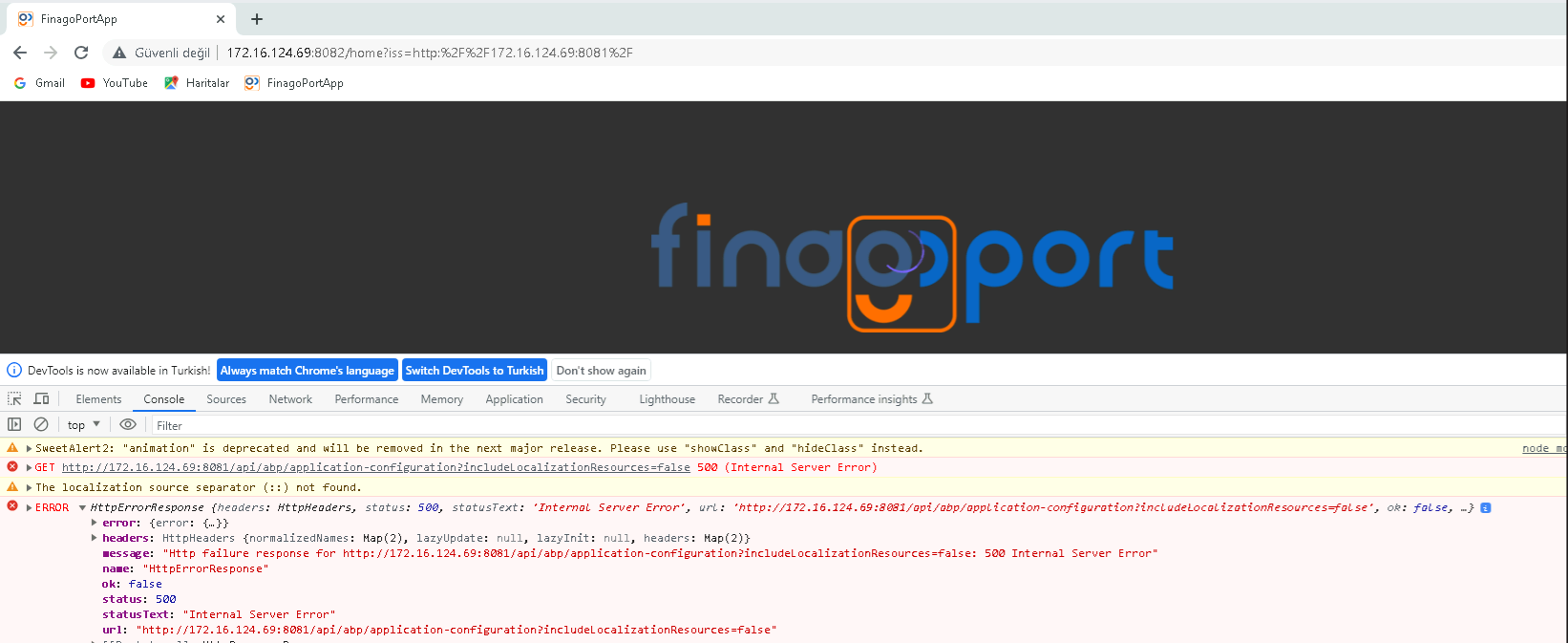
When I want to open site from browser.
I take new exception
Then I deployed the project.
When I want to open site from browser.
I take new exception
Regards
If you can connect my computer I can show the project. Or what do you need for understand my problem. I can do it.
Hello Anjali, I already did this https://community.abp.io/articles/patch-for-chrome-login-issue-identityserver4-samesite-cookie-problem-weypwp3n But still have exception
Thanks
Hello, I have a problem about XSRF-TOKEN.
When deployed my project on IIS, then open on the browser.
I take this exception
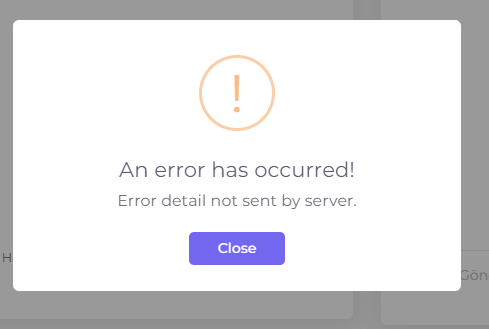 In backend log= The cookie '"XSRF-TOKEN"' has set 'SameSite=None' and must also set 'Secure'.
I configured cors codes.
Then I added SameSiteCookiesServiceCollectionExtensions extension class and configured it.
But I still take this exception.
Can you help me please
In backend log= The cookie '"XSRF-TOKEN"' has set 'SameSite=None' and must also set 'Secure'.
I configured cors codes.
Then I added SameSiteCookiesServiceCollectionExtensions extension class and configured it.
But I still take this exception.
Can you help me please
Its done thank for your help.. :)