I don't find a way to connect into my mongo atlas cluster using a authMechanism=MONGODB-X509 like in this example with standard MongoDB.Driver Version="2.30.0"
//.... var connectionString ="mongodb+srv://xx-mongo.xx.mongodb.net/xx-app-db?retryWrites=true&w=majority&appName=xx-mongo&tls=true&authMechanism=MONGODB-X509"; var settings = MongoClientSettings.FromConnectionString(connectionString); settings.ServerApi = new ServerApi(ServerApiVersion.V1); var cert = new X509Certificate2("atlas-user-cert.pfx","changeit"); settings.SslSettings = new SslSettings { ClientCertificates = new List<X509Certificate>() { cert } }; var client = new MongoClient(settings);
//......
Can you help me?
Thanks Giuseppe
Check the docs before asking a question: https://docs.abp.io/en/commercial/latest/ Check the samples to see the basic tasks: https://docs.abp.io/en/commercial/latest/samples/index The exact solution to your question may have been answered before, and please first use the search on the homepage. Provide us with the following info:
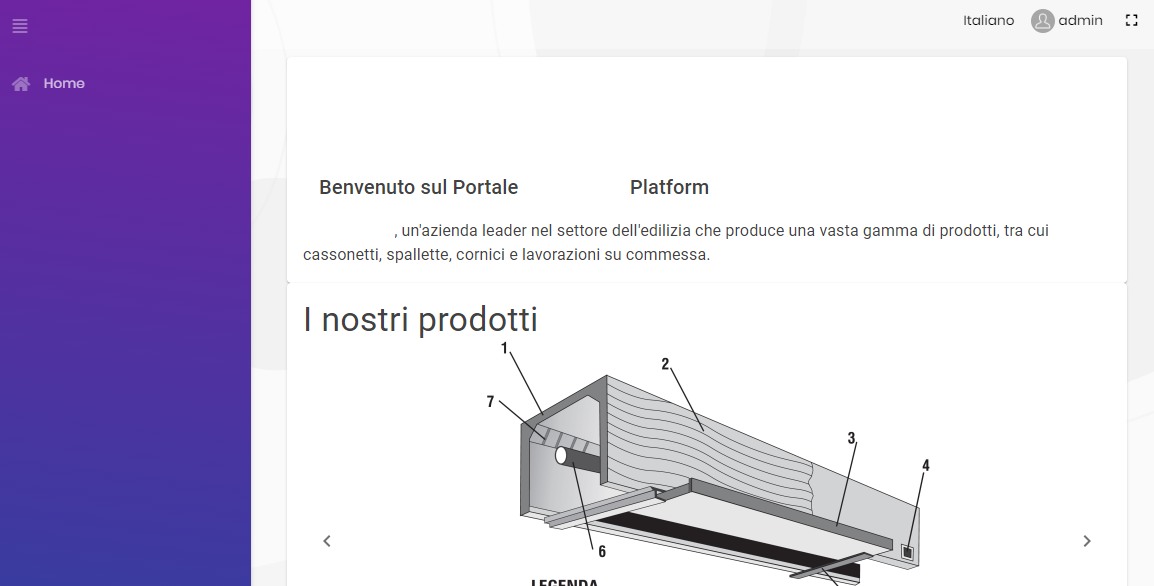
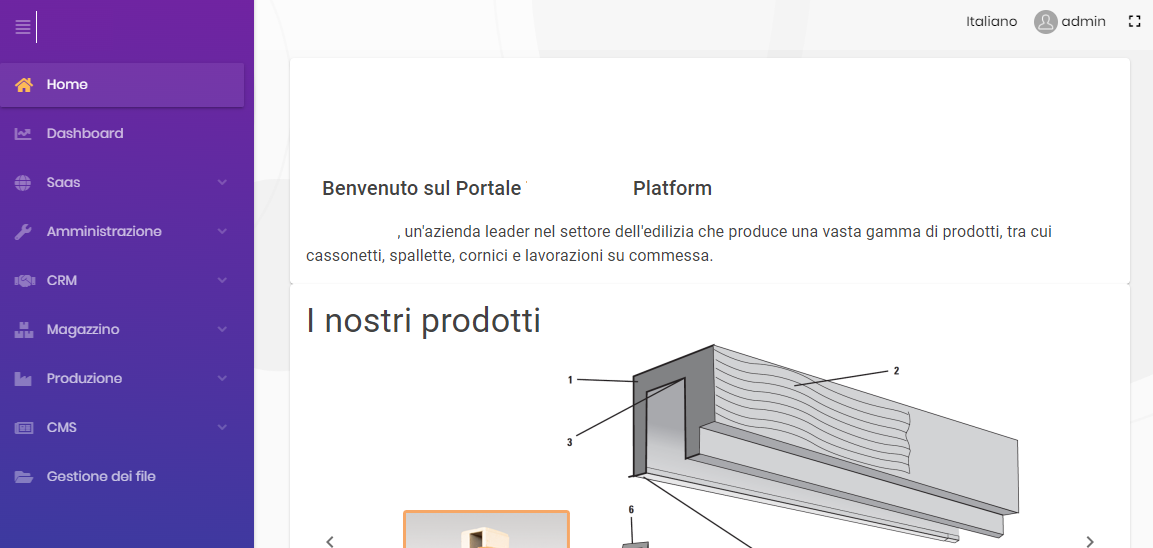
Good morning, I deployed an ABP solution as indicated. The theme used is Lepton (Standard Left SIde Menu) The solution is up and run but when I log in, the menu is empty (only Home) to see the menu I am forced to perform a refresh. I read that many have had this problem but it is not clear to me if it has been solved and how it was solved. Can you help me? in this way I cannot present it to the customer and it is creating delays on the project deadlines
Best Regards Giuseppe