hi
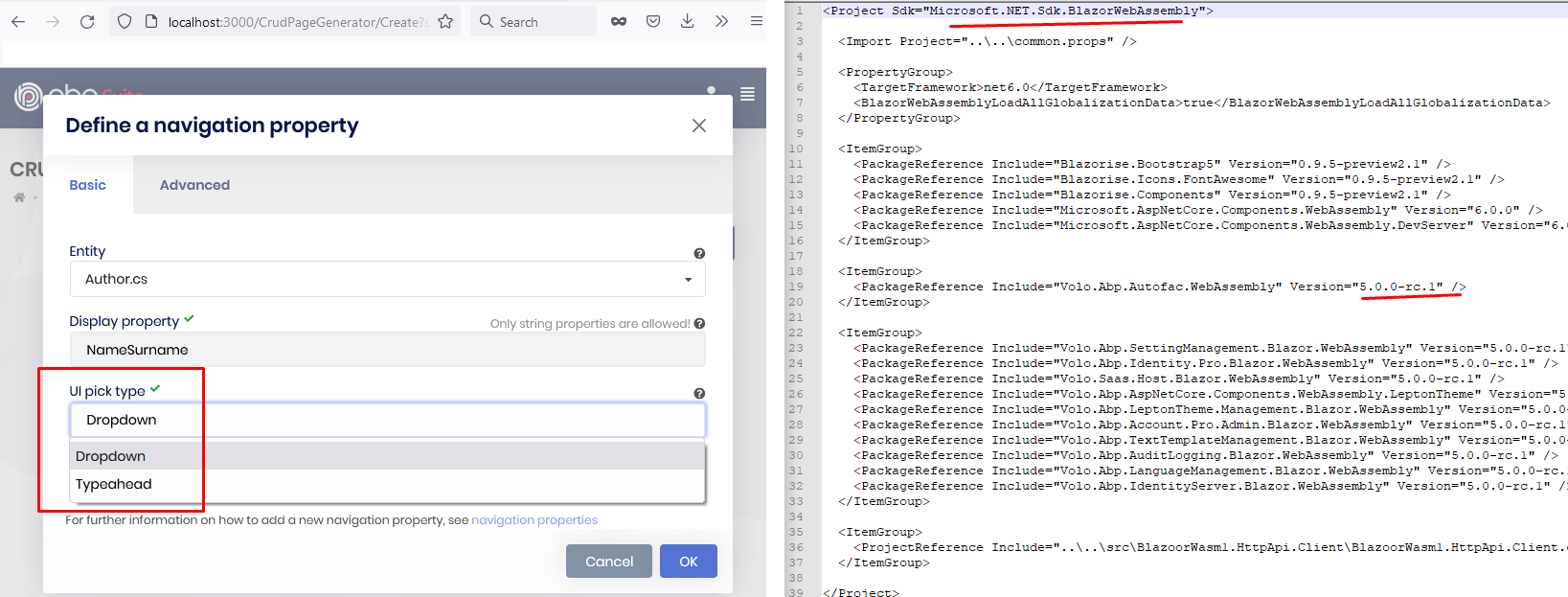
I couldn't reproduce it because there's no modal in Blazor Web Assembly project. Here's my test result
Please go to advance and see UI Pick up dropdown you can see modal option.
Thank you,
Hi,
It is now easier to create the relationship between the entity and the user, you just need to use
IdentityUseras the navigation property.Example:
public class MyEntity : ...
{
  public Guid IdentityUserId {get;set;}
  public IdentityUser IdentityUser {get;set;}
}
Hello this relationship definition create the next warning:
The foreign key property 'Person.IdentityUserId1' was created in shadow state because a conflicting property with the simple name 'IdentityUserId' exists in the entity type, but is either not mapped, is already used for another relationship, or is incompatible with the associated primary key type. See https://aka.ms/efcore-relationships for information on mapping relationships in EF Core.
Also , can you share the steps? it may a problem, we should fix it if so.
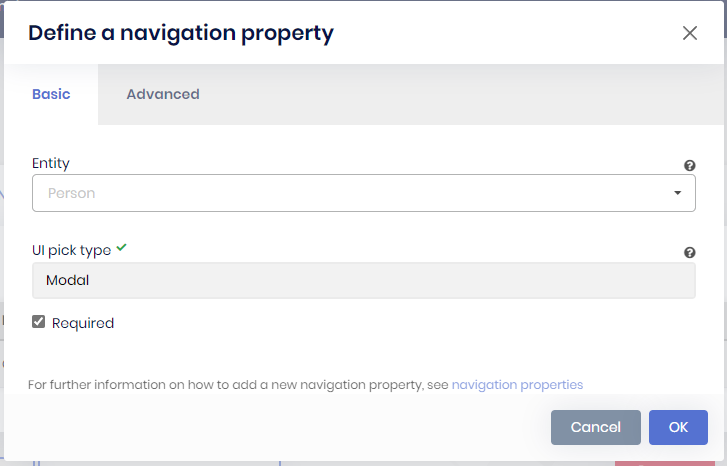
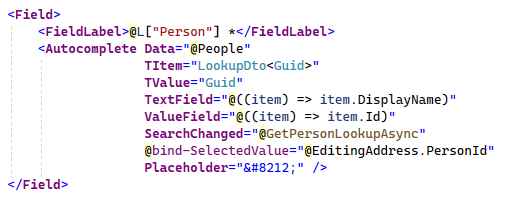
Sure, I'm using abp suite to generate the code, then I create new entity called Person and define a navigation property in abp suite:
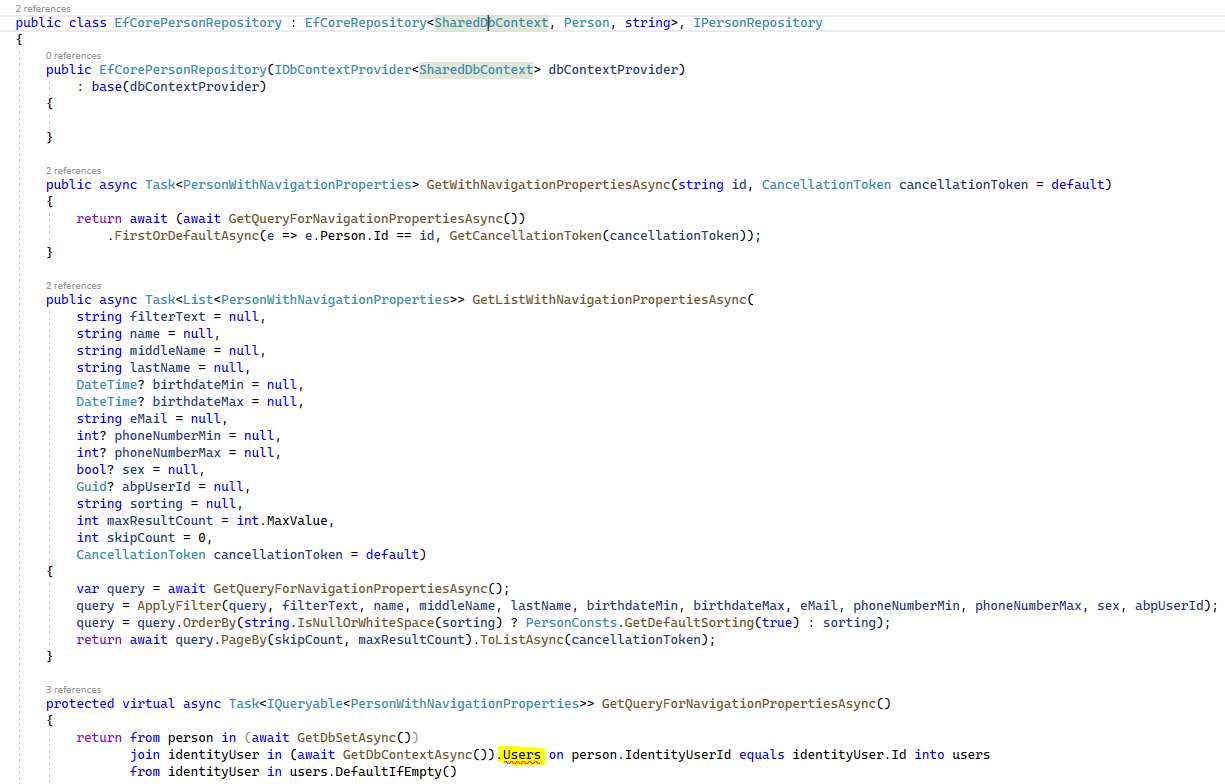
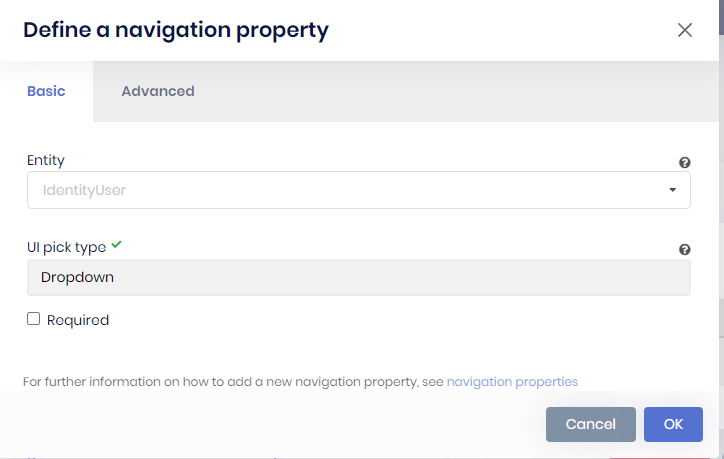 This create a repository with this method, but this method not found because Users not exists en current db context.
Users is not defined in DbSets
This create a repository with this method, but this method not found because Users not exists en current db context.
Users is not defined in DbSets
Hi,
You can try:
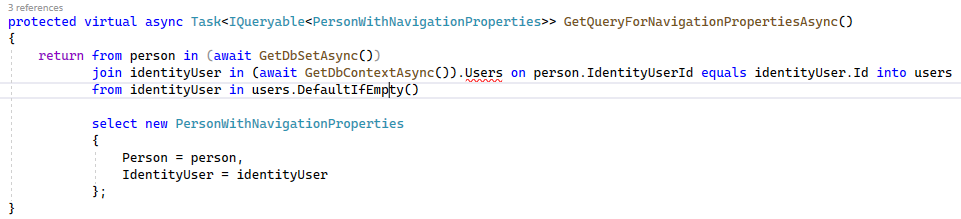
(await GetDbContextAsync()).Users
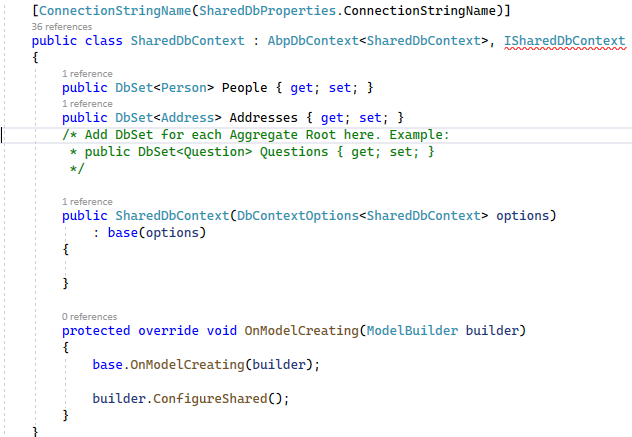
This not found because users not exists in DbContext:
 See the DbSets:
Maybe was a issue in my environment, thank you for your help. I closed this ticket.
Thank you,
Everything founds good but I have only this issue using abp suite code generator, made this method:
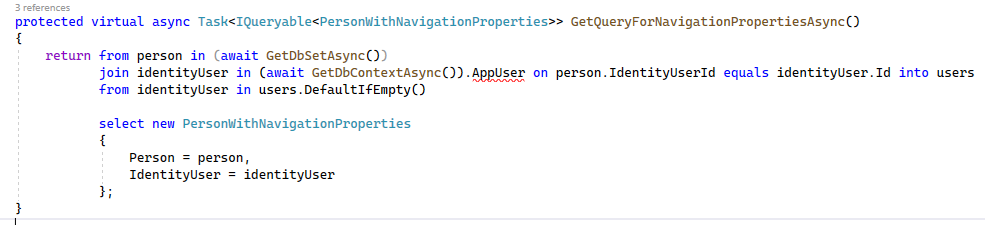
But AppUser not exists in current db context, how can I do to replace this context for Identity Context.
Thank you,
In other versions of abp exists an entity called AbpUser, in the new version this entity not exists. What is the right way to create a relation of my entity to user abp entity.
I'm usind EF.
Thank you,
Hi,
Sorry I can't reproduce the problem
.
Can you try use
dotnet runcommand to start the Blazor project?
Hello, now I know how reproduce the problem. If you put a single name with the project then this not run. For example: Company.Cars found. But if your project name is Cars then not run.
Sometimes output window in VS display this message:
Failed to load resource: net::ERR_NAME_NOT_RESOLVED [https://dc.services.visualstudio.com/v2/track]