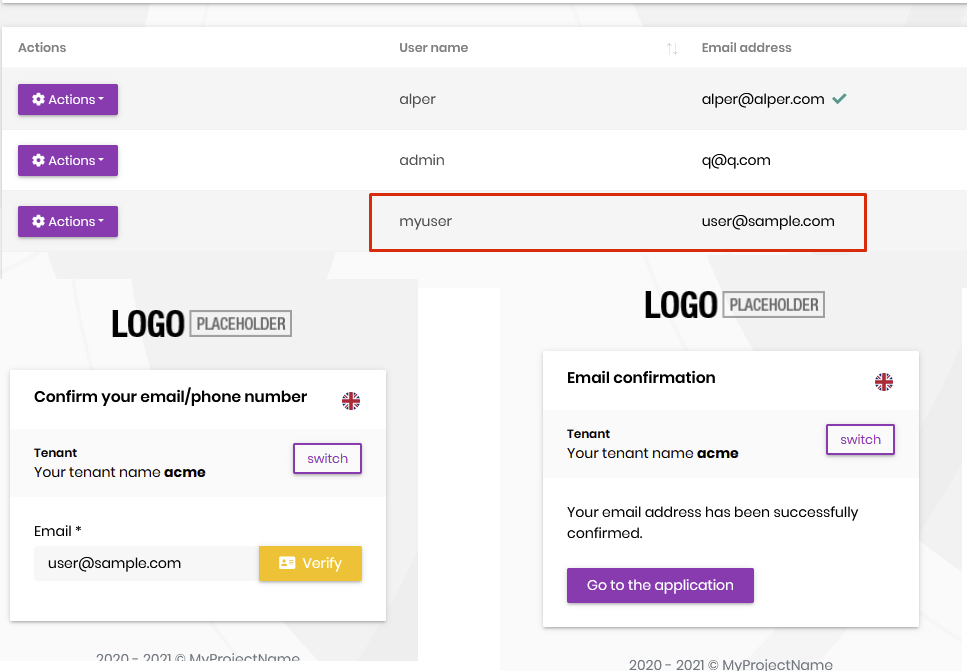
thank you. waiting your reply
send your entity json file
it's in your solution's root directory aspnet-core\.suite\entities
It would be great if you could provide a Link for addressing issues and feature requests for abp suite. This is usefull to getting Feedback for you what features are wished by your customers and handling issues. On GitHub we can post for the free abp framework, so one different for commercial would be great.
@hakan you can write these feedback to https://support.abp.io/QA/Questions/954/We-are-listening-to-you
@Alper - when is the next RC?
next week
It is recommended to add a link to support on the abp suite so that I can go directly to the superport forum if I have questions during use
@geffzhang reasonable request. created a feature request
Issue with payment module with v4.3.0-rc.1
- ABP Framework version: v4.3.0-rc.1
- UI type: Angular ( but trying with MVC for now)
- DB provider: EF Core
- Tiered (MVC) or Identity Server Separated (Angular): no
- Steps to reproduce the issue:
1- I installed payment commercial module,
2- migrated db 3- setup appsettings for payment providers 4- added an action as sample suggested: https://docs.abp.io/en/commercial/latest/modules/payment 5- I run system and tried the action but I got that error!
- Exception message and stack trace:
An unhandled exception occurred while processing the request. SqlException: Invalid object name 'PayPaymentRequests'. Microsoft.Data.SqlClient.SqlCommand+<>c.<ExecuteDbDataReaderAsync>b__169_0(Task<SqlDataReader> result)DbUpdateException: An error occurred while updating the entries. See the inner exception for details. Microsoft.EntityFrameworkCore.Update.ReaderModificationCommandBatch.ExecuteAsync(IRelationalConnection connection, CancellationToken cancellationToken)
SqlException: Invalid object name 'PayPaymentRequests'.
Microsoft.Data.SqlClient.SqlCommand+<>c.<ExecuteDbDataReaderAsync>b__169_0(Task<SqlDataReader> result) System.Threading.Tasks.ContinuationResultTaskFromResultTask<TAntecedentResult, TResult>.InnerInvoke() System.Threading.ExecutionContext.RunInternal(ExecutionContext executionContext, ContextCallback callback, object state) System.Threading.Tasks.Task.ExecuteWithThreadLocal(ref Task currentTaskSlot, Thread threadPoolThread) Microsoft.EntityFrameworkCore.Storage.RelationalCommand.ExecuteReaderAsync(RelationalCommandParameterObject parameterObject, CancellationToken cancellationToken) Microsoft.EntityFrameworkCore.Storage.RelationalCommand.ExecuteReaderAsync(RelationalCommandParameterObject parameterObject, CancellationToken cancellationToken) Microsoft.EntityFrameworkCore.Update.ReaderModificationCommandBatch.ExecuteAsync(IRelationalConnection connection, CancellationToken cancellationToken)
did you add migration after adding the module? add-migration
Using abp suite v4.3.0-rc2 Blazor+Mongo+Separate Identy Server!
Thank you in advance for your help!
@ilitzy
This is fixed in the latest preview.
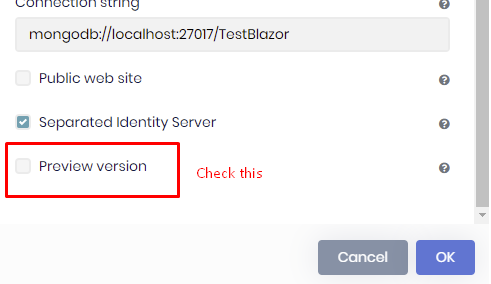
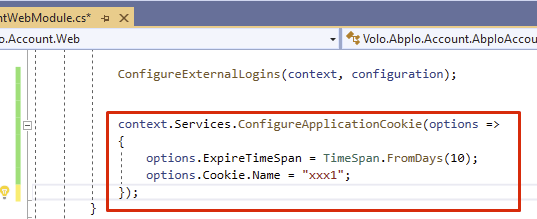
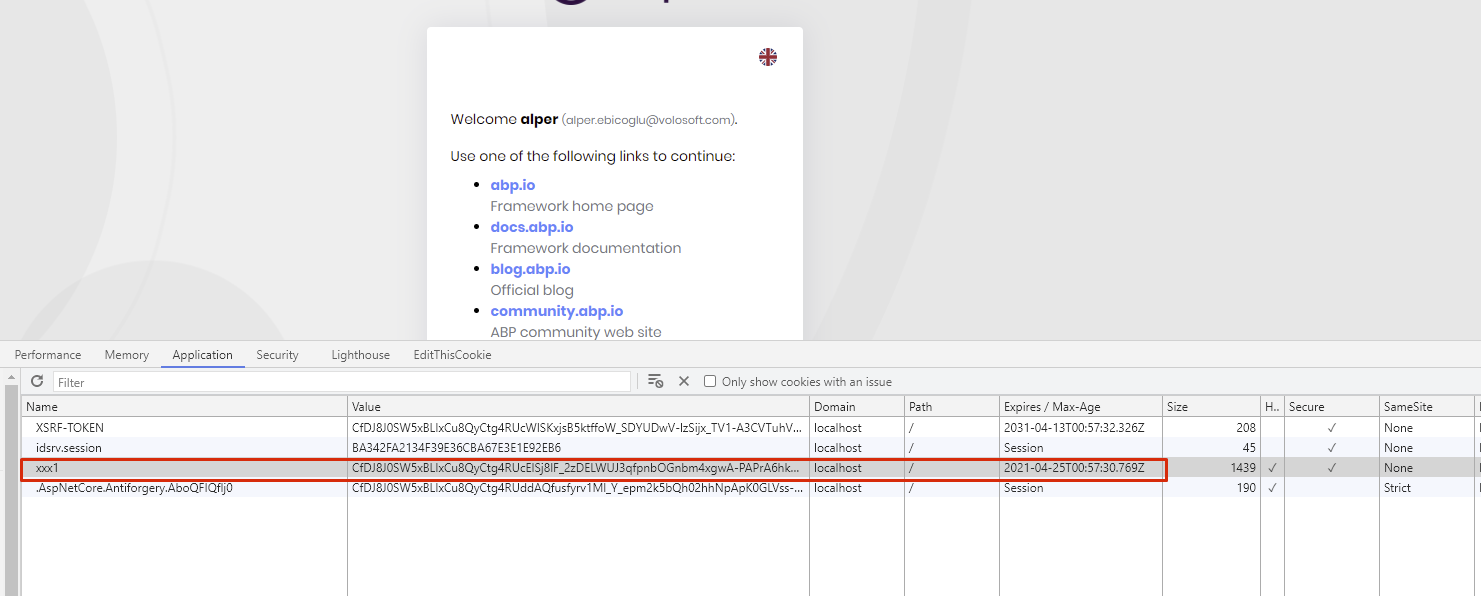
hi Ronald,
yes you just need to pass the token as seen below
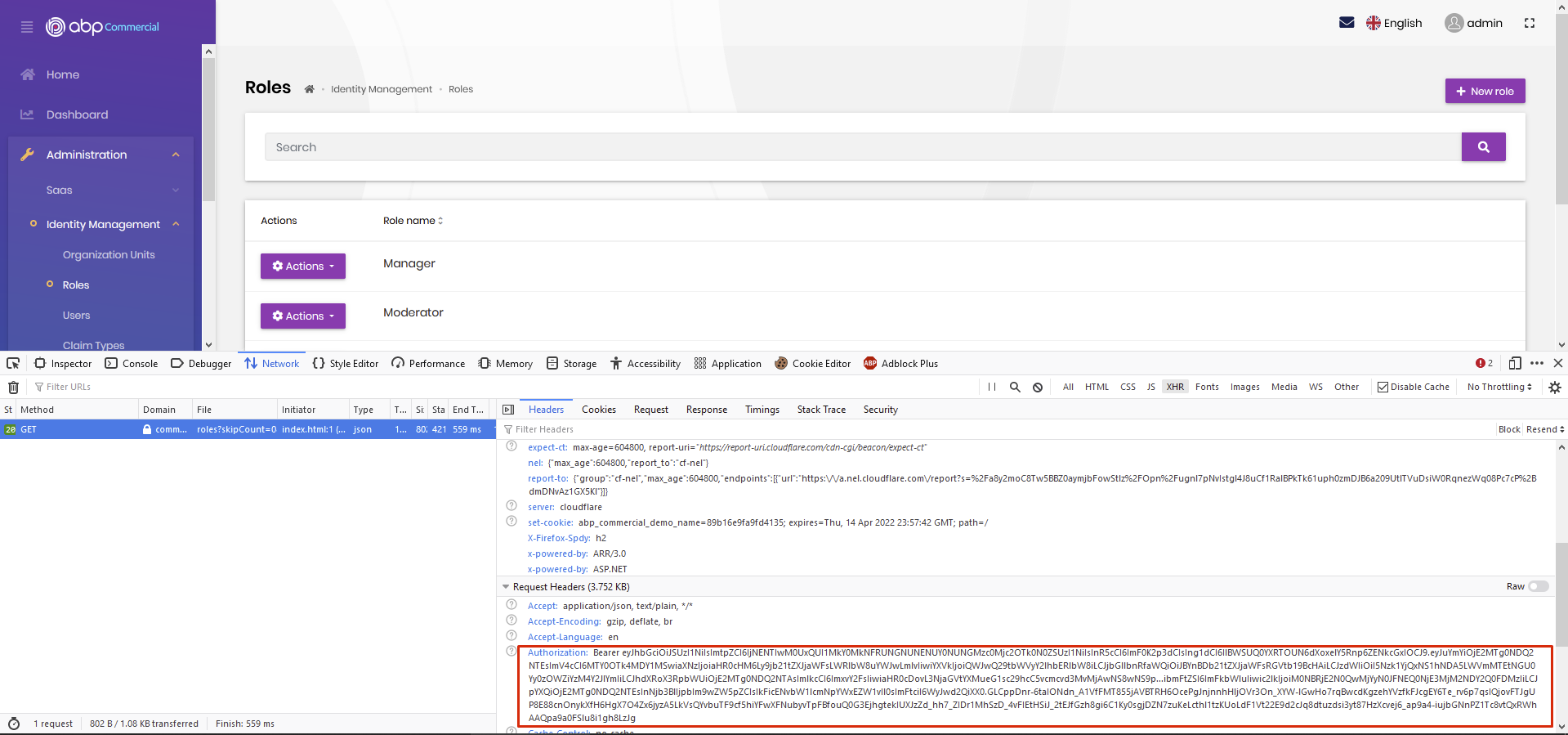
I took this screenshot from https://commercial.abp.io/demo
also there's a ConsoleTestApp in your Test folder. You can check that to learn how to consume APIs from C#
I couldn' reproduce it
is it blazor or blazor-server?