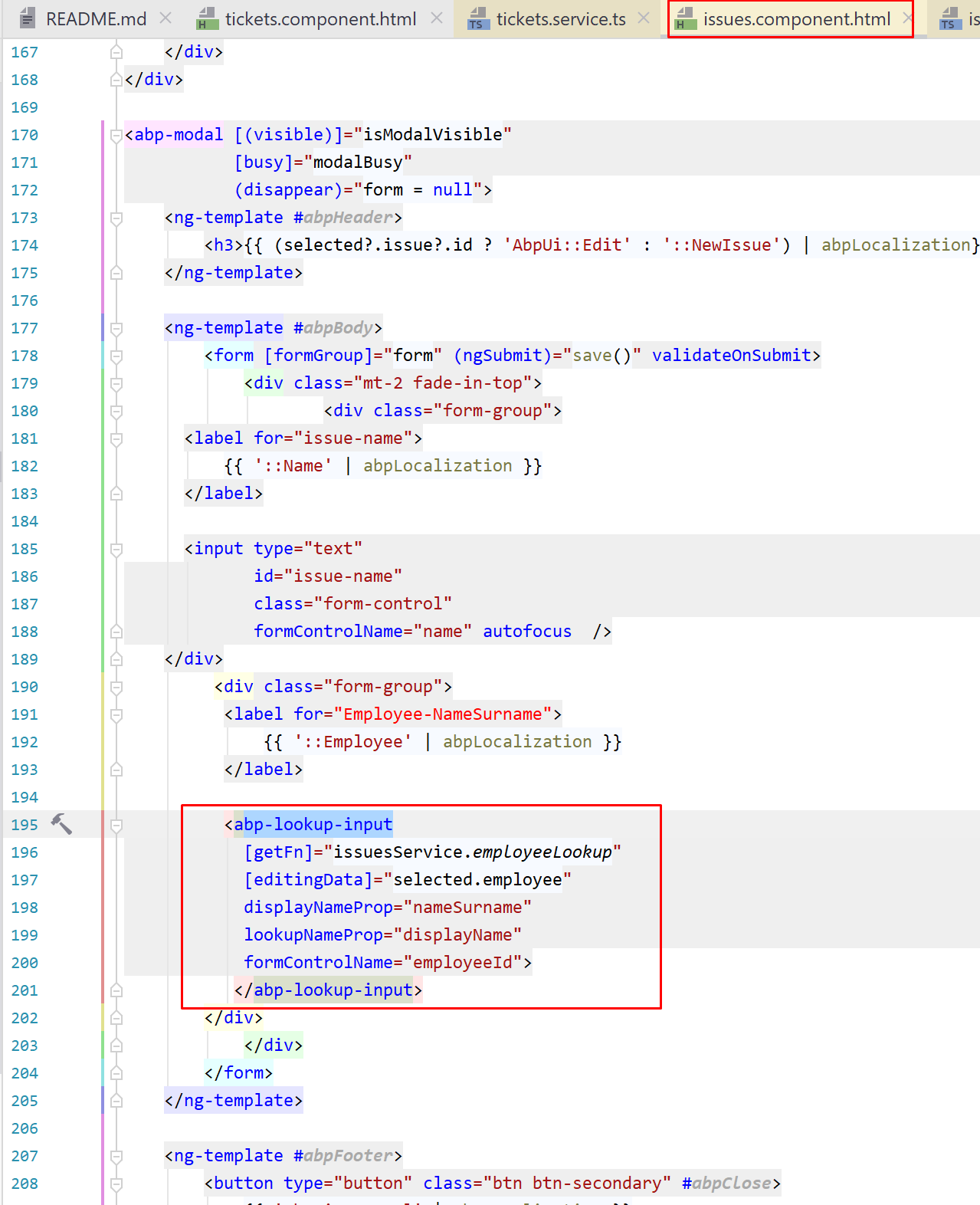
@arifharsono, to fix it until the next release, can you add the following items to the abp-lookup-input in your component.html
displayNameProp="nameSurname"
lookupNameProp="displayName"
@arifharsono, I've reproduced the Angular navigation modal issue. created a ticket to be fixed in the next version.
@gaoyao , can you explain in details about the problem. what's not displaying normally?
@drpdev2
disable 2 factor auth and try again the "forgot password".
in ABP, public role is just a simple property to distinguish from system roles. what you can do with it, imagine that you are creating a support module, and there are users who can ask questions and the users who answers (the supporters). you don't want to add a IsSupporter property to the user entity, because you know that a role can do the same. so you can create a role, name it "supporter" and make it public then show all the public roles on the user card. I hope it's clear now.
"public role is just a simple role as others which has only IsPublic=true flag. You can use it according to your requirements"
@syabp, that doesn't help to show the issue. check your logs folder
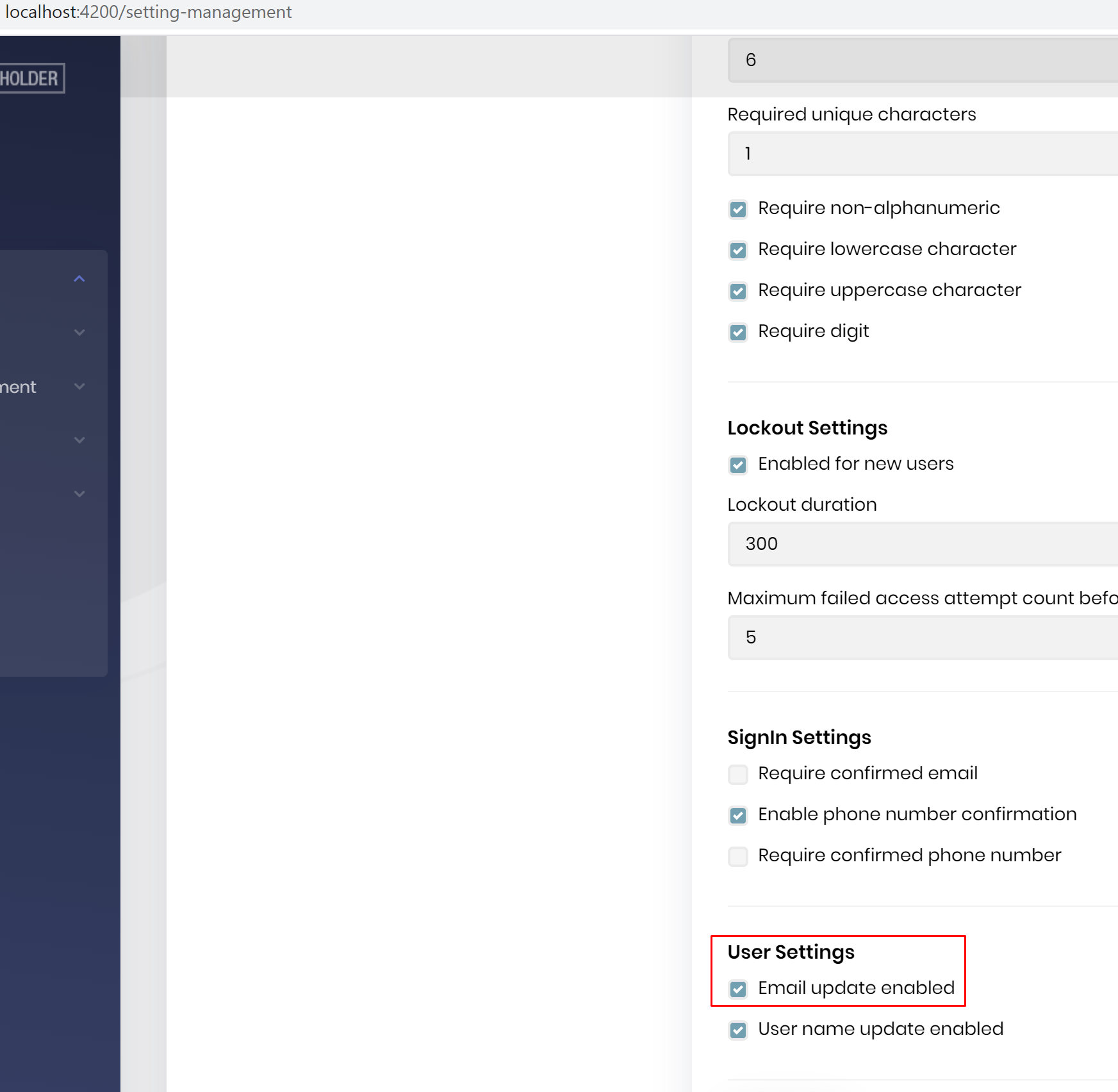
@ninomartini, I think it doesn't save even you have this setting checked.
maybe I may have misrepresented it. this feature is not available now. so you need to impelement it https://aspnetboilerplate.com/Pages/Documents/Multi-Lingual-Entities#createmultilingualmap this is the docs, but these documents explain how to use it. in ABP framework it's not ready yet. so you can start by creating the interface and the rest https://github.com/aspnetboilerplate/aspnetboilerplate/blob/dev/src/Abp/Domain/Entities/IMultiLingualEntity.cs
you are looking for "Multi Lingual Entity" This feature is on the roadmap, see https://github.com/abpframework/abp/issues/1754 but still not implemented yet. if you don't want to wait for it, you can implement it on your own, check out AspNet Boilerplate implementation https://aspnetboilerplate.com/Pages/Documents/Multi-Lingual-Entities
so, I fixed it See my commit https://github.com/abpframework/abp/commit/6557d1b7600f85eab202a8c401ee572701a42a30
yes, I can reproduce it.









