hi,
Response status code does not indicate success: 401 (Unauthorized).
it seems like you didn't login via ABP CLI.
1- Ensure that , ABP Commercial NuGet Source is added to your package sources with your valid API KEY (you can copy from a downloaded project)
<?xml version="1.0" encoding="utf-8"?>
<configuration>
  <packageSources>
    <add key="nuget.org" value="https://api.nuget.org/v3/index.json" />
    <add key="BlazoriseMyGet" value="https://www.myget.org/F/blazorise/api/v3/index.json" />
    <add key="ABP Commercial NuGet Source" value="https://nuget.abp.io/<YOUR-API-KEY>/v3/index.json" />
  </packageSources>
</configuration>
2- Login via ABP CLI where you run this project.
abp login <username> -p <password>
anybody can send me a reproducable project? delete all bin obj folders and send it to info@abp.io with this question link
when you login manually is it working?
try
private readonly ICurrentTenant _currentTenant;

 private async Task DoWorkAsync()
        {

            using (_currentTenant.Change(new Guid("xxxxxxxxx")))
            {
                using (var uow = _unitOfWorkManager.Begin(requiresNew: true, isTransactional: false))
                {
                    //.............
                    await uow.CompleteAsync();
                }
            }
        }
we don't have such a tool. you need create a new module with Suite and move your existing files to the new empty module.
see also https://docs.abp.io/en/commercial/latest/startup-templates/microservice/add-microservice
is it happening only on Brave ? is it working for Chrome?
I couldn't reproduce it on my computer 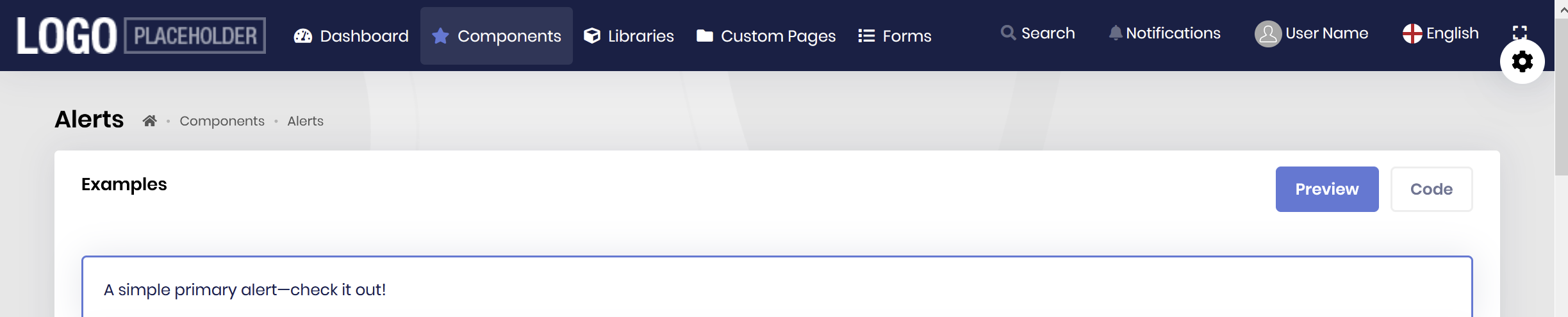 what's your resolution?
see https://support.abp.io/QA/Questions/536/How-to-Restrict-users-multiple-login-session
this is possible if only you can send us the module. but in this way, everybody can install it.
you can add an property to User entity "PasswordSetDate". then override Login method to redirect the user to password change page. this sounds like a good feature for the new versions. Enforcing user change password after some time.









