Hi ABP Team,
In my solution I have many blob storage with different provider (aws, azure, database...)
I'd like to build a page that can help to manage content of each blob storage using File Management. This page allow user to select which blob container to view the content and file management will show the content of selected blob. I tried to configure at runtime but it always get the default blob in database.
How we can apply the configuration to file management at runtime?
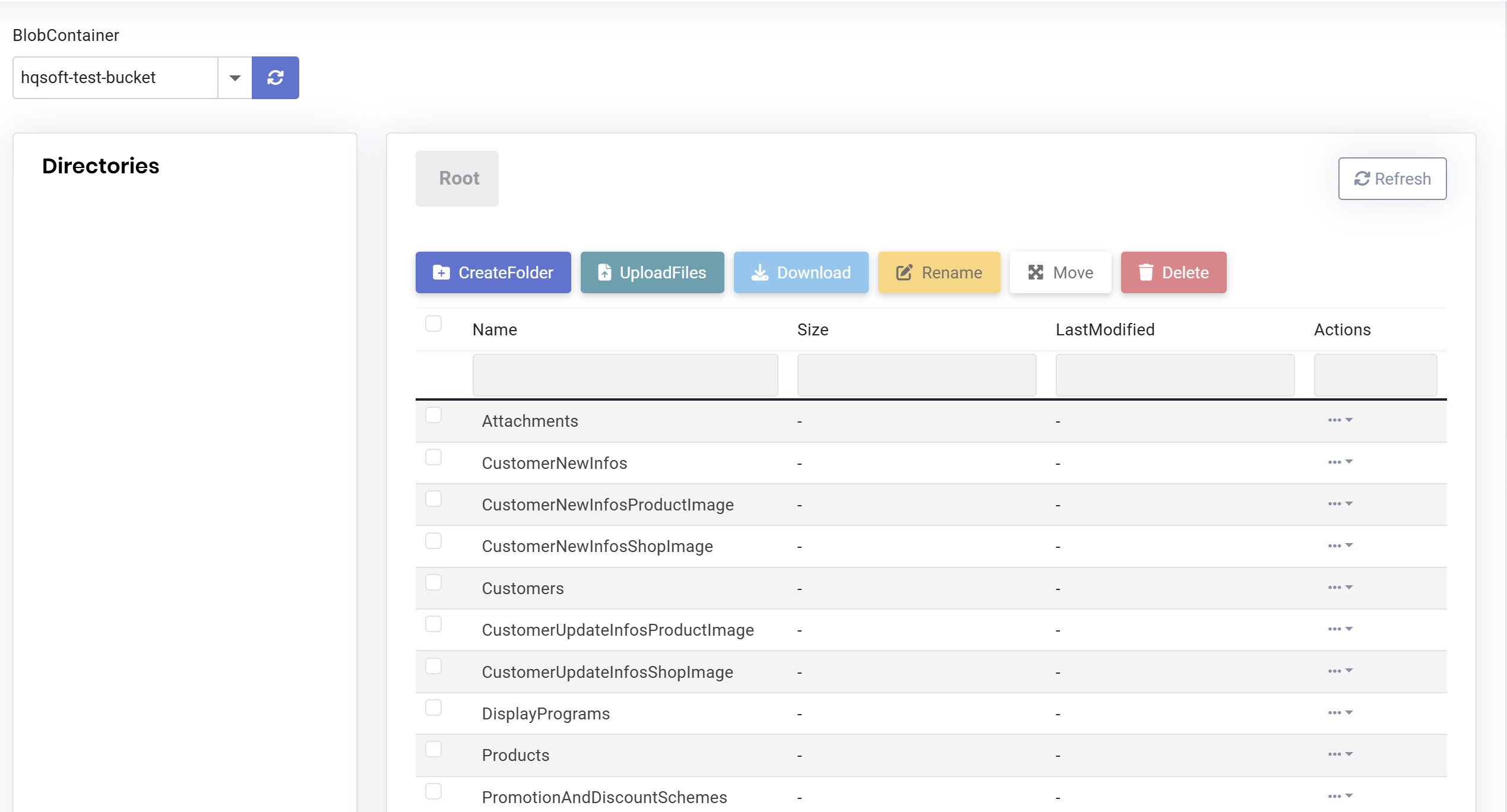 thanks,
Dharma
thanks,
Dharma
Thanks EngincanV, I will check the link you suggested Thanks
Hi, I have a loading problem with Blazor Application using Blazor Web App template. When you navigate within the same tab, only related component and data of opening page are loaded, but opening a page on a new tab triggers a complete application reload. How to prevent this reload when opening on new tab. Thanks, Dharma
Thank you EngincanV so much, the configuration as you suggested "options.TokenCookie.SecurePolicy = CookieSecurePolicy.Always;" already help me fixed the issue. Thanks, Dharma
Just want to provide you more information of the cookie of both site with the same source code but deployed in two different models, error site on docker and good site is directly on nginx:
Here is the cookie of the error site hosted on docker:

Here is the cookie of running ok site hosted directly on nginx:

Hi, I have tried to added following code as you recommended but still the same error. If I deploy directly on nginx service it doesn't has this error. Configure<AbpAntiForgeryOptions>(options => { options.TokenCookie.SecurePolicy = CookieSecurePolicy.None; });
thanks, Dharma
Hi, Because I deployed through docker container so in docker I just exposed http 8080, but in nginx proxy i already configure for https and forward it to docker container. If I expose both http and https on docker container when application will throw error of ssl. Thanks, Dharma
Thanks for your provided information. Another alternative option I think can support for this problem by adding a loading bar during waiting for all blazor web assemblies loaded completely. Can we add a loading like that? Thanks
Yes, I think Lazy Loading can help me in this case and I think it is helpful to other people too. I tried to apply on ABP Blazor Web App still cannot work. I'm confuse of applying this on Blazor or Blazor Client project. Is there any sample of applying lazy loading on ABP framework? Thanks Dharma









