so I guess you add the module as below
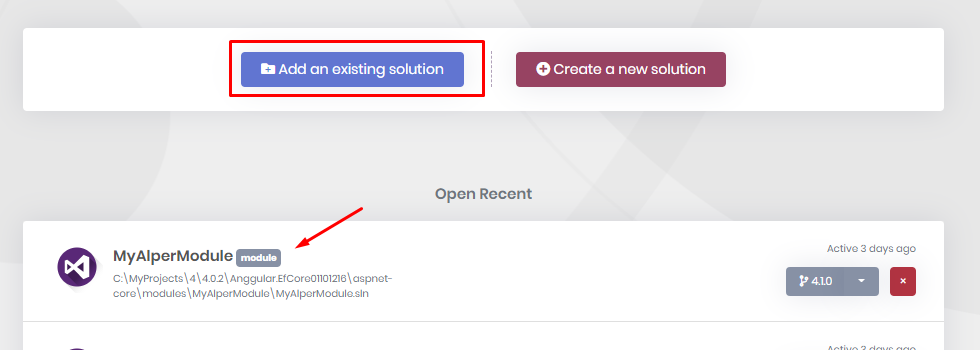
plus you need to verify your email address to get it working
can you check that you have successfully saved the template? be aware you don't do that in the generated code it's in the code generation template
edit this template Frontend.Mvc.Page.Partials.editcshtml_cs_LookupDropdownOnGet.txt
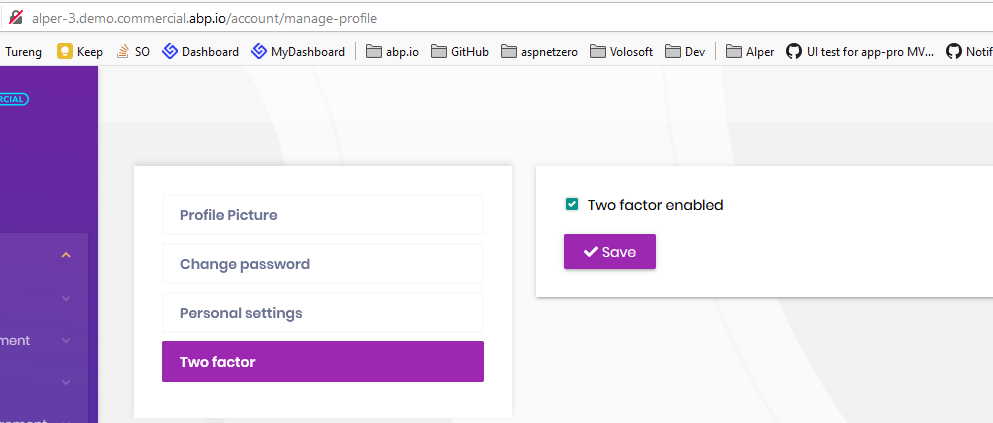
did you enable on the logged in user profile
this is fixed in the next version. workaround: you can delete xxxx in your template or in the generated code.
your question credit has been refunded
I see that the dropdown code is generated but there's problem with the loading. You can check your backend logs to understand the issue.
Maybe database migrations didn't apply well. Can you check if EthinicityId exists on your entity. Also run DbMigrator to ensure all migrations are applied.
if these won't work, send me your both entity.json files (ethinicity and main entity)
@unlonlyness did you add the source-code of Volo.Account.Pro module to your module?
it should roll back.
while we check it, here's a workaround to make it transactional in your custom UOW scope.
private readonly IUnitOfWorkManager _unitOfWorkManager;

public virtual async Task FooAsync()
{
            using (var uow = _unitOfWorkManager.Begin(requiresNew: true, isTransactional: true))
            {
                //...do your work here...

                await uow.CompleteAsync();
            }
 }









