Hi support team,
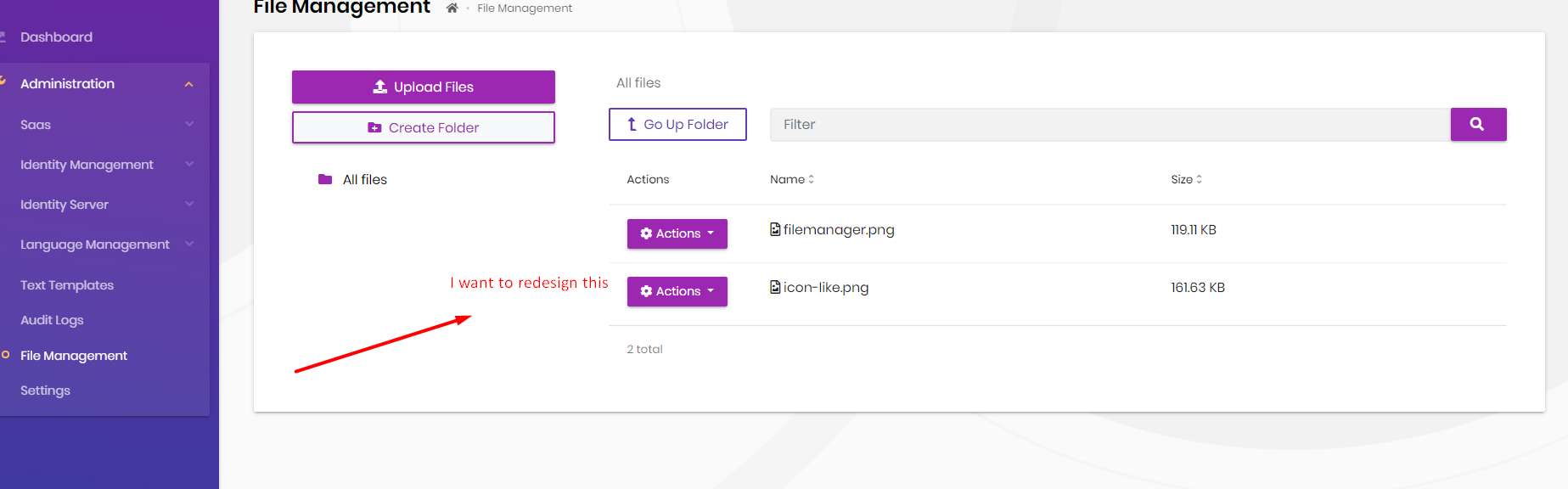
I want to add more action, and more column in the table of File management module. I saw code and know the code is using abp-extensible-table component. i have two option
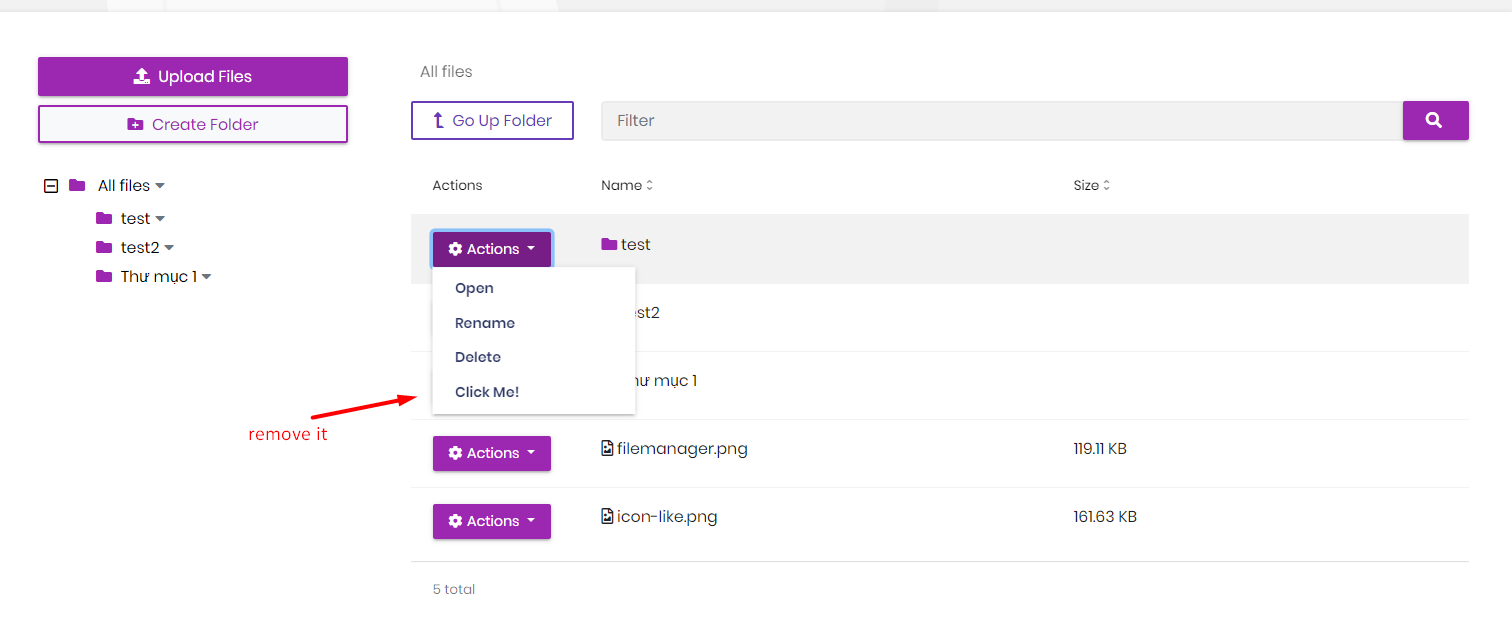
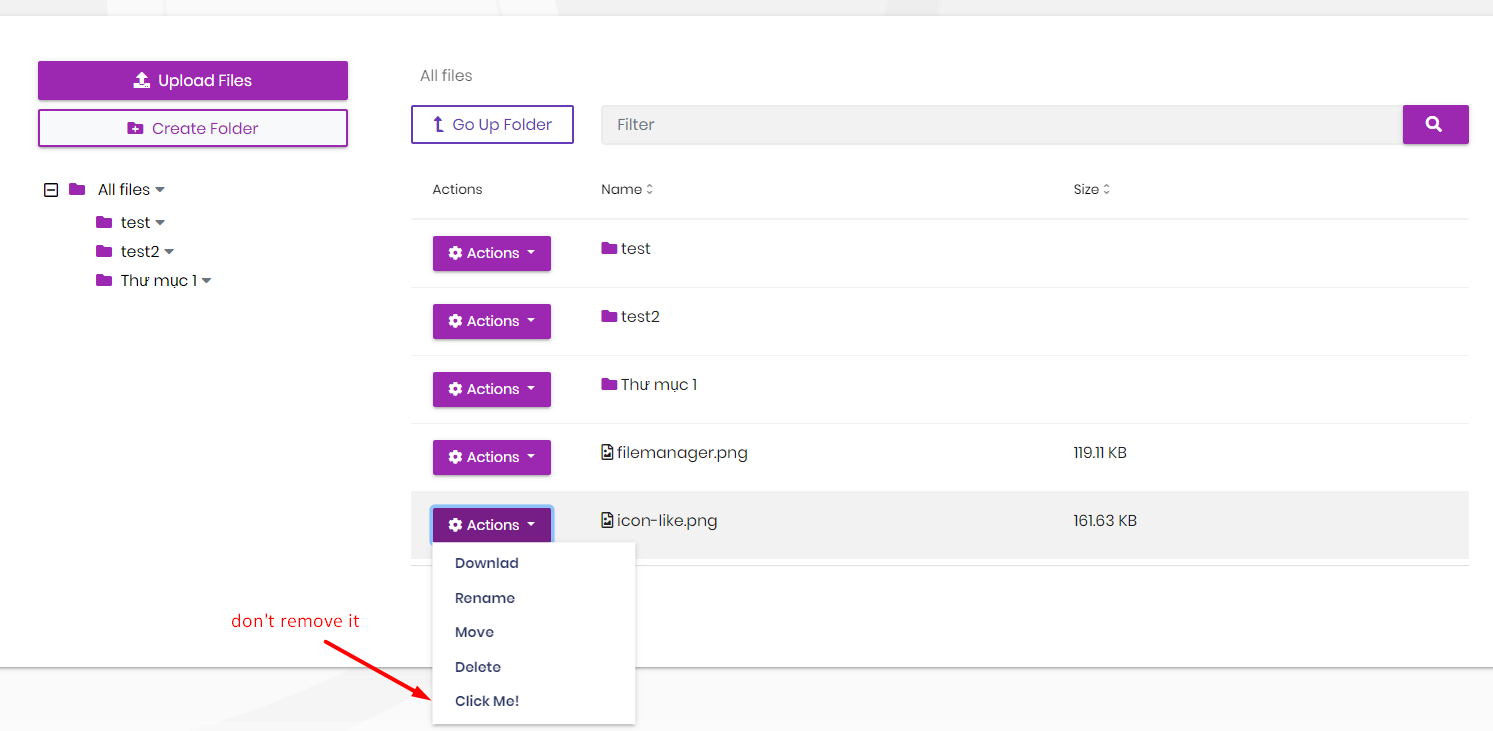
Hi,
Is File Management Angular source code downloaded to
projects\file-managementdirectory in your angular project? If so, you can edit related components to customize File Management UI.If the Angular source code is not downloaded, run
abp add-module Volo.FileManagement --with-source-code --add-to-solution-fileinaspnet-corefolder, with the latest version (v4.3.0) of ABP CLI.(If you get an error related with Volo.FileManagement.MongoDb.Tests project, simply remove it from solution.)
Hi yekalkan,
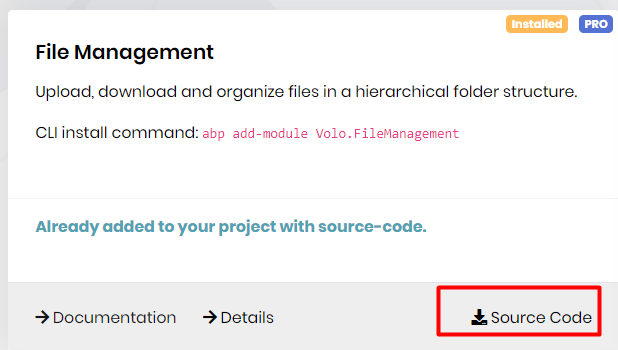
I downloaded source code angular directly from abp suite, and after reconfiguration my project can customize UI.
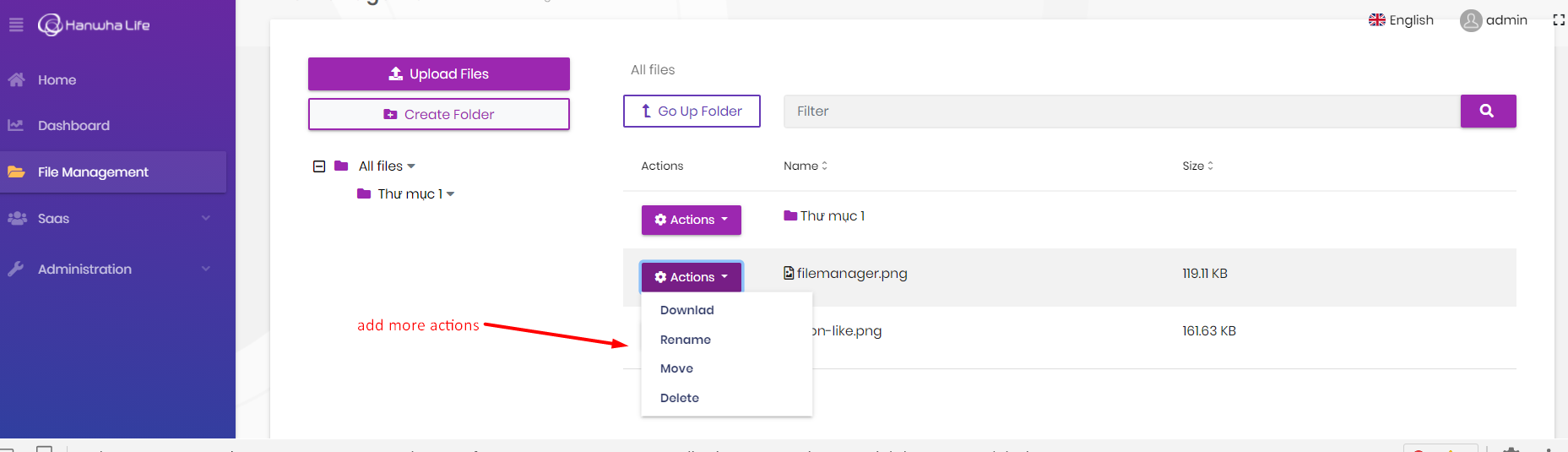
 But, next step i don't see where i can add more action for gird content or add new column on table.
how i can customize component abp-extensible-table
But, next step i don't see where i can add more action for gird content or add new column on table.
how i can customize component abp-extensible-table
Hi yekalkan,
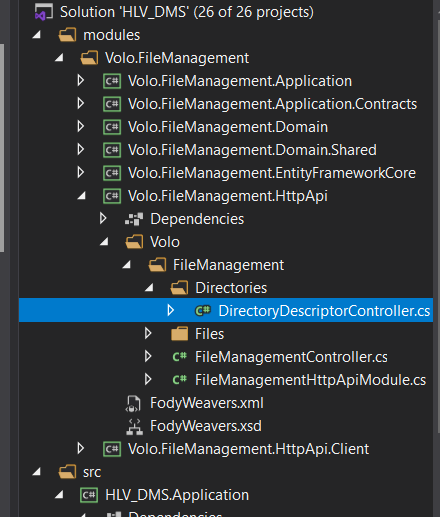
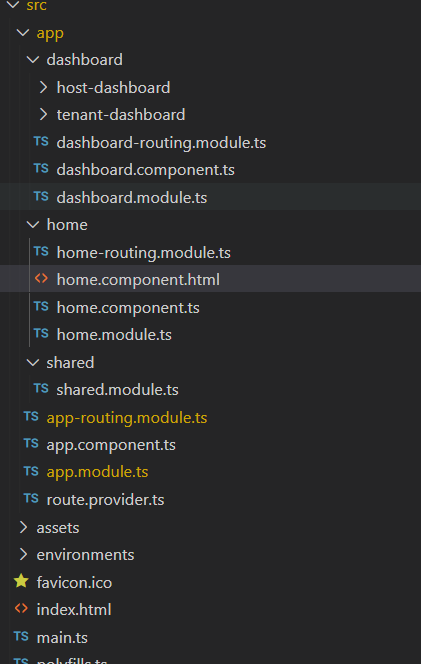
I don't see source code projects\file-management directory in my angular project. And then i run abp add-module Volo.FileManagement --with-source-code --add-to-solution-file in aspnet-core folder, but i still cannot see source code angular in projects\file-management.
I have already added File Management module to my project.
And then I want to redesign both frontend and backend.
But I don't know how to do that
I want to change format from mm/dd/yyyy to dd/mm/yyyy when i click choose date in date controll with input type="date".
Please show me how to do that.
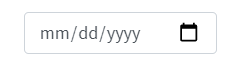
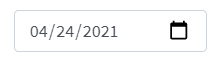 I want to show 24/04/2021 in this controll.
pls support.
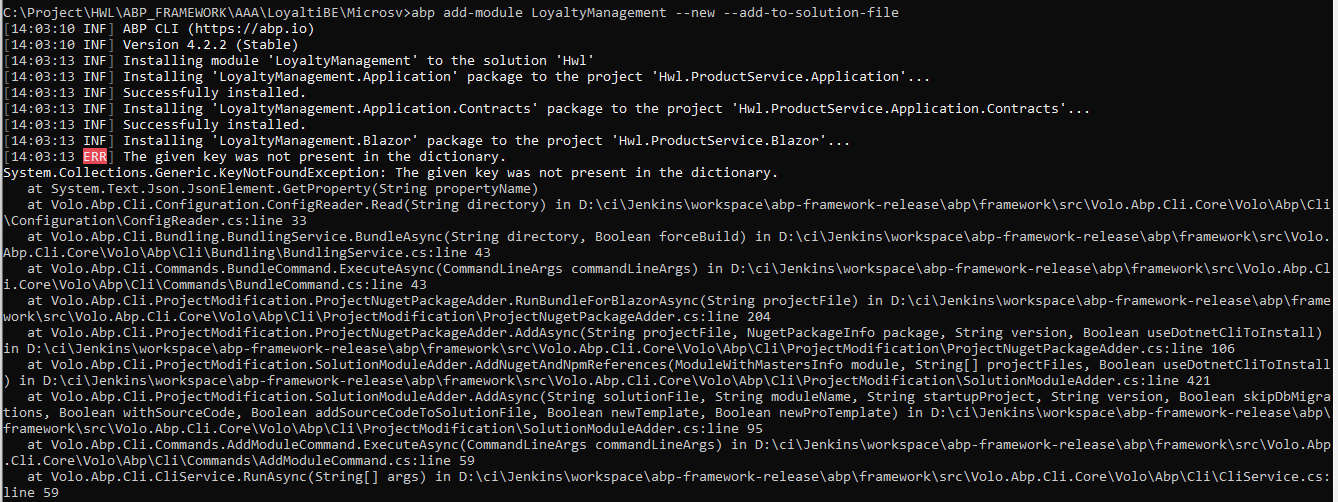
I remove folder node_modules and run again "yarn install", it's ok.
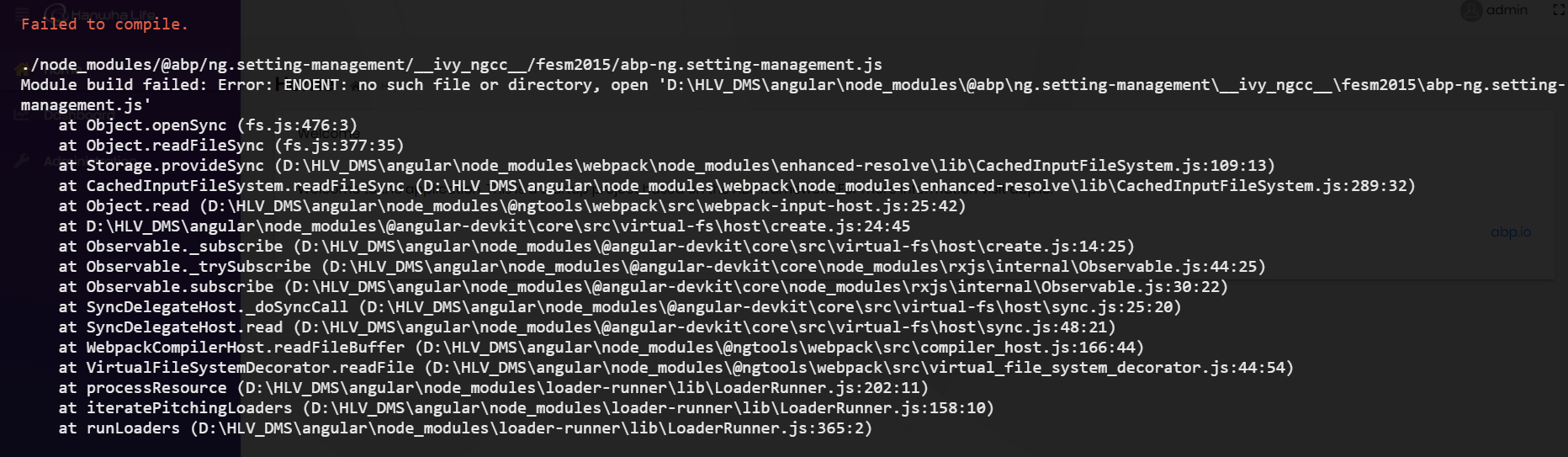
Thanks maliming, it works!
I want to add builder.ConfigureFileManagement() in OnModelCreating like this
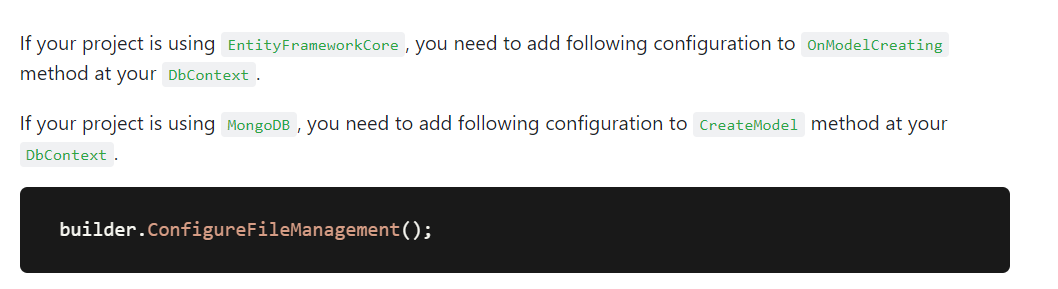 but has error
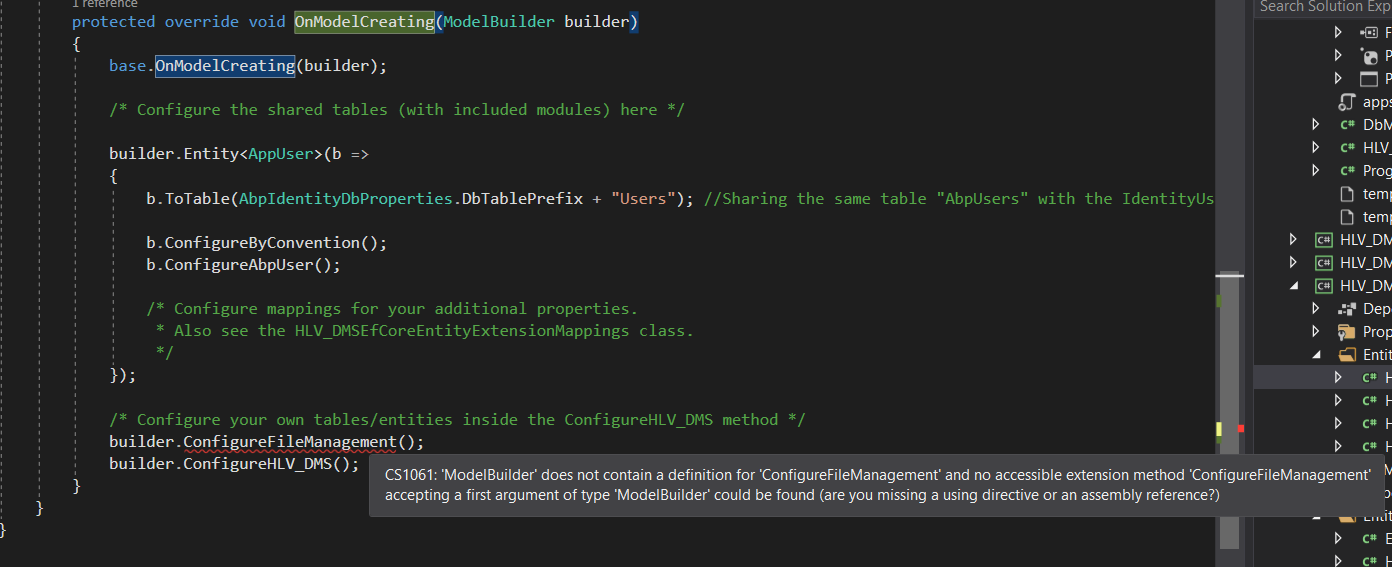 Can you tell me why?









