Updated: I realise why it's not switching to the new certificate now, issue with the link query below. Question remains why does it not work with expired certs regardless?
This is the code, if it pulls an expired cert if fails.
var store = new X509Store(StoreName.My, StoreLocation.LocalMachine);
store.Open(OpenFlags.ReadOnly);
var certificate = store.Certificates.Find(
    X509FindType.FindBySubjectDistinguishedName,
    "CN=cert.mycompany.com",
    validOnly: false  // This allows expired certificates
).First();  // Takes the first match

serverBuilder.AddSigningCertificate(certificate);
serverBuilder.AddEncryptionCertificate(certificate);
The question isn't whether it's pulling out the correct cert (I can see theres an issue with the query), but why the expired ones are being refused at all.
How OpenIddict Handles Certificates According to the OpenIddict documentation:
When you call AddSigningCertificate(certificate) with a specific X509Certificate2 object, OpenIddict uses it directly without validating expiration dates
URGENT.
After migrating production to use openiddict instead of identity server, the config keeps periodically reverting (in the database) to default configs (localhost values). It was fine after the initial deployment, but this has happened twice in a few hours.
What can be causing the config values in the database to be resetting to defaults?
We tried rolling back but that failed also so we're stuch with an app breaking peroidically!
We have a project with a parent later and multiple sub-modules.
The tests in the sub-modules run just OK using the supplied sqlite seeder.
When I try to run the tests in the parent application layer I'm getting issues though as the underlying database schema has not been created.
To fix this I added a DependsOn --- typeof(MySubModuleTestBaseModule) and referenced the sub-test project. Unfortunatle whilst the sub-module seeder runs it errors due to the tables not exsiting despote being entities.
Please explain how theses tests are supposed to be linked up and how I correct this.
There is no documentation on this at all, only for the tests in a module.
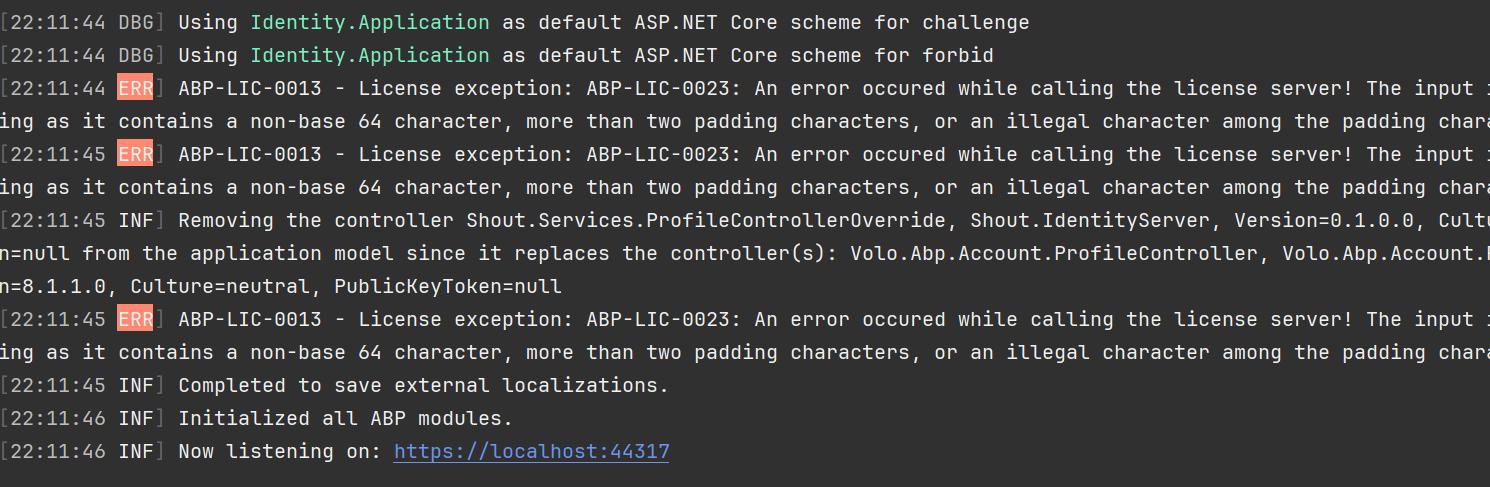
[22:11:43 ERR] ABP-LIC-0013 - License exception: ABP-LIC-0023: An error occured while calling the license server! The input is not a valid Base-64 string as it contains a non-base 64 character, more than two padding characters, or an illegal character among the padding characters.
I installed the new ABP cli beta onto a fresh computer. Logged in ok but then when building I got an error about the license.
I've now uninstalled the beta, and installed the old 8.2.0 version but I still cannot run the projects correctly without that message above appearing many times during the run.
I have tried abp logout, I've reinstalled, logged in using password and again using the device method. I have cleaned and rebuilt the project. always the same message.
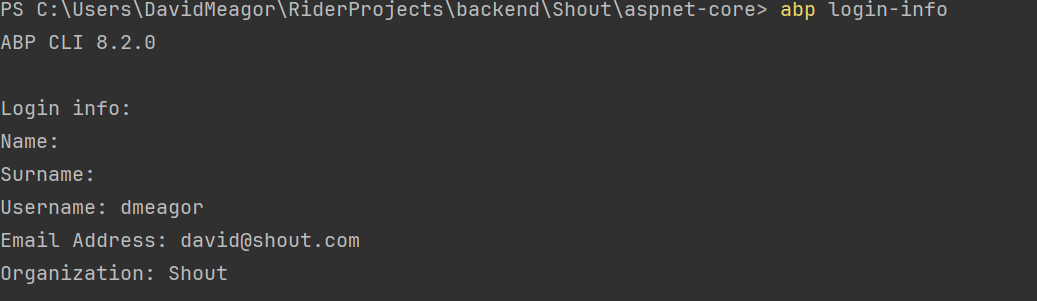
I also tried deleting the .abp folder manually and reinstalling. didn't help. abp login-info shows I am logged in correctly.
Also I've tried logging out and back in again. no different.
I've tried uninstalling and reinstalling version 7.2. no different.
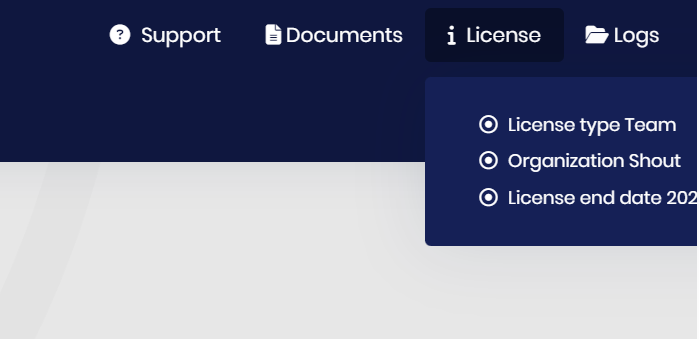
I've installed the abp suite, when I run it I also get the license error, however in the top right licence menu I get this.

When we do a restart of our production server, sometimes RabbitMq has not yet started, causing the application to never start. I'm not sure if this is something which should be handled in the abp code?
Volo.Abp.AbpInitializationException: An error occurred during the initialize Volo.Abp.Modularity.OnApplicationInitializationModuleLifecycleContributor phase of the module Volo.Abp.EventBus.Rebus.AbpEventBusRebusModule, Volo.Abp.EventBus.Rebus, Version=5.3.0.0, Culture=neutral, PublicKeyToken=null: An exception was thrown while activating λ:Rebus.Internals.ServiceCollectionBusDisposalFacility -> λ:Rebus.Bus.IBus -> λ:Rebus.Config.IBusStarter.. See the inner exception for details.
 ---> Autofac.Core.DependencyResolutionException: An exception was thrown while activating λ:Rebus.Internals.ServiceCollectionBusDisposalFacility -> λ:Rebus.Bus.IBus -> λ:Rebus.Config.IBusStarter.
 ---> Rebus.Injection.ResolutionException: Could not resolve Rebus.Bus.IBus with decorator depth 0 - registrations: Rebus.Injection.Injectionist+Handler
 ---> RabbitMQ.Client.Exceptions.BrokerUnreachableException: None of the specified endpoints were reachable
 ---> System.AggregateException: One or more errors occurred. (Connection failed)
 ---> RabbitMQ.Client.Exceptions.ConnectFailureException: Connection failed
 ---> System.Net.Sockets.SocketException (10061): No connection could be made because the target machine actively refused it.
When trying to login into an account with Google SSO, when there's an existing email address in the system, it doesn't log in and instead is redirected to the register page.
This is related to this issue: https://support.abp.io/QA/Questions/2852/SSO-requires-the-user-to-register-using-the-login-page
I have opened this ticket on behalf of my developer who still cannot add tickets to this system. More screenshots will follow.
Abp's SSO implementation is completely broken and requires users to register using the login page. Existing users cannot login by SSO at all. Its a bug that I reported over a year ago and exists on your own website. There isn't even an SSO option on the register page. It is essentially unusable in its current form.
Standard SSO flow would be as below. Do you intend to fix this any time soon, if not how can I do this myself?
SSO authenticated
Example.
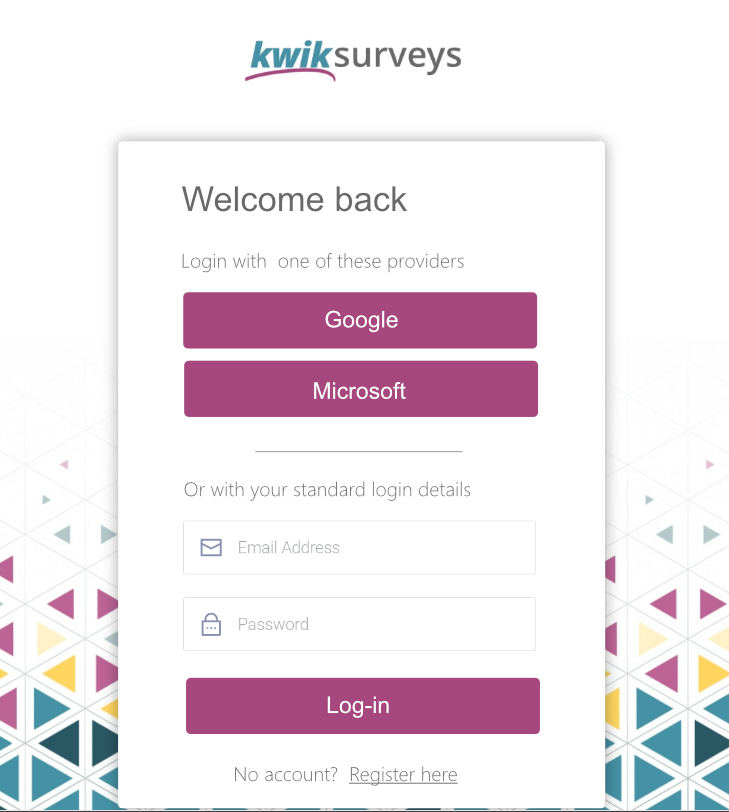
To allow our users to close their accounts properly, I set the tenant activation state to Passive, then try to sign them out with OAuthService.logOut, but get the following view. All pages in the identity server MVC show this message until the cookie expires.
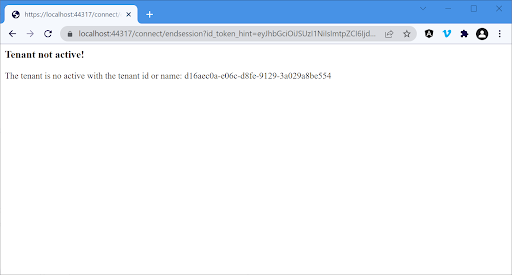
ABP Framework version: 5.1.1 User Interface: Angular database provider: EF Core
When using the IdentityUserController and MaxUserCount has been set, the tenant is at the maximum number of users. Updating the details of an existing user is not possible.
If there a way to bypass this quickly?
Thanks in advance :)
[INF] Route matched with {area = "identity", controller = "User", action = "Update", page = ""}. Executing controller action with signature System.Threading.Tasks.Task1[Volo.Abp.Identity.IdentityUserDto] UpdateAsync(System.Guid, Volo.Abp.Identity.IdentityUserUpdateDto) on controller Volo.Abp.Identity.IdentityUserController (Volo.Abp.Identity.Pro.HttpApi).

[WRN] ---------- RemoteServiceErrorInfo ----------

Reached maximum allowed user count! This tenant is allowed to have a maximum of 3 users.

[WRN] Exception of type 'Volo.Abp.BusinessException' was thrown.

  Volo.Abp.BusinessException: Exception of type 'Volo.Abp.BusinessException' was thrown
  . at Volo.Abp.Identity.MaxUserCountValidator.CheckMaxUserCountAsync()
   at Volo.Abp.Identity.MaxUserCountValidator.ValidateAsync(UserManager1 manager, IdentityUser user)
at Microsoft.AspNetCore.Identity.UserManager1.ValidateUserAsync(TUser user)
 at Microsoft.AspNetCore.Identity.UserManager1.UpdateUserAsync(TUser user)
I have previously reported this as a bug here. https://github.com/abpframework/abp/issues/9467
ABP EFCore migrations are currently running N+1 loops with the tenant seeding without recreating the dbContext instance for each loop. This is against microsoft's EFCore guidence and causes severe slowdowns after a few hundred tenants. I believe this is due to change tracking.
This seems fairly simple to fix but it's not something we can do here. Possible fixes are.
The quick fixes seem to be disabling change tracking or recreating the dbContext on each tenant loop. I also think pulling out the permissions in bulk rather than one at a time would make a big difference.
For our number of users is it entirelly impossible to migrate the database seeding (structural changes are fast though.)
I submitted this to github and to bugs and issues and got no response, just closed as stale.









